Sick Leave Form Template
Give employees a clear, consistent way to report sick leave with the information HR and managers need.



Sick leave reporting handled through text messages, calls to managers, and emails in various formats creates inconsistency and gaps. Some employees report too little information, some too much. Managers aren't sure what to do with what they receive, and HR doesn't have a clean record when questions arise later.
A standardized sick leave form captures the essentials in a consistent format: the employee's name and department, the date(s) of absence, the reason (at a high level, respecting privacy), and whether a doctor's note will be provided. Managers receive a notification automatically and HR maintains a searchable record. Employees can submit from their phone without needing to reach anyone directly, which is useful when they're actually unwell.
Customize the form to match your leave policy, add your company branding, and connect it to your HRIS or HR inbox through Typeform's integrations.
It's a form employees complete to formally report a sick day or medical absence. It creates a consistent record of the absence that HR and management can reference for payroll, coverage planning, and leave balance tracking.
Managing sick leave through text messages or calls creates inconsistent records and puts managers in an awkward position of chasing details they may not have documented. A form standardizes the information collected and creates an automatic record without requiring the employee to reach anyone directly.
Keep it simple and respectful of employee privacy. A sick leave form typically includes:
- Employee name, department, and manager's name
- Date of absence or expected dates of absence
- Reason for absence (general category: illness, medical appointment, family care)
- Whether the employee expects to be absent for more than 1 day
- Whether a doctor's note or medical certification will be provided
- Any urgent tasks or handovers that need attention during the absence
Use category-level options rather than asking for medical details. "Illness," "medical appointment," and "family care" give you the context you need for planning without requiring employees to disclose specific health information. Make clear in the form that detailed medical information is not required and won't be shared beyond HR.
The form provides the record of each absence, but balance tracking typically lives in your payroll or HRIS system. Connect Typeform to your HR platform via Zapier or a native integration to log each submitted absence automatically. For smaller teams, a Google Sheets connection lets HR maintain a running tally manually without searching through form submissions.
Get inspired by relevant templates and categories
3200+ Templates, 300+ Integrations

With Typeform, you can customize everything
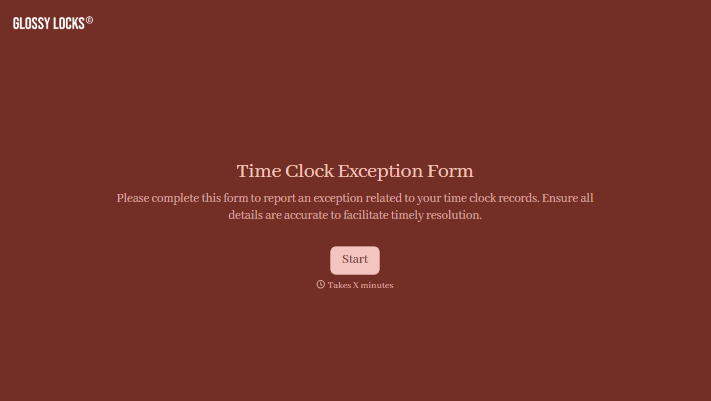
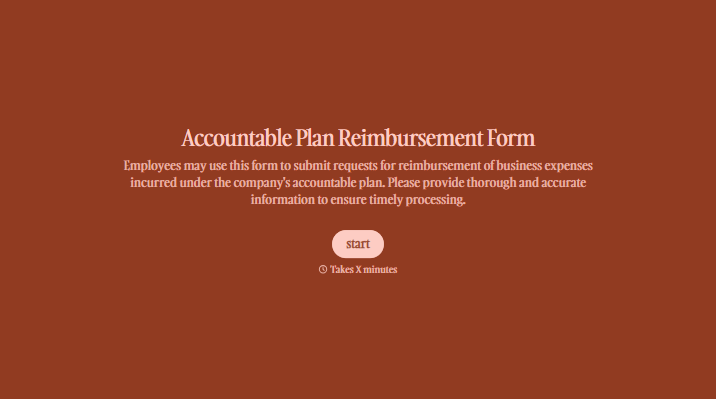
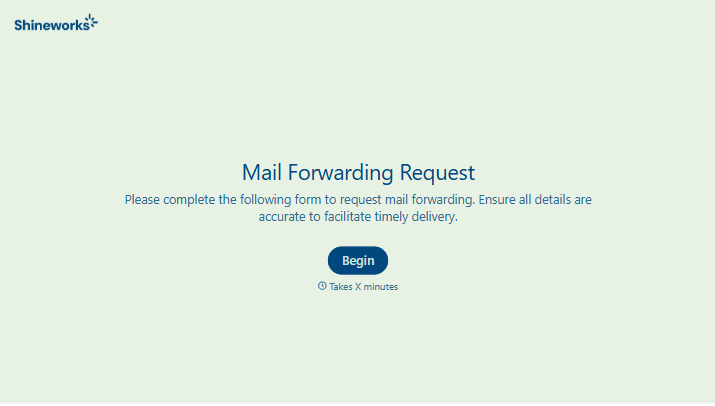
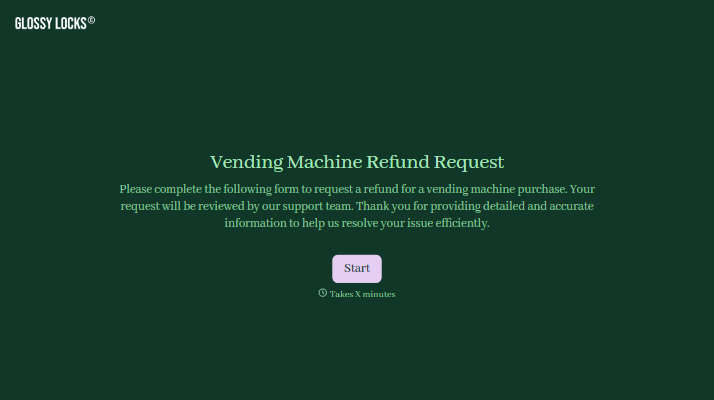
Change text, colors, and even logos to match the look and feel of your brand. Then embed forms smoothly onto web and email.
Make forms feel effortless to fill out. Pace questions, call people by their name, and adapt the flow based on the data they share.
Stay efficient by connecting forms to your workflow. Typeform integrates with 300+ tools including Slack, Zapier, and HubSpot.


