Software incident report form template
Make reporting software incidents faster, smoother, and easier to resolve



There are two main uses. It’s important to keep a record of software issues. That way you can spot recurring problems, and use that data to identify the source, so you can nip the problem in the bud. The second reason is to help the team be as productive and happy as possible. When software hits a roadblock, productivity (and morale) sinks. A report allows you to gather all the information in a single interaction, and find a solution in an instant.
Using a software incident report is a great first step. It allows you to capture the information you need to find a solution. The benefit of a form is that you can include all the questions you need. Typeforms are completely customizable and have tons of question types, allowing you to capture the most relevant information, and update your form based on what people report.
Once you’ve got your report form, decide how you want to manage submissions. We’ve made it super easy to export them. You can also try our integrations and send notifications to Slack, or add tasks to Trello or Asana.
"File Upload" is the only paid feature in this template. It lets your audience add, for example, a screenshot of what's happening, which speeds up IT's investigation of the incident. Useful, but technically not essential. If you want to keep this feature you’ll need to upgrade your plan. If not, just delete that question and stay on the free plan. You can of course sign up for free using this template and give it a spin before you decide.
Get inspired by relevant templates and categories
3200+ Templates, 300+ Integrations

Bank Reference Form
A reference request faxed to a bank branch and left sitting in a queue for weeks isn't the kind of turnaround a landlord or business can wait on. Collect the applicant's signed authorization and the specific details you need confirmed before the request even reaches the bank, so a decision isn't stuck behind a letter that hasn't come back yet.
View template

Bar Inventory Form
A bottle count eyeballed at the end of a shift and scrawled on a paper sheet doesn't hold up against a pour cost report that says something doesn't add up. Collect what your bar actually needs, item, count, and variance, on a schedule you can actually compare week to week.
View template

Equipment Inventory Form
Equipment that leaves a storage room in someone's arms, with no note about where it went, doesn't show up again until someone needs it and can't find it. Collect what your team actually needs, item details, condition, and who's got it, every time something moves.
View template
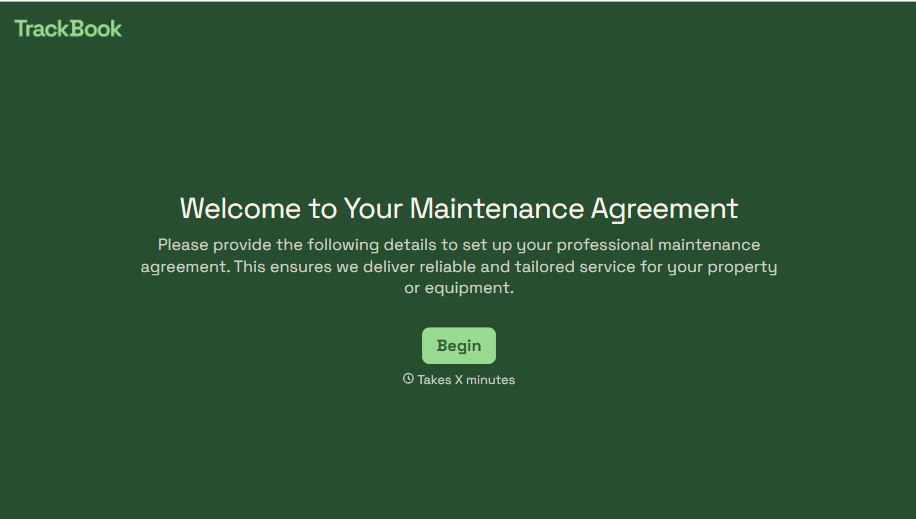
Maintenance Agreement Form
A maintenance plan agreed to over the phone isn't a contract your service team can actually work from, especially when nobody's sure whether the twice-a-year tune-up was part of the deal. Collect the equipment covered, service frequency, and a signed agreement before the first visit, so your team isn't guessing at scope once they're on-site.
View template
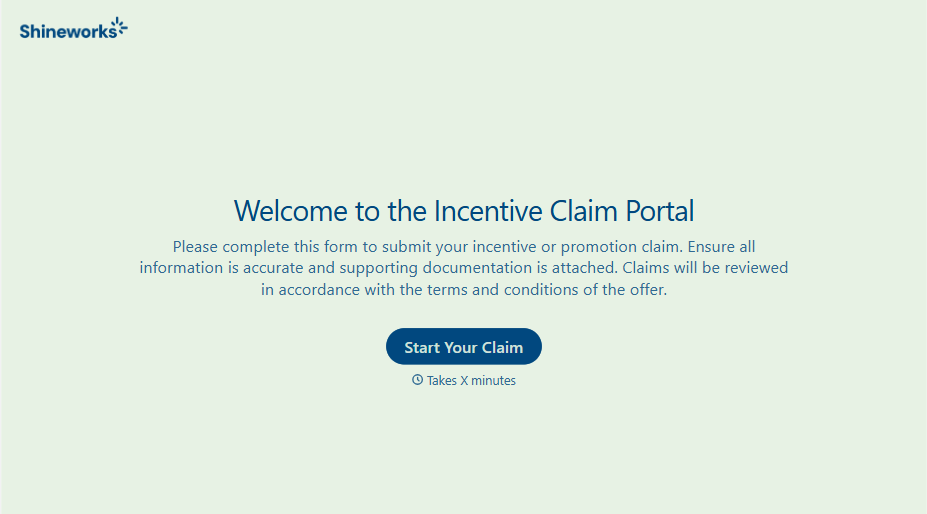
Incentive Claim Form
A rebate claim mailed in with a stapled stack of receipts isn't the kind of paperwork that gets processed quickly, especially when a required serial number turns out to be missing from page three. Collect proof of purchase, product details, and participant information upfront, so a claim doesn't bounce back for a missing document weeks later.
View template
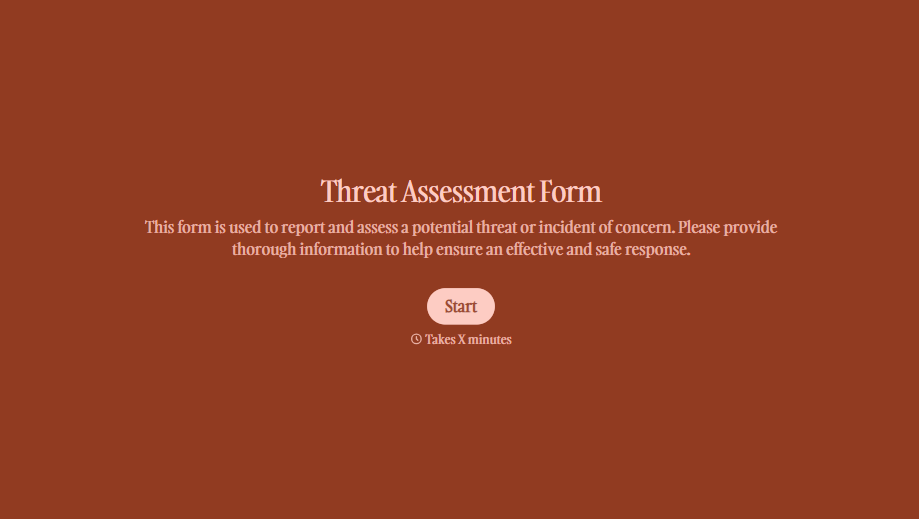
Threat Assessment Form
A concerning comment that gets passed from a teacher to a counselor to whoever's free that period loses detail with every retelling. Collect what your team actually needs, what was observed or reported, who was involved, and when, before an important detail gets dropped along the way.
View template
With Typeform, you can customize everything
Change text, colors, and even logos to match the look and feel of your brand. Then embed forms smoothly onto web and email.
Make forms feel effortless to fill out. Pace questions, call people by their name, and adapt the flow based on the data they share.
Stay efficient by connecting forms to your workflow. Typeform integrates with 300+ tools including Slack, Zapier, and HubSpot.


