Sponsor Donation Form
A sponsorship agreed to over a handshake at a networking event doesn't tell your team which tier it was, or which benefits got promised in the moment. Collect what your event actually needs, sponsor information, tier and donation amount, and payment details, before the invoice goes out.



Sponsorships often get settled in a conversation, an email back and forth, a call, a quick yes at a conference table, and the details get remembered differently by whoever was in the room. One person recalls a logo on the main banner, another remembers a booth, and finance finds out weeks later that nobody actually collected payment information. Whoever handles benefit fulfillment ends up guessing at what was promised instead of working from a record of it.
Typeform's sponsor donation form asks for what your event actually needs, sponsor or company information, the sponsorship tier or donation amount, and payment details, then uses conditional logic to branch from there. Selecting a tier can reveal the benefits that come with it, so the sponsor confirms what they're getting instead of assuming, and someone giving as an individual instead of a business can skip the company fields entirely. Every pledge lands in one record instead of a memory of a conversation.
Connect the form to your payment processor or CRM through Zapier, and a submission can trigger an invoice or receipt automatically, then route the sponsor straight into whatever list handles benefit fulfillment. Ask for it ahead of your marketing production deadline, and your team can lock in logo placement and signage with time to actually produce it, instead of scrambling after the artwork's already at the printer.
A sponsor donation form is an online form events and organizations use to collect a sponsor's information, their tier or donation amount, and payment details in one submission. Instead of piecing a pledge together from an email thread, the commitment and the benefits attached to it land in one record.
A verbal pledge or a back and forth email thread rarely ends up in one place, which means the tier, the amount, and the benefits promised can all get remembered differently by different people. A form captures the sponsor's own commitment in writing, tier and payment details included.
Ask for what your team will actually need to fulfill the sponsorship:
- Sponsor or company name and contact information
- Sponsorship tier or donation amount
- Benefits selected or confirmed for that tier
- Payment details
- Logo or artwork upload, for recognition materials
Not necessarily. A submission captures the sponsor's commitment and payment details, but whether the money actually lands depends on the payment method and how it's processed, especially for checks or invoiced payments that clear after the form's been submitted. Confirm the payment actually went through before finalizing benefits like signage or printed materials.
Yes. Add a file upload question and sponsors can attach their logo or brand assets in the same submission, no separate email required. Pair it with conditional logic so the upload only appears for tiers that include logo placement or signage.
Get inspired by relevant templates and categories
3200+ Templates, 300+ Integrations
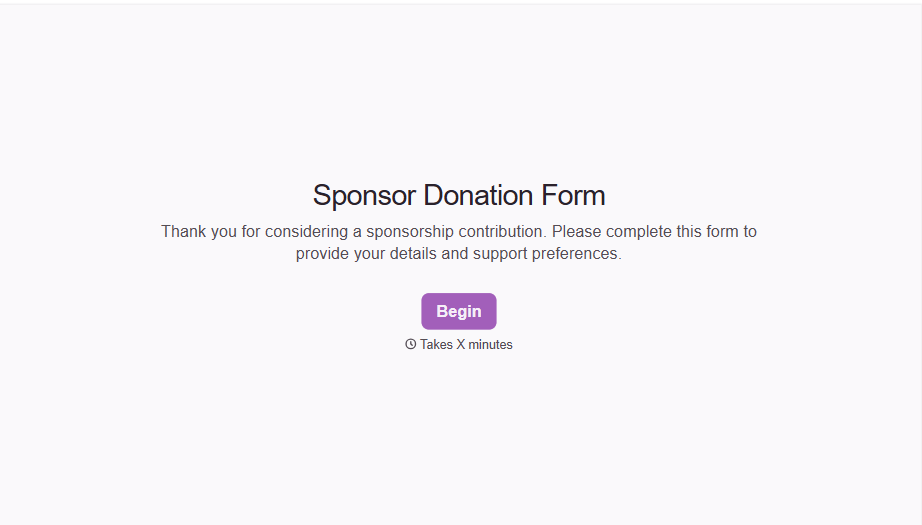
Sponsor Donation Form
A sponsorship agreed to over a handshake at a networking event doesn't tell your team which tier it was, or which benefits got promised in the moment. Collect what your event actually needs, sponsor information, tier and donation amount, and payment details, before the invoice goes out.
View template
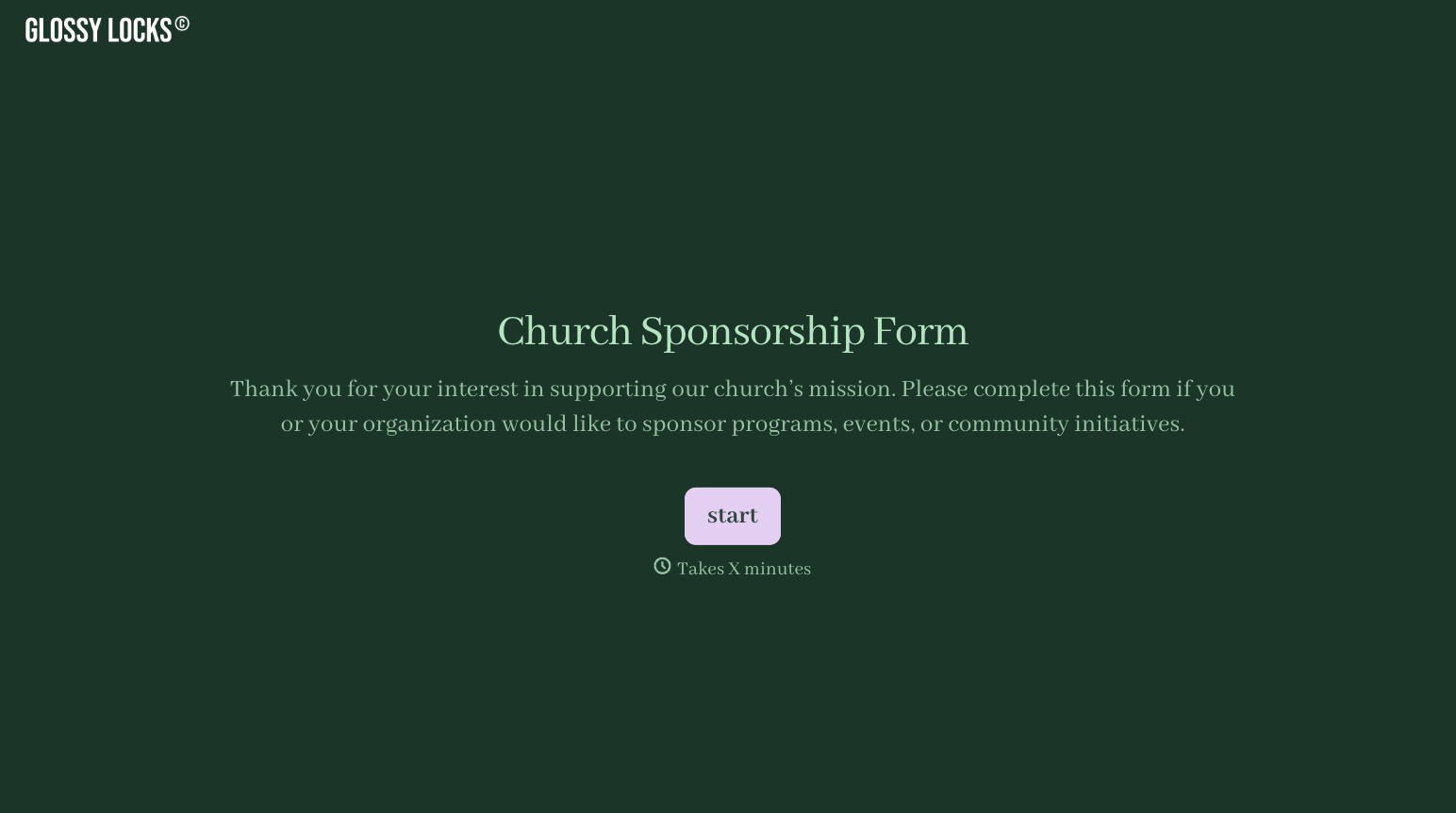


With Typeform, you can customize everything
Change text, colors, and even logos to match the look and feel of your brand. Then embed forms smoothly onto web and email.
Make forms feel effortless to fill out. Pace questions, call people by their name, and adapt the flow based on the data they share.
Stay efficient by connecting forms to your workflow. Typeform integrates with 300+ tools including Slack, Zapier, and HubSpot.


