Student Media Release Form
Don’t publish student content without proper consent. Collect signed media consent from every family before any photo or video goes public.



Schools and districts that collect media release forms on paper often end up with missing signatures and no clear consent record. Publishing student content without verified consent creates legal and reputational risk. Typeform's student media release form template gives schools a consistent way to collect documented, signed consent from every family before student media goes public.
The form captures family contact details, the student's name and grade, consent scope, and an electronic signature in one submission. Typeform walks parents and guardians through one question at a time, so the process is clear and nothing gets skipped. Conditional logic adapts questions based on the consent level selected. A family granting full media consent sees different follow-up fields than one granting limited or restricted consent.
Customize the form with your school name, the types of media covered, and any district-specific consent language. Send it via email at enrollment, embed it on your school website, or include a QR code in welcome packets. Every signed submission logs automatically in Google Sheets or Airtable via Zapier.
A student media release form collects parental or guardian consent to use a student's image, voice, or work in school media. It captures the student's name, grade, consent scope, any restrictions, and an electronic signature in a single submission. It functions as the official consent record between your school and each family for any student media use.
Publishing student content without documented consent creates legal exposure and erodes family trust. A structured release form ensures every family has a clear record of what they consented to. Your school gets a verified trail before any content goes live. Use it for school websites, yearbooks, social media, newsletters, and press coverage.
A complete student media release form covers:
- Student name, grade, and school
- Parent or guardian name and contact details
- Media types covered (e.g., photos, videos, written work, name and likeness)
- Intended uses (e.g., school website, social media, yearbook, press)
- Consent level (full, limited, or restricted)
- Any specific restrictions or opt-outs
- Electronic signature and date
Set up conditional logic to branch the form by consent level, so families only see fields relevant to their selection. A family granting full consent moves through a short, straightforward path. A family granting limited or restricted consent sees follow-up fields to specify which media types and uses they're approving. This keeps the form simple for most families without losing the detail you need from those with restrictions.
Typeform's signature field lets parents, guardians, or adult students sign the consent form directly in the form, on any device. Each signature is timestamped and stored alongside the submission. No printed forms, no scanning, and no chasing down paper signatures before the school year kicks off.
Get inspired by relevant templates and categories
3200+ Templates, 300+ Integrations
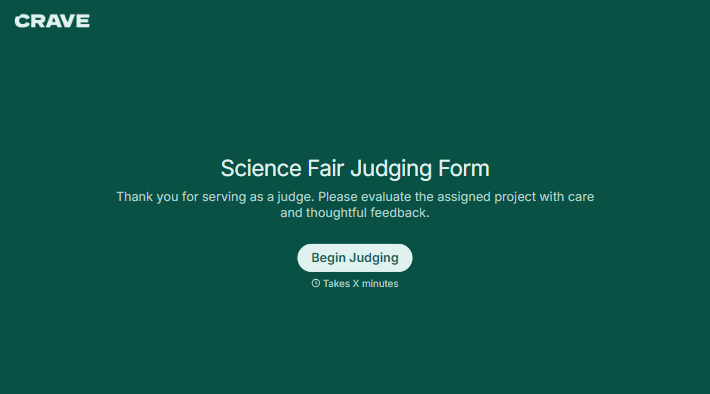
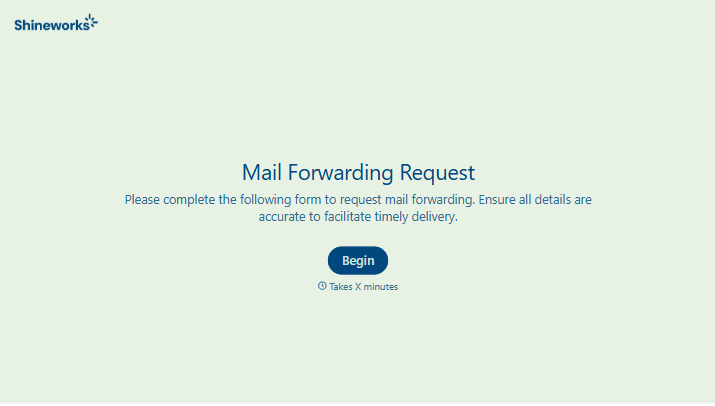
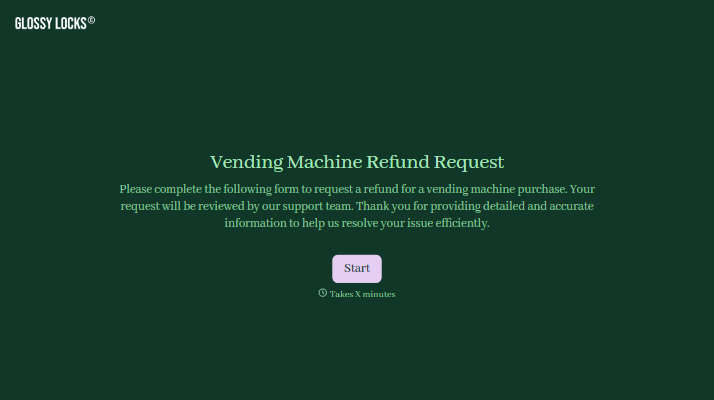
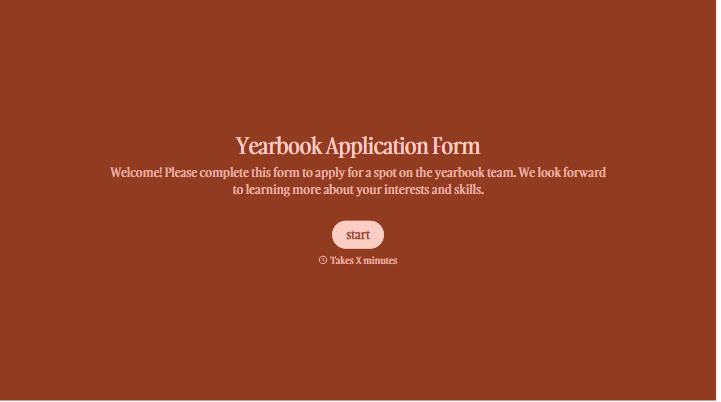
With Typeform, you can customize everything
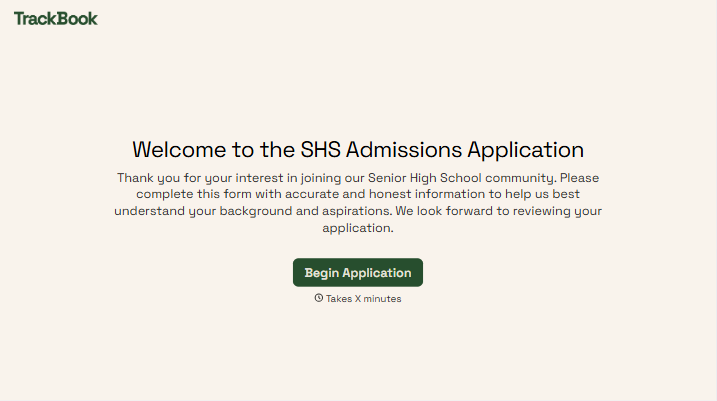
Change text, colors, and even logos to match the look and feel of your brand. Then embed forms smoothly onto web and email.
Make forms feel effortless to fill out. Pace questions, call people by their name, and adapt the flow based on the data they share.
Stay efficient by connecting forms to your workflow. Typeform integrates with 300+ tools including Slack, Zapier, and HubSpot.


