Student Progress Report Form
Give parents more context beyond a grade. Share where a student is getting stuck, what’s working, and what would help at home.



A C in math tells a parent that their child is falling behind, but it doesn't tell them what isn’t working—whether the homework isn’t getting done, the fractions aren’t landing, or their child doesn’t know how to ask for help when they're lost. A grade collapses a student’s learning progress into one letter, without clarifying how to improve from it. Typeform's student progress report form asks the teacher for the specific gap, so parents know what to focus on.
Teachers identify the student, the subject, and where the student currently stands, then note what's driving the score. For a student who's falling behind, they can name the specific topic or skill, what they've already tried, and what might help at home. For a student doing well, they note areas that can.
Parents end up with feedback they can act on immediately, rather than a grade without context or plans on how to improve.
A student progress report form is an online form teachers complete to update parents on how a student is doing between formal reports. It collects the subject, where the student currently stands, the specific skill or behavior driving it, what's working, and what would help at home. Schools use student progress report forms to give parents something specific enough to act on.
A student progress report form makes it easy for teachers to provide context on a student’s learning progress. Without one, teachers are often rushing to complete thirty of the same report cards with vague comments like, students are “making steady progress.” A student progress report form asks for the specific gap and context behind a grade, so parents understand where their child may be falling behind, or where they’re excelling at, so they can take appropriate action.
Give parents something to act on:
- Student, subject, and reporting period
- Where they currently stand
- The specific skill or topic in question
- What's working well
- What would help at home
Yes. Every report ties to the same student and subject, so line them up and you're not relying on memory for what changed since October. A gap that showed up in three consecutive reports might be a pattern worth a parent meeting. A gap that appeared once might just be a one-off. A student progress report form makes it easier to compare progress reports over the school term.
Identify both areas, and don't average them into a vague "satisfactory" term. A parent needs to know where their student is excelling or falling behind, so they can help the student improve.
A blended summary that undersells one area and softens the other makes it hard to pinpoint where the student needs extra support. On the student progress report, you can note the strength briefly and give the gap in greater detail.
Get inspired by relevant templates and categories
3200+ Templates, 300+ Integrations
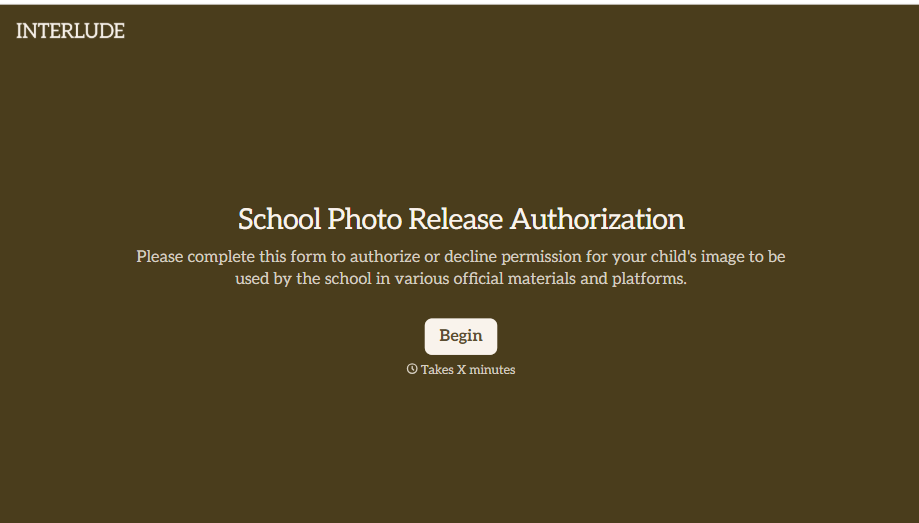
School Photo Release Form
A photo consent checkbox buried on page 12 of an enrollment packet doesn't tell a teacher who's actually opted out before they post a class photo. Collect what your school actually needs, guardian consent, and exactly where a photo can be used, before the camera comes out.
View template
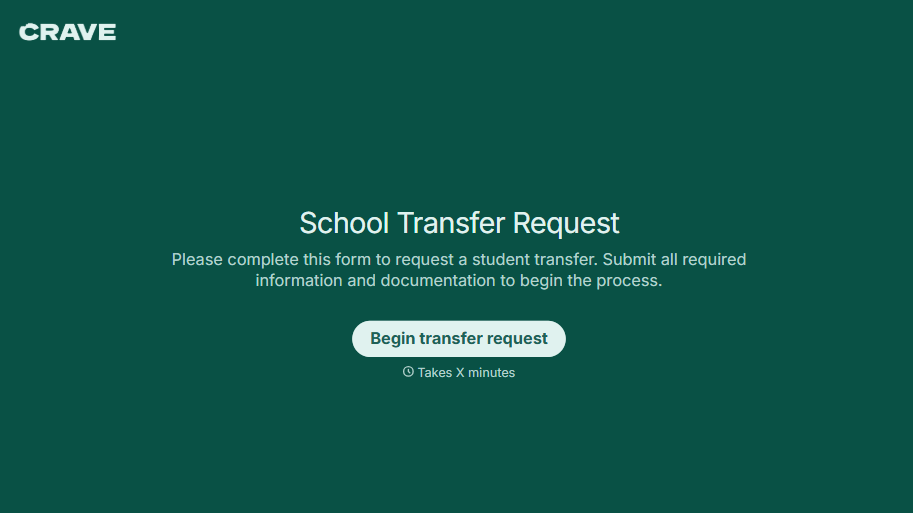
School Transfer Request Form
A transfer request dropped off at the district office isn't the kind of paperwork that gets processed before the semester it's meant for already started. Collect the student's information, reason for transfer, and supporting documentation upfront, so a request doesn't stall while the district follows up for a missing form.
View template
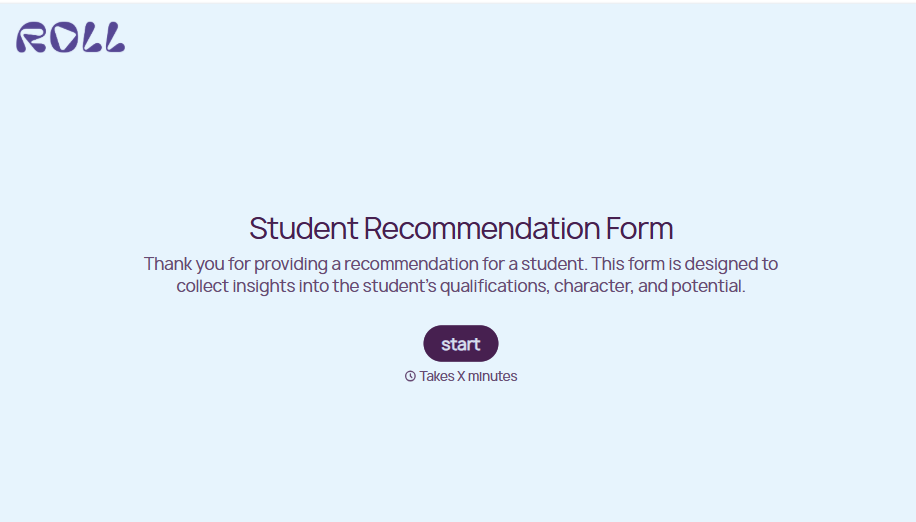
Student Recommendation Form
An email asking "can you write me a letter of recommendation" with no deadline attached isn't enough for a teacher to actually sit down and write one. Collect the program details, deadline, and what the student wants highlighted before the request lands in an inbox, so a letter doesn't get written in a rush the night it's due.
View template
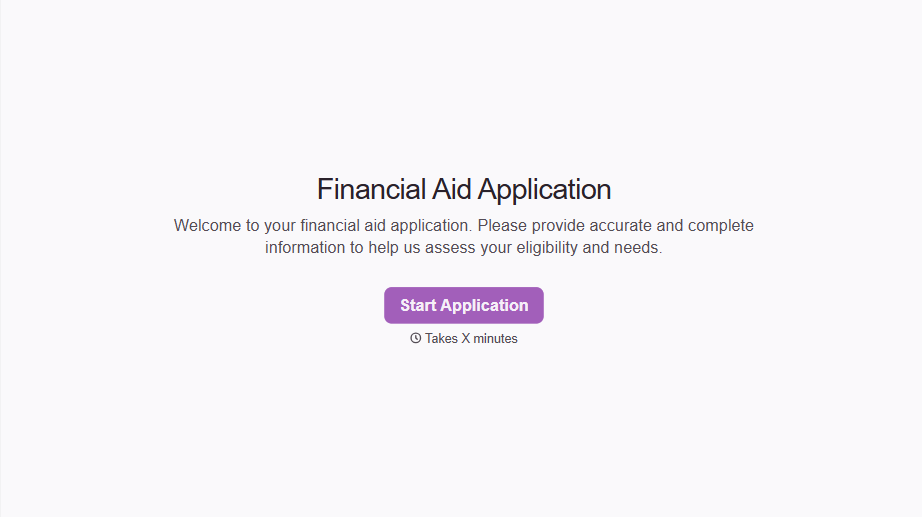
Financial Aid Application Form
A request for help with tuition mentioned to the front office in passing doesn't give your financial aid team anything to actually evaluate. Collect what your school actually needs, household information, income documentation, and need, before the deadline passes.
View template

Girl Scout Product Permission Form
A permission slip signed at a troop meeting while five other things are happening, snack time, a badge ceremony, a parent already halfway out the door, isn't informed consent, it's a signature. Get the money-handling responsibility, the supervision rules, and the online sales guidelines actually read and agreed to before a single box leaves the garage.
View template
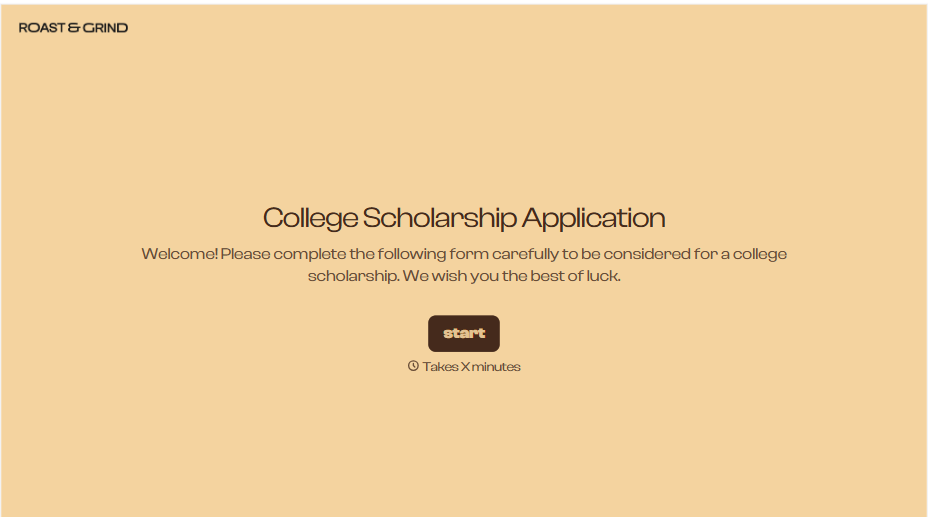
College Scholarship Application Form
An application submitted as a PDF from one student and a Google Doc link from another isn't a fair comparison, it's whichever format the committee finds easiest to skim that week. Put every applicant through the same form, and the decision comes down to what they actually wrote, not how they happened to turn it in.
View template
With Typeform, you can customize everything
Change text, colors, and even logos to match the look and feel of your brand. Then embed forms smoothly onto web and email.
Make forms feel effortless to fill out. Pace questions, call people by their name, and adapt the flow based on the data they share.
Stay efficient by connecting forms to your workflow. Typeform integrates with 300+ tools including Slack, Zapier, and HubSpot.


