Survey on the Internet
The way people use the internet decides whether your ads land and your site works. Collect input on the devices they use, the sites they visit, and their online habits.



Marketers and product teams constantly bet on how people use the internet. Build for desktop when your audience lives on mobile, and you burn your budget for nothing. Typeform's internet usage survey template gives teams a clear way to learn how people actually get online.
The survey captures how people really use the internet: their devices, favorite sites, monthly spend, and online activities. Typeform asks respondents one question at a time, so they answer thoughtfully instead of rushing a long form. Conditional logic adapts the survey based on each person's answers. A heavy mobile user answers questions about apps, while a desktop user weighs in on browsing and work.
Customize the questions to fit your research, your market, and whether you're planning ads or building a website. Share it by email, embed it on your site, or post the link on your social channels. Every response flows into Google Sheets or Airtable via Zapier, so usage patterns are easy to analyze. You target ads and build sites around how people actually use the internet, not based on a hunch.
A survey on the Internet measures how people access and use the internet. It captures the devices they use, the sites they visit, how much they spend, and what they do online. Teams that run internet usage surveys consistently base their ads and websites on real behavior, not assumptions.
Internet habits change fast, so what was true last year can be wrong today. Advertise on the wrong platform or design for the wrong device, and you pour budget into people who never see it. An internet usage survey grounds your decisions in real behavior, so your ads land and your site earns traffic.
Cover how people actually get online:
- Which devices they use to connect
- The types of sites and apps they visit most
- How much they spend on internet service each month
- What activities they do online
- When and how often they're connected
Reach beyond your own audience, since your customers may not use the internet like the wider market. Share the survey across different channels and groups, so you capture a range of ages, devices, and habits. A broad, varied sample is what makes usage data you can actually build on.
Route every response to Google Sheets through Zapier, then sort the data by device, age, or activity. That shows how different groups get online—from mobile shoppers to desktop researchers. Segmenting your data lets you target the right people on the right platform, instead of everyone at once.
Get inspired by relevant templates and categories
3200+ Templates, 300+ Integrations
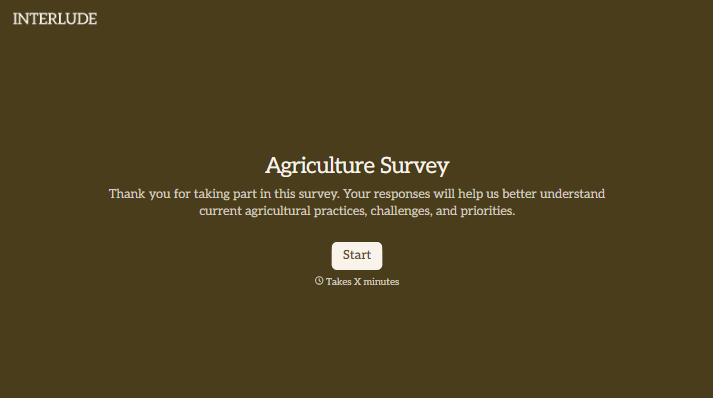

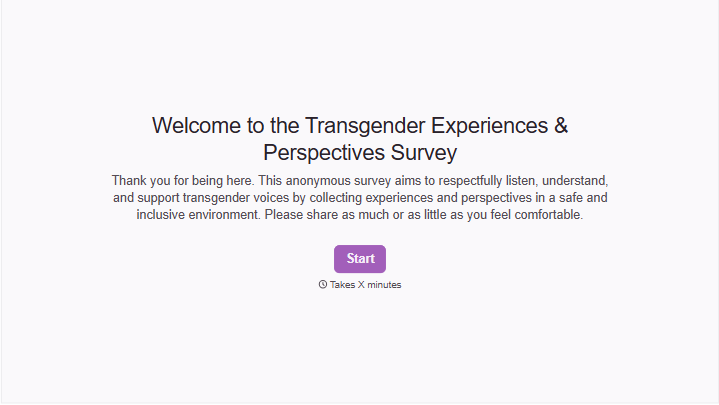


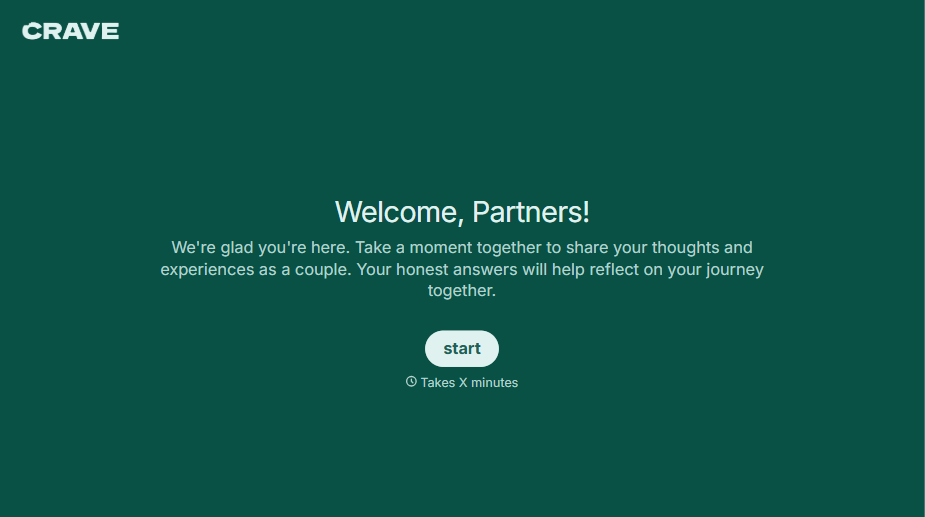
With Typeform, you can customize everything
Change text, colors, and even logos to match the look and feel of your brand. Then embed forms smoothly onto web and email.
Make forms feel effortless to fill out. Pace questions, call people by their name, and adapt the flow based on the data they share.
Stay efficient by connecting forms to your workflow. Typeform integrates with 300+ tools including Slack, Zapier, and HubSpot.


