Call center employee evaluation form template
Score every agent against the same criteria, from how they open a call to how they resolve it, so every review is measured the same way. Rate the call, leave notes, and build a record you can coach from.



QA reviewers spend their week listening back to calls and scoring each agent on how they opened, followed the script, and resolved the issue. The trouble is that the standard often lives in the reviewer's head. One weighs a warm, patient tone heavily; another reviewer cares more about handle time, so the same call earns different scores depending on who happened to review it. Typeform's call center evaluation form locks the criteria in place, so every agent is measured against the same standard, no matter who's doing the scoring.
The form captures scores on call handling, script and compliance adherence, tone, and problem resolution. Questions appear one at a time, so reviewers score each area deliberately instead of rushing a scorecard. Conditional logic adapts the form based on how the reviewer scores each moment. Mark an agent as missing a compliance step and the form surfaces a required coaching note; score the call clean and it goes straight to submission.
Customize the metrics and weighting to match your call types—from sales calls to technical support. Send it to QA reviewers and team leads before each review cycle. Completed evaluations flow into Google Sheets or your QA dashboard via Zapier, so scores stay comparable over time. Every agent knows exactly what a good call sounds like, and every score holds up to scrutiny.
A call center employee evaluation form gives QA teams a consistent way to score an agent's calls. It captures call handling, script and compliance adherence, tone, resolution, and coaching notes. Reviewers who score against one standard rubric produce fair, comparable results, instead of grading call center employees solely on personal judgment.
Often the call evaluation ends at the number: the agent gets an 82 and no explanation of which moments pulled their score down. There's nothing specific to change on the next call, so the reviewer moves on, and the same mistake resurfaces the next call. The evaluation turns into a record-keeping exercise instead of one that actually improves how agents handle calls. Tying each score to a specific criterion, and leaving a note where the number needs context, gives the agent concrete feedback to work off of.
Score what defines a good call:
- Greeting, tone, and professionalism
- Script and compliance adherence
- Active listening and empathy
- Problem resolution and accuracy
- Call efficiency and next steps
Yes. Reviewers can upload the recording directly to the evaluation with File Upload, available on paid Typeform plans. They can add audio files or PDFs up to 10MB each, so the score and the call that earned it stay together. Every recording arrives along with the evaluation.
Yes. You can rename, add, or remove any criterion to match how your team works and how your calls are scored. Adjust the rating scale, reword the questions in your own language, and use conditional logic to show a section only when it applies, so a sales-call review and a support-call review can live in the same form without every reviewer wading through both.
Get inspired by relevant templates and categories
3200+ Templates, 300+ Integrations
Travel Feedback Form
A quick "so, how was the trip?" when someone's back in the office doesn't tell your travel team which hotel to stop booking or which flight change actually caused the headache. Collect what your team actually needs, trip details, what worked, and what didn't, once the traveler's had a minute to think about it.
View template
Library Feedback Form
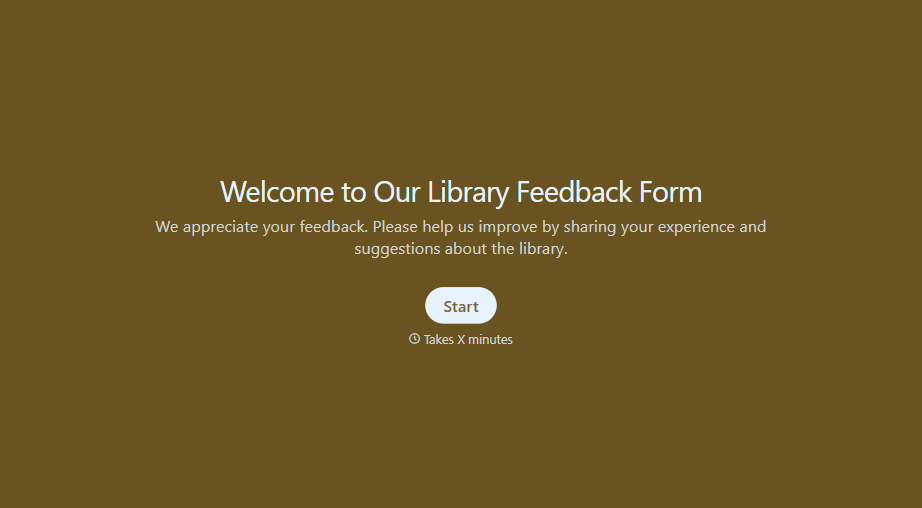
A comment card dropped in a suggestion box isn't a channel your staff can act on quickly, especially when nobody can tell if it's about a broken chair or a request for more audiobooks. Collect the specific feedback, which branch and department it concerns, and a way to follow up before the card gets buried under next week's stack.
View template
Travel Agency Feedback Form
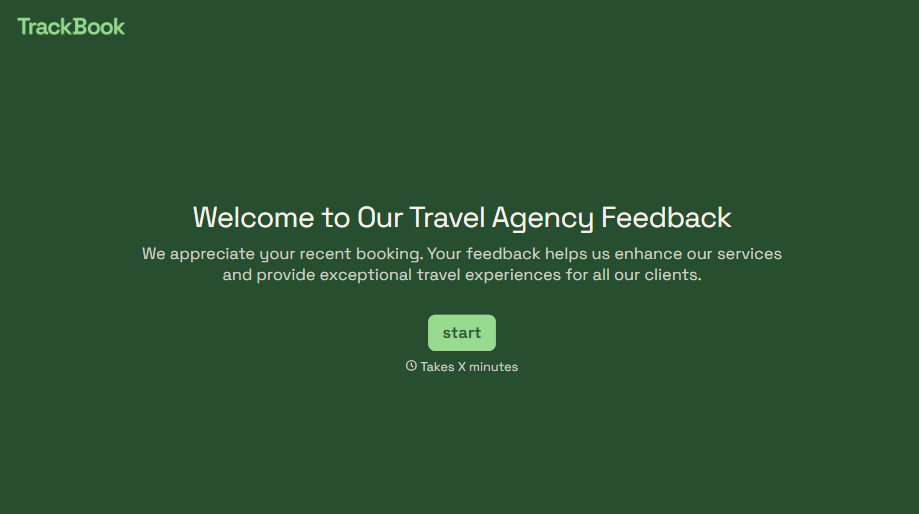
A generic satisfaction survey emailed three weeks after a trip isn't the kind of feedback an agency can act on, especially once the specifics of a rough hotel transfer have faded. Collect feedback on the specific parts of a trip while it's still fresh, so a complaint that needs immediate follow-up doesn't sit behind a stack of routine responses.
View template
With Typeform, you can customize everything
Change text, colors, and even logos to match the look and feel of your brand. Then embed forms smoothly onto web and email.
Make forms feel effortless to fill out. Pace questions, call people by their name, and adapt the flow based on the data they share.
Stay efficient by connecting forms to your workflow. Typeform integrates with 300+ tools including Slack, Zapier, and HubSpot.


