Library Feedback Form
A comment card dropped in a suggestion box isn't a channel your staff can act on quickly, especially when nobody can tell if it's about a broken chair or a request for more audiobooks. Collect the specific feedback, which branch and department it concerns, and a way to follow up before the card gets buried under next week's stack.



A suggestion box collects comments in whatever order patrons happen to write them, a facilities complaint next to a request for more graphic novels next to a compliment for the reference desk. Staff empty it periodically and sort through handwriting that isn't always easy to read, with no way to follow up since most cards don't include contact information. A patron drops a card in a box and has no idea whether anything ever happened with it.
Typeform's library feedback form asks for what your staff need to act on feedback quickly: the branch or location, the type of feedback, facility, collection, program, or staff, and the specific comment. Conditional logic branches from there. A facility complaint can route to a question about exactly where in the building the issue is, a collection request can route to a title or format question, and a program suggestion can route to a topic and age-group question, instead of one generic comment field trying to cover every kind of feedback. A patron who provides contact information can route to a follow-up preference, while anonymous feedback skips straight to submission. Every comment lands in one record instead of a card sorted by hand.
Connect the form to your library management or ticketing software through Zapier, and a facility complaint can route directly to maintenance while a collection request routes to acquisitions, instead of everything landing in one shared inbox. Ask for feedback through the form, and it reaches the right department automatically instead of sitting in a suggestion box until someone gets to it.
A library feedback form is an online form patrons use to share comments, complaints, or suggestions about a library's facilities, collection, programs, or staff. Instead of a handwritten card in a suggestion box, feedback is captured clearly and routed to the right department.
A comment card mixes every kind of feedback together and rarely includes a way to follow up. A form separates feedback by type from the start and gives a patron the option to leave contact information, so a specific concern reaches the right staff member instead of sitting in a box with everything else.
Ask for what your staff will actually need to act on the feedback:
- Branch or location
- Type of feedback, like facilities, collection, programs, or staff
- Specific comment or suggestion
- Optional contact information for follow-up
Not necessarily for every submission. A patron who leaves contact information is more likely to hear back, depending on your library's policy and staffing, but anonymous feedback still gets reviewed even though it can't be followed up on individually. Check with your library administration on what response process fits your resources.
Yes. Add a file upload question and patrons can attach a photo of a facility concern or another supporting document in the same submission, no separate email required. Pair it with conditional logic so the upload only appears when it's relevant to the type of feedback selected.
Get inspired by relevant templates and categories
3200+ Templates, 300+ Integrations
Travel Feedback Form
A quick "so, how was the trip?" when someone's back in the office doesn't tell your travel team which hotel to stop booking or which flight change actually caused the headache. Collect what your team actually needs, trip details, what worked, and what didn't, once the traveler's had a minute to think about it.
View template
Library Feedback Form
A comment card dropped in a suggestion box isn't a channel your staff can act on quickly, especially when nobody can tell if it's about a broken chair or a request for more audiobooks. Collect the specific feedback, which branch and department it concerns, and a way to follow up before the card gets buried under next week's stack.
View template
Travel Agency Feedback Form
A generic satisfaction survey emailed three weeks after a trip isn't the kind of feedback an agency can act on, especially once the specifics of a rough hotel transfer have faded. Collect feedback on the specific parts of a trip while it's still fresh, so a complaint that needs immediate follow-up doesn't sit behind a stack of routine responses.
View template
Medical Teaching Feedback Form
An evaluation handed out on the last day of a rotation, filled out in the hallway before everyone scatters, isn't the kind of feedback that helps a program improve teaching quality. Collect specific, timely feedback on teaching encounters before it fades into a generic "good rotation" comment.
View template
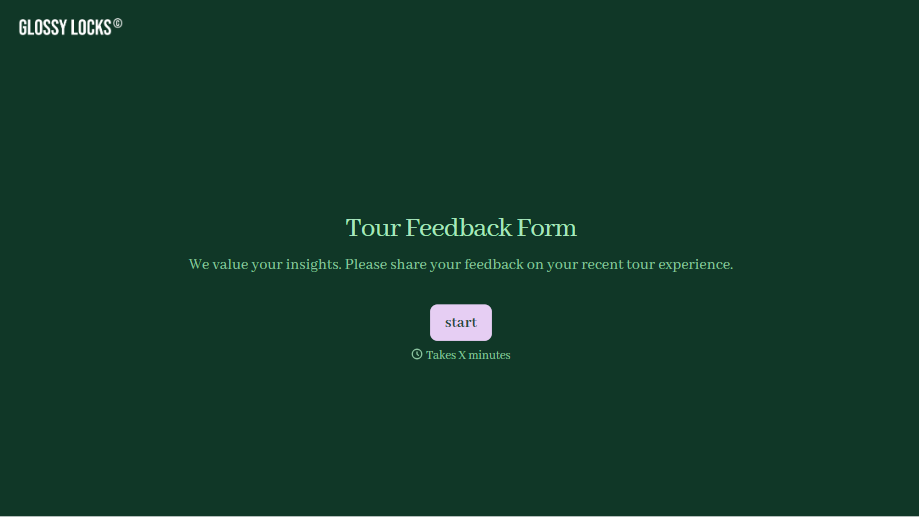
Tour Feedback Form
"How was it?" asked by the guide standing right there at the end of the tour gets a polite "great, thanks" whether the tour actually was great or not. Collect what your team actually needs, which tour and guide, and honest feedback, after the group's already walked away.
View template
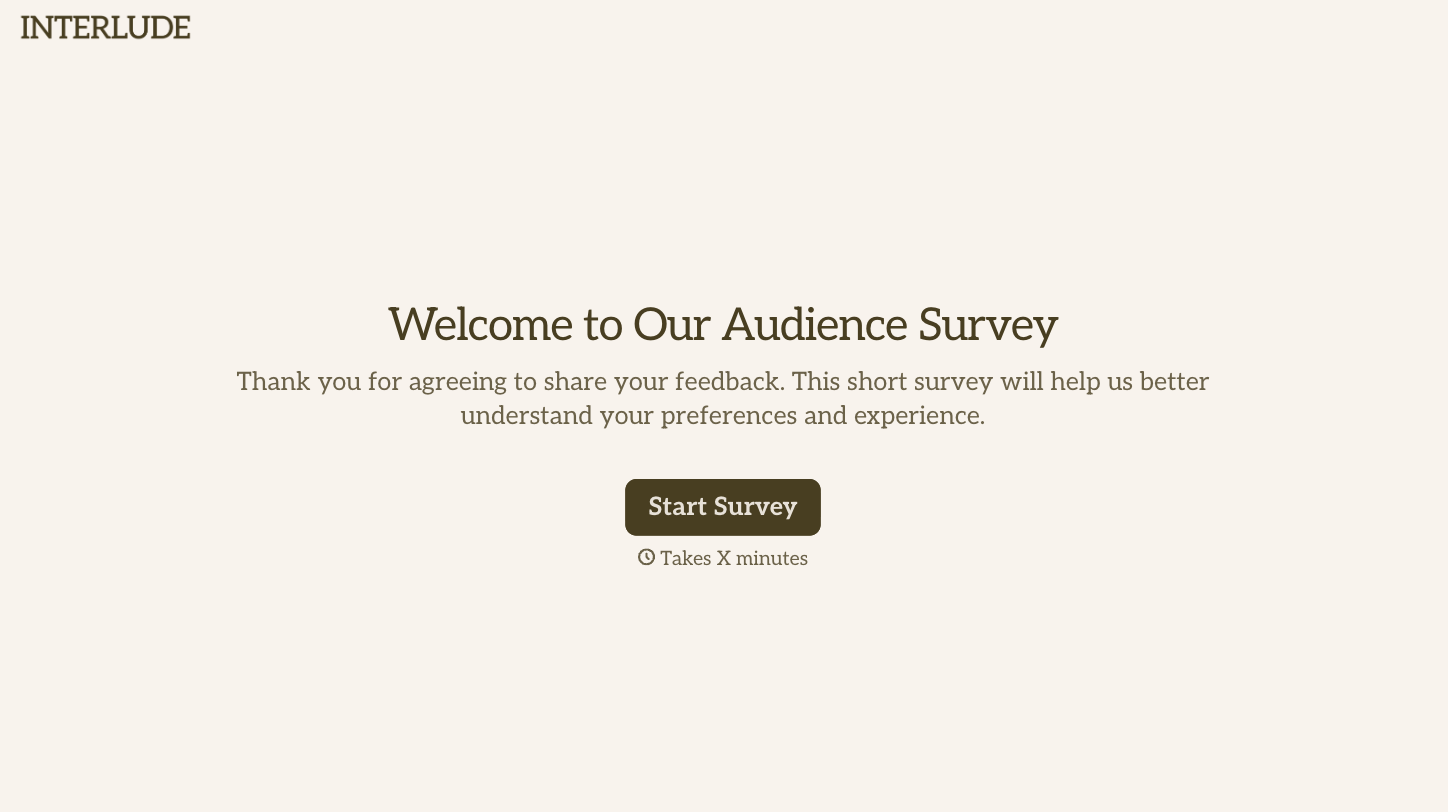
With Typeform, you can customize everything
Change text, colors, and even logos to match the look and feel of your brand. Then embed forms smoothly onto web and email.
Make forms feel effortless to fill out. Pace questions, call people by their name, and adapt the flow based on the data they share.
Stay efficient by connecting forms to your workflow. Typeform integrates with 300+ tools including Slack, Zapier, and HubSpot.


