Event Feedback Form Template
Find out what worked, what didn't, and what to do differently next time.


You poured months of planning into this event. Attendance was strong, the energy felt good, and nobody set off the fire alarm. But "it seemed like it went well" isn't a post-event strategy. Without structured feedback, you're guessing what to repeat, what to cut, and what your attendees actually valued. Next year's event deserves better intel.
This event feedback form template captures attendee opinions across every dimension: content quality, speaker effectiveness, venue, logistics, networking opportunities, and overall satisfaction. The one-question-at-a-time format keeps respondents engaged instead of rushing through a wall of questions. Conditional logic digs into specifics. If someone rates a session poorly, the form asks what would have improved it.
Send it within 24 hours of the event while impressions are fresh. Responses flow into a dashboard or spreadsheet, giving your events team quantified data to present to stakeholders and a clear playbook for planning the next one.
An event feedback form is a post-event survey that collects attendee opinions about their experience. It covers content, speakers, logistics, venue, and overall satisfaction. Giving organizers specific, actionable insights into what worked and what needs improvement. It's the bridge between one event and a better next one.
Because internal perception and attendee experience are often different. The keynote you thought was brilliant might have missed the mark. The networking lunch you almost cut might have been everyone's favorite part. Feedback grounds your planning in reality, helps you justify budget decisions, and shows attendees that their opinion shapes future events.
- Overall event satisfaction (rating scale)
- Quality and relevance of content or sessions
- Effectiveness of speakers or facilitators
- Venue, logistics, and organization
- Most valuable part of the event (open-ended)
- Suggestions for future events or topics
Within 24 hours of the event ending. Response rates drop dramatically after 48 hours — the experience fades and competing priorities take over. Include the form link in your post-event thank-you email, or better yet, display a QR code during the closing session so attendees can start responding before they leave.
Keep it short. 8-10 questions that take under 3 minutes. Mention the time commitment upfront ("2-minute survey"). Consider offering an incentive — early access to next year's tickets, a discount code, or entry into a drawing. And most importantly, close the loop: share a summary of the feedback and the changes you're making. When attendees see that their input led to action, they're far more likely to respond next time.
Get inspired by relevant templates and categories
3200+ Templates, 300+ Integrations
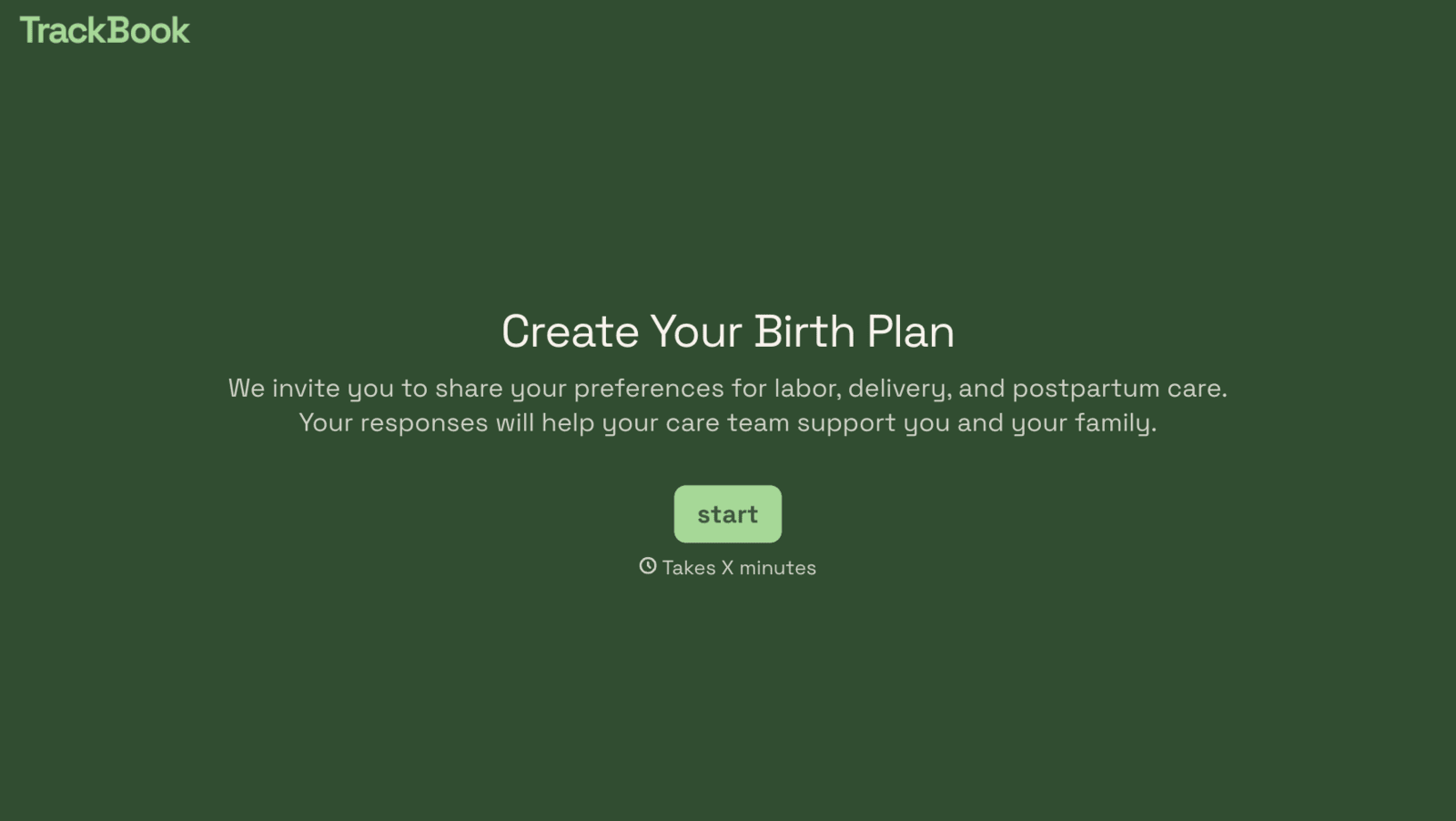
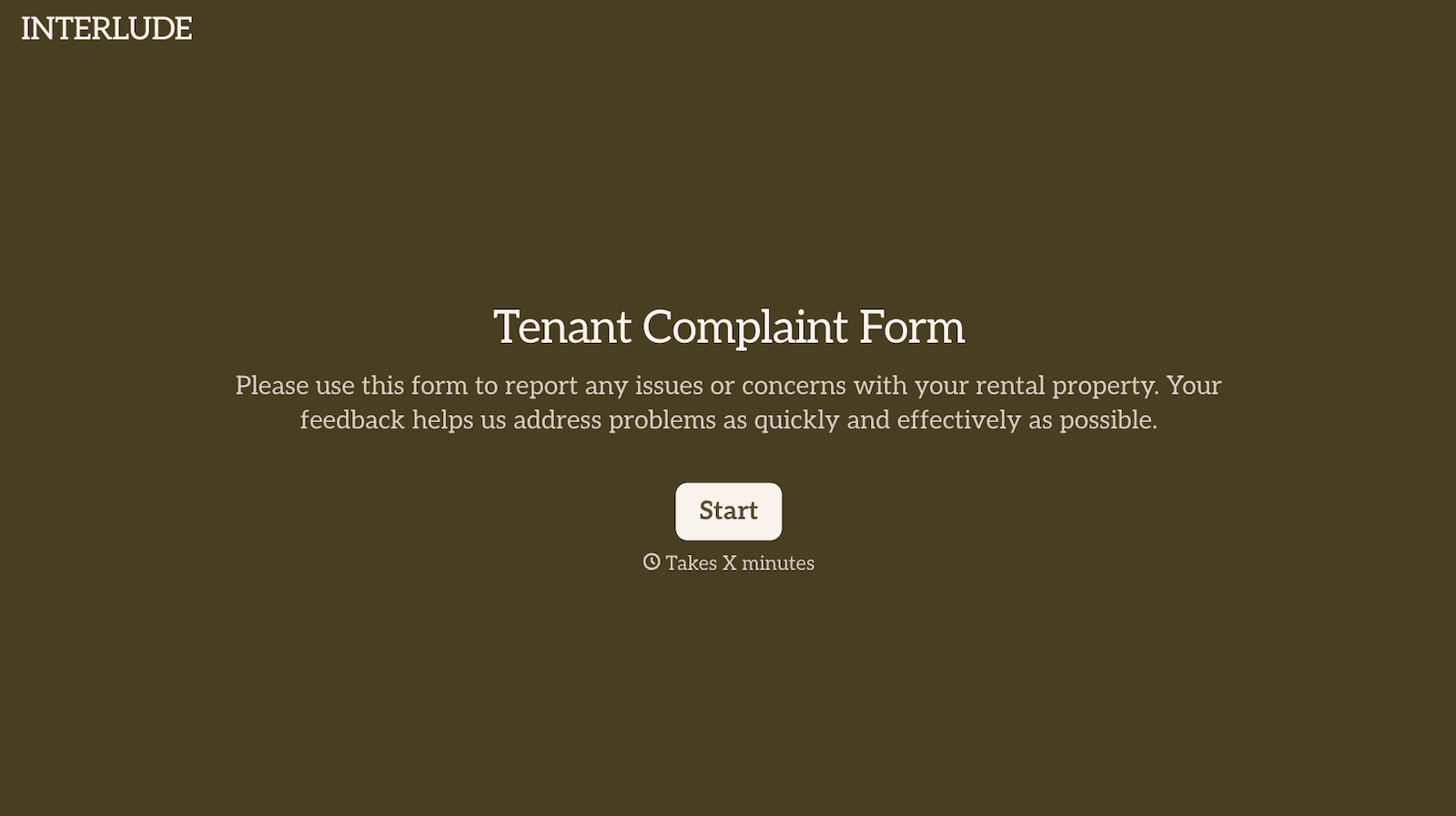
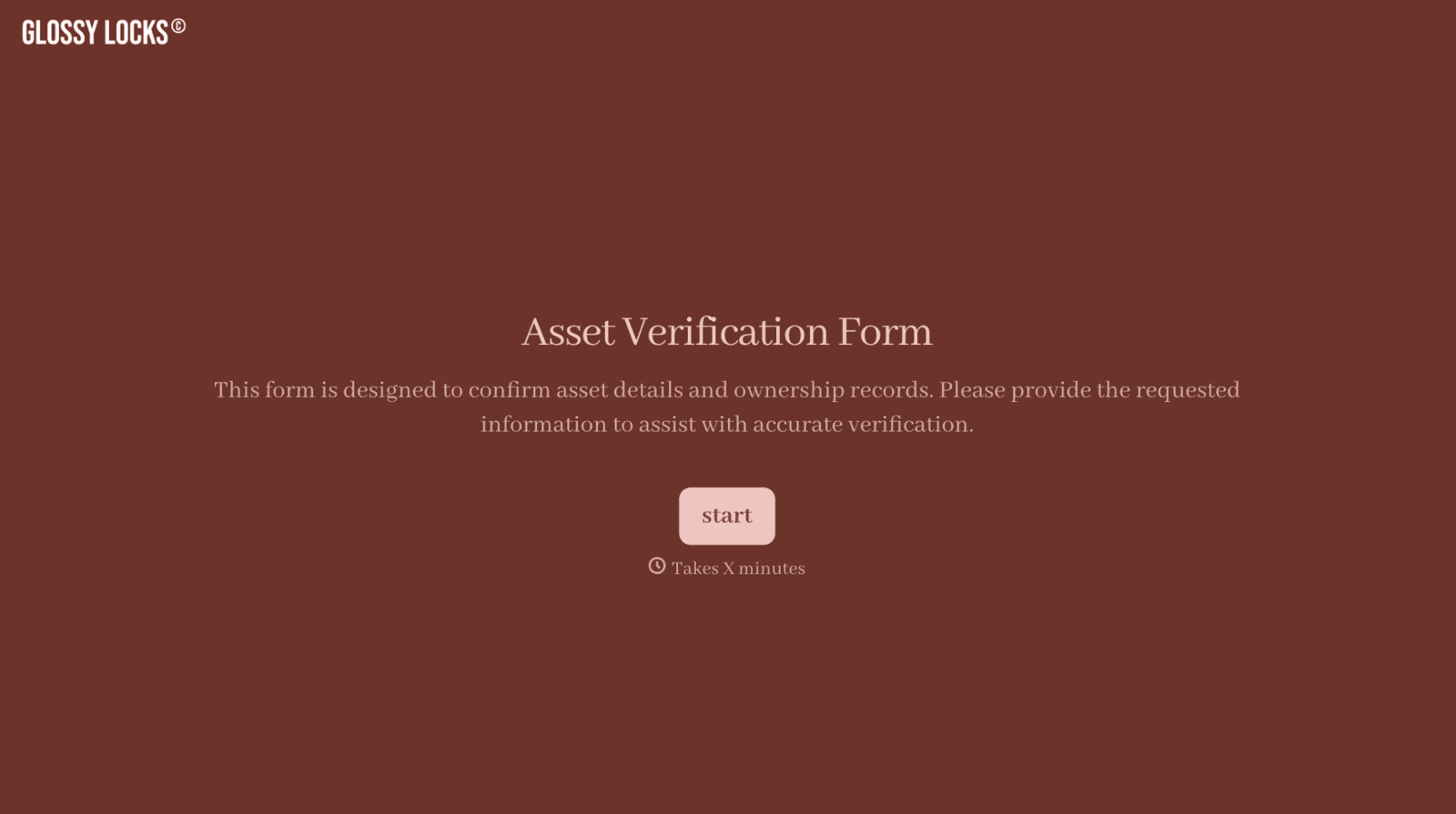
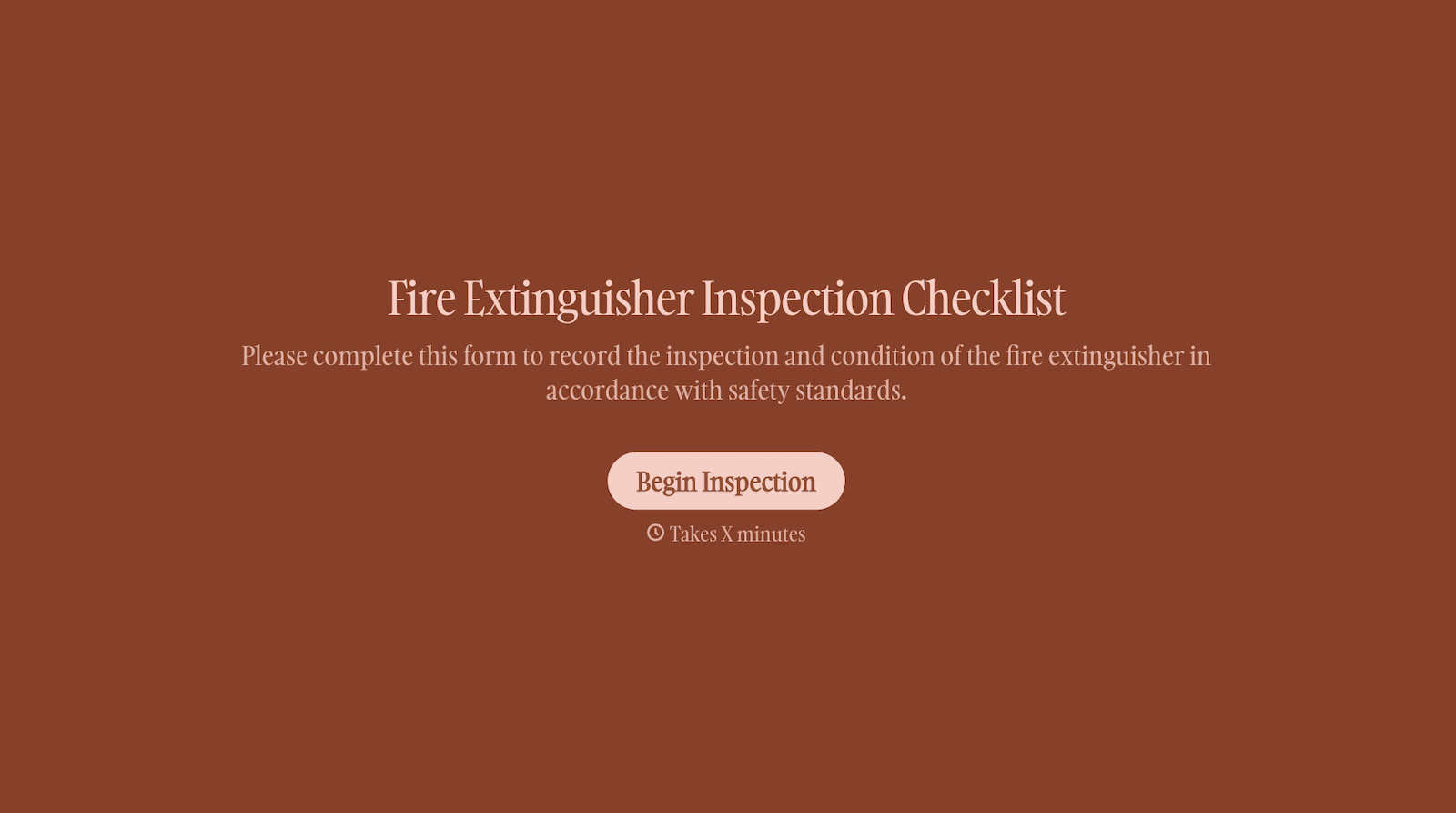
With Typeform, you can customize everything
Change text, colors, and even logos to match the look and feel of your brand. Then embed forms smoothly onto web and email.
Make forms feel effortless to fill out. Pace questions, call people by their name, and adapt the flow based on the data they share.
Stay efficient by connecting forms to your workflow. Typeform integrates with 300+ tools including Slack, Zapier, and HubSpot.


