Fire Extinguisher Inspection Form Template
Document every inspection, flag issues on the spot, and keep your safety records where your team can actually find them.



Paper checklists get lost, and spreadsheets don’t flag overdue inspections or alert anyone when a unit fails. When auditors show up, missing records don’t just create compliance risk—they cost you. Typeform's fire extinguisher inspection form template gives facility managers a consistent way to log every extinguisher inspection and catch any issues before they become hazards.
This form captures unit ID, location, extinguisher type, pressure status, physical condition, and pass/fail results. Typeform walks inspectors through the form one question at a time, so completing it takes minutes, not an afternoon of admin. Conditional logic adapts the form based on an inspector's responses, keeping routine inspections short and problem reports thorough. Customize the question set to match your building codes or internal compliance requirements.
Share the form via QR code posted near each extinguisher, or embed it in your facilities portal. Responses feed straight into Google Sheets or Airtable via Zapier, and can trigger a Slack notification to your facilities team when a unit fails. Make it easy to stay on top of inspections so nothing falls through the cracks.
A fire extinguisher inspection form is a structured checklist that safety teams can use to document the condition of each unit on a property. It captures unit details (location, tag number, extinguisher type), condition checks (pressure status, physical damage, seal integrity), and the overall pass/fail result. It functions as both a compliance record and an early warning system for units that need service.
A missing paper checklist isn't an inconvenience—it's a liability. Digital forms create a timestamped record for every inspection, so you always have documentation ready for an audit or insurance review. Structured data also makes it easy to spot patterns: which units fail most often, or which locations fall behind on inspections. That's the kind of visibility a collection of paper forms don't give you.
A complete fire extinguisher inspection form covers:
- Unit ID or tag number
- Location (building, floor, zone)
- Extinguisher type (e.g., ABC dry chemical, CO₂, wet chemical)
- Pressure gauge status
- Physical condition (dents, corrosion, damage)
- Safety pin and tamper seal integrity
- Pass/fail result
- Issue description and urgency (if applicable)
- Inspector name and inspection date
Most fire codes require a visual inspection every 30 days and a more thorough annual inspection by a certified technician. While monthly checks focus on quick condition indicators (pressure gauge, seal, accessibility), annual inspections cover internal components and require documented sign-off. Use this form for both—adjust the question set to match whichever frequency inspection type your team is completing.
Add a dropdown to the form for building, floor, or zone, so your team can use the same form across every site. Typeform stores every submission with the location tag attached, so you can filter records by site when you need to pull a specific location's history. Post a QR code near each fire extinguisher unit so inspectors can scan to open the right form on the spot—no app download required.
Get inspired by relevant templates and categories
3200+ Templates, 300+ Integrations

Bank Reference Form
A reference request faxed to a bank branch and left sitting in a queue for weeks isn't the kind of turnaround a landlord or business can wait on. Collect the applicant's signed authorization and the specific details you need confirmed before the request even reaches the bank, so a decision isn't stuck behind a letter that hasn't come back yet.
View template
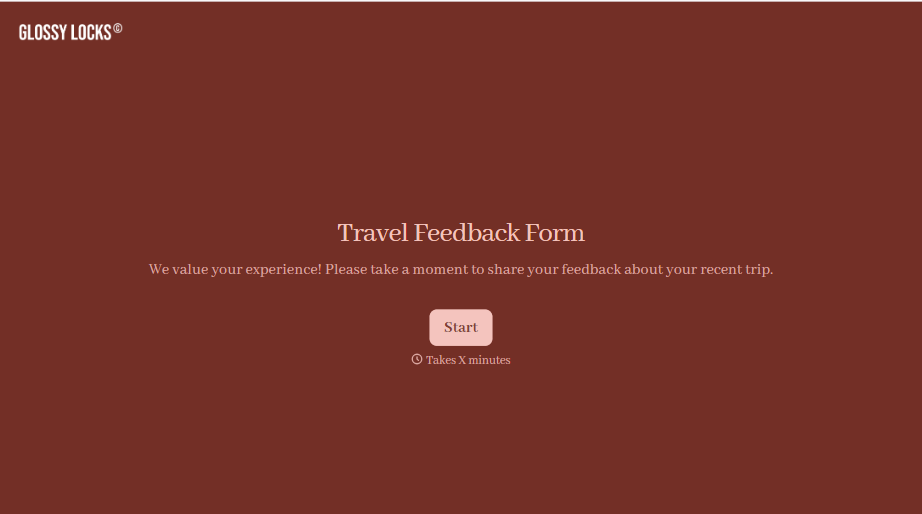
Travel Feedback Form
A quick "so, how was the trip?" when someone's back in the office doesn't tell your travel team which hotel to stop booking or which flight change actually caused the headache. Collect what your team actually needs, trip details, what worked, and what didn't, once the traveler's had a minute to think about it.
View template

Bar Inventory Form
A bottle count eyeballed at the end of a shift and scrawled on a paper sheet doesn't hold up against a pour cost report that says something doesn't add up. Collect what your bar actually needs, item, count, and variance, on a schedule you can actually compare week to week.
View template


Equipment Inventory Form
Equipment that leaves a storage room in someone's arms, with no note about where it went, doesn't show up again until someone needs it and can't find it. Collect what your team actually needs, item details, condition, and who's got it, every time something moves.
View template

Nationality Verification Form
A self-certification buried in a stack of new account paperwork isn't the kind of record a compliance team can rely on for a regulatory filing. Collect nationality, tax residency, and a signed declaration before an account opens, so compliance isn't chasing down a customer's citizenship status after the fact.
View template
With Typeform, you can customize everything
Change text, colors, and even logos to match the look and feel of your brand. Then embed forms smoothly onto web and email.
Make forms feel effortless to fill out. Pace questions, call people by their name, and adapt the flow based on the data they share.
Stay efficient by connecting forms to your workflow. Typeform integrates with 300+ tools including Slack, Zapier, and HubSpot.


