Festival Registration Form Template
Register performers, vendors, and attendees with one organized process instead of several fragmented ones.



Festivals involve multiple types of registrants, each with their own information requirements. A performer needs different details collected than a food vendor, and both are different from a general attendee or a sponsor. Managing those separate streams through email threads and spreadsheets is exactly the kind of work that creates mistakes under pressure.
A smart registration form handles all of it in one place. Typeform's festival registration template uses conditional logic to route each registrant type to the appropriate questions — performers see availability, set length, and technical rider fields; vendors see space and power requirements; attendees see ticket type and accommodation questions. All responses feed into a single organized view that your logistics team can filter by registration type. Connect to your payment processor to collect fees automatically across all registration categories.
Customize the form for your festival's specific categories and requirements, and share one link for all registration types.
A festival registration form is an online form used to collect registration information from participants in a festival — which may include performers, vendors, volunteers, sponsors, and general attendees. A well-built form uses conditional logic to capture the appropriate details for each registrant type within a single form.
It consolidates your registration data and reduces the admin burden of managing multiple separate intake processes. When all registration types flow through one form, your team has a complete, organized picture of who's participating and what they need — making logistics planning significantly more manageable.
The questions vary by registrant type, but a festival form typically covers:
- Registrant type (performer, vendor, attendee, volunteer, etc.)
- Name, organization, and contact details
- Participation category and specific requirements
- Dates and availability
- Technical, space, or logistical requirements
- Payment or fee acknowledgment
- Agreement to festival terms and policies
Set up notifications so your team is alerted when a new registration arrives, then manage approvals through a connected spreadsheet or project management tool. Many festivals use a status column — pending, approved, declined — and send confirmation emails manually or through an automated sequence tied to that status. You can also configure a post-submission page that sets expectations about the review timeline.
Yes. Add a question at the start about which day or stage the registrant is associated with, and use conditional logic to surface day-specific questions. For performers especially, capturing their preferred day and any scheduling conflicts upfront saves a lot of back-and-forth during lineup planning.
Get inspired by relevant templates and categories
3200+ Templates, 300+ Integrations
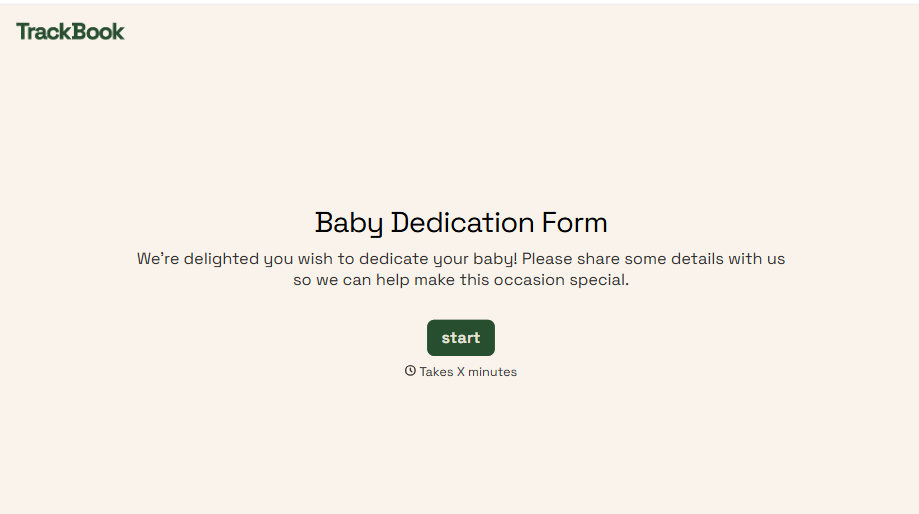
Baby Dedication Form
A sign-up sheet passed around during announcements isn't the kind of detail you want to compile into a Sunday program from memory. Collect the baby's information, requested ceremony date, and any required class attendance before the service, so your team isn't confirming a name's spelling the morning of.
View template
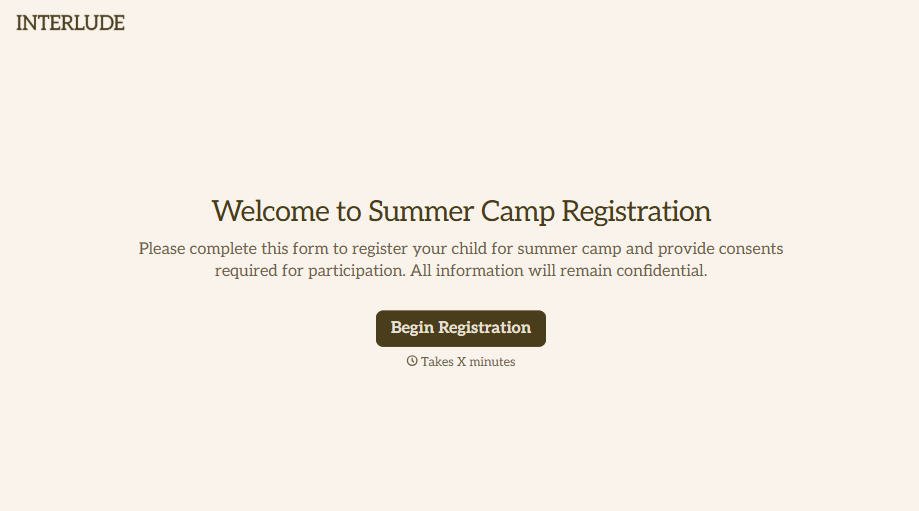
Summer Camp Consent Form
A camper with a bee sting and a counselor on the phone trying to reach a parent isn't a consent process, it's a delay. Collect guardian consent for emergency medical treatment, medication administration, and photo or media use before drop-off, so your staff can act instead of waiting for a callback.
View template
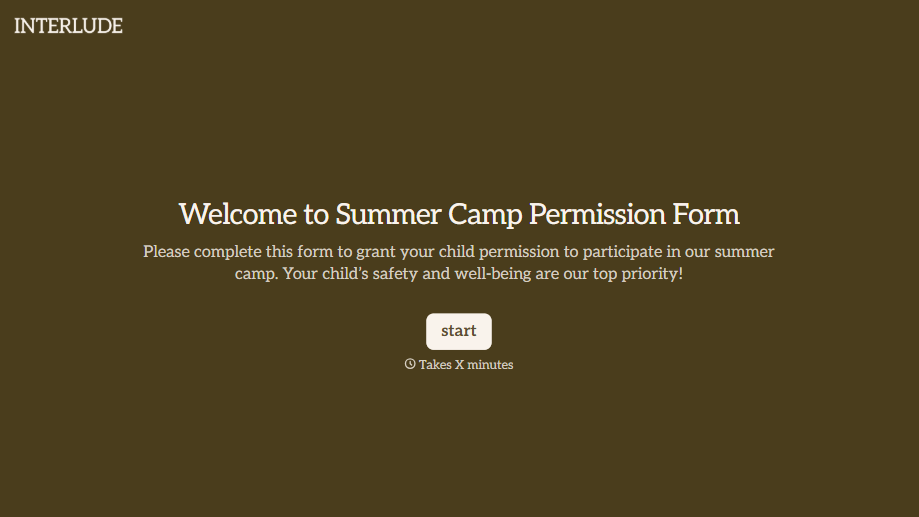
Summer Camp Permission Form
A permission packet crumpled at the bottom of a backpack for two weeks isn't a permission slip anyone can rely on. Collect camper information, medical disclosures, and a signed permission for camp activities before drop-off, so your staff aren't scrambling for an emergency contact on day one.
View template
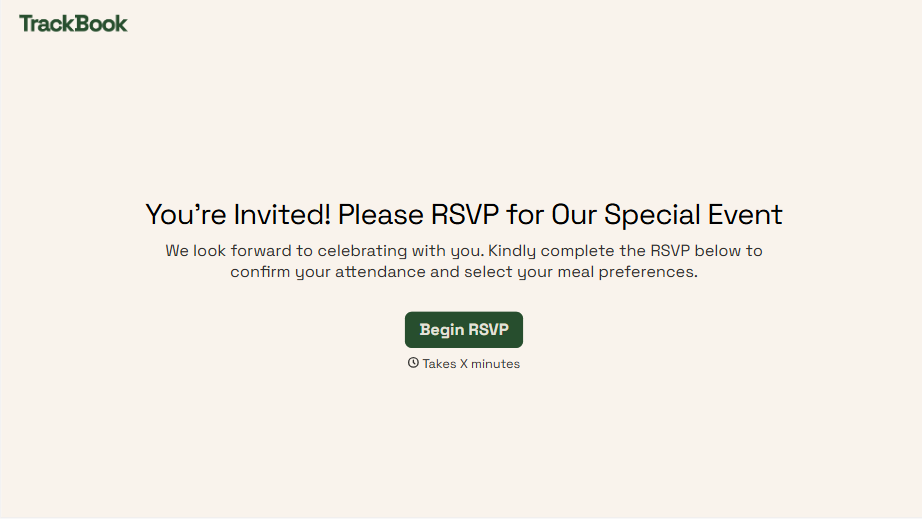
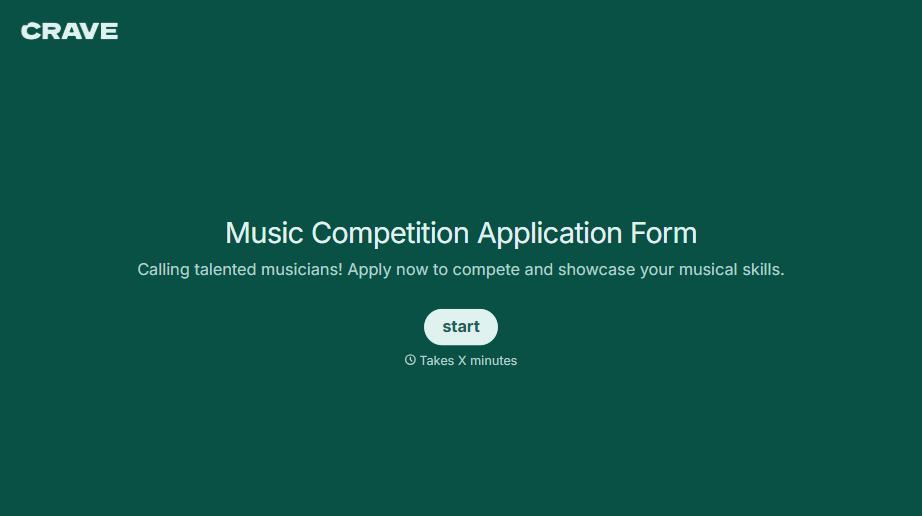
Music Competition Application Form
An application that asks for a video link and a repertoire list but never says whether the recording needs to be a single unedited take isn't a fair competition, it's whoever guessed the actual rules correctly. Set the age category, the time limit, and the recording requirements up front, so every entry gets judged against the same standard.
View template
With Typeform, you can customize everything
Change text, colors, and even logos to match the look and feel of your brand. Then embed forms smoothly onto web and email.
Make forms feel effortless to fill out. Pace questions, call people by their name, and adapt the flow based on the data they share.
Stay efficient by connecting forms to your workflow. Typeform integrates with 300+ tools including Slack, Zapier, and HubSpot.


