Gaming Tournament Registration Form Template
Running a gaming tournament means managing brackets, teams, and logistics. Start by collecting everything you need from every participant in one place.



Tournament organizers often underestimate how much information they need from participants before a competition starts. You need usernames, platform details, team names, game preferences, skill levels, and contact information — and if you're running brackets manually with incomplete data, you're setting yourself up for confusion on the day.
A registration form gets all of that upfront. Typeform's gaming tournament registration template collects player and team details one step at a time, in a format that works on any device. Conditional logic handles the branching — solo players see different questions than team captains; console players are asked about their platform; ranked players can provide their competitive tier. Connect responses to a spreadsheet to auto-populate your brackets.
Set up the form, share the link in your community Discord or website, and go into tournament day with a complete, organized participant list.
A gaming tournament registration form is a digital signup form that collects participant details, team information, game preferences, and contact information for players entering a competitive gaming event.
Manual signups through Discord messages or social media comments create disorganized lists full of gaps. A form gives you a clean, structured record of every registered participant with all the details you need to build brackets and communicate logistics.
Cover both logistics and competitive details. Key questions include:
- Player or team name and contact email
- In-game username and platform (PC, console, mobile)
- Game title and mode (if running multiple)
- Team captain information (for team events)
- Competitive rank or skill level
- Acceptance of tournament rules
- Discord username or preferred contact channel
Add a question at the start asking whether someone is registering as an individual or as a team. Conditional logic can then show team-specific questions (team name, number of members, captain contact) only to team registrants, keeping the form clean for solo players.
You can include payment information or link to a payment platform within the form. Typeform also integrates with payment tools via Zapier, allowing you to confirm paid registrations before a participant is added to the official bracket.
Get inspired by relevant templates and categories
3200+ Templates, 300+ Integrations
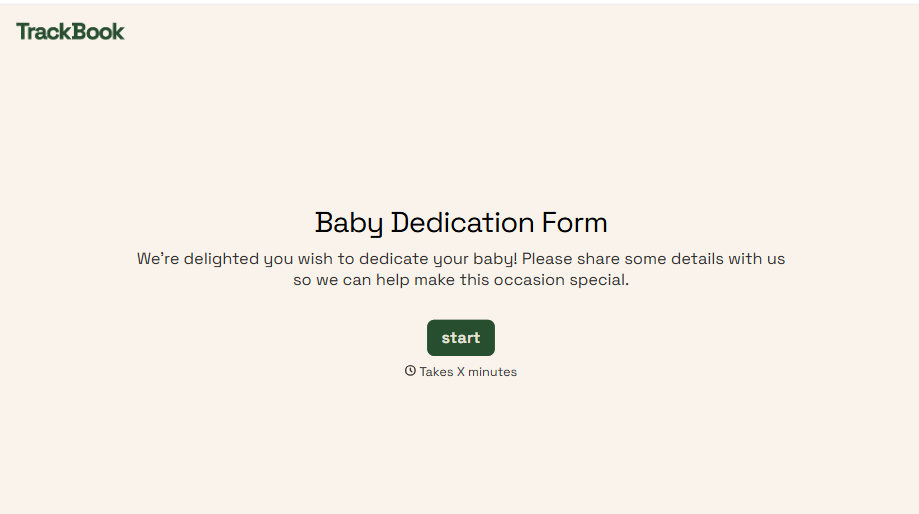
Baby Dedication Form
A sign-up sheet passed around during announcements isn't the kind of detail you want to compile into a Sunday program from memory. Collect the baby's information, requested ceremony date, and any required class attendance before the service, so your team isn't confirming a name's spelling the morning of.
View template
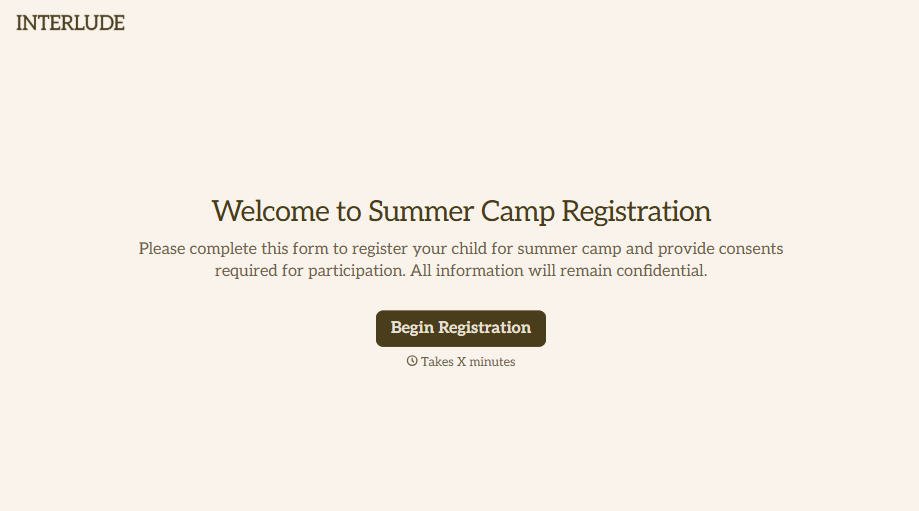
Summer Camp Consent Form
A camper with a bee sting and a counselor on the phone trying to reach a parent isn't a consent process, it's a delay. Collect guardian consent for emergency medical treatment, medication administration, and photo or media use before drop-off, so your staff can act instead of waiting for a callback.
View template
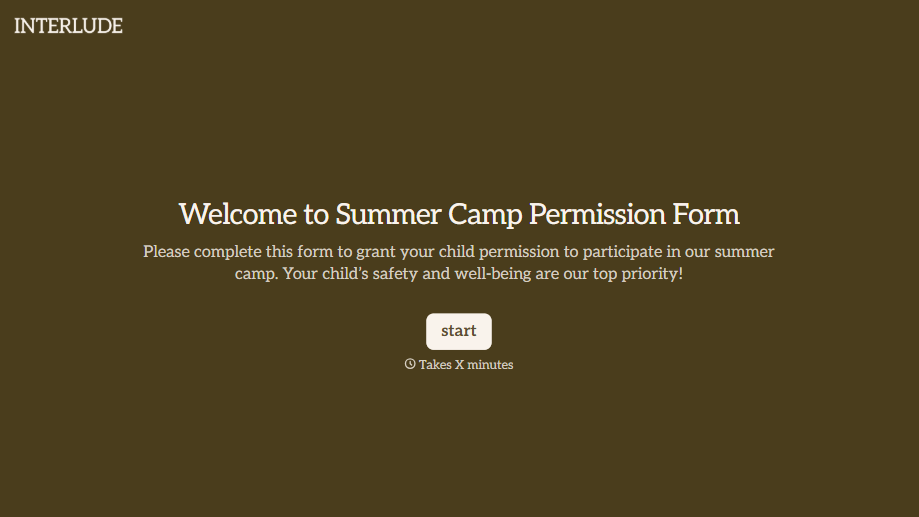
Summer Camp Permission Form
A permission packet crumpled at the bottom of a backpack for two weeks isn't a permission slip anyone can rely on. Collect camper information, medical disclosures, and a signed permission for camp activities before drop-off, so your staff aren't scrambling for an emergency contact on day one.
View template

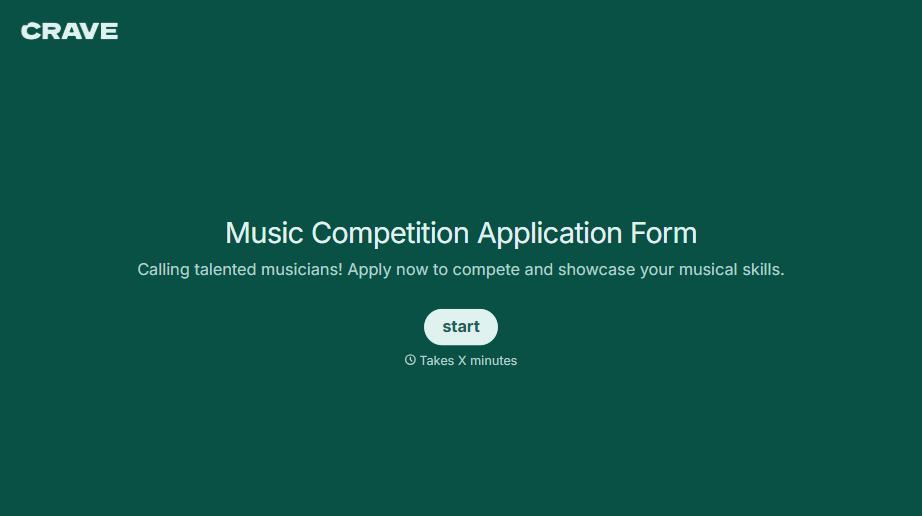
Music Competition Application Form
An application that asks for a video link and a repertoire list but never says whether the recording needs to be a single unedited take isn't a fair competition, it's whoever guessed the actual rules correctly. Set the age category, the time limit, and the recording requirements up front, so every entry gets judged against the same standard.
View template
With Typeform, you can customize everything
Change text, colors, and even logos to match the look and feel of your brand. Then embed forms smoothly onto web and email.
Make forms feel effortless to fill out. Pace questions, call people by their name, and adapt the flow based on the data they share.
Stay efficient by connecting forms to your workflow. Typeform integrates with 300+ tools including Slack, Zapier, and HubSpot.


