Free Hair Consultation Form Template
Understand what your client wants before they sit in the chair so you can deliver exactly that.



A hair consultation that starts with "so what are we doing today?" misses an opportunity. Without advance information — current hair state, desired outcome, lifestyle, budget — the conversation takes longer and the risk of misaligned expectations is higher.
A pre-consultation form changes the dynamic. Clients describe what they want, upload reference photos, and flag any concerns before they arrive. You walk into the consultation already aligned on direction, which means more time actually working and less time managing mismatched expectations. Conditional logic can surface specific questions for color clients that don't apply to cut-only appointments.
Share the form link in your booking confirmation email so clients complete it before the appointment.
A hair consultation form is a pre-appointment questionnaire that captures a client's hair goals, current condition, lifestyle preferences, and any concerns before they come in for a service.
It gives you the background needed to have a more focused, productive consultation. Clients also tend to feel more confident walking in when they've had a chance to articulate what they want in advance.
A hair consultation form should cover the essentials and a few lifestyle details:
- Current hair length, color, and condition
- Desired service (cut, color, treatment, etc.)
- Inspiration images or reference photos (file upload)
- Hair concerns (damage, thinning, growth issues, etc.)
- Daily styling routine and time available
- Previous chemical services (highlights, keratin, relaxers, etc.)
Include specific questions about previous chemical services and time since last treatment. This helps you assess potential reactions and plan the service accordingly. If a client's history flags a concern, you can reach out before the appointment to discuss or schedule a strand test.
You can send it to all clients, or create a shorter version for returning clients that focuses on changes since their last visit. For new clients, a more comprehensive form gives you the full picture and sets the relationship up well.
Get inspired by relevant templates and categories
3200+ Templates, 300+ Integrations

Bank Reference Form
A reference request faxed to a bank branch and left sitting in a queue for weeks isn't the kind of turnaround a landlord or business can wait on. Collect the applicant's signed authorization and the specific details you need confirmed before the request even reaches the bank, so a decision isn't stuck behind a letter that hasn't come back yet.
View template

Bar Inventory Form
A bottle count eyeballed at the end of a shift and scrawled on a paper sheet doesn't hold up against a pour cost report that says something doesn't add up. Collect what your bar actually needs, item, count, and variance, on a schedule you can actually compare week to week.
View template


Equipment Inventory Form
Equipment that leaves a storage room in someone's arms, with no note about where it went, doesn't show up again until someone needs it and can't find it. Collect what your team actually needs, item details, condition, and who's got it, every time something moves.
View template

Nationality Verification Form
A self-certification buried in a stack of new account paperwork isn't the kind of record a compliance team can rely on for a regulatory filing. Collect nationality, tax residency, and a signed declaration before an account opens, so compliance isn't chasing down a customer's citizenship status after the fact.
View template
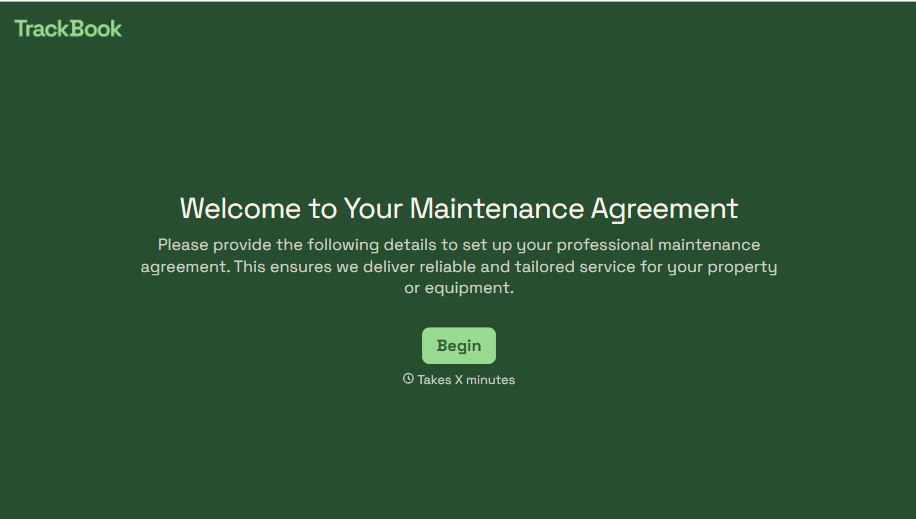
Maintenance Agreement Form
A maintenance plan agreed to over the phone isn't a contract your service team can actually work from, especially when nobody's sure whether the twice-a-year tune-up was part of the deal. Collect the equipment covered, service frequency, and a signed agreement before the first visit, so your team isn't guessing at scope once they're on-site.
View template
With Typeform, you can customize everything
Change text, colors, and even logos to match the look and feel of your brand. Then embed forms smoothly onto web and email.
Make forms feel effortless to fill out. Pace questions, call people by their name, and adapt the flow based on the data they share.
Stay efficient by connecting forms to your workflow. Typeform integrates with 300+ tools including Slack, Zapier, and HubSpot.


