New Customer Registration Form Template
Get new customers into your system quickly and collect the information you need to serve them well from day one.


Onboarding a new customer with a paper form or a generic email template leaves you with inconsistent data, missing fields, and a first impression that doesn't reflect the quality of your actual service. The experience of joining should be as good as the experience of being a customer.
A digital customer registration form fixes this. Typeform's conversational format makes the process feel smooth and personal, not bureaucratic, and collecting everything in one structured flow means your team has complete, accurate information from the start. Conditional logic tailors the form based on the type of customer or service selected. Responses flow directly into your CRM or customer management system via integrations, so new customers are set up automatically.
Customize the form with your brand colors and tone, and keep it to the questions that actually matter for initial setup. You can always collect more information over time as the relationship develops.
A new customer registration form collects the information needed to add a customer to your systems and begin serving them. It typically includes contact details, preferences, service selections, billing information, and any other data required for your specific business or industry.
It creates a consistent, professional onboarding experience and ensures your team always has complete information to work from. A structured intake process also reduces errors in your CRM, speeds up account setup, and sets clear expectations for the customer from the start.
Keep it focused on what you need to get started:
- Full name and contact information
- Company name (if B2B)
- Service or product selected
- Billing details
- Communication preferences
- How they heard about you
- Any specific needs or preferences upfront
Use a question early in the form that identifies the customer type — individual, business, or a specific service tier. Conditional logic then routes each type to questions relevant to them. This keeps the form focused without requiring you to build and maintain multiple separate forms.
Send it immediately after the initial sale or agreement, while engagement is highest. Include a clear subject line, a short personal note explaining why the form is needed, and a direct link. Setting expectations about how long it takes to complete (usually under three minutes) also improves completion rates.
Get inspired by relevant templates and categories
3200+ Templates, 300+ Integrations
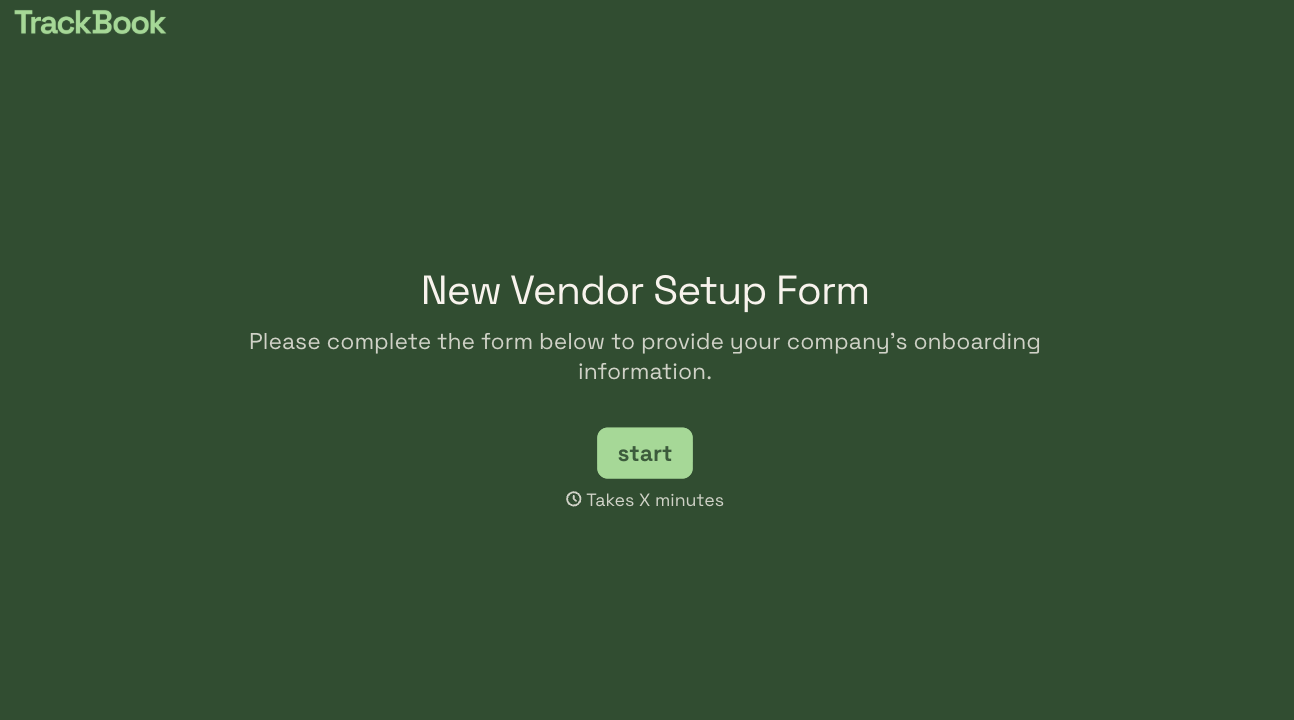
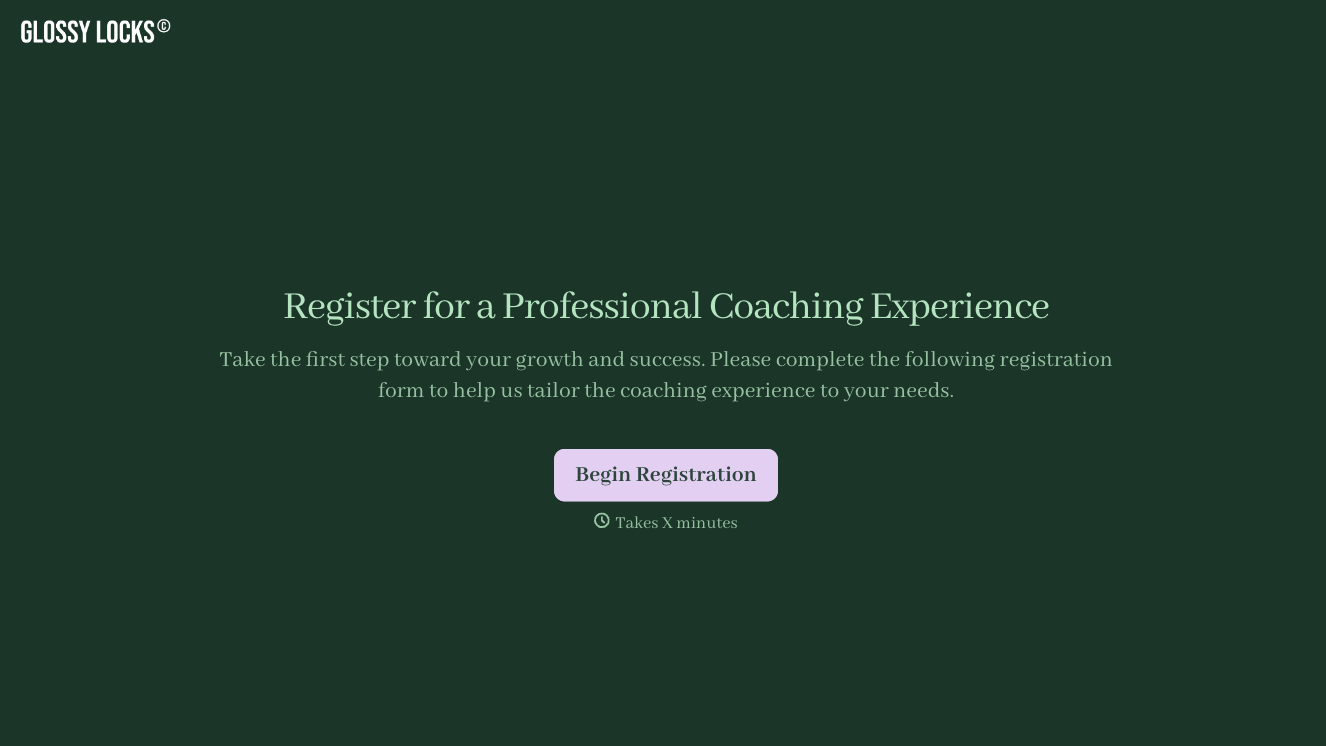
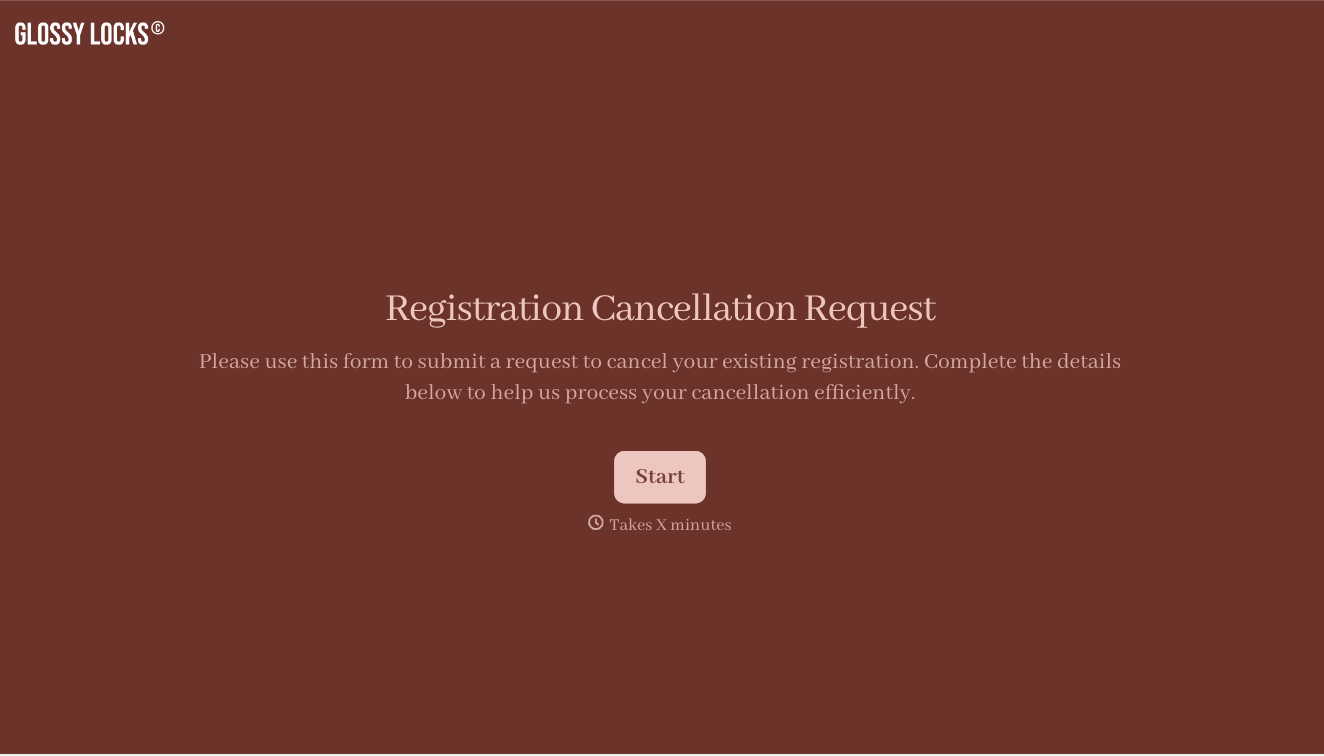
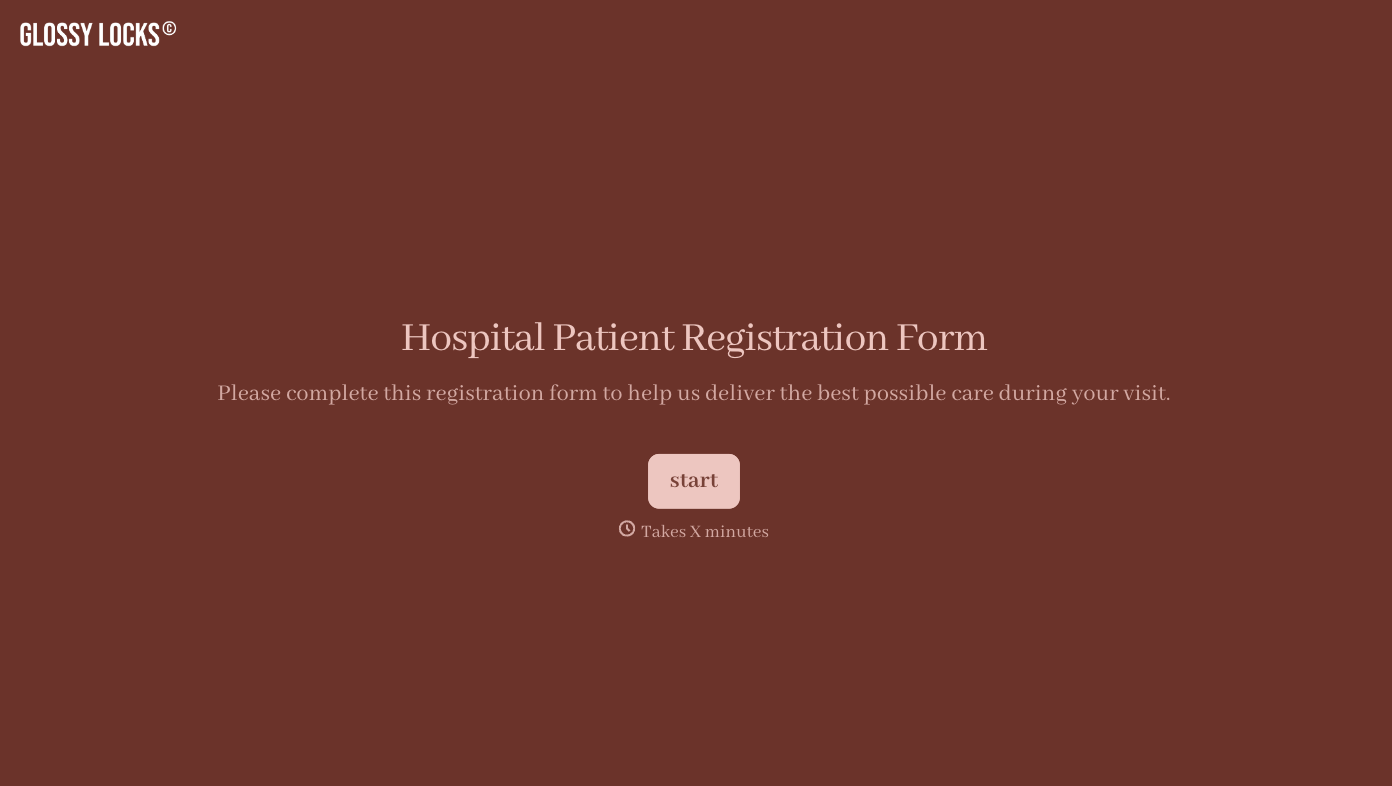
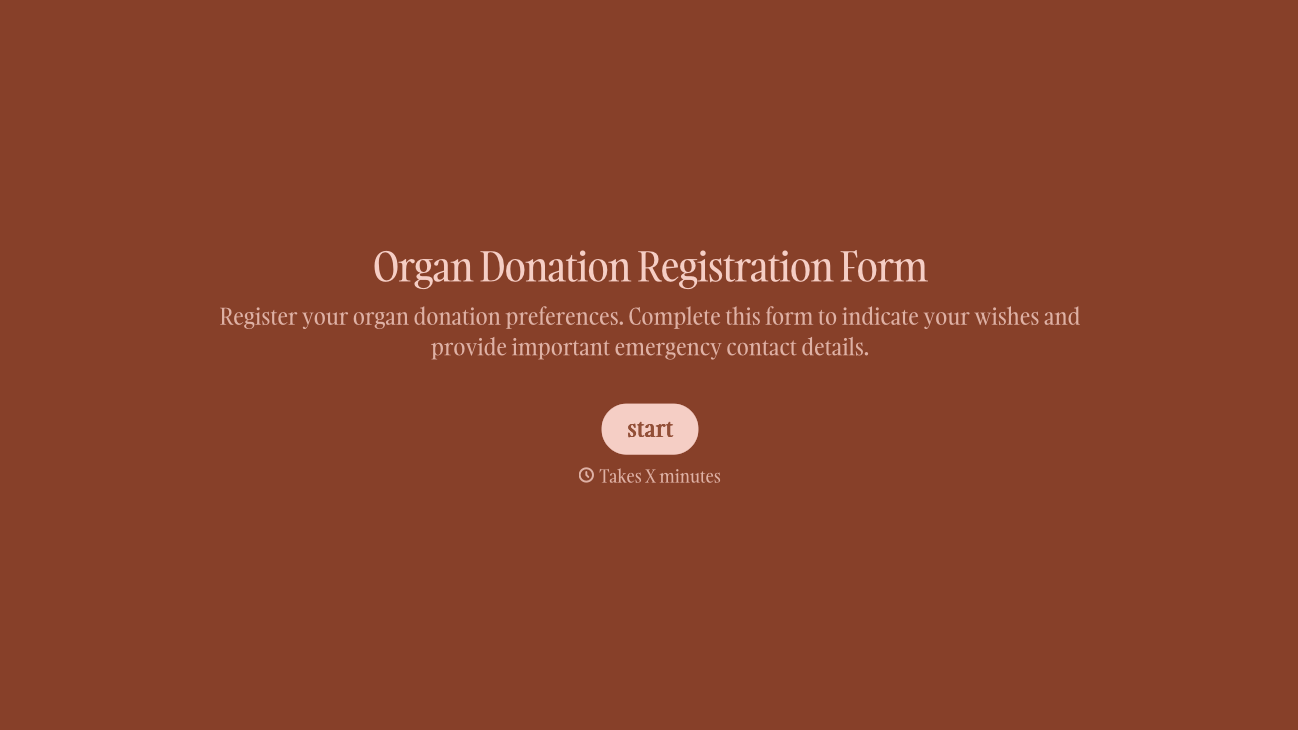
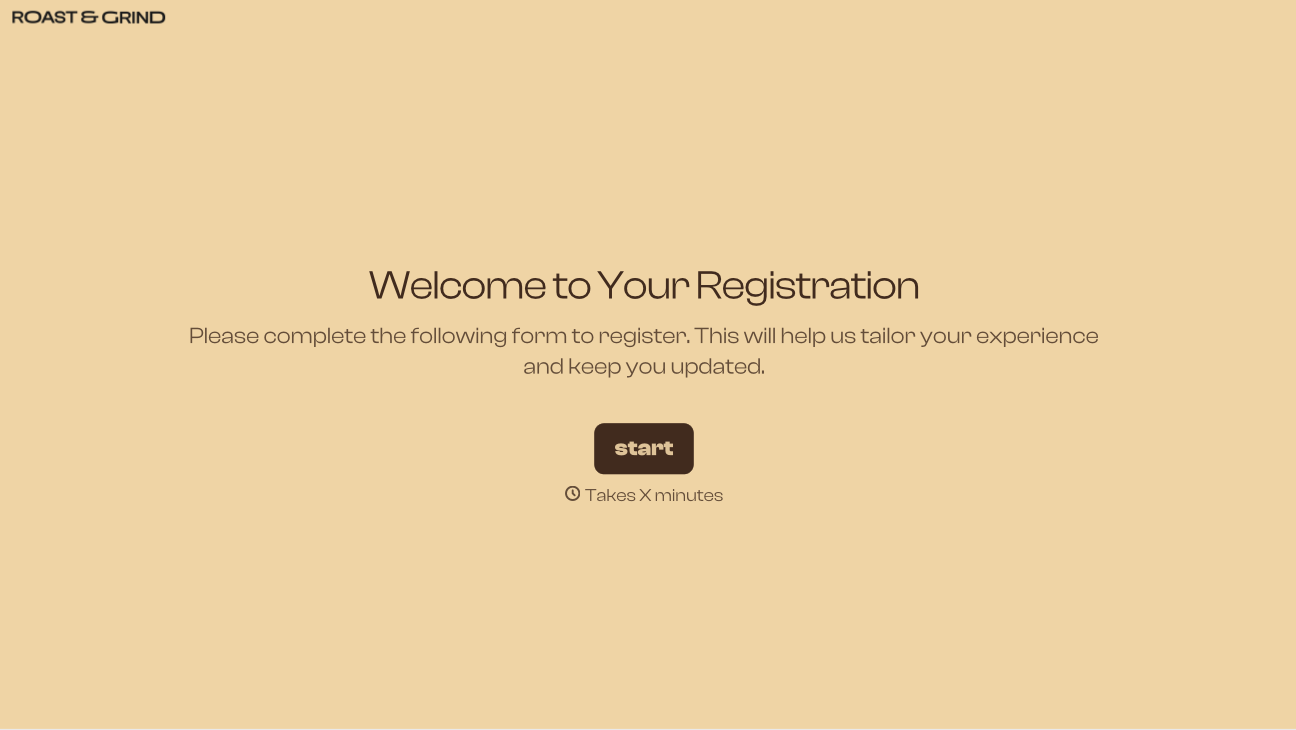
With Typeform, you can customize everything
Change text, colors, and even logos to match the look and feel of your brand. Then embed forms smoothly onto web and email.
Make forms feel effortless to fill out. Pace questions, call people by their name, and adapt the flow based on the data they share.
Stay efficient by connecting forms to your workflow. Typeform integrates with 300+ tools including Slack, Zapier, and HubSpot.


