Hospital Patient Registration Form Template
Collect new patient registration information before admission or the first outpatient visit. Capture personal details, insurance, emergency contacts, and consent — accurately and efficiently.



Patient registration is the first clinical touchpoint — and errors made here cascade through billing, medical records, and care coordination. A structured registration form captures every required field consistently, whether patients complete it in advance from home or on a tablet at the facility.
This template covers legal name and date of birth, gender and preferred name, address and contact details, primary insurance carrier and policy number, secondary insurance if applicable, emergency contact name and relationship, primary care physician, preferred language, race and ethnicity for reporting purposes, consent to treatment, and consent to use and disclose health information for billing and operations.
Hospitals, outpatient clinics, specialist practices, and diagnostic centers use patient registration forms for all new patients and at regular intervals to verify information currency. Send the link before the appointment via your patient portal. Connect to your electronic health record to create or update patient records automatically. Accurate registration data reduces claims denials and improves care coordination.
Yes — pre-registration via a digital form reduces wait times, improves data accuracy, and creates a better patient experience
Add a file upload field for front and back images of the insurance card. Accepted formats include photos taken on a smartphone.
Use Zapier, HL7 integration, or a webhook to push registration data into your electronic health record system automatically.
Add a conditional uninsured section with fields for self-pay confirmation and financial assistance inquiry when no insurance is provided.
At minimum: consent to treatment and HIPAA authorization for use and disclosure of health information. Specific consents for procedures are obtained separately.
Get inspired by relevant templates and categories
3200+ Templates, 300+ Integrations
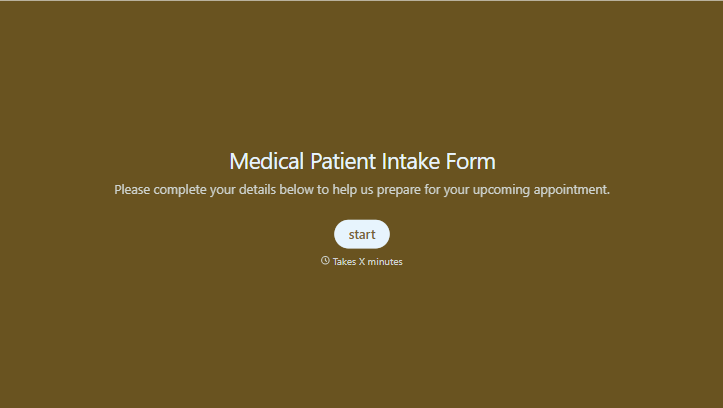
Medical Patient Intake Form
Move past a clipboard that captures a name and an insurance card. Screen for the medical history that actually changes how a patient is treated, document informed consent and privacy acknowledgment, and keep a timestamped signature on file for exactly what your patient agreed to.
View template
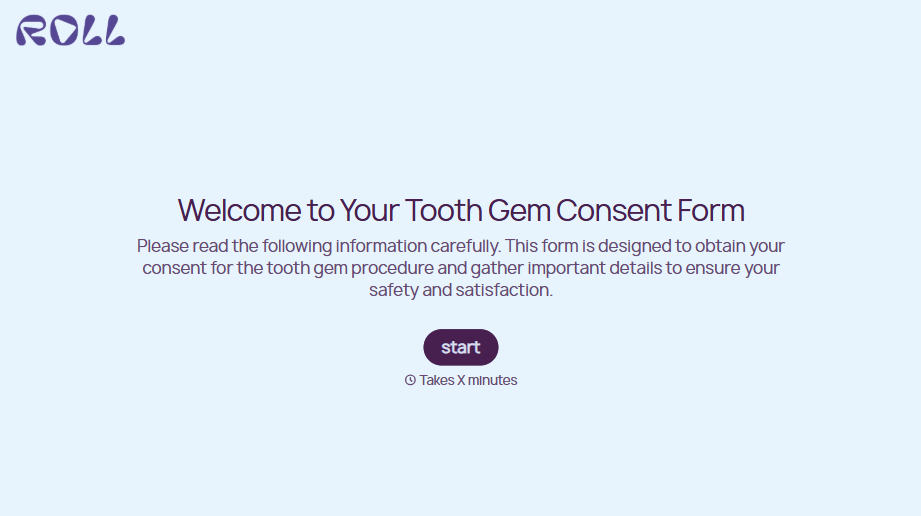
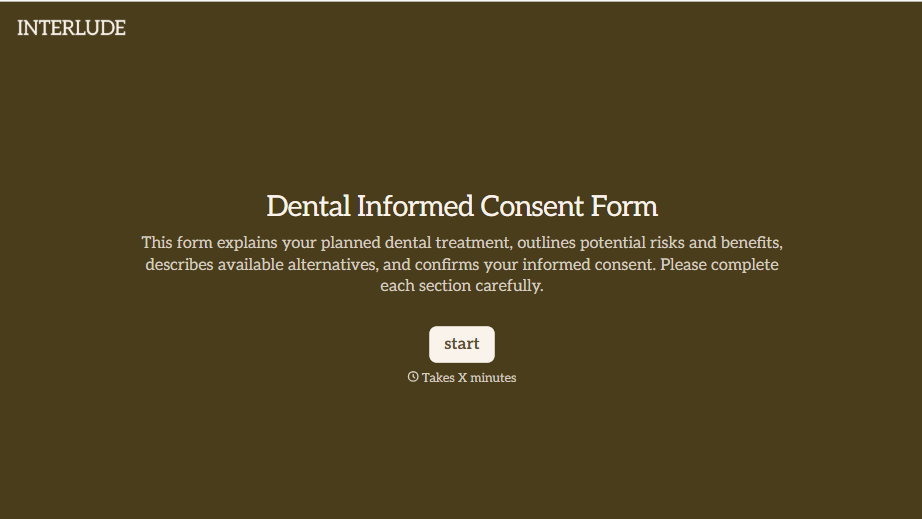


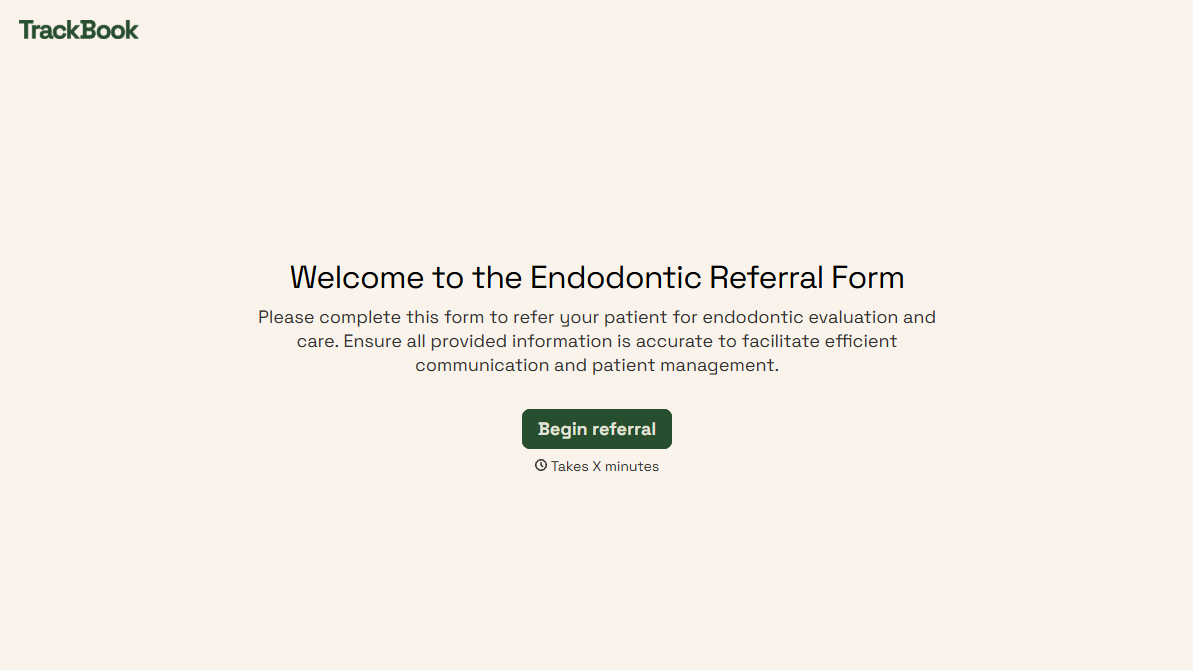
With Typeform, you can customize everything
Change text, colors, and even logos to match the look and feel of your brand. Then embed forms smoothly onto web and email.
Make forms feel effortless to fill out. Pace questions, call people by their name, and adapt the flow based on the data they share.
Stay efficient by connecting forms to your workflow. Typeform integrates with 300+ tools including Slack, Zapier, and HubSpot.


