Organ Donation Registration Form Template
Register your decision to donate — and make sure your wishes are documented clearly.



Registering as an organ donor is one of the most impactful decisions a person can make. This form helps individuals formally document their decision — whether they want to donate all organs, specific organs, or tissue only — so their wishes are honored.
The template covers the donor's full legal name and identifying information, the decision to donate (all organs and tissues, specific organs/tissues only, or not to donate), consent to share registration with the appropriate registry, and emergency contact information for family notification.
A registered decision removes uncertainty from an already difficult moment for families. Clear, accessible documentation means medical teams and families know what you wanted — without guessing.
In most U.S. states, registering as a donor means your decision is recorded in the state registry. At death, the registry is checked before medical teams approach your family. Registration ensures your decision is known even if family members aren't sure of your wishes.
Yes. Most registries allow you to specify all organs and tissues, specific organs only, or tissue only. The registration form should reflect these options clearly.
In most states, a registered decision is legally binding. However, in practice, medical teams typically approach families for consent, and family objection can complicate the process. Talk to your family about your decision so there's no conflict.
Yes. Organ donor registration can be updated or revoked through the state registry at any time. Your most recent registered decision is what's honored.
Most states allow registration at age 13 or 16 (with parental consent) up to any age. There's no upper age limit — medical suitability of specific organs is assessed at the time of donation, not at registration.
Get inspired by relevant templates and categories
3200+ Templates, 300+ Integrations
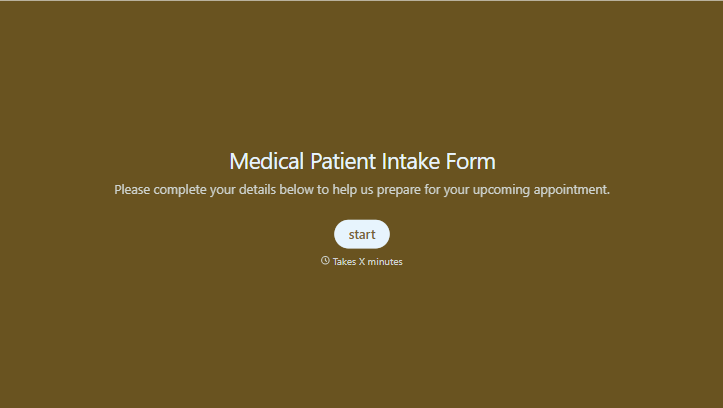
Medical Patient Intake Form
Move past a clipboard that captures a name and an insurance card. Screen for the medical history that actually changes how a patient is treated, document informed consent and privacy acknowledgment, and keep a timestamped signature on file for exactly what your patient agreed to.
View template
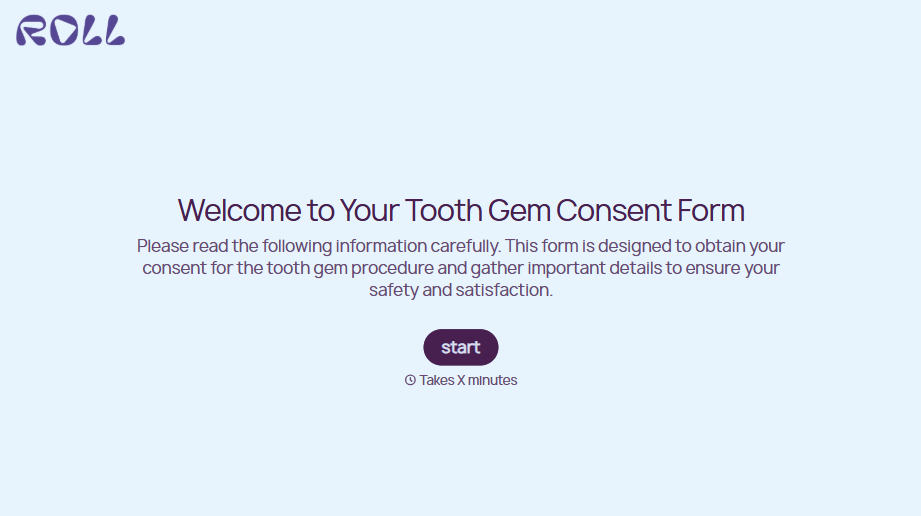
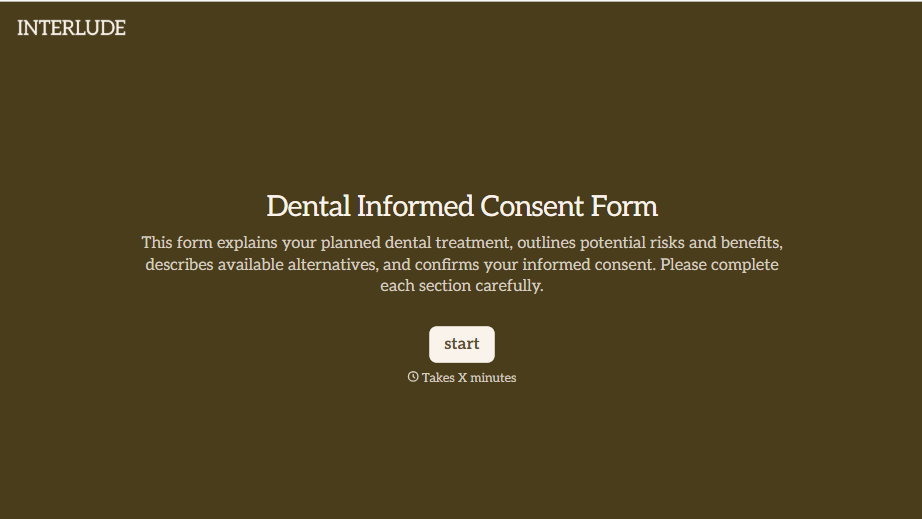


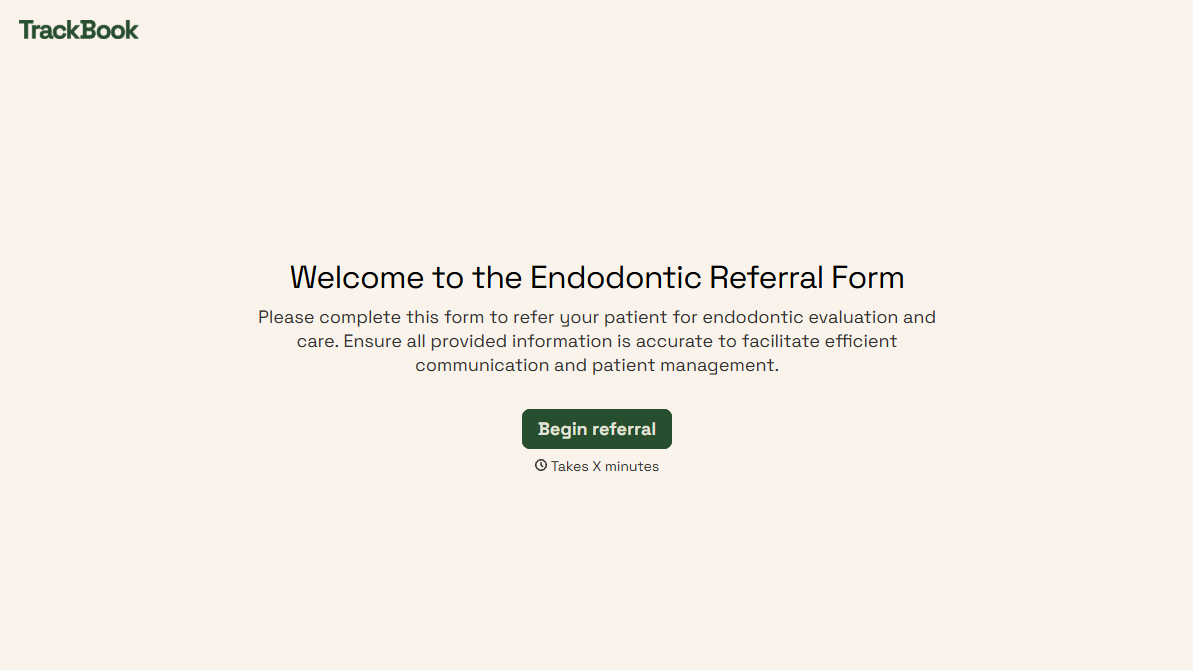
With Typeform, you can customize everything
Change text, colors, and even logos to match the look and feel of your brand. Then embed forms smoothly onto web and email.
Make forms feel effortless to fill out. Pace questions, call people by their name, and adapt the flow based on the data they share.
Stay efficient by connecting forms to your workflow. Typeform integrates with 300+ tools including Slack, Zapier, and HubSpot.


