New Patient Form Template
Getting patients set up before their first appointment saves time for everyone. Collect health history and consent digitally, before they arrive.


New patient paperwork is one of those things that hasn't kept pace with how people actually live. Arriving 15 minutes early to fill out paper forms is an inconvenience patients shouldn't have to deal with — and it's a time burden on front desk staff who have to process handwritten forms and transcribe information into your system.
A digital new patient form sent before the appointment changes the flow entirely. Typeform's template collects demographics, insurance information, medical history, and consent agreements one question at a time, in a format that's easy to complete on a phone at home. Conditional logic adjusts the questions based on what each patient indicates — a patient with a chronic condition sees different follow-up questions than someone coming in for a routine checkup. Responses can feed into your practice management system via integrations, so records are ready before the appointment begins.
Customize the form for your practice's specific intake requirements, send it with the appointment confirmation, and walk into every new patient visit already informed.
A new patient form collects the demographic, insurance, and medical history information that a healthcare provider needs before treating a patient for the first time. It's used by medical, dental, and allied health practices to streamline the intake process and build an accurate patient record.
Paper-based intake is slow, error-prone, and frustrating for patients. A digital form completed before the appointment reduces wait times, improves data accuracy, and gives your team more time to spend on care rather than data entry.
Intake requirements vary by practice type, but standard fields include:
- Patient demographics (name, date of birth, address, contact)
- Insurance provider and policy information
- Primary care physician (if relevant)
- Reason for visit
- Medical and surgical history
- Current medications and allergies
- Family medical history
- Consent to treatment and HIPAA acknowledgment
Typeform processes data securely, but HIPAA compliance requires more than a secure form — it involves your data handling, storage, and access policies as well. Consult your compliance officer or legal counsel to ensure your full intake process, including how you store and use form data, meets HIPAA requirements.
Yes. You can add a file upload question that allows patients to attach a photo of their insurance card, a referral letter, or previous records. This eliminates the need for patients to bring physical documents to the first appointment.
Get inspired by relevant templates and categories
3200+ Templates, 300+ Integrations
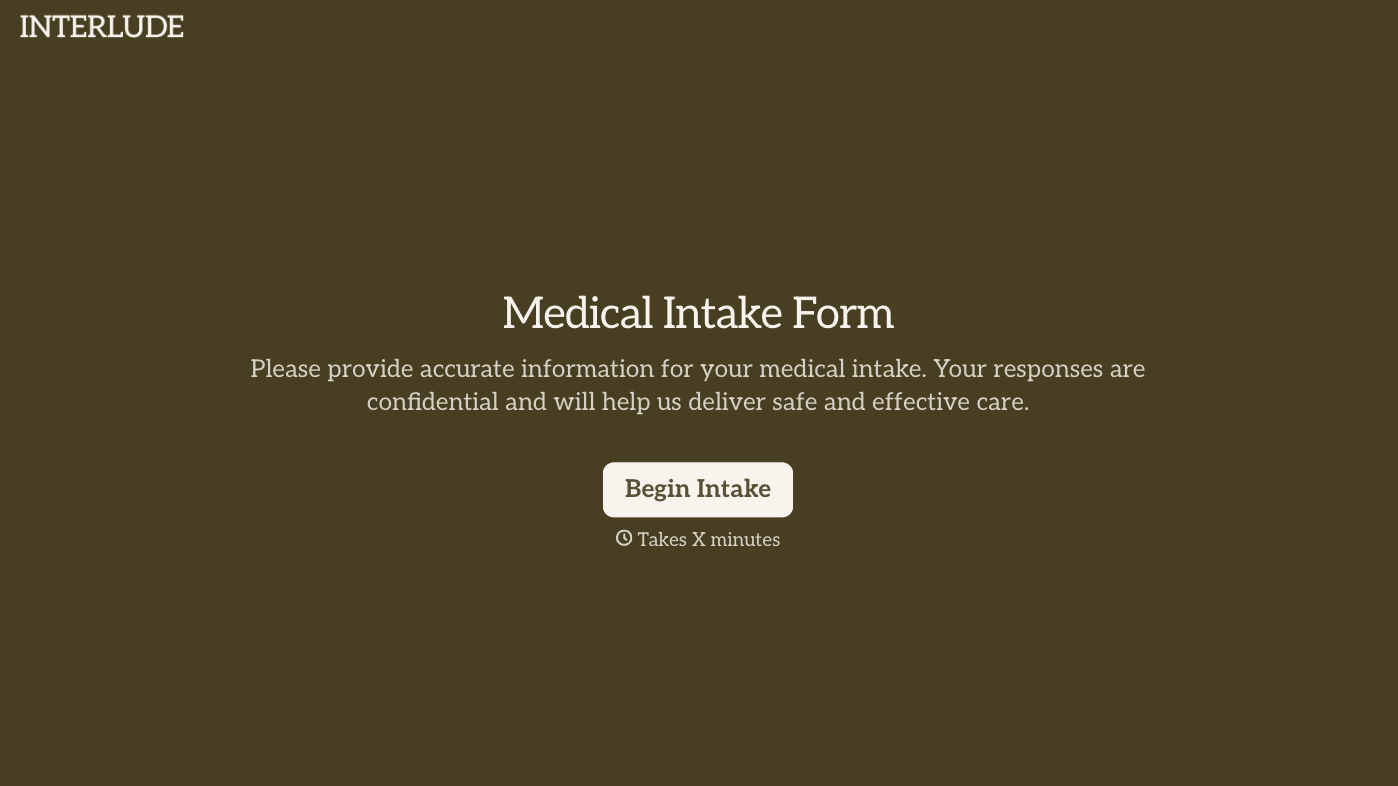
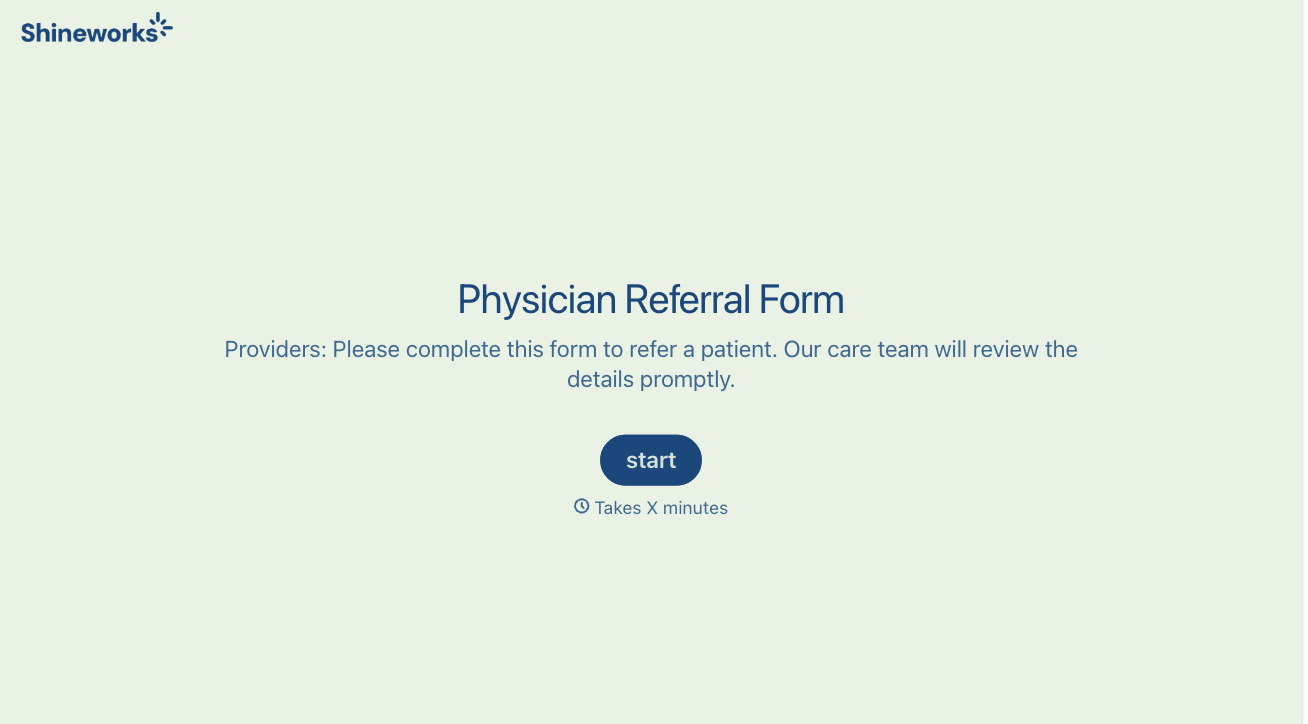
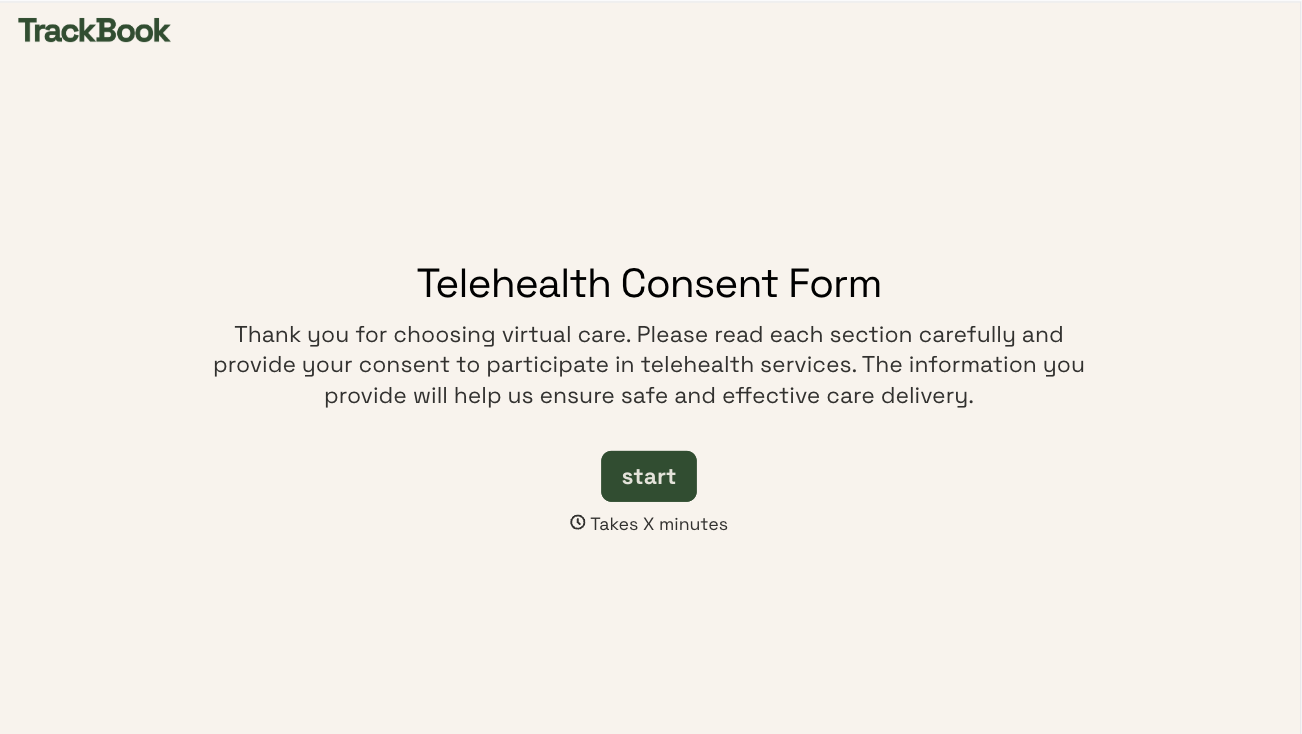

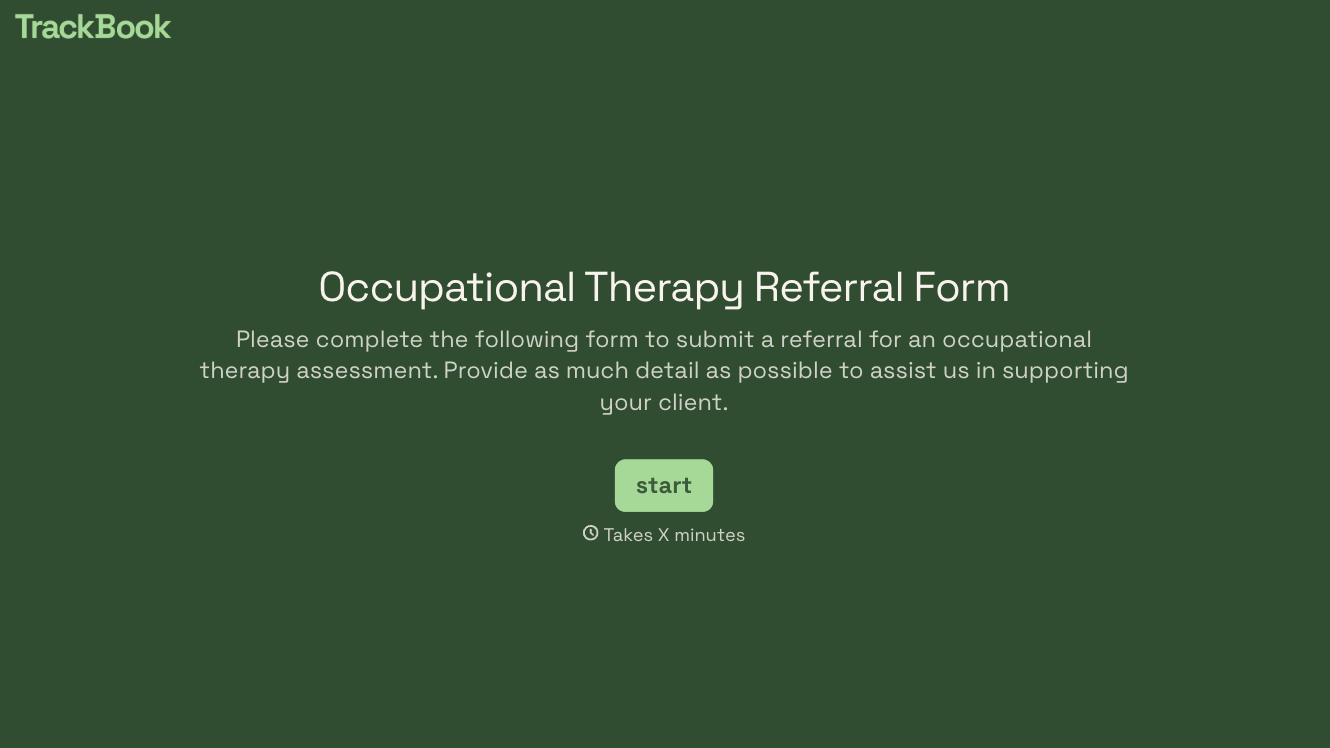
With Typeform, you can customize everything
Change text, colors, and even logos to match the look and feel of your brand. Then embed forms smoothly onto web and email.
Make forms feel effortless to fill out. Pace questions, call people by their name, and adapt the flow based on the data they share.
Stay efficient by connecting forms to your workflow. Typeform integrates with 300+ tools including Slack, Zapier, and HubSpot.


