Telehealth Consent Form Template
Collect informed consent before the appointment starts—not during it.



Telehealth appointments move fast. When consent is collected verbally at the start of a session, it's rushed, undocumented, and impossible to verify later. Both patients and providers enter the session without a clear, shared understanding of what they’ve agreed to.
Typeform's telehealth consent form gives healthcare providers a clear, structured way to collect informed consent before the appointment begins. It captures patient details, the nature of the telehealth service, privacy and data handling disclosures, limitations of remote care, emergency protocol acknowledgment, and a Signature field to collect electronic consent before the session begins. Conditional logic adapts based on the patient's situation—a minor's form collects parent or guardian details and consent, while an adult moves straight through.
Customize disclosures and service descriptions to match your practice and jurisdiction. Send the form via email when the appointment is booked. Typeform routes submissions to your practice management system or Google Sheets via Zapier, so every consent record is logged before the appointment arrives. Documented consent collected in advance means the session can start on time and on the right terms.
A telehealth consent form is a structured document that records a patient's informed agreement to receive care via remote video or audio consultation. It covers the nature of the service, privacy practices, limitations of remote care, emergency procedures, and the patient's right to withdraw consent. It's the documented record that protects both the provider and the patient if questions arise later.
A telehealth consent form typically includes:
- Patient name, date of birth, and contact details
- Description of the telehealth service being provided
- Privacy and data security practices
- Limitations of remote care compared to in-person visits
- What happens in a medical emergency during a session
- Patient rights — including the right to withdraw consent
- Technology requirements and platform being used
- Parent or guardian details and consent (for minor patients)
In most jurisdictions, yes—electronic signatures carry the same legal weight as handwritten ones under legislation like the U.S. Electronic Signatures in Global and National Commerce Act (ESIGN) and equivalent laws in other countries. The Signature question in Typeform lets patients type, draw, or upload their signature, and the submission is timestamped automatically. Check your local regulatory requirements before finalizing your consent form.
Yes, and the form should say so explicitly. Include a clear statement that patients can withdraw consent at any time by contacting your practice, and document that statement in the form itself. When a patient withdraws, log the withdrawal date in your records alongside the original consent submission so the timeline is clear. Withdrawal doesn't retroactively affect care already provided.
Send it when the appointment is booked, not the day before, and never at the start of the session. Patients who receive the form in advance have time to read the disclosures carefully, ask questions before they're in the appointment, and submit consent without feeling rushed. It also gives your team time to follow up if the form isn't completed before the session window opens.
Get inspired by relevant templates and categories
3200+ Templates, 300+ Integrations

Bank Reference Form
A reference request faxed to a bank branch and left sitting in a queue for weeks isn't the kind of turnaround a landlord or business can wait on. Collect the applicant's signed authorization and the specific details you need confirmed before the request even reaches the bank, so a decision isn't stuck behind a letter that hasn't come back yet.
View template
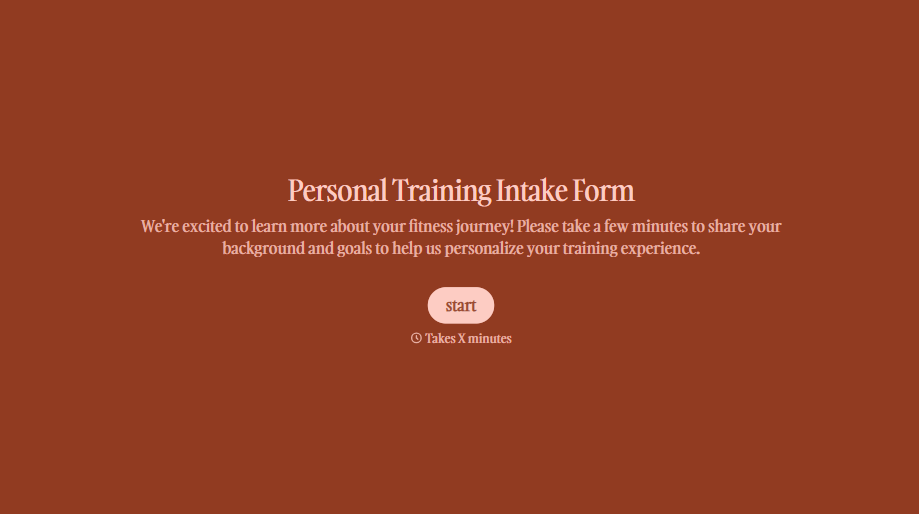
Personal Trainer Intake Form
A PAR-Q filled out in the lobby five minutes before a first session isn't intake, it's a formality nobody has time to read closely. Collect health history, injury information, and fitness goals before the first session, so your trainer isn't building a program blind.
View template

X-Ray Release Form
A phone call asking to send X-rays to a new provider isn't an authorization your compliance file can rely on. Collect patient information, the receiving provider's details, and a signed authorization before the images go out, so your front desk isn't scrambling to prove who approved a release.
View template
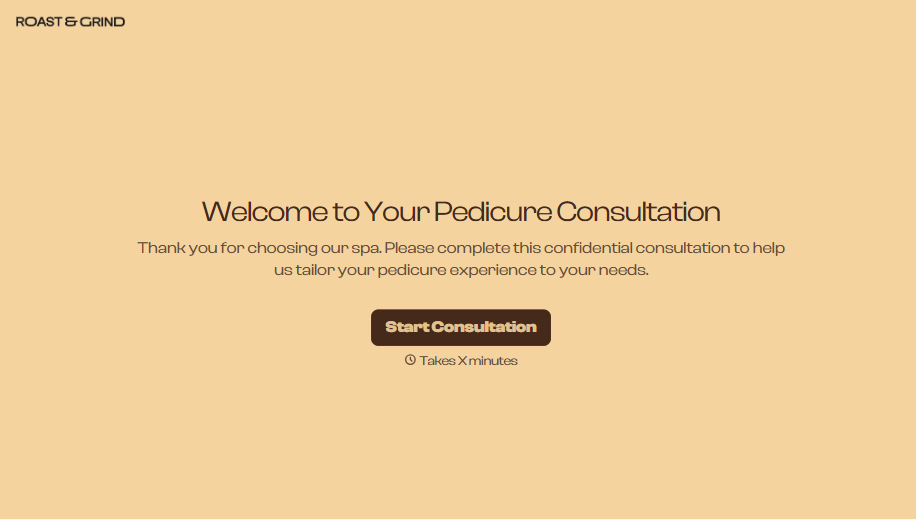
Pedicure Consultation Form
An intake card filled out on a clipboard while a client's feet are already in the soak isn't a consultation, it's a formality nobody reads closely. Collect foot health disclosures, allergy information, and service preferences before the technician picks up a tool, so nobody discovers a health condition mid-service.
View template

Bar Inventory Form
A bottle count eyeballed at the end of a shift and scrawled on a paper sheet doesn't hold up against a pour cost report that says something doesn't add up. Collect what your bar actually needs, item, count, and variance, on a schedule you can actually compare week to week.
View template

Equipment Inventory Form
Equipment that leaves a storage room in someone's arms, with no note about where it went, doesn't show up again until someone needs it and can't find it. Collect what your team actually needs, item details, condition, and who's got it, every time something moves.
View template
With Typeform, you can customize everything
Change text, colors, and even logos to match the look and feel of your brand. Then embed forms smoothly onto web and email.
Make forms feel effortless to fill out. Pace questions, call people by their name, and adapt the flow based on the data they share.
Stay efficient by connecting forms to your workflow. Typeform integrates with 300+ tools including Slack, Zapier, and HubSpot.


