Aesthetic note form
Know every client's treatment goals, concerns, and medical history before they arrive, so every appointment starts with the full picture.



Starting an aesthetic consultation without a client’s history turns the first ten minutes of a beauty appointment into an intake interview, rather than a real conversation. Without previous treatment history and contraindications on file, practitioners can’t give their best advice. Typeform's aesthetic note form gives clinics a clear process to collect client goals, concerns, and medical history before the appointment begins.
The form collects client contact details, areas of interest, previous treatments, current medications, known allergies, skin concerns, treatment goals, and consent. Clients move through the form one question at a time, so the process feels calm and considered, not clinical. Conditional logic branches questions based on treatment area, so injectable clients answer medical history questions that skincare clients don't.
Customize treatment categories, consent language, and medical history fields to match your clinic's protocols. Send the form via email when a client books so they complete it at home. Connect submissions to your practice management system or Google Sheets via Zapier, so every note arrives before the appointment. A prepared practitioner makes for a better consultation every time.
An aesthetic note form is a structured document that clinics and practitioners use to collect a client's treatment goals, medical history, and consent before an aesthetic appointment. It captures areas of interest, previous treatments, current medications, known allergies, skin concerns, and consent to proceed. It gives every practitioner the full picture before the consultation begins.
A practitioner who walks into a consultation without a client's medical history is working blind—and in aesthetic medicine, that creates real risk. A structured pre-consultation note form ensures that every client arrives with their history already on file, so practitioners spend the appointment advising and treating rather than gathering basics. Clinics use it to standardize intake across their team, and practitioners use it to deliver more confident, personalized consultations from the first visit.
Cover every detail that shapes a safe and personalized treatment plan:
- Client name, date of birth, and contact details
- Areas of interest (face, body, skin, etc.)
- Previous aesthetic treatments and outcomes
- Current medications and supplements
- Known allergies or sensitivities
- Skin concerns and treatment goals
- Contraindications relevant to the treatment type
- Informed consent
Review each client's submitted history before the appointment so your recommendations reflect their specific goals and medical profile. A client with a history of filler who reports bruising in previous sessions needs a different approach than a first-time client with no contraindications. Conditional logic branches questions based on treatment area, so injectable clients answer medical history questions that skincare clients don't—every note arrives tailored to the requested treatment.
Restrict form access to authorized practitioners and clinical staff, and store submissions in a permission-controlled system, such as your practice management software or a restricted Airtable base, rather than a shared spreadsheet. Review your data retention policy to confirm client records stay on file only as long as your jurisdiction requires. Be upfront about how you handle client data—it builds trust before they ever walk through the door.
Get inspired by relevant templates and categories
3200+ Templates, 300+ Integrations
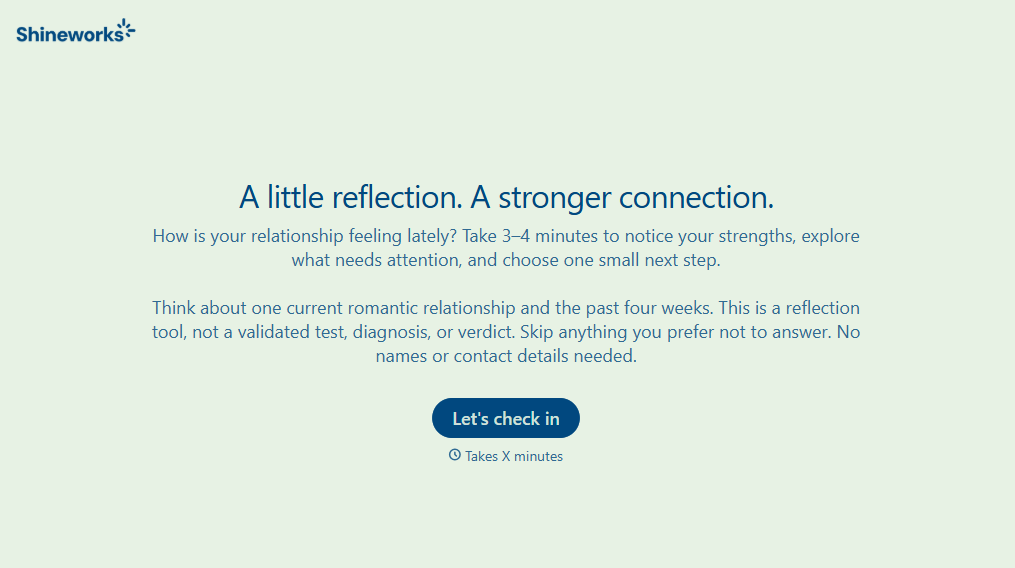
Relationship Quality Test Form
Give individuals and couples a simple way to evaluate their relationships with a form that explores communication, trust, and emotional connection. Keep responses organized so users can reflect on relationship strengths, identify challenges, and understand areas that need attention.
View template

Point of Sale Agreement Extension Form
Give businesses a straightforward way to request extensions to existing point of sale agreements with a form that collects contract details, extension terms, and authorization information. Keep requests organized so service providers can review agreements, coordinate renewals, and maintain accurate contract records.
View template
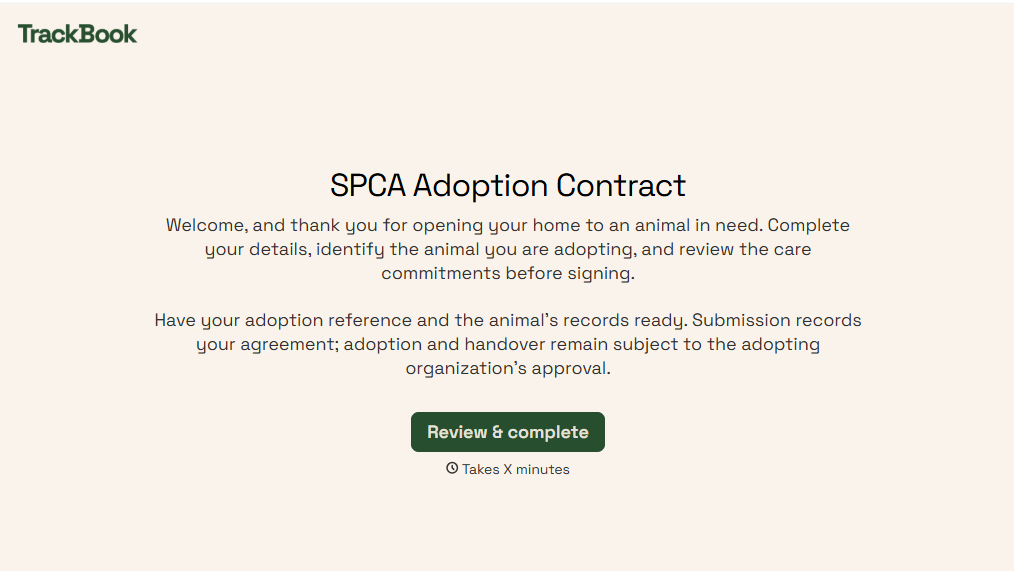
SPCA Adoption Contract Form
Give animal shelters an efficient way to finalize pet adoptions with a form that collects adopter information, pet details, and adoption agreements. Keep records organized so your team can verify requirements, document responsibilities, and help animals transition into their new homes.
View template

Minor Surgery Permission Form
Give patients and authorized guardians an easy way to document consent for minor surgical procedures with a form that collects patient information, procedure details, and medical considerations. Keep consent records organized so healthcare providers can verify permissions, review relevant health information, and prepare for scheduled procedures.
View template

Shipment Status Monitoring Form
Give logistics teams and businesses an easy way to monitor shipments with a form that collects tracking numbers, carrier information, and delivery details. Keep shipment records organized so teams can track delivery progress, identify potential delays, and communicate shipping updates to customers and stakeholders.
View template

Screening Checklist for Visitors and Employees Form
Give organizations a straightforward way to screen visitors and employees with a form that collects identification details, visit information, and required safety acknowledgments. Keep screening records organized so teams can manage workplace access, identify potential concerns, and maintain a safe and secure environment.
View template
With Typeform, you can customize everything
Change text, colors, and even logos to match the look and feel of your brand. Then embed forms smoothly onto web and email.
Make forms feel effortless to fill out. Pace questions, call people by their name, and adapt the flow based on the data they share.
Stay efficient by connecting forms to your workflow. Typeform integrates with 300+ tools including Slack, Zapier, and HubSpot.