Online course template
Engage your students with a fun learning experience



Fast (and free) setup With Typeform, you can create a complete e-learning course in minutes—with zero coding involved. Plus it’s totally free to set up, and there’s no time limit on the Free plan.
Easy to customize One of the biggest perks of using Typeform is its flexibility. Play around with the code-free form builder and start making this template your own. We’ve got thousands of backgrounds, colors, pictures, and videos to choose from. So let’s get creative.
Easy to share When you’ve added the finishing touches, it’s time to share your creation. Embed it into a web page so students can access it easily, or copy-paste it into an email. However you share it, typeforms are 100% responsive and work perfectly on every device—great for students on the go.
You’re in luck—typeforms are engaging by nature. Here are some features that keep respondents hooked (and happy):
- Showing one thing at a time A one-question-at-a-time approach keeps learners focused on the task at hand—not distracted by a long list of questions. There’s also a progress bar at the bottom, so students can always see how much of the course they’ve completed.
- Recalling information The ‘recall information’ feature means the form can remember students’ names and recall them later—turning an online course into a life-like chat.
- Branching questions Question branching lets you send students down different paths depending on their answers—perfect for quizzes.
Get inspired by relevant templates and categories
3200+ Templates, 300+ Integrations
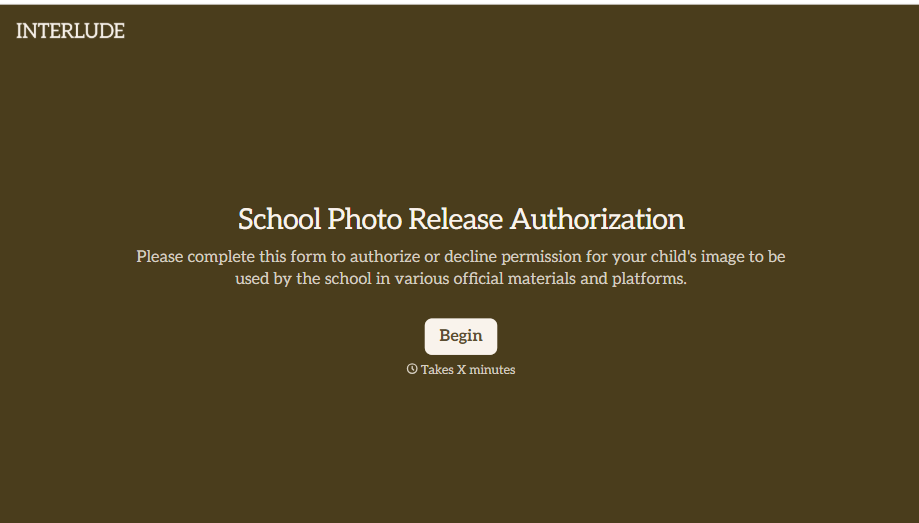
School Photo Release Form
A photo consent checkbox buried on page 12 of an enrollment packet doesn't tell a teacher who's actually opted out before they post a class photo. Collect what your school actually needs, guardian consent, and exactly where a photo can be used, before the camera comes out.
View template
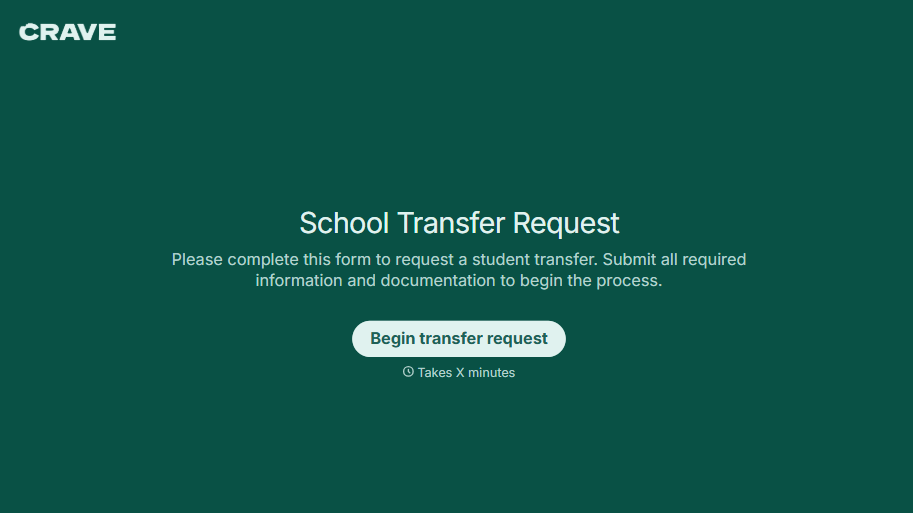
School Transfer Request Form
A transfer request dropped off at the district office isn't the kind of paperwork that gets processed before the semester it's meant for already started. Collect the student's information, reason for transfer, and supporting documentation upfront, so a request doesn't stall while the district follows up for a missing form.
View template
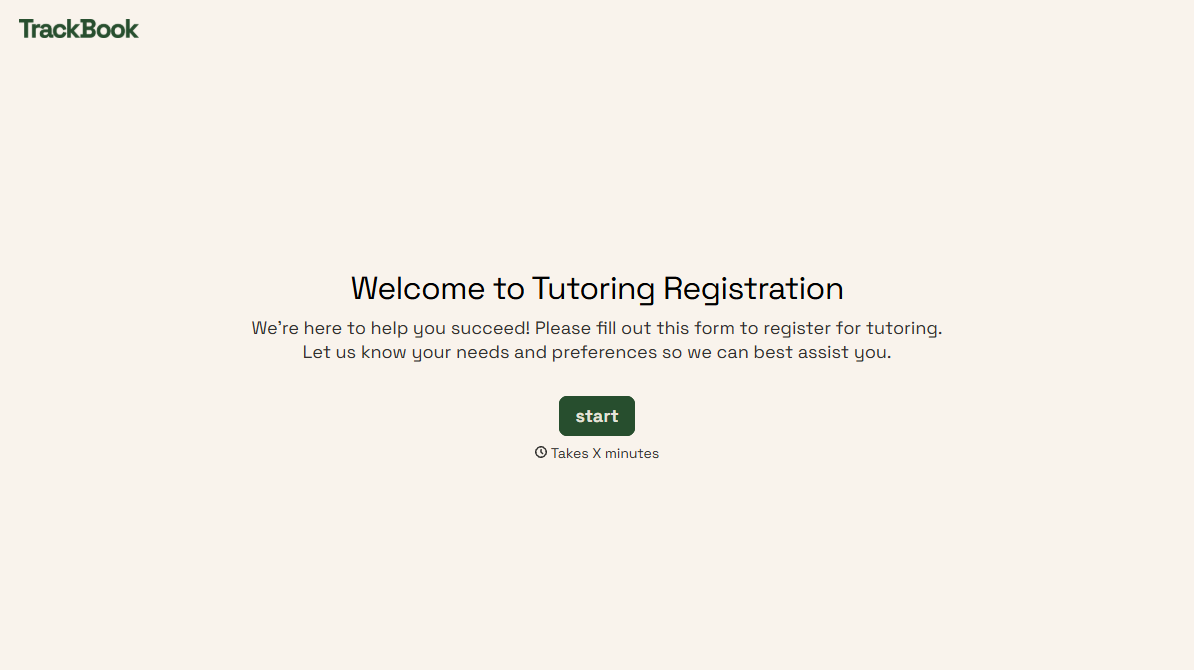
Tutoring Registration Form
A phone call to sign up for tutoring isn't the kind of information a tutor can build a first session around, especially without knowing which chapter of algebra is causing the trouble. Collect the student's subject needs, schedule, and goals before the first session, so a tutor isn't starting from scratch on day one.
View template
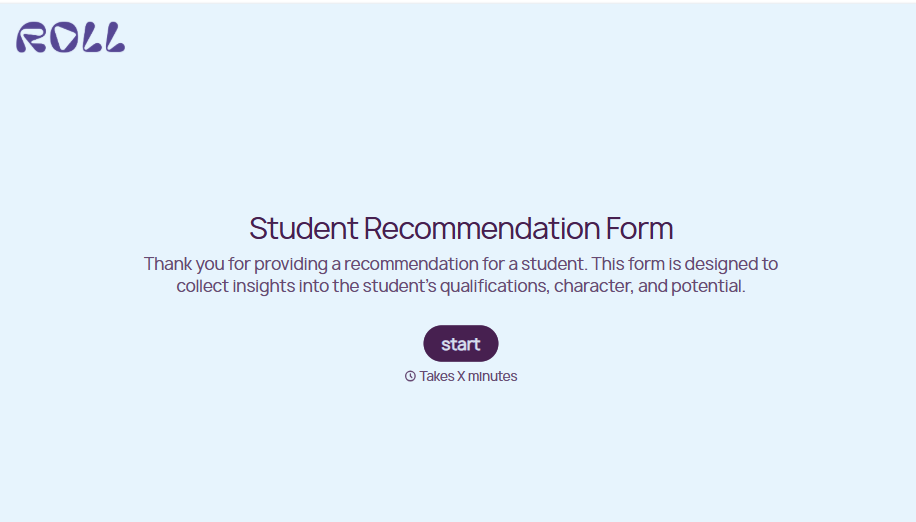
Student Recommendation Form
An email asking "can you write me a letter of recommendation" with no deadline attached isn't enough for a teacher to actually sit down and write one. Collect the program details, deadline, and what the student wants highlighted before the request lands in an inbox, so a letter doesn't get written in a rush the night it's due.
View template
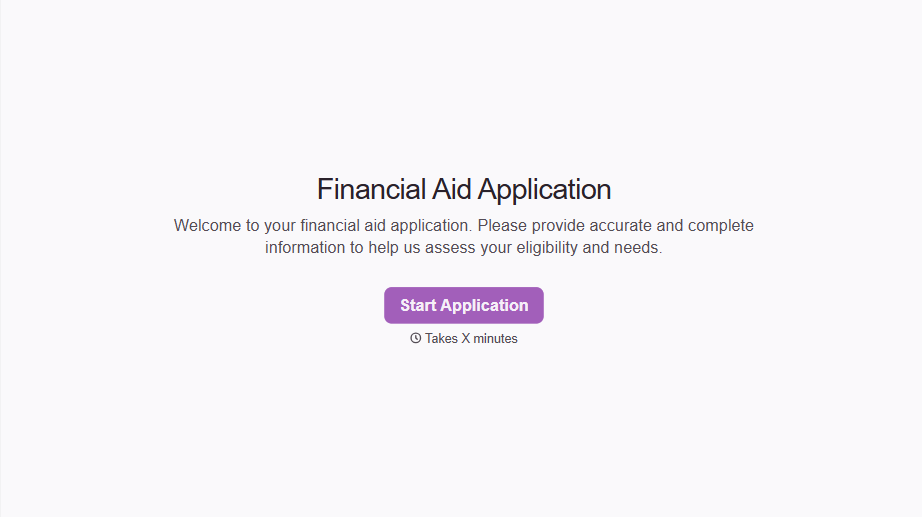
Financial Aid Application Form
A request for help with tuition mentioned to the front office in passing doesn't give your financial aid team anything to actually evaluate. Collect what your school actually needs, household information, income documentation, and need, before the deadline passes.
View template
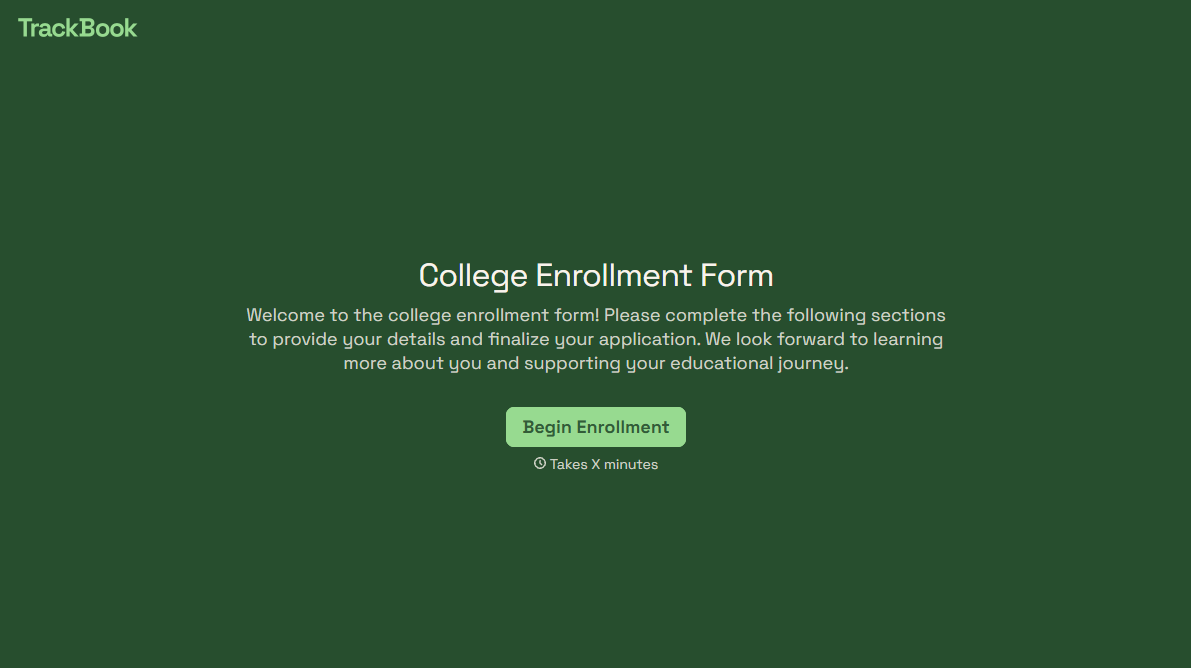
College Enrollment Form
An acceptance letter isn't an enrolled student, it's an interested one, and if the deposit, housing, and immunization records live in three different portals, some of the admitted class quietly enrolls somewhere else instead. Confirm it one place at a time, before the deposit deadline passes.
View template
With Typeform, you can customize everything
Change text, colors, and even logos to match the look and feel of your brand. Then embed forms smoothly onto web and email.
Make forms feel effortless to fill out. Pace questions, call people by their name, and adapt the flow based on the data they share.
Stay efficient by connecting forms to your workflow. Typeform integrates with 300+ tools including Slack, Zapier, and HubSpot.


