Online Order Form Template
Sell anything online without building an entire e-commerce platform.



Not every business needs Shopify. If you're selling a curated set of products, offering services, taking pre-orders, or managing custom requests, a full e-commerce platform is overkill, and often overpriced for what you actually need. You want a clean, professional way for customers to browse your offerings, select what they want, provide their details, and pay. That's it.
This online order form template delivers exactly that. Customers select products or services, specify quantities and options, enter shipping or delivery information, and complete their order. All in one smooth flow. Conditional logic adjusts options based on selections: different product categories show different variants, quantity discounts can be highlighted automatically, and delivery options can change based on location.
Accept payments directly in the form through Typeform's Stripe integration. Orders flow into Google Sheets, your inventory system, or fulfillment service through Zapier. You get a working ordering system without developer costs, platform fees, or technical complexity. Share the form link on your website, social media, or via email and start taking orders today.
An online order form is a digital document that allows customers to select products or services, specify quantities and options, provide delivery details, and submit (and optionally pay for) their order. It's a lightweight alternative to a full e-commerce platform, ideal for businesses with a focused product catalog, custom offerings, or pre-order models.
Order forms make sense when you have a small to medium product range, when orders require customization or special instructions, or when you're testing a new product before investing in infrastructure. They're also ideal for B2B orders, wholesale inquiries, and event-specific merchandise where a permanent storefront isn't practical. If you need advanced features like user accounts, wish lists, or inventory management at scale, a dedicated platform makes more sense.
- Product or service selection with descriptions and pricing
- Quantity for each item ordered
- Customization options (size, color, engraving, etc.)
- Customer name, email, and phone number
- Shipping or delivery address
- Special instructions or order notes
Update the form's product options as inventory changes — remove sold-out items or variants from the selection choices. For limited-quantity drops, set a response limit on the form to cap total orders. Add notes to product descriptions about estimated availability or production lead times. While the form doesn't connect to live inventory databases natively, Zapier automations can alert you when order volume approaches stock limits so you can update the form accordingly.
Yes. Add a shipping method question with options like standard, express, and overnight — each with its associated cost and timeline. Conditional logic can adjust available shipping options based on the customer's location. If you're using Typeform's payment integration, you can incorporate shipping costs into the total. For businesses that calculate shipping based on order weight or dimensions, consider quoting shipping separately via a follow-up email.
Get inspired by relevant templates and categories
3200+ Templates, 300+ Integrations

Bank Reference Form
A reference request faxed to a bank branch and left sitting in a queue for weeks isn't the kind of turnaround a landlord or business can wait on. Collect the applicant's signed authorization and the specific details you need confirmed before the request even reaches the bank, so a decision isn't stuck behind a letter that hasn't come back yet.
View template
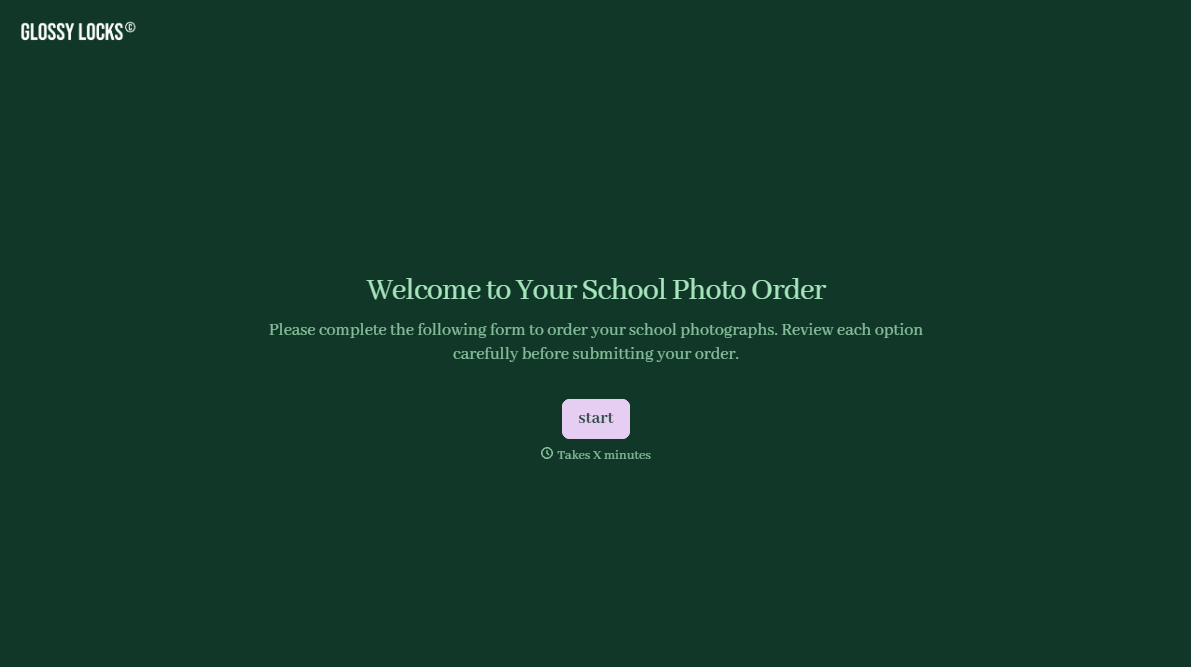
School Photography Order Form
A paper order form stuffed in a backpack for two weeks isn't an order anyone can act on. Collect student information, package selection, and payment before picture day, so your photographer shows up with an accurate count instead of a stack of crumpled envelopes.
View template

Bar Inventory Form
A bottle count eyeballed at the end of a shift and scrawled on a paper sheet doesn't hold up against a pour cost report that says something doesn't add up. Collect what your bar actually needs, item, count, and variance, on a schedule you can actually compare week to week.
View template

Equipment Inventory Form
Equipment that leaves a storage room in someone's arms, with no note about where it went, doesn't show up again until someone needs it and can't find it. Collect what your team actually needs, item details, condition, and who's got it, every time something moves.
View template
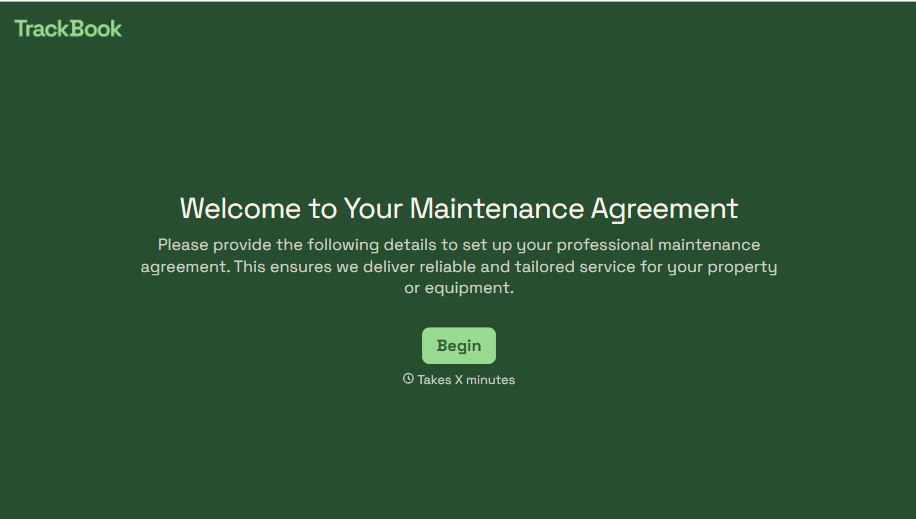
Maintenance Agreement Form
A maintenance plan agreed to over the phone isn't a contract your service team can actually work from, especially when nobody's sure whether the twice-a-year tune-up was part of the deal. Collect the equipment covered, service frequency, and a signed agreement before the first visit, so your team isn't guessing at scope once they're on-site.
View template
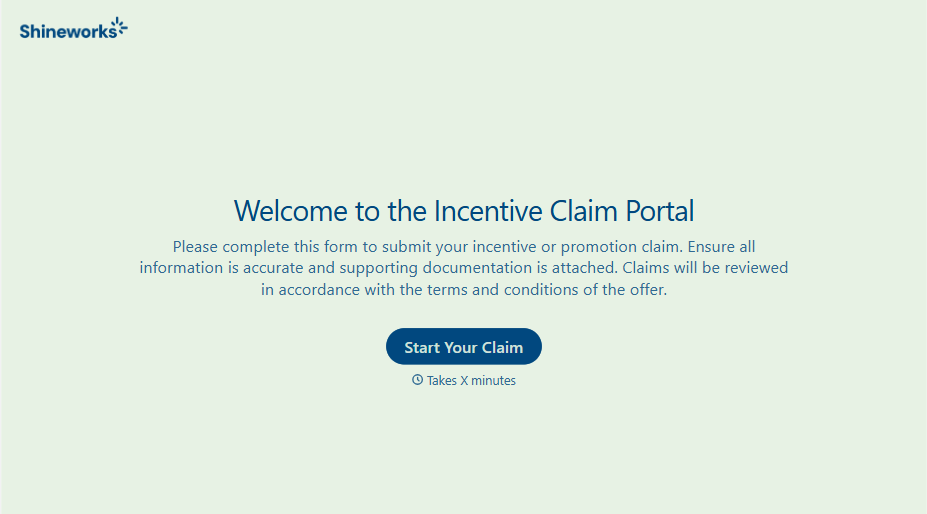
Incentive Claim Form
A rebate claim mailed in with a stapled stack of receipts isn't the kind of paperwork that gets processed quickly, especially when a required serial number turns out to be missing from page three. Collect proof of purchase, product details, and participant information upfront, so a claim doesn't bounce back for a missing document weeks later.
View template
With Typeform, you can customize everything
Change text, colors, and even logos to match the look and feel of your brand. Then embed forms smoothly onto web and email.
Make forms feel effortless to fill out. Pace questions, call people by their name, and adapt the flow based on the data they share.
Stay efficient by connecting forms to your workflow. Typeform integrates with 300+ tools including Slack, Zapier, and HubSpot.


