School Photography Order Form
A paper order form stuffed in a backpack for two weeks isn't an order anyone can act on. Collect student information, package selection, and payment before picture day, so your photographer shows up with an accurate count instead of a stack of crumpled envelopes.



Paper order forms go home in a backpack, get folded around a lunch box for a week, and come back with a check enclosed and no record of which student ordered what package. Multiply that across every homeroom in the building, and the photographer arrives on picture day without a clear count of packages, sizes, or who's actually paid.
Typeform's school photography order form asks for what the photographer needs before packages get printed: student name, teacher or homeroom, and the package or bundle a parent wants. Conditional logic branches from there. A sibling order can route to add each additional child without restarting the form, and a retake request can skip straight to a rescheduling question instead of the full package menu. Every order lands in one record instead of an envelope that might not make it out of a backpack.
Connect the form to your payment processor through Zapier, and an order can charge a card the moment a parent submits, instead of chasing a check that never showed up. Ask for it ahead of the ordering deadline, and your photographer starts picture day with a confirmed package count instead of guessing from whatever envelopes made it back to school.
A school photography order form is an online form schools and photographers use to collect student information, package selections, and payment ahead of picture day. Instead of a paper form sent home and hoped for, parents submit their order directly, and the photographer starts the day with a complete, accurate record.
A paper form can get lost, arrive illegible, or come back with a check that doesn't match the envelope it's in. A form collects each parent's order directly, with the student and package information attached to it, instead of relying on a form surviving a trip to and from school.
Ask for what your photographer and school office will actually need before picture day:
- Student name, grade, and teacher or homeroom
- Package or bundle selection, including sibling and add-on options
- Parent or guardian contact information
- Payment
- Picture day date and ordering deadline reminder
Not necessarily. Collecting orders ahead of time helps your photographer plan quantities and staffing, but actual turnaround depends on your photographer's production process and order volume. Confirm specific deadlines and delivery timelines directly with your photography vendor rather than assuming them from a generic template.
Yes. Add a file upload or short text question so parents can reference a proof code or prior order number in the same submission, no separate email required. Pair it with conditional logic so the question only appears for retake or sibling scenarios.
Get inspired by relevant templates and categories
3200+ Templates, 300+ Integrations
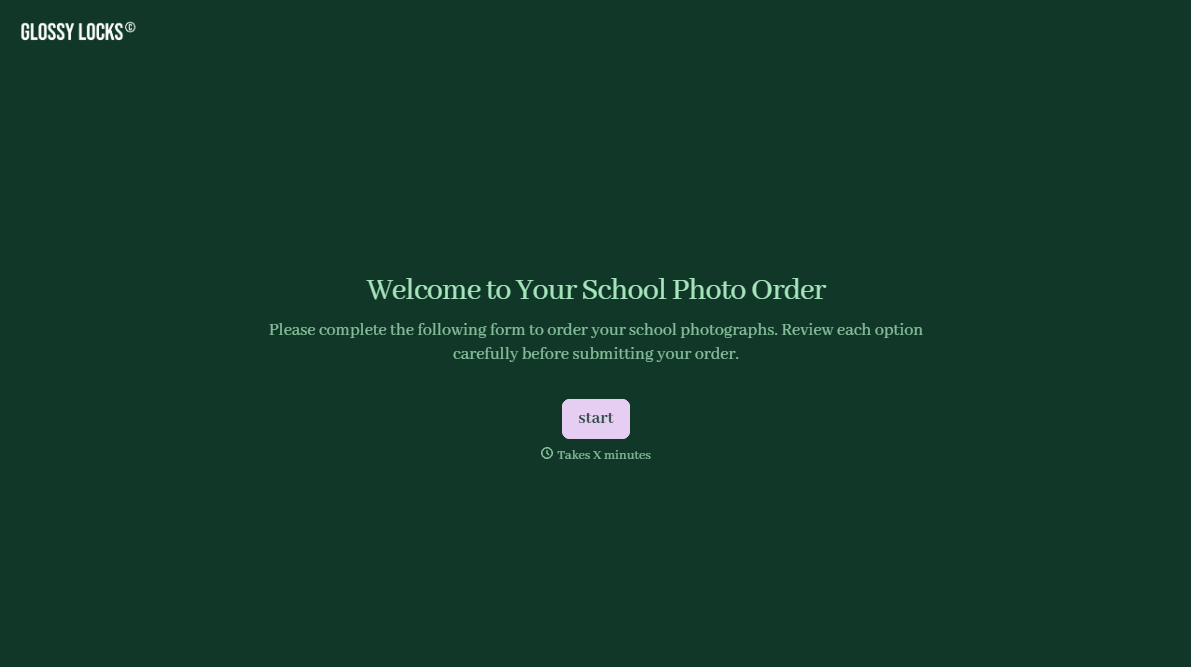
School Photography Order Form
A paper order form stuffed in a backpack for two weeks isn't an order anyone can act on. Collect student information, package selection, and payment before picture day, so your photographer shows up with an accurate count instead of a stack of crumpled envelopes.
View template
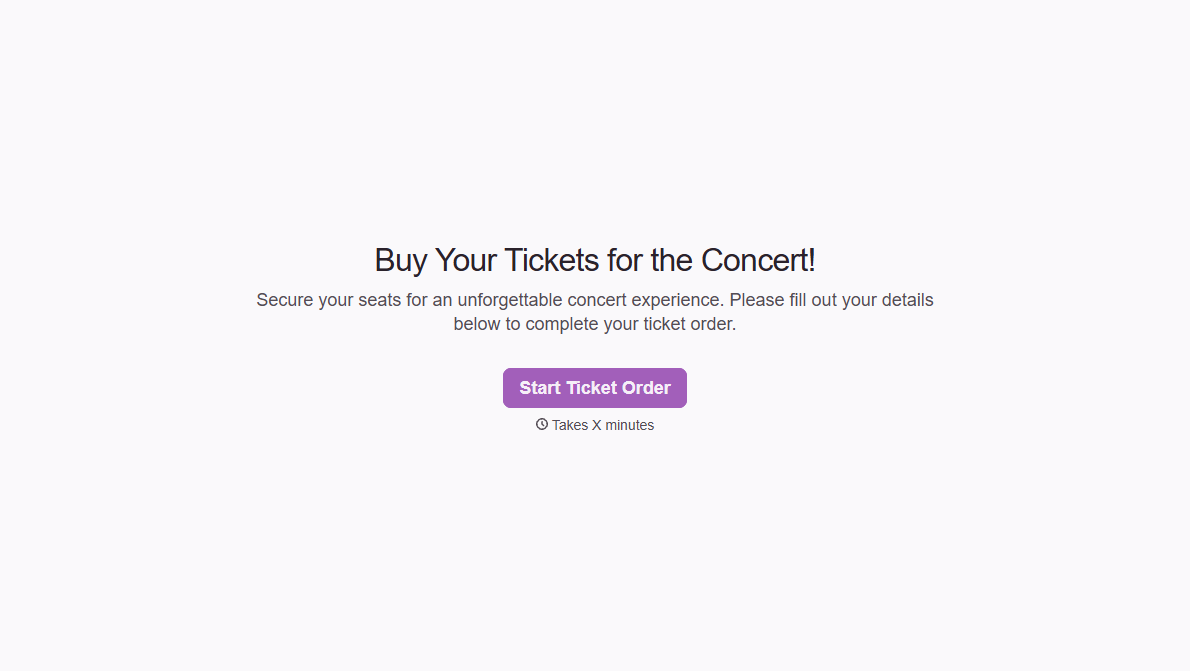
Concert Ticket Order Form
A ticket order collected through a Venmo request and a group text isn't a record, it's a promise to remember who paid and who still owes. Take the order, the payment, and the confirmation in the same form, so nobody's showing up at the door as a name someone half-remembers.
View template

With Typeform, you can customize everything
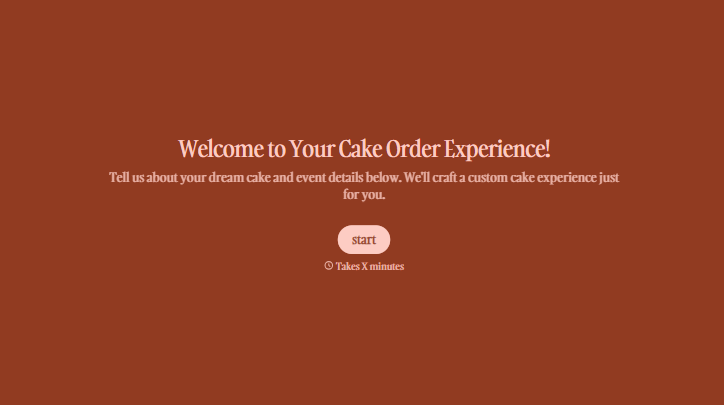
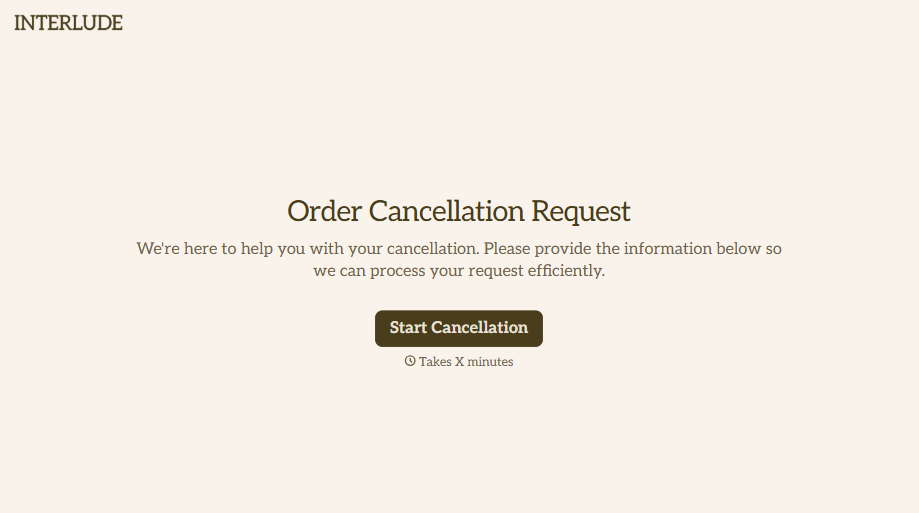
Change text, colors, and even logos to match the look and feel of your brand. Then embed forms smoothly onto web and email.
Make forms feel effortless to fill out. Pace questions, call people by their name, and adapt the flow based on the data they share.
Stay efficient by connecting forms to your workflow. Typeform integrates with 300+ tools including Slack, Zapier, and HubSpot.


