Pay Increase Form Template
Salary increase requests deserve a structured process. Give employees and managers a consistent way to document and review compensation changes.



Pay increase conversations are uncomfortable when there's no clear process. Employees aren't sure how to make a formal request, managers aren't sure what justification is required, and HR ends up receiving inconsistent documentation that makes approval decisions harder than they should be.
A pay increase form standardizes the process from both directions. Typeform's template gives employees or managers a clear structure for documenting the request — current compensation, proposed increase, tenure, performance context, and business justification. The one-question-at-a-time format encourages complete, considered responses rather than rushed notes. Connect the form to your HR system or a shared review workflow via integrations so every request moves through the approval chain automatically.
Customize the form to match your compensation review criteria, share it with the relevant teams, and create a consistent paper trail for every pay change request.
A pay increase form is a structured document used to formally request or approve a salary change for an employee. It captures the employee's current compensation, the requested increase, and the rationale, giving HR and leadership the information they need to make an informed decision.
Informal salary discussions are hard to track and easy to dispute later. A form creates a documented record of every request, ensures consistency across departments, and gives decision-makers the context they need without having to chase down information.
Cover both the practical details and the business case. Consider including:
- Employee name, title, and department
- Current salary and proposed new salary (or percentage increase)
- Date of last compensation review
- Tenure in current role
- Recent performance rating or achievements
- Market data or benchmarking context (if available)
- Manager's recommendation and signature
Both approaches work, depending on your process. Some organizations have managers initiate all compensation changes; others allow employees to submit requests that go to the manager for endorsement. Conditional logic can route the form to the right approver based on who initiates it.
Responses in Typeform are only accessible to those with access to your account. For additional confidentiality, limit form response access to HR and relevant approvers, and avoid sharing results links with anyone outside the review chain.
Get inspired by relevant templates and categories
3200+ Templates, 300+ Integrations
Work From Home Request Form
A Slack message asking to work from home on Thursday isn't a request anyone can track, especially once the same employee has asked five different ways over a month. Collect the request type, dates or schedule, and manager approval in one place, so HR isn't reconstructing who's working where from a scattered inbox.
View template
Return of Property Form
A property checklist stapled to an exit interview packet isn't a record anyone can rely on when a laptop turns up missing three weeks later. Collect itemized equipment details, condition at return, and a signed acknowledgment before an employee's last day, so IT isn't chasing down a laptop that already walked out the door.
View template
Early Retirement Form
A retirement mentioned to a manager in conversation doesn't give HR anything to actually process, and if there's an incentive deadline attached, the date that conversation happened can matter more than anyone realized at the time. Collect what your HR team actually needs, employee information, requested date, and benefit elections, before a window closes.
View template
Staff Leave Application Form
A vacation request approved with a thumbs-up emoji in Slack isn't the kind of record payroll can work from when it's time to reconcile someone's leave balance. Collect the leave type, dates, and manager approval in one place, so a team doesn't accidentally double-book someone's time off.
View template
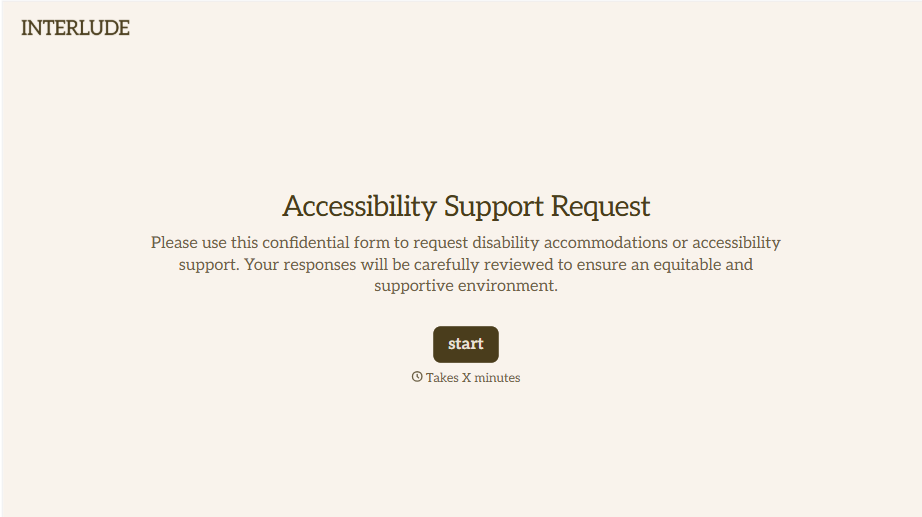
Disability Accommodation Request Form
A quiet word to a manager about needing a different desk setup isn't the kind of request that starts a documented process. Collect the specific accommodation needed and any supporting information before a decision gets made informally, so a request doesn't get lost between a hallway conversation and HR's desk.
View template
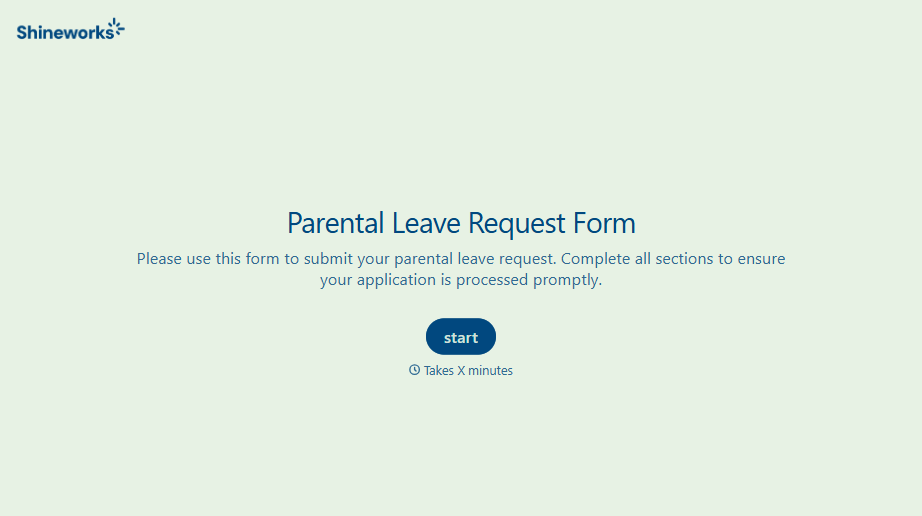
With Typeform, you can customize everything
Change text, colors, and even logos to match the look and feel of your brand. Then embed forms smoothly onto web and email.
Make forms feel effortless to fill out. Pace questions, call people by their name, and adapt the flow based on the data they share.
Stay efficient by connecting forms to your workflow. Typeform integrates with 300+ tools including Slack, Zapier, and HubSpot.


