Preschool Enrollment Form Template
Collect the information you need to welcome a new child into your program from day one.



Enrolling a new child in a preschool program means collecting a lot of sensitive information from parents: emergency contacts, medical history, allergies, authorized pickup individuals, and developmental background. When that process happens on paper, information gets lost, forms get incomplete, and staff ends up piecing things together before the child's first day.
A Typeform preschool enrollment form guides parents through every section at their own pace, with clear prompts for each category of information. Conditional logic means that a child with dietary restrictions or medical needs prompts the right follow-up questions, while families without those concerns move through more quickly. Everything arrives organized and digital before the first day.
Customize the form with your program's name, schedule options, and any program-specific requirements. Share it via email when a spot is offered, and have complete enrollment records ready when the child walks in.
A preschool enrollment form collects the information a childcare or preschool program needs to enroll a new child. It covers the child's personal details, family and emergency contacts, medical history, dietary needs, and authorization for pickup and care decisions.
A complete enrollment record is essential for the child's safety and for your staff's ability to provide appropriate care. A structured digital form ensures every family provides the same core information, reduces incomplete submissions, and keeps sensitive data organized and accessible.
Gather everything needed for the child's first day and ongoing care:
- Child's full name, date of birth, and home address
- Parent or guardian names and contact information
- Emergency contacts beyond the immediate family
- Medical conditions, allergies, or dietary restrictions
- Medications and administration instructions
- Immunization records or health form reference
- Authorized individuals for pickup
- Schedule and program preferences
- Permission for field trips, photos, and emergency care
- Previous childcare or developmental history (optional)
Limit access to enrollment responses to staff who need them for care planning. Configure Typeform's access controls so that sensitive fields are visible only to administrators and teachers, not to anyone who can view the form data. Keep records in line with your jurisdiction's childcare data privacy requirements.
Yes. Create a shorter re-enrollment version that prompts families to confirm existing information or update anything that has changed. This is faster for returning families and ensures your records stay current without requiring a full re-submission each year.
Get inspired by relevant templates and categories
3200+ Templates, 300+ Integrations
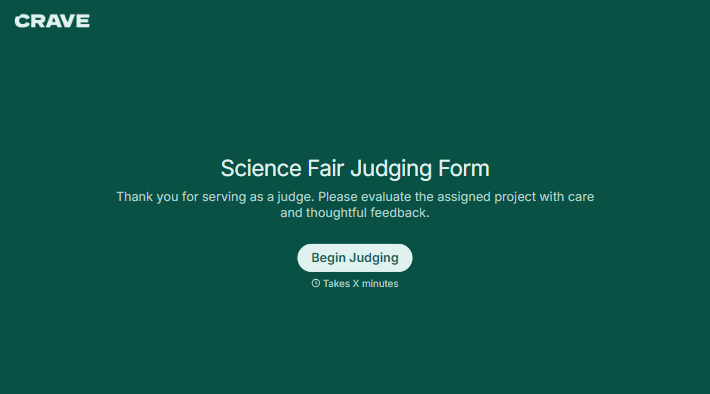
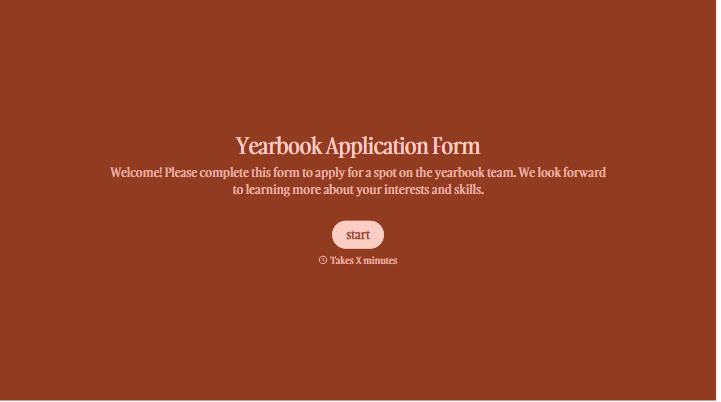
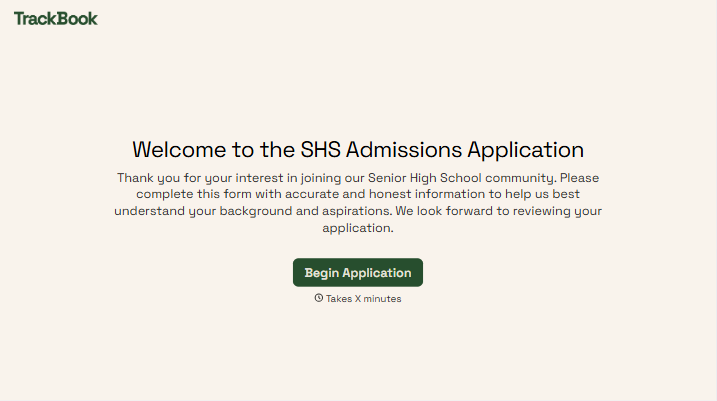
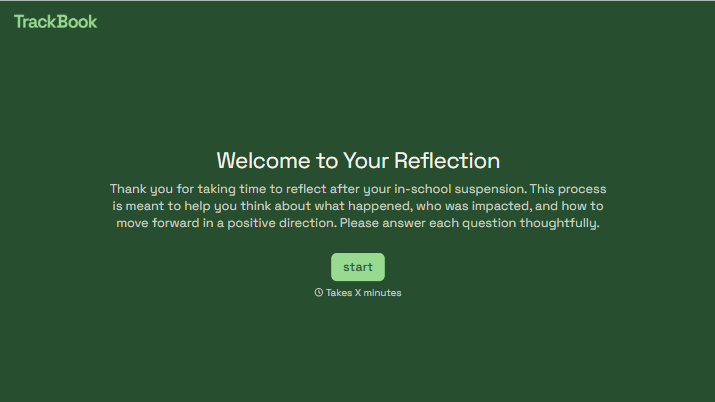
With Typeform, you can customize everything
Change text, colors, and even logos to match the look and feel of your brand. Then embed forms smoothly onto web and email.
Make forms feel effortless to fill out. Pace questions, call people by their name, and adapt the flow based on the data they share.
Stay efficient by connecting forms to your workflow. Typeform integrates with 300+ tools including Slack, Zapier, and HubSpot.


