Return to Work Form Template
Bring employees back safely and smoothly with a form that covers what HR and management actually need to know.


Returning to work after an extended absence — whether for medical reasons, parental leave, or personal circumstances — involves more than showing up Monday morning. There are fitness-for-duty considerations, accommodation needs, schedule adjustments, and project transitions to manage. Without a structured return process, things fall through the cracks — an employee comes back to a desk that's been reassigned, or returns to full duties before they're medically cleared.
This return to work form template creates a documented, organized re-entry process. Returning employees provide their expected return date, any medical clearances or restrictions, accommodation needs, preferred schedule (full-time or phased return), and updated contact information. Conditional logic adjusts based on leave type — a medical return triggers fitness-for-duty and restriction questions, while a parental leave return focuses on schedule flexibility and lactation accommodation needs.
Submissions route to both HR and the direct manager via integrations, triggering a coordinated preparation process. Connect to Google Sheets or your HRIS through Zapier to update employee records and calendar systems. The employee feels expected and supported; the manager is prepared, and HR has documentation that demonstrates a thoughtful, compliant return process.
A return to work form is an HR document completed by employees who are re-entering the workplace after an extended absence (medical leave, parental leave, personal leave, disability, or workers' compensation). It captures the planned return date, any work restrictions or accommodations needed, and relevant clearance documentation. It ensures the organization is prepared for the employee's return and that the return complies with applicable regulations.
Without one, returns are chaotic and potentially non-compliant. Managers don't know about workplace restrictions. IT doesn't reactivate access in time. Modified duty requirements go undocumented. A formal process protects everyone: the employee, whose accommodations are respected; the manager, who knows what to expect; and the organization, which has a documented record for any future disputes or compliance reviews.
- Employee name, ID, department, and supervisor
- Type and dates of the leave taken
- Planned return date
- Medical clearance or fitness-for-duty certification (file upload)
- Work restrictions or accommodations needed
- Preferred return schedule (full-time, phased, modified hours)
Conditional logic makes this manageable. When an employee selects "phased return" or indicates work restrictions, additional questions appear — the proposed schedule for the first two to four weeks, specific duties they can and cannot perform, equipment or workspace modifications needed, and a follow-up review date. Document the agreed plan in the form submission and share it with the manager. Review and adjust the plan at the agreed intervals.
Return to work processes intersect with several employment laws. ADA, FMLA, workers' compensation, and state-specific regulations. Don't request more medical information than necessary for the accommodation decision. Don't delay a return based on unsubstantiated concerns. Engage in the interactive process with employees who request accommodations. This form collects the information that supports compliance, but always consult with your legal counsel on specific situations. Documentation protects everyone.
Get inspired by relevant templates and categories
3200+ Templates, 300+ Integrations

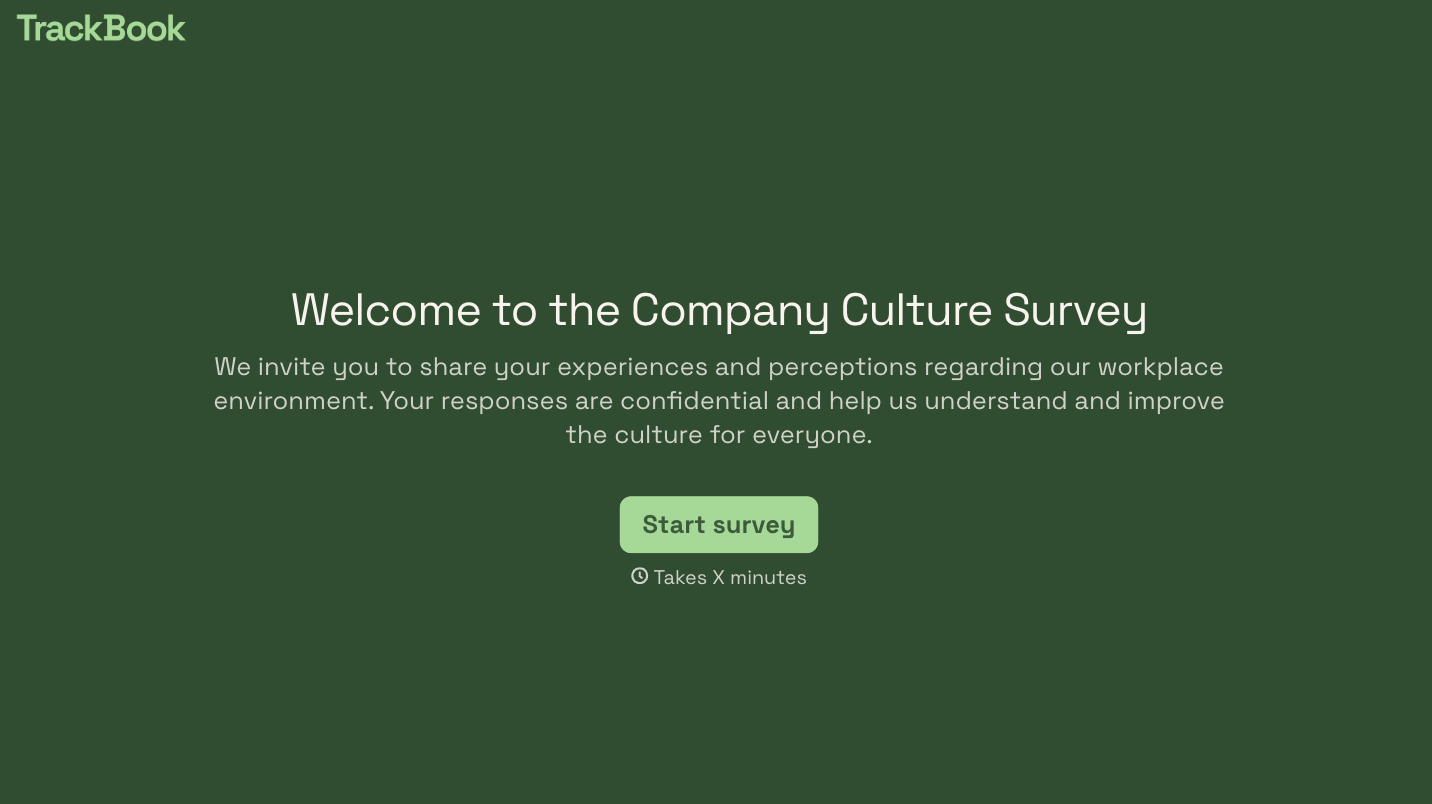

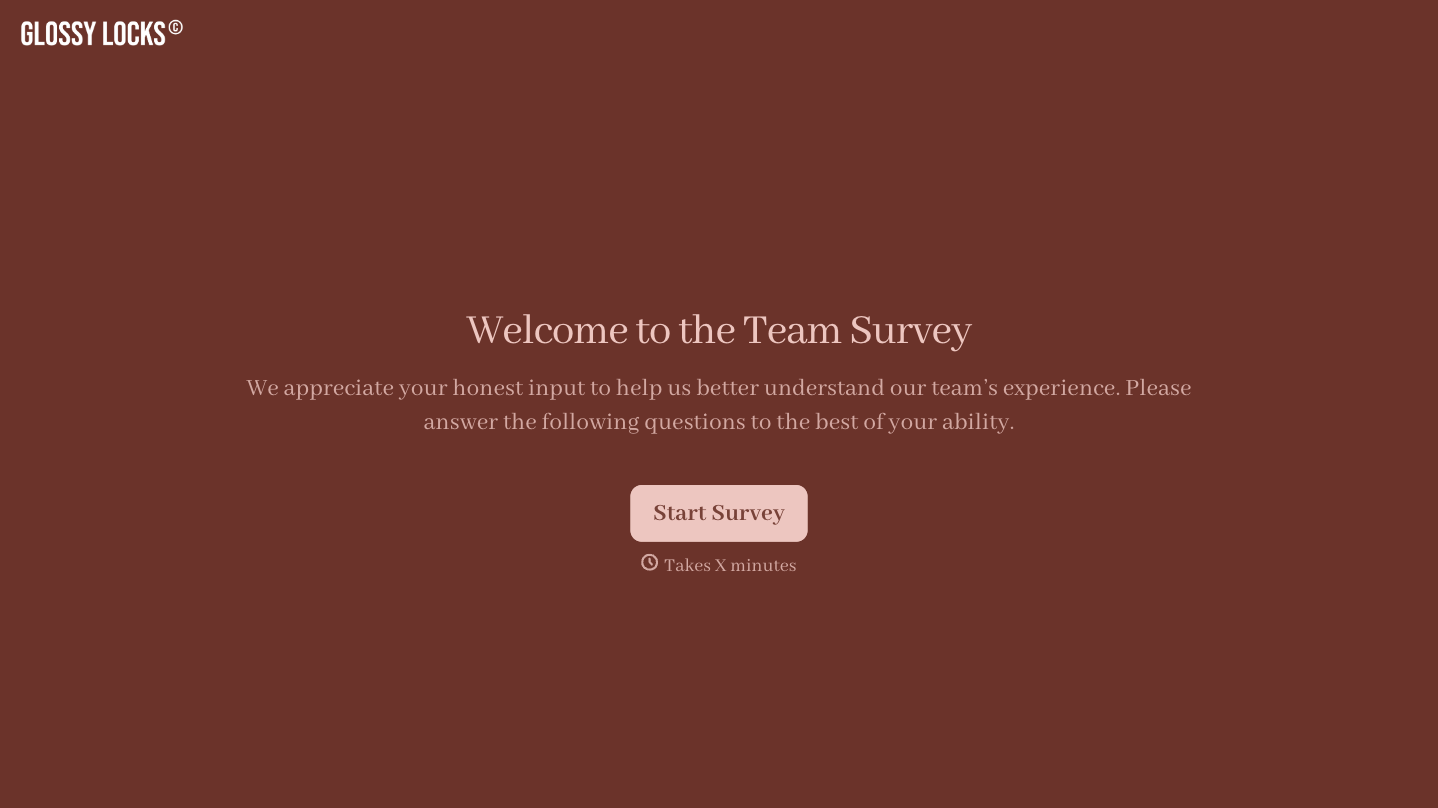
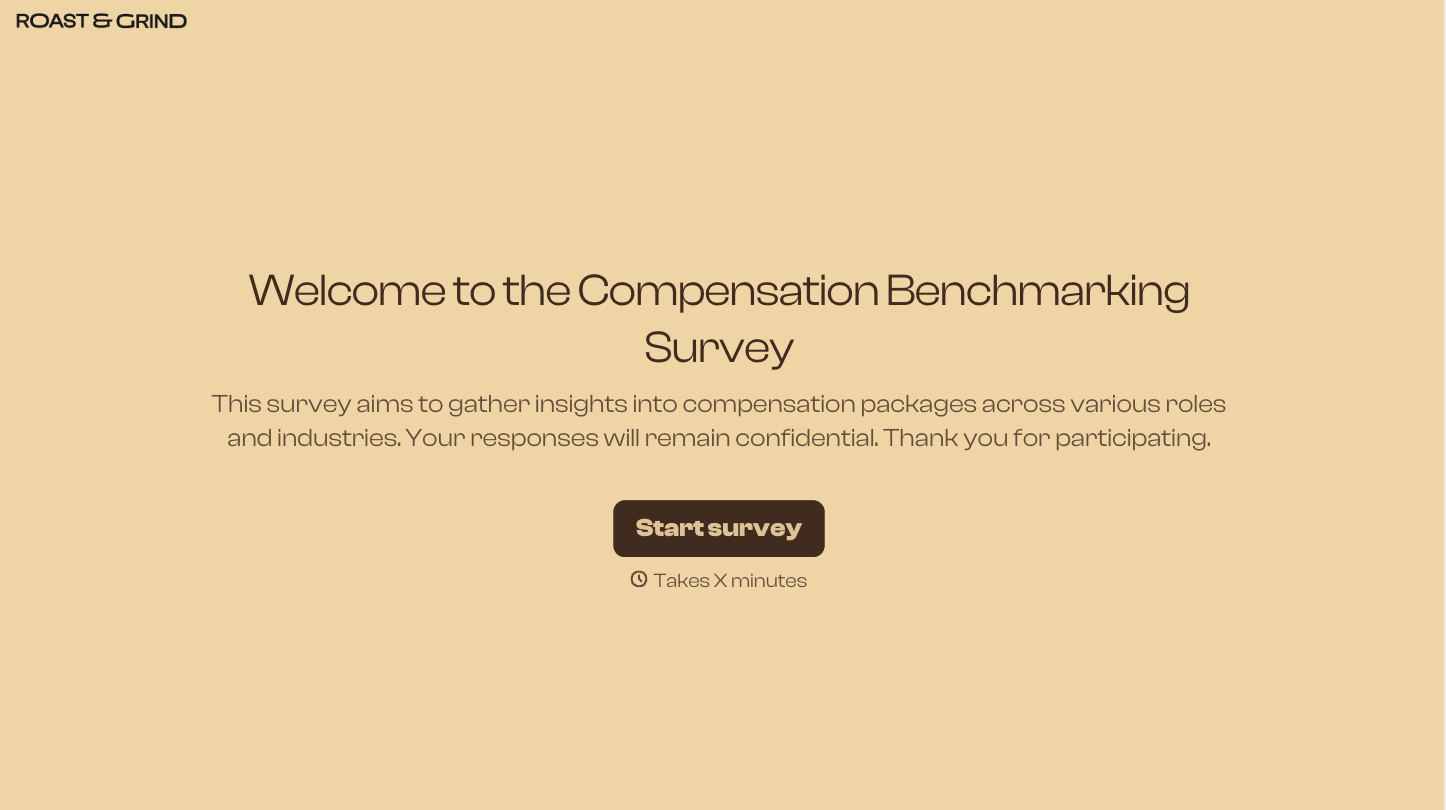

With Typeform, you can customize everything
Change text, colors, and even logos to match the look and feel of your brand. Then embed forms smoothly onto web and email.
Make forms feel effortless to fill out. Pace questions, call people by their name, and adapt the flow based on the data they share.
Stay efficient by connecting forms to your workflow. Typeform integrates with 300+ tools including Slack, Zapier, and HubSpot.


