Running Registration Form Template
Register runners for your race or club with the information you need to organize a safe, well-run event.



Running event registrations that happen through paper forms or spreadsheet-based signups create admin headaches before race day arrives. Emergency medical details get missed, T-shirt sizes come in after the deadline, and the participant list lives across 3 different documents. When something goes wrong on race day, and you need someone's emergency contact, the last thing you want is to search a folder of email attachments.
A Typeform running registration form collects everything you need — participant details, medical information, emergency contacts, T-shirt preferences, and waiver acknowledgment — in a single, organized submission. Conditional logic handles different question sets for different race distances or categories. Connect responses to a Google Sheet, and your participant list updates automatically as registrations come in.
Share the form link in your race announcement, embed it on your event page, and set a registration deadline using Typeform's response closing feature.
A running registration form is an online form that collects the information needed to register a participant in a race, run, or running club. It typically captures personal details, medical information, and event preferences.
Digital registration is faster to process, less likely to contain missing information, and significantly easier to manage at scale than paper or email-based signups. It also ensures critical safety information, like medical conditions and emergency contacts, is collected for every participant — so if something goes wrong on race day, you have what you need immediately.
Cover safety, logistics, and event preferences:
- Full name, date of birth, and contact details
- Emergency contact name and number
- Race distance or category
- Any medical conditions or physical limitations the event team should know about
- T-shirt size (if applicable)
- Previous running experience or estimated finish time
- How they heard about the event
- Waiver and terms acknowledgment
Include a liability waiver in the form with a required checkbox for acknowledgment. This creates a timestamped digital record of each participant's agreement. For formal events, consult your legal advisor to confirm the digital acknowledgment meets your jurisdiction's requirements for liability waivers.
Yes. Add a race category question at the start, then apply conditional logic to show relevant follow-up questions — like qualifying time for competitive categories — only to participants they apply to.
Get inspired by relevant templates and categories
3200+ Templates, 300+ Integrations
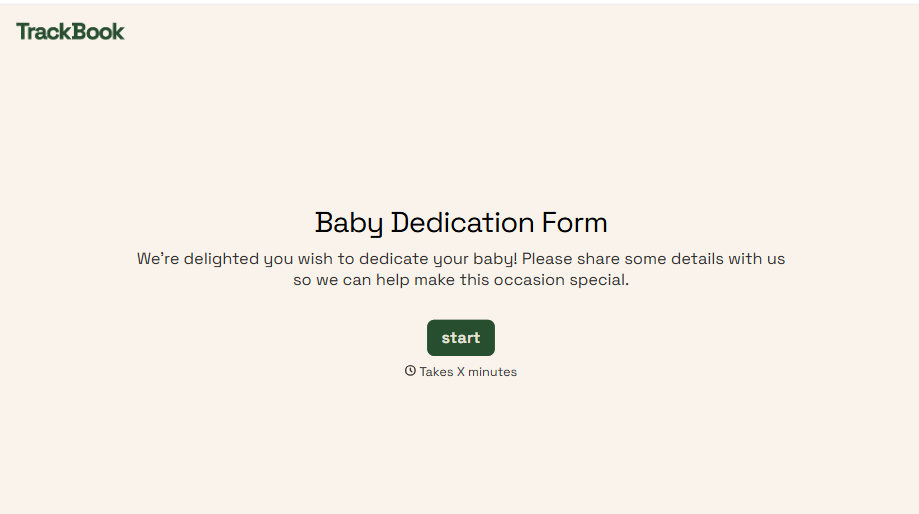
Baby Dedication Form
A sign-up sheet passed around during announcements isn't the kind of detail you want to compile into a Sunday program from memory. Collect the baby's information, requested ceremony date, and any required class attendance before the service, so your team isn't confirming a name's spelling the morning of.
View template
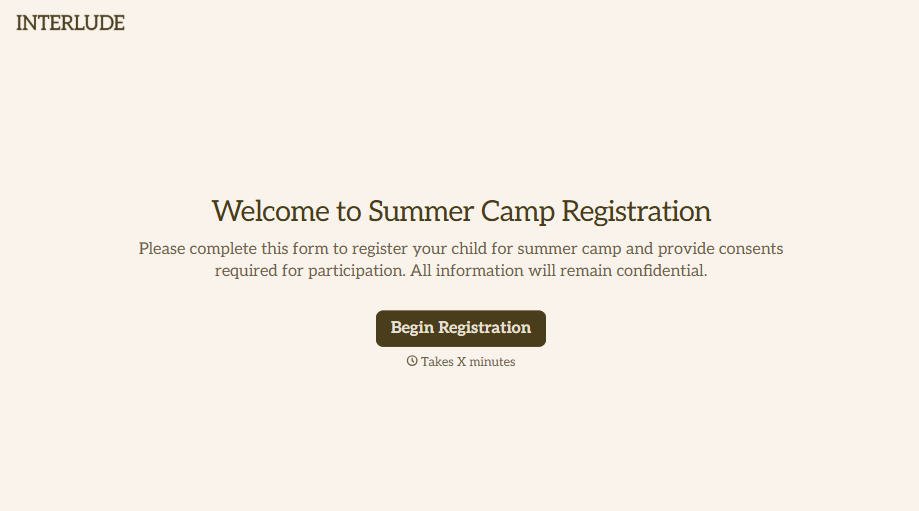
Summer Camp Consent Form
A camper with a bee sting and a counselor on the phone trying to reach a parent isn't a consent process, it's a delay. Collect guardian consent for emergency medical treatment, medication administration, and photo or media use before drop-off, so your staff can act instead of waiting for a callback.
View template
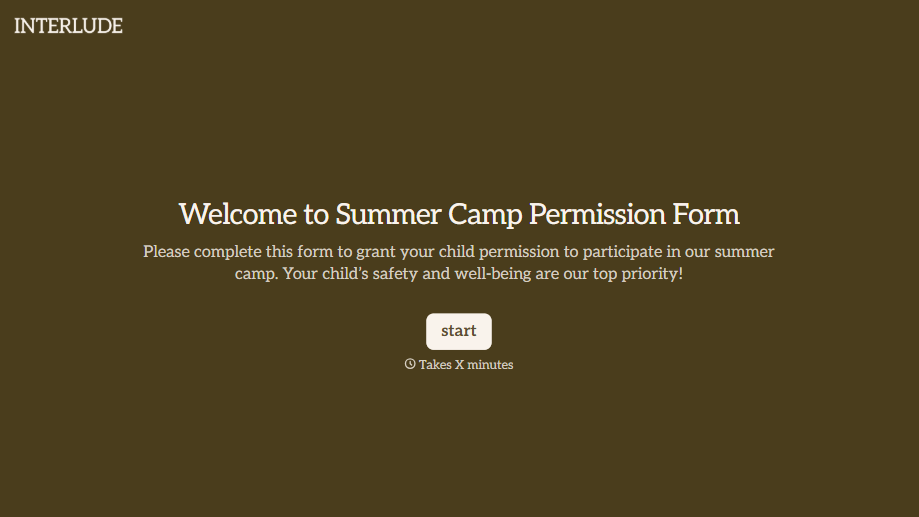
Summer Camp Permission Form
A permission packet crumpled at the bottom of a backpack for two weeks isn't a permission slip anyone can rely on. Collect camper information, medical disclosures, and a signed permission for camp activities before drop-off, so your staff aren't scrambling for an emergency contact on day one.
View template

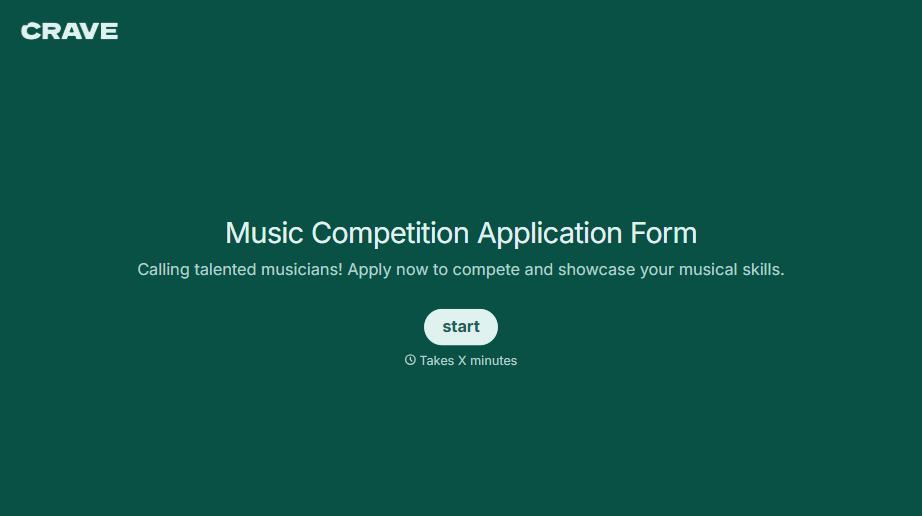
Music Competition Application Form
An application that asks for a video link and a repertoire list but never says whether the recording needs to be a single unedited take isn't a fair competition, it's whoever guessed the actual rules correctly. Set the age category, the time limit, and the recording requirements up front, so every entry gets judged against the same standard.
View template
With Typeform, you can customize everything
Change text, colors, and even logos to match the look and feel of your brand. Then embed forms smoothly onto web and email.
Make forms feel effortless to fill out. Pace questions, call people by their name, and adapt the flow based on the data they share.
Stay efficient by connecting forms to your workflow. Typeform integrates with 300+ tools including Slack, Zapier, and HubSpot.


