Secret santa form template
Run your gift exchange without the reply-all emails, lost wish lists, or forgotten participants.


The office gift exchange sounds simple until someone has to coordinate it. Reply-all threads, wish lists buried in Slack, people who forgot to respond — the person running it spends more time chasing down details than enjoying the season. There's a better way.
Typeform's Secret Santa form template handles the coordination in a single shareable link. Collect participant names, gift preferences, budget ranges, allergies, and any details your group needs — all in a conversational flow taking less than two minutes to complete. Conditional logic tailors the experience — add a "remote or in-office" question for distributed teams, or ask about favorite hobbies for a classroom exchange where kids are harder to shop for.
Once responses are in, export the list, use a randomizer to assign matches, then notify each person privately. The form gives you a clean, organized record of everyone's preferences so the shopping is the enjoyable part. Connect to Google Sheets or Airtable through integrations to track participation in real time.
Once everyone has filled out the form, export your responses to Google Sheets. From there, use a randomizer tool or shuffle the list manually to pair participants, then notify each person of their match privately by email or message. It takes minutes to set up and keeps everything fair and organized.
There's no fixed limit. Whether you're running an exchange for 10 people or 200, the form scales with your group. More participants just means more gift-giving fun.
Only form owners and collaborators with access to your Typeform account see responses. Participants never see each other's answers, so there's no risk of someone accidentally discovering their gifter or their gift.
Give your group at least two to three weeks before the exchange date. That's enough time for everyone to respond, receive their match assignment, and actually shop without the last-minute scramble. Cutting it too close tends to stress people out in a season that's supposed to be the opposite.
Absolutely. Share the form link over Slack, email, or any messaging platform. Remote participants complete the form the same way as in-office ones, and you manage all matching and coordination from your dashboard without needing everyone in the same room.
Get inspired by relevant templates and categories
3200+ Templates, 300+ Integrations
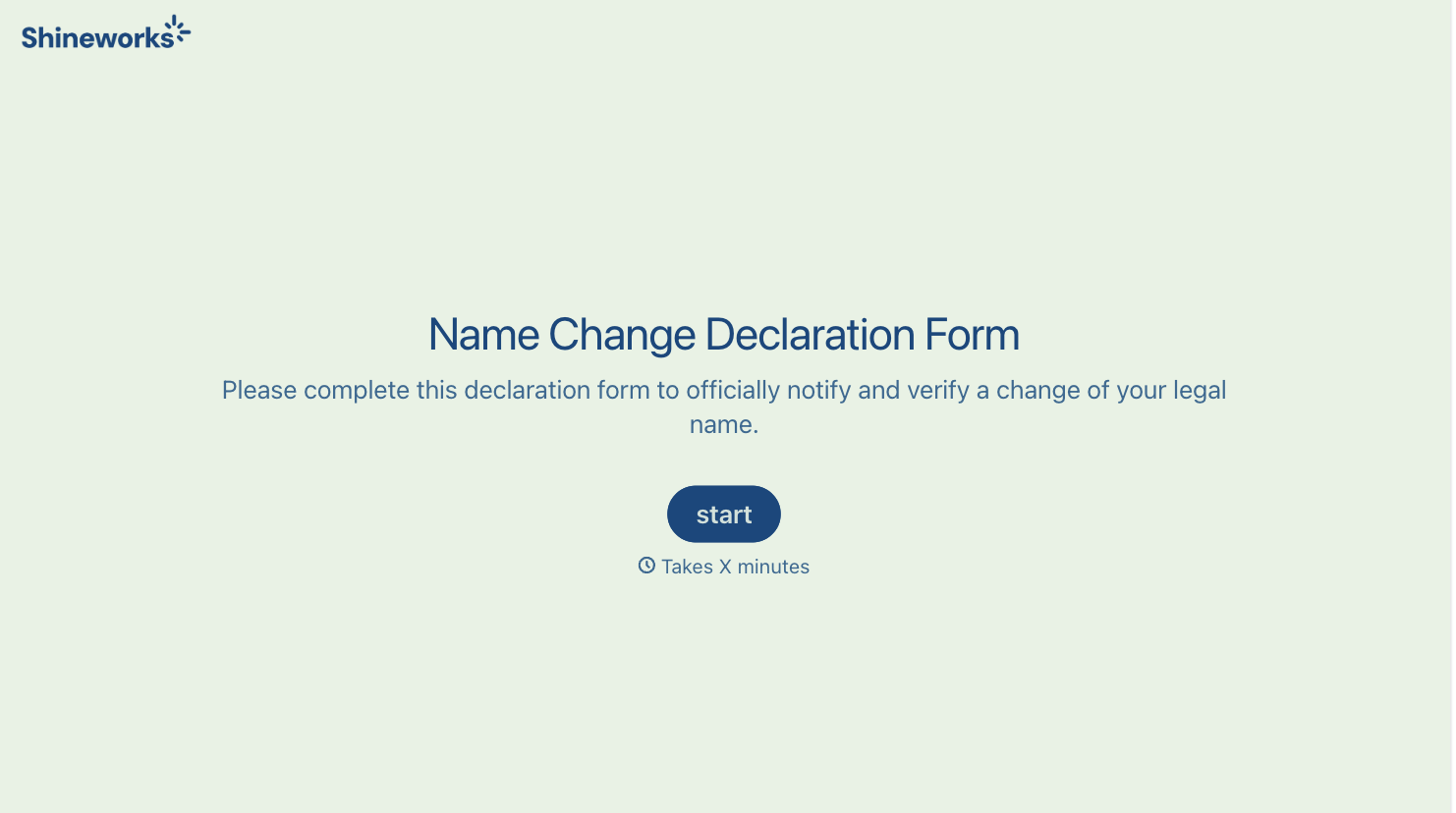
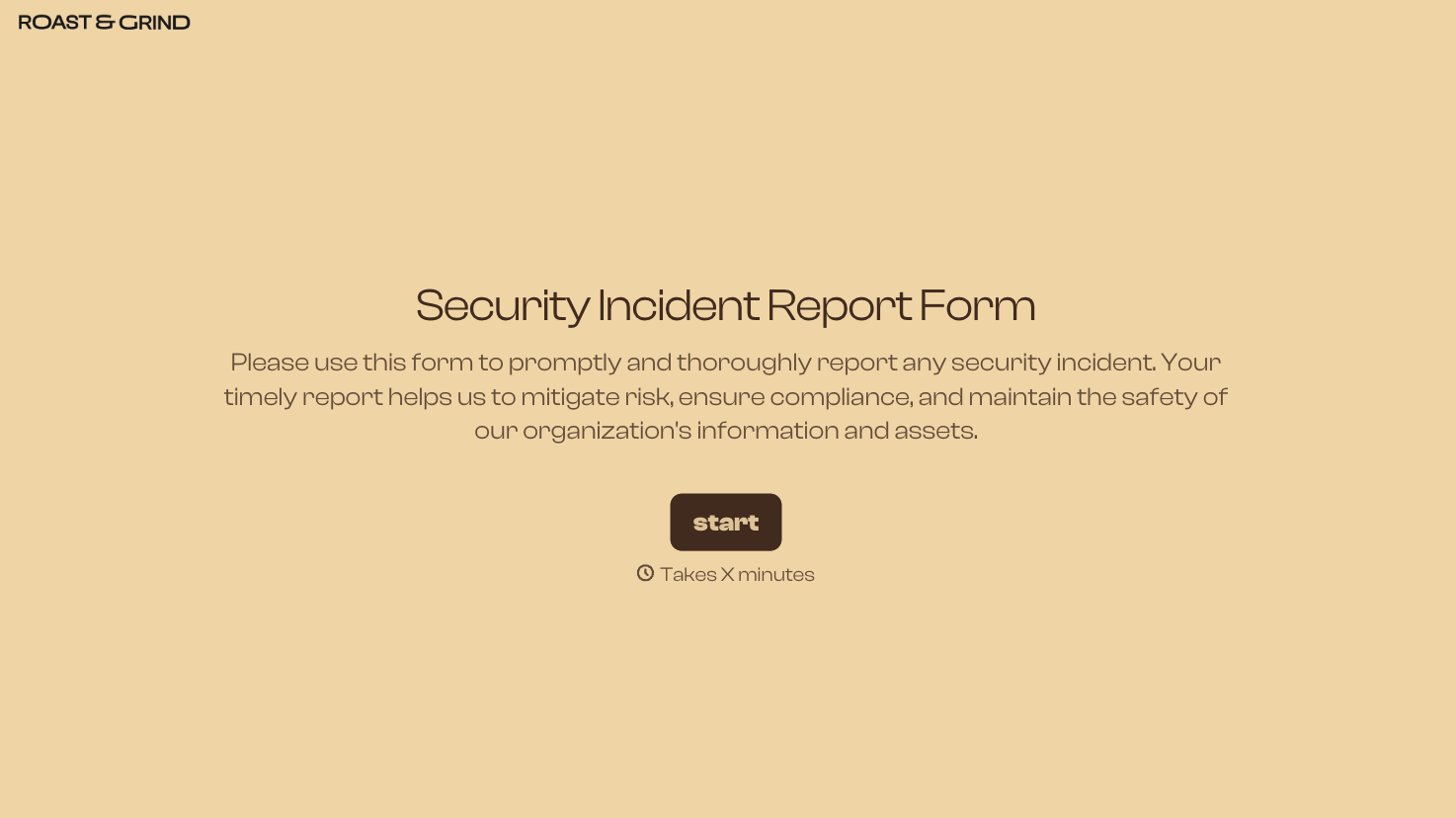
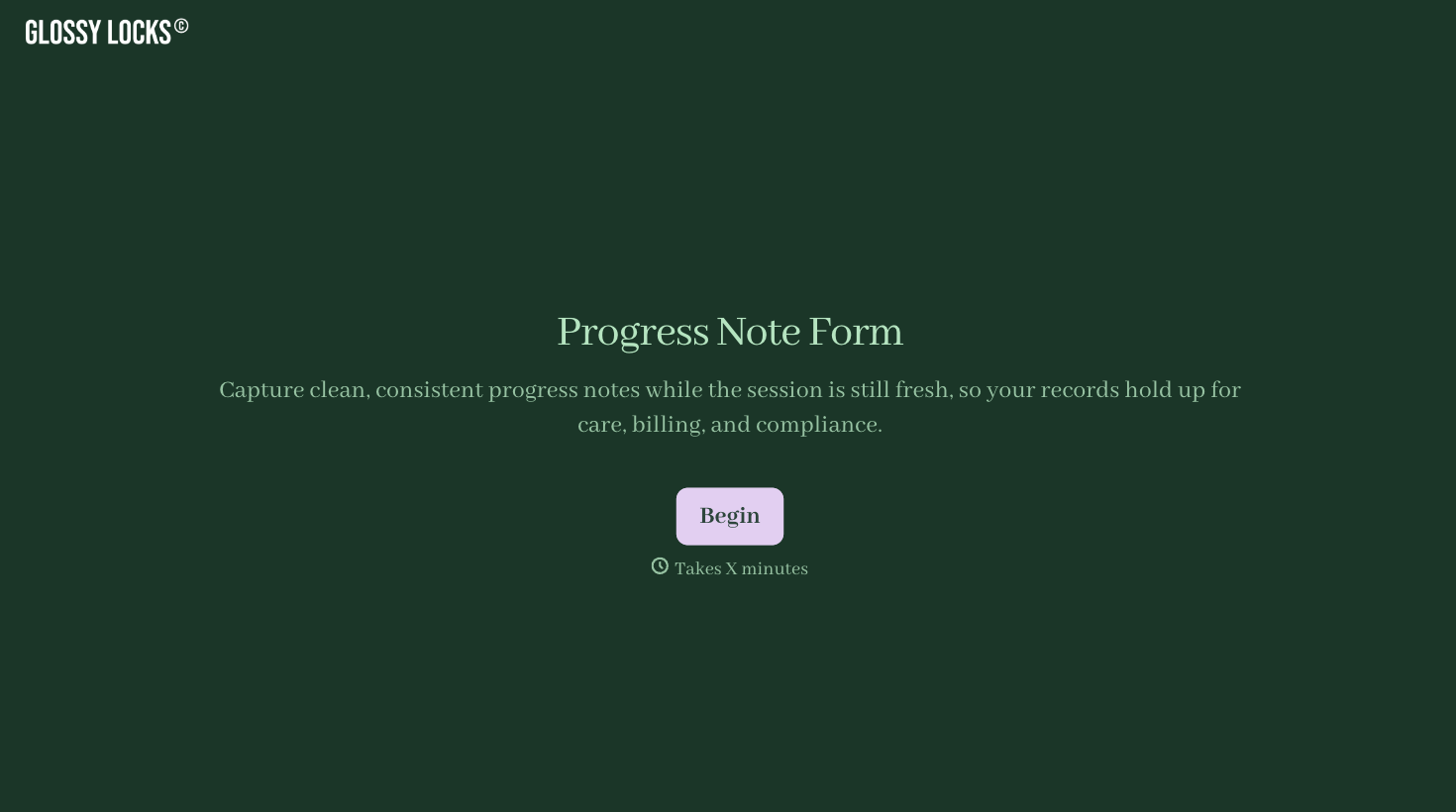
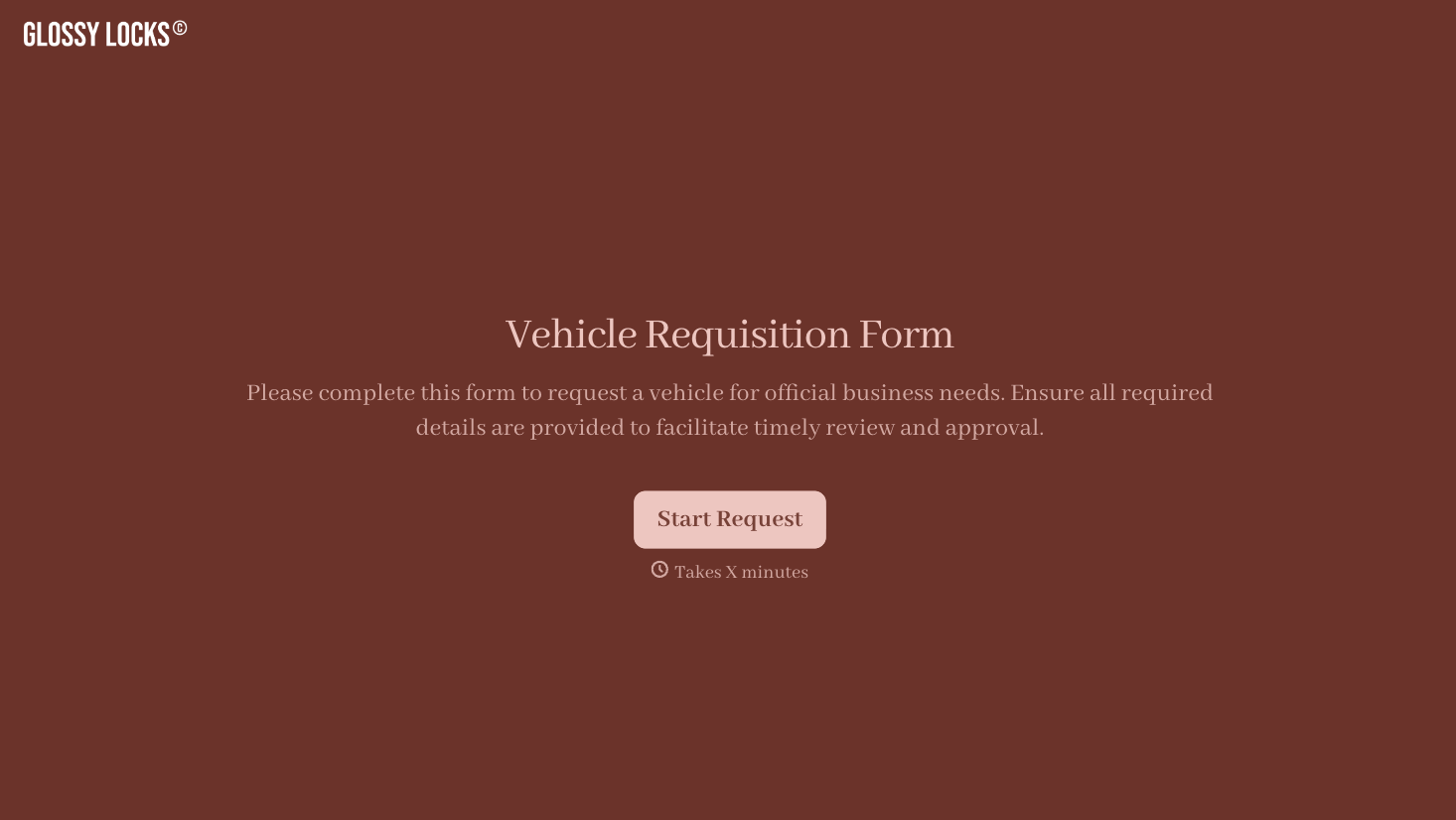

With Typeform, you can customize everything
Change text, colors, and even logos to match the look and feel of your brand. Then embed forms smoothly onto web and email.
Make forms feel effortless to fill out. Pace questions, call people by their name, and adapt the flow based on the data they share.
Stay efficient by connecting forms to your workflow. Typeform integrates with 300+ tools including Slack, Zapier, and HubSpot.


