Progress Note Form
Capture clean, consistent progress notes while the session is still fresh, so your records hold up for care, billing, and compliance.


Clinicians and case workers write progress notes from memory hours after a session, and the details blur. Vague or late notes weaken care continuity and create compliance risk. Typeform's progress note template gives practitioners a consistent way to document every session accurately.
The form captures client details, session focus, observations, interventions, and next steps. The one-question-at-a-time format keeps practitioners focused on each section without distraction. Conditional logic adapts the form based on session type—a therapy note surfaces questions about treatment goals, while an intake note captures background and history.
Customize the fields to match your practice and documentation standards, and keep responses secure. Share it through your practice portal or as a private link. Every note logs to your records system or Google Sheets via Zapier, timestamped and complete. Document each session in minutes, while the details are still sharp.
A progress note form is a documentation tool for recording what happened in a client or patient session. It captures observations, interventions, progress, and next steps. It functions as both a care record and a compliance document.
Notes written from memory hours later lose accuracy and detail. A digital form captures each session while it's fresh, in a consistent structure. You build records that support continuity of care and stand up to audits. That reliability protects both the client and the practitioner.
Cover both the session and the plan:
- Client identifier and session date
- Presenting concerns or session focus
- Observations and clinical impressions
- Interventions used
- Progress toward goals
- Plan and next steps
Conditional logic branches the form based on the session type you select. An intake session surfaces questions about history and background, while a follow-up focuses on progress and treatment goals. You document each session type accurately without wading through fields that don't apply.
Typeform encrypts responses in transit and lets you control which team members can access submissions. Add a note in the form's intro confirming that records are used only for the client's care. Restrict access to treating practitioners and store notes in a system that meets your privacy requirements, such as HIPAA.
Get inspired by relevant templates and categories
3200+ Templates, 300+ Integrations
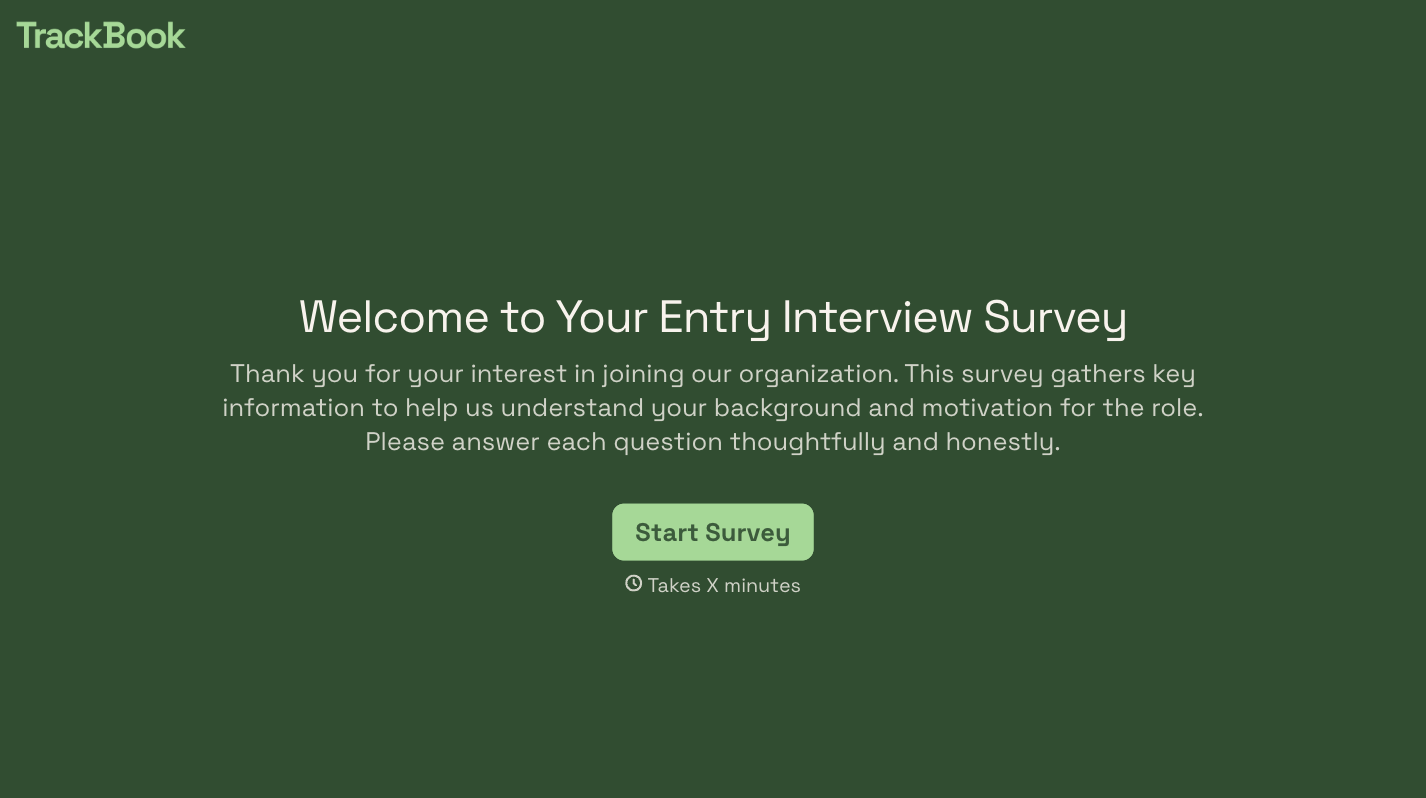


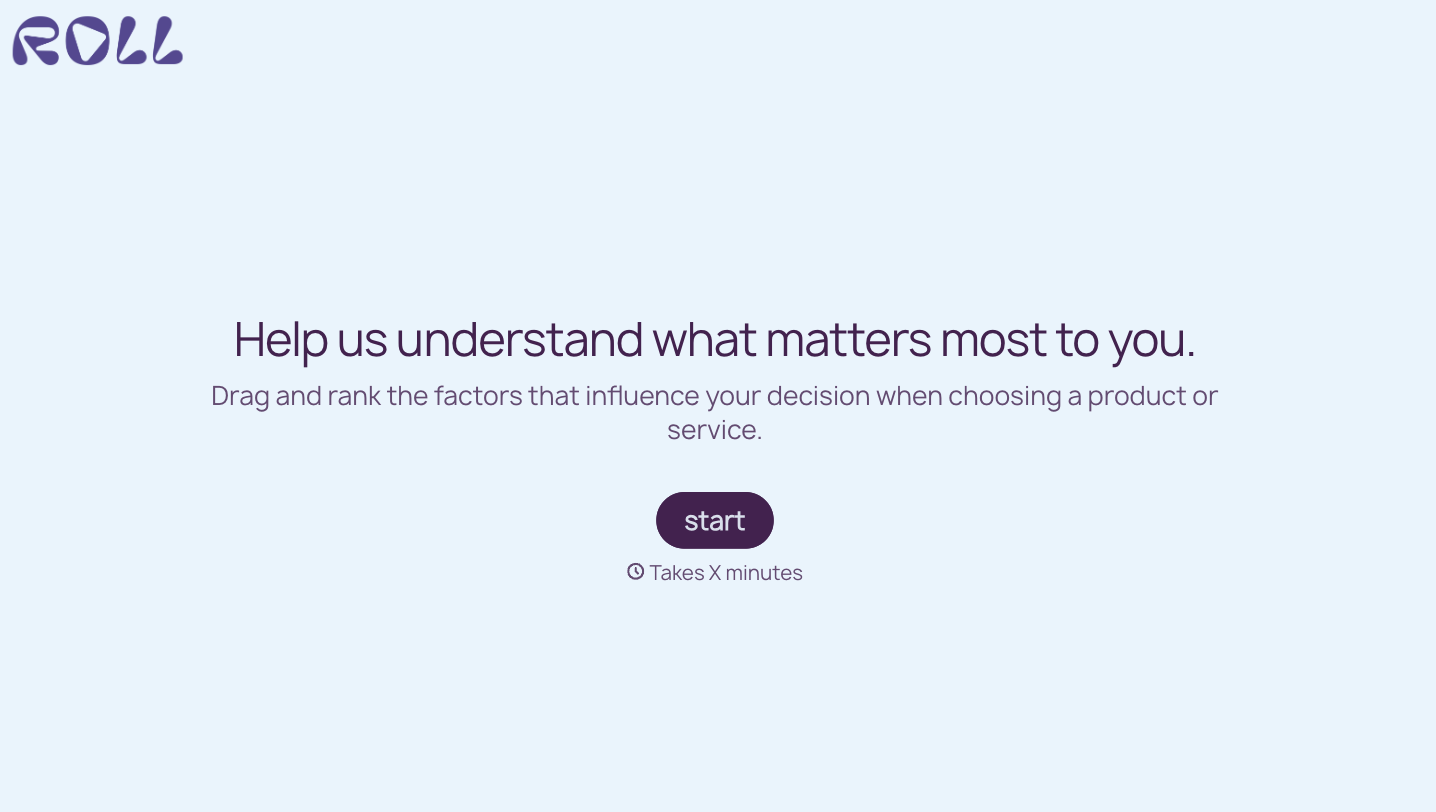
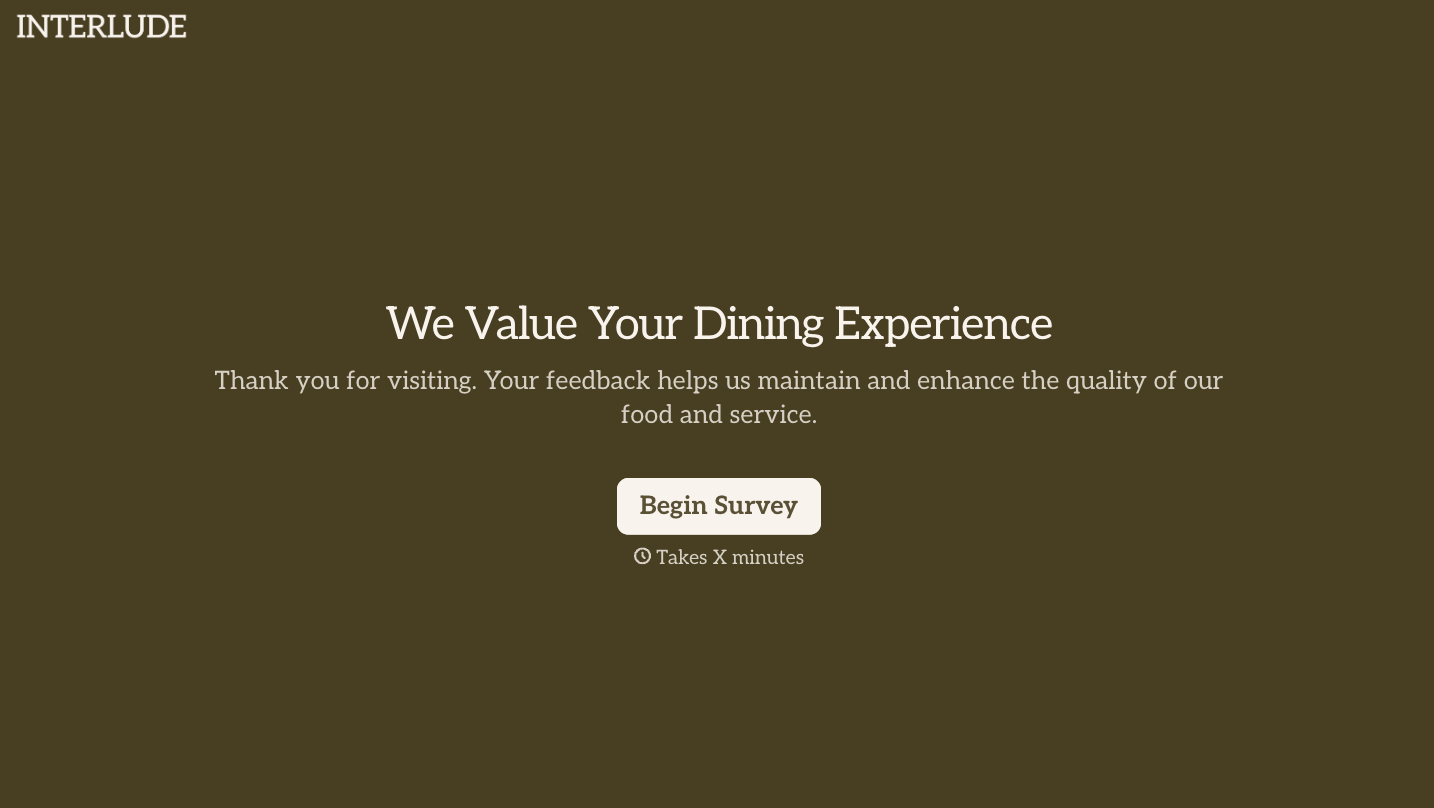
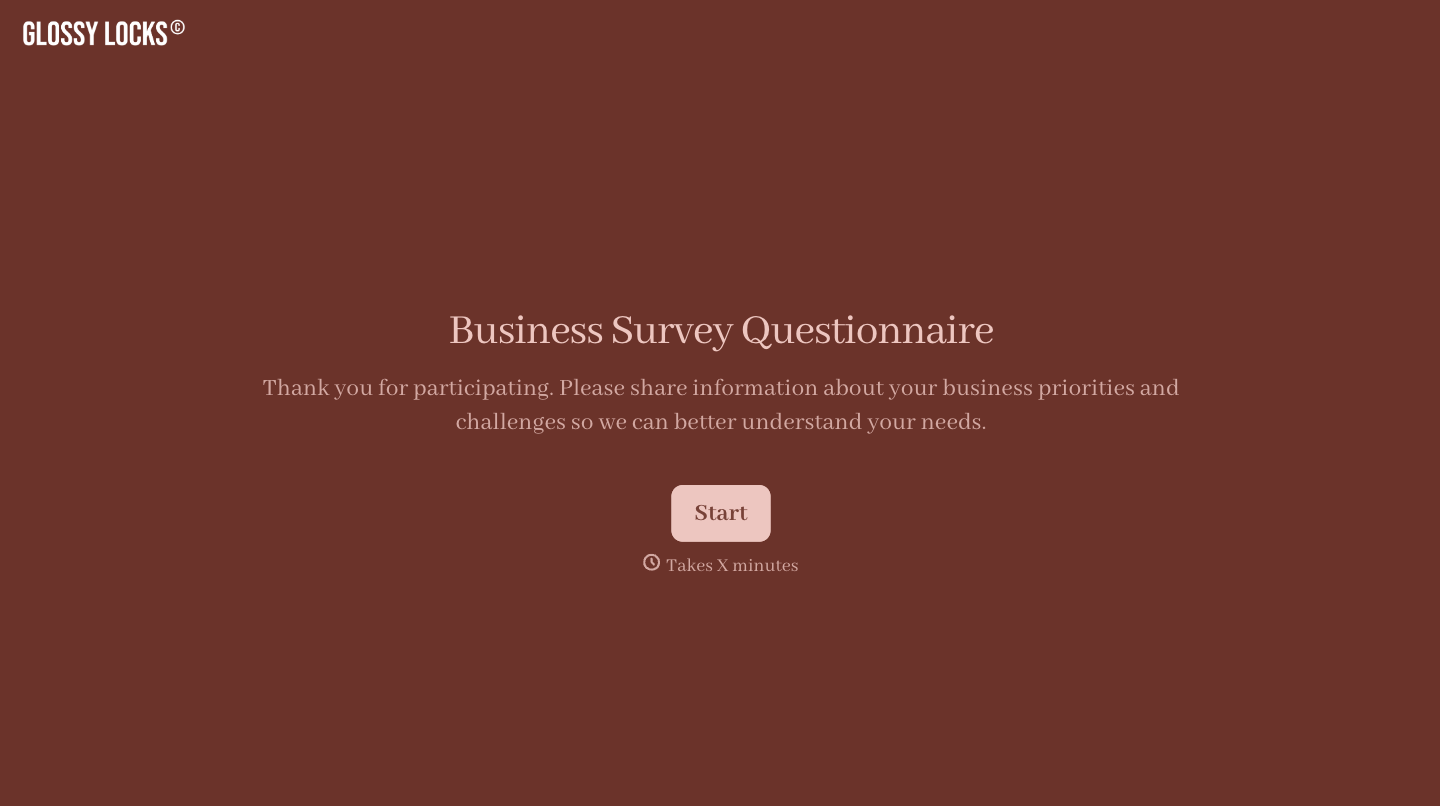
With Typeform, you can customize everything
Change text, colors, and even logos to match the look and feel of your brand. Then embed forms smoothly onto web and email.
Make forms feel effortless to fill out. Pace questions, call people by their name, and adapt the flow based on the data they share.
Stay efficient by connecting forms to your workflow. Typeform integrates with 300+ tools including Slack, Zapier, and HubSpot.


