Name Change Declaration Form
Collect every name change declaration with the details and documents you need, so records update accurately and nothing falls through the cracks.


Processing a name change means gathering legal details, supporting documents, and the right authorizations—usually across scattered emails and paper forms. A missing document or detail stalls the update and frustrates the person. Typeform's name change declaration template gives administrators a clear process to collect everything correctly.
The form captures the previous and new name, reason for change, and supporting documents. The one-question-at-a-time format keeps applicants focused on each detail without losing their place. Conditional logic surfaces follow-up questions based on the reason for the change—a marriage prompts questions about the marriage certificate, while a legal name change asks for the court order.
Customize the fields to match your organization's requirements, and add a file upload for supporting documents. Share it through your portal, by email, or as a secure link. Every declaration logs to your records system or Google Sheets via Zapier. Update records accurately the first time, without chasing missing paperwork.
A name change declaration form is a tool for collecting the details and documents needed to record a person's name change. It captures the previous and new name, the reason, and supporting evidence. It functions as the official record behind every update.
Name changes handled by email scatter documents and delay updates. A structured form collects the declaration and supporting evidence in one place. You verify the change and update records accurately the first time. That accuracy keeps your records clean and legally sound.
Collect everything needed to verify and record the change:
- Previous full legal name
- New full legal name
- Date the change takes effect
- Reason for the change
- Supporting document (marriage certificate, court order)
- Signature or declaration of accuracy
Conditional logic branches the form based on the reason a person selects. A marriage surfaces a request for the marriage certificate, while a legal change asks for the court order or deed poll. Applicants only answer and upload what applies to their situation, so you receive complete, correctly evidenced declarations.
Yes—Typeform's file upload field lets applicants attach marriage certificates, court orders, and ID directly to the declaration. Accepted files include PDFs, JPGs, and PNGs up to 10MB each. The documents arrive with the declaration, and you control who can access them. File upload is available on paid Typeform plans.
Get inspired by relevant templates and categories
3200+ Templates, 300+ Integrations
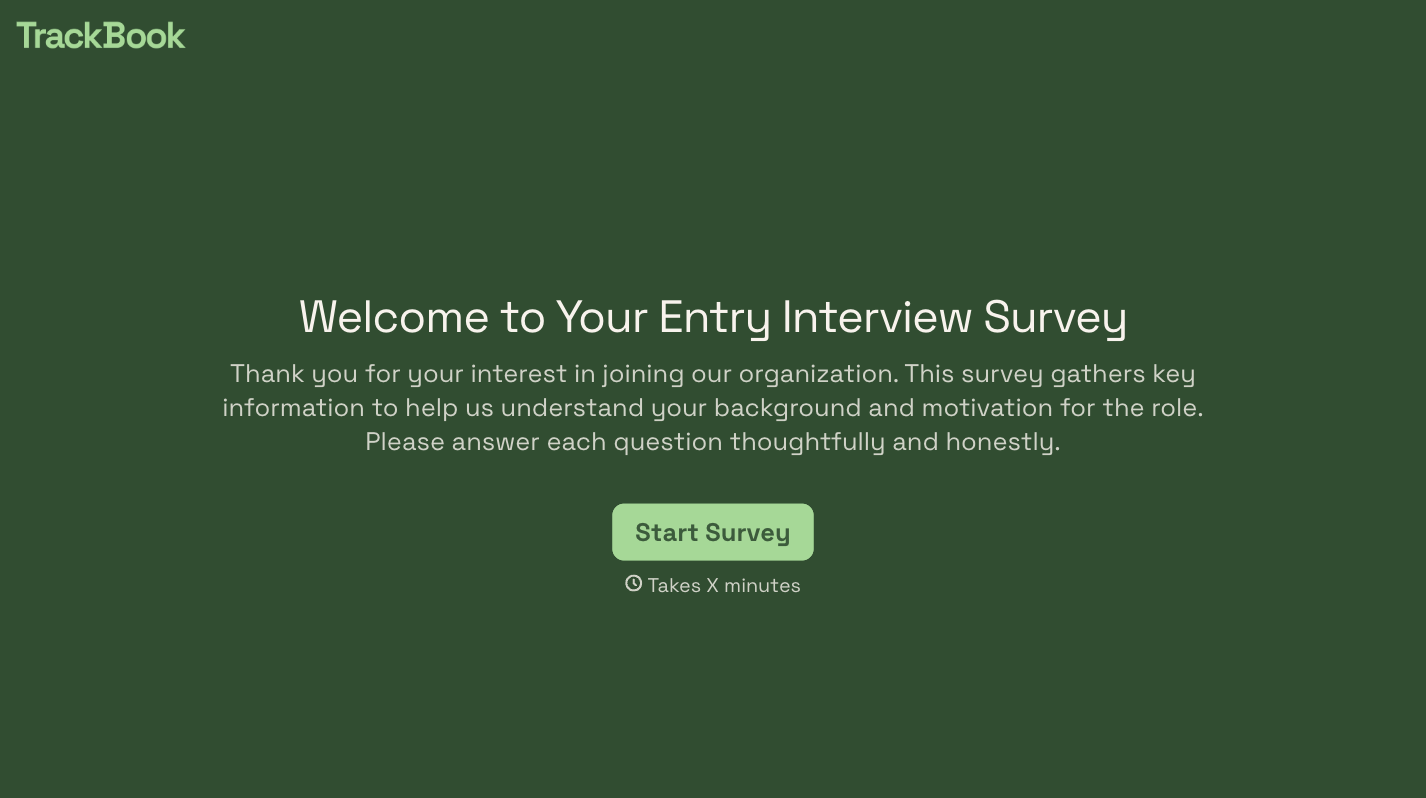


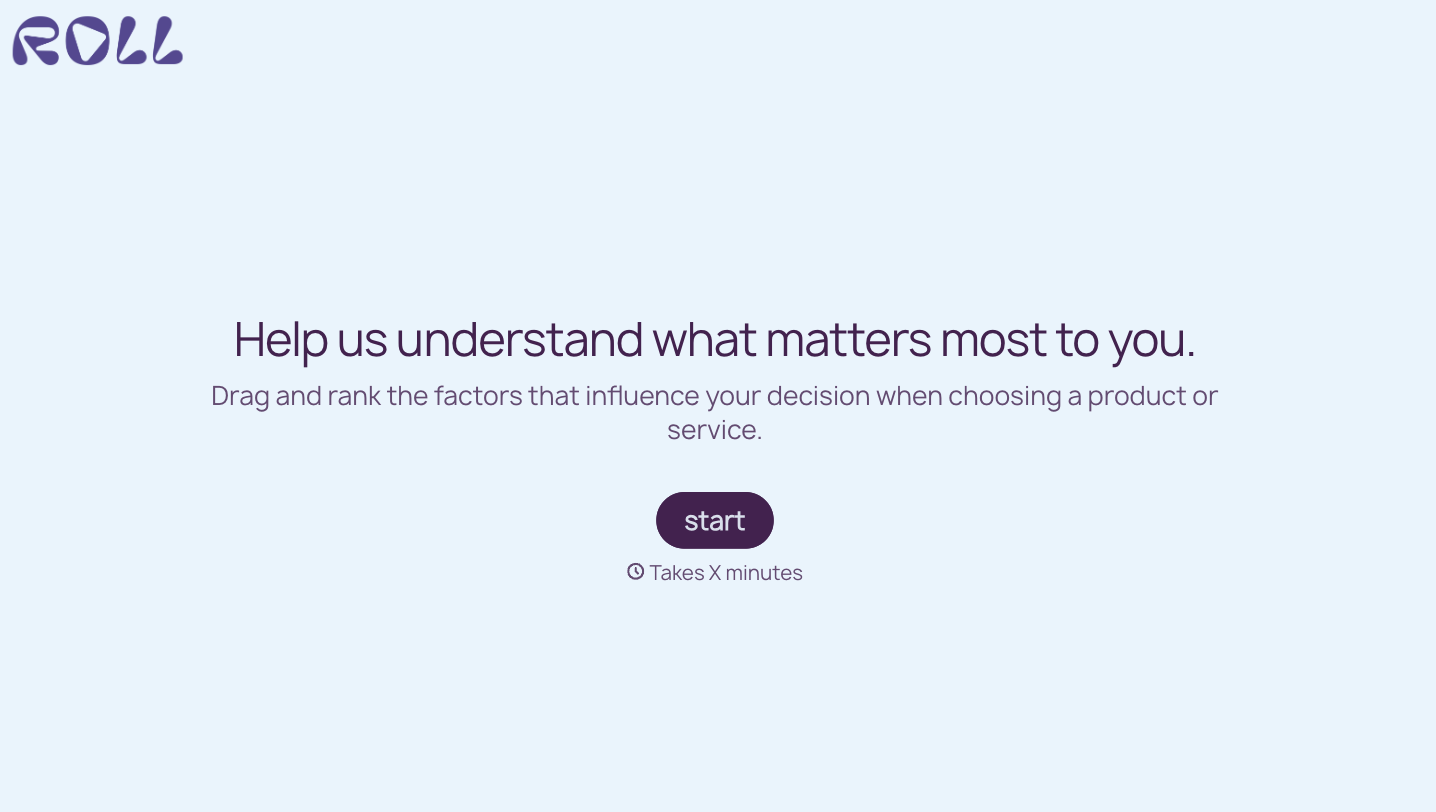
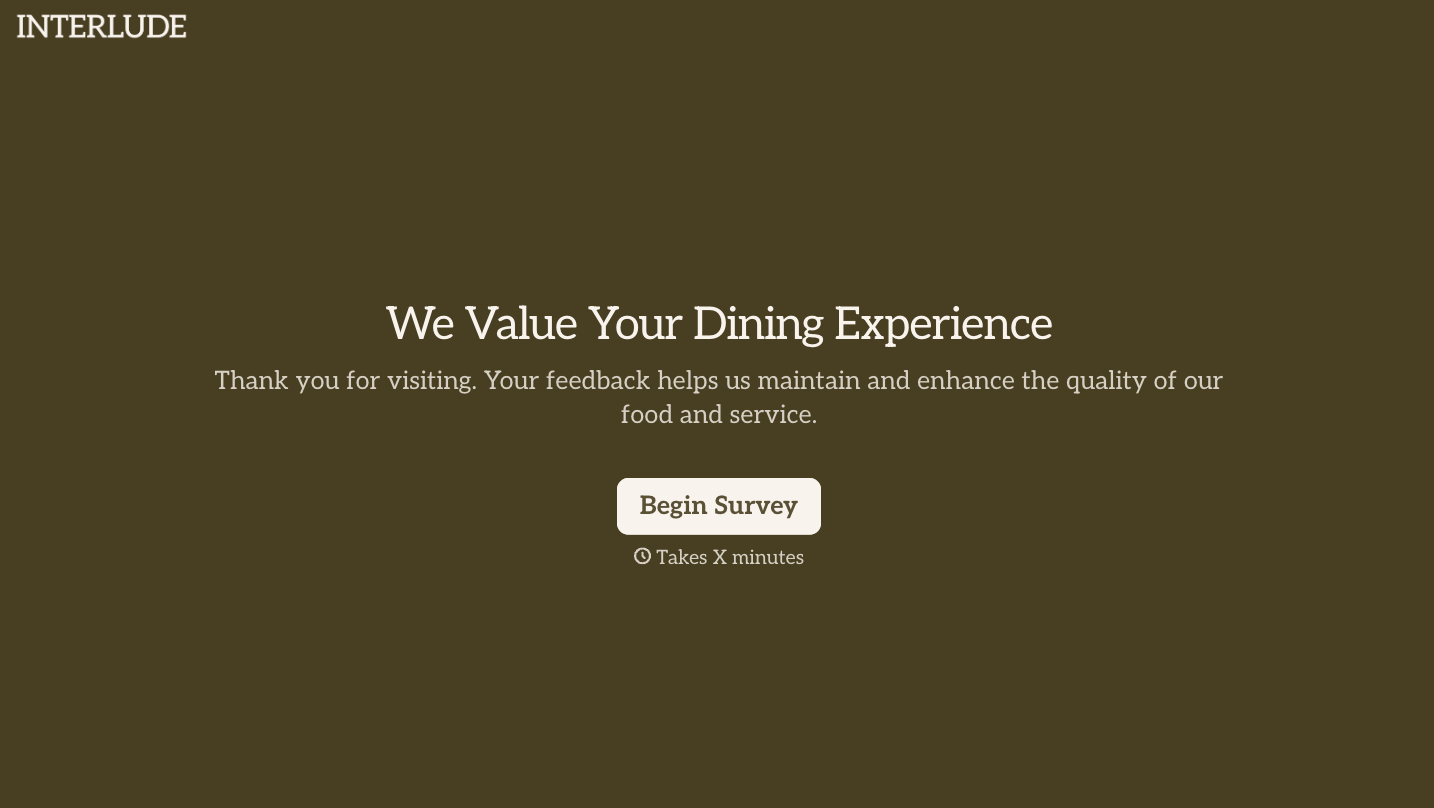
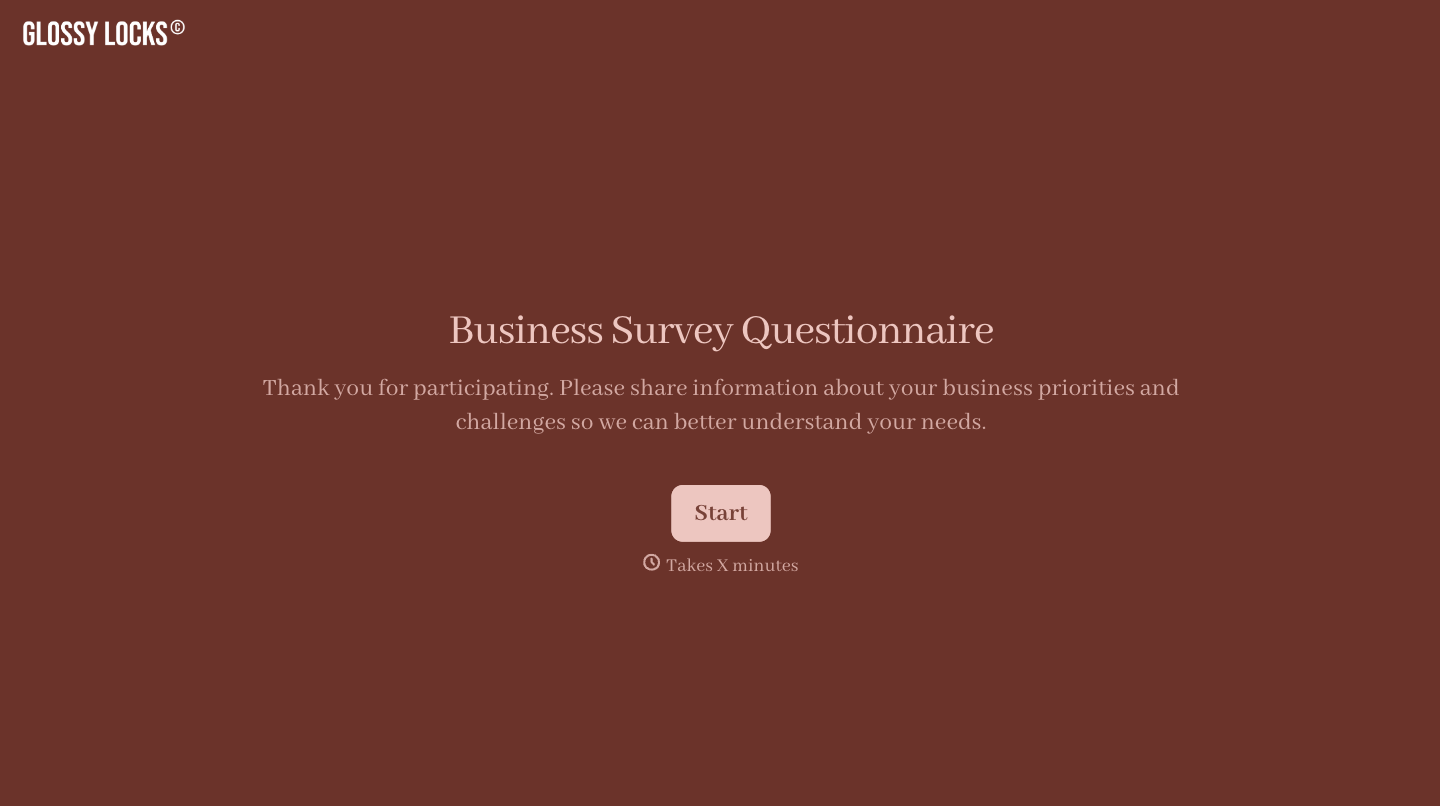
With Typeform, you can customize everything
Change text, colors, and even logos to match the look and feel of your brand. Then embed forms smoothly onto web and email.
Make forms feel effortless to fill out. Pace questions, call people by their name, and adapt the flow based on the data they share.
Stay efficient by connecting forms to your workflow. Typeform integrates with 300+ tools including Slack, Zapier, and HubSpot.


