Service Order Form Template
Provide customers a clear way to request services and give your team the details they need to fulfill them without back-and-forth.


When service requests come in through email, phone, or in-person conversations, you end up with inconsistent information, missing details, and a team that has to spend time following up before they can start work. Multiply this across dozens of requests a week, and it becomes a real operational drag.
A service order form creates a consistent intake process. Typeform collects the service type, specifications, scheduling details, and contact information in one flow, one question at a time. Conditional logic surfaces the right follow-up questions based on the service selected, so a maintenance request generates different fields than a delivery order. Responses go directly into your job management system or a shared spreadsheet via integrations.
Customize the form to match your service catalog and internal workflows. Share it on your website, in your client portal, or via a link sent in your initial client communication.
A service order form is a request form that customers or clients use to specify the services they need. It captures the type of service, relevant specifications, preferred timing, and contact details, giving the service provider a complete brief to work from.
It standardizes how service requests come in, which means fewer errors, less back-and-forth, and faster fulfillment. It also creates a clear paper trail for every order, which is useful for billing, accountability, and dispute resolution.
Include the details your team needs to start work:
- Customer name and contact information
- Service type or category
- Specific requirements or descriptions
- Preferred date and time
- Location (if applicable)
- Special instructions or constraints
- How they'd like to be updated on progress
Add an open-ended field at the end of the form for anything that doesn't fit the standard options. Flag responses with custom requests for manual review before confirming the order. You can also use conditional logic to show a "request a quote" path for services that aren't on your standard price list.
Yes. Add a question asking whether the request is one-time or recurring, and if recurring, how often. Use your downstream workflow to tag recurring orders and set up reminders or automatic processing. This avoids customers having to resubmit the same request repeatedly.
Get inspired by relevant templates and categories
3200+ Templates, 300+ Integrations
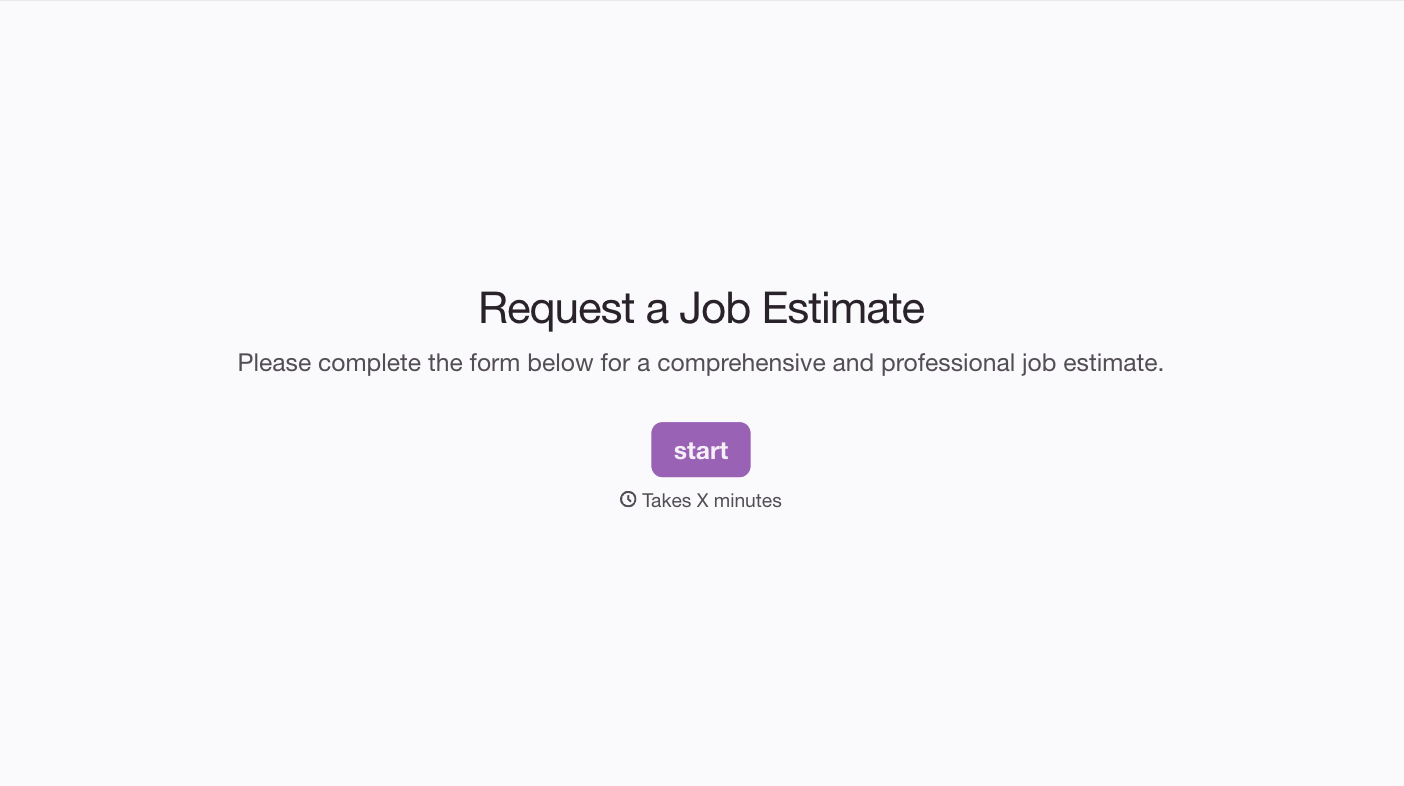
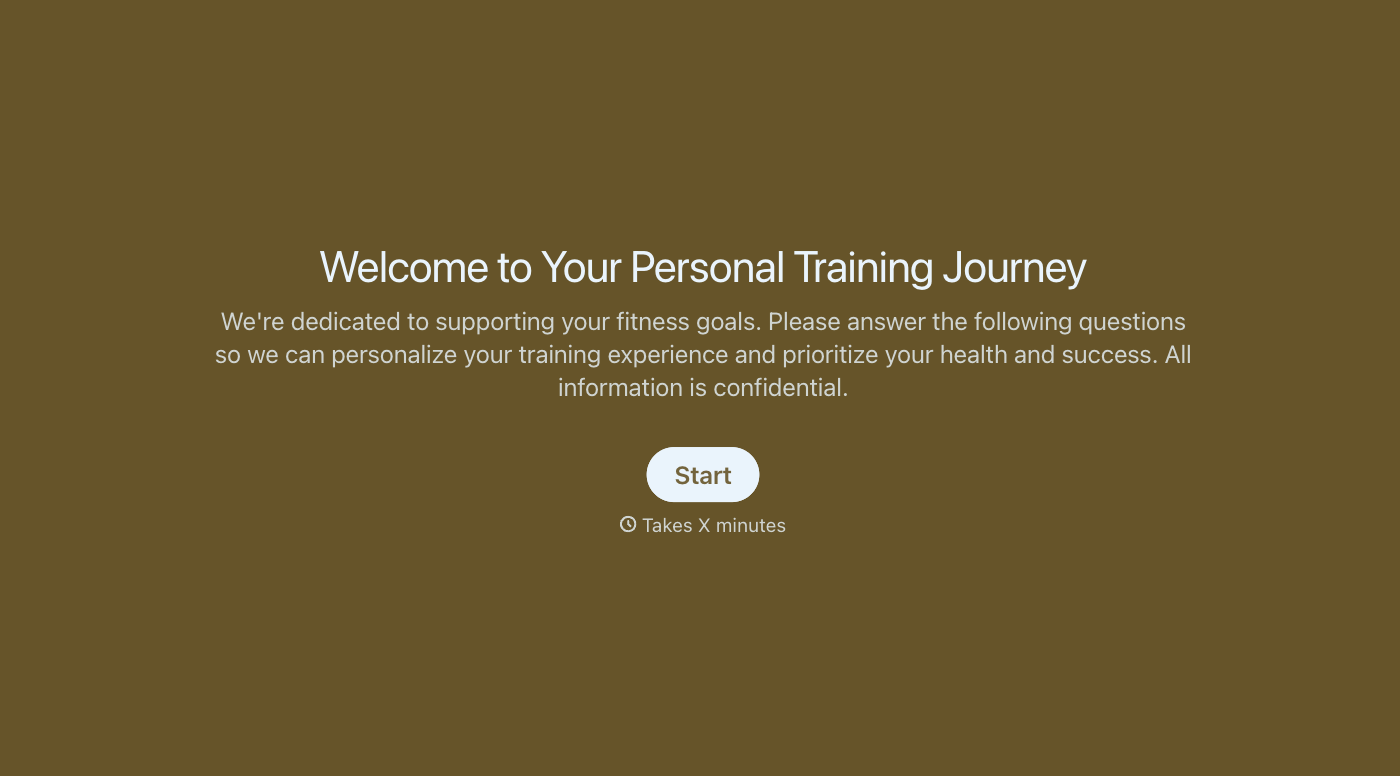
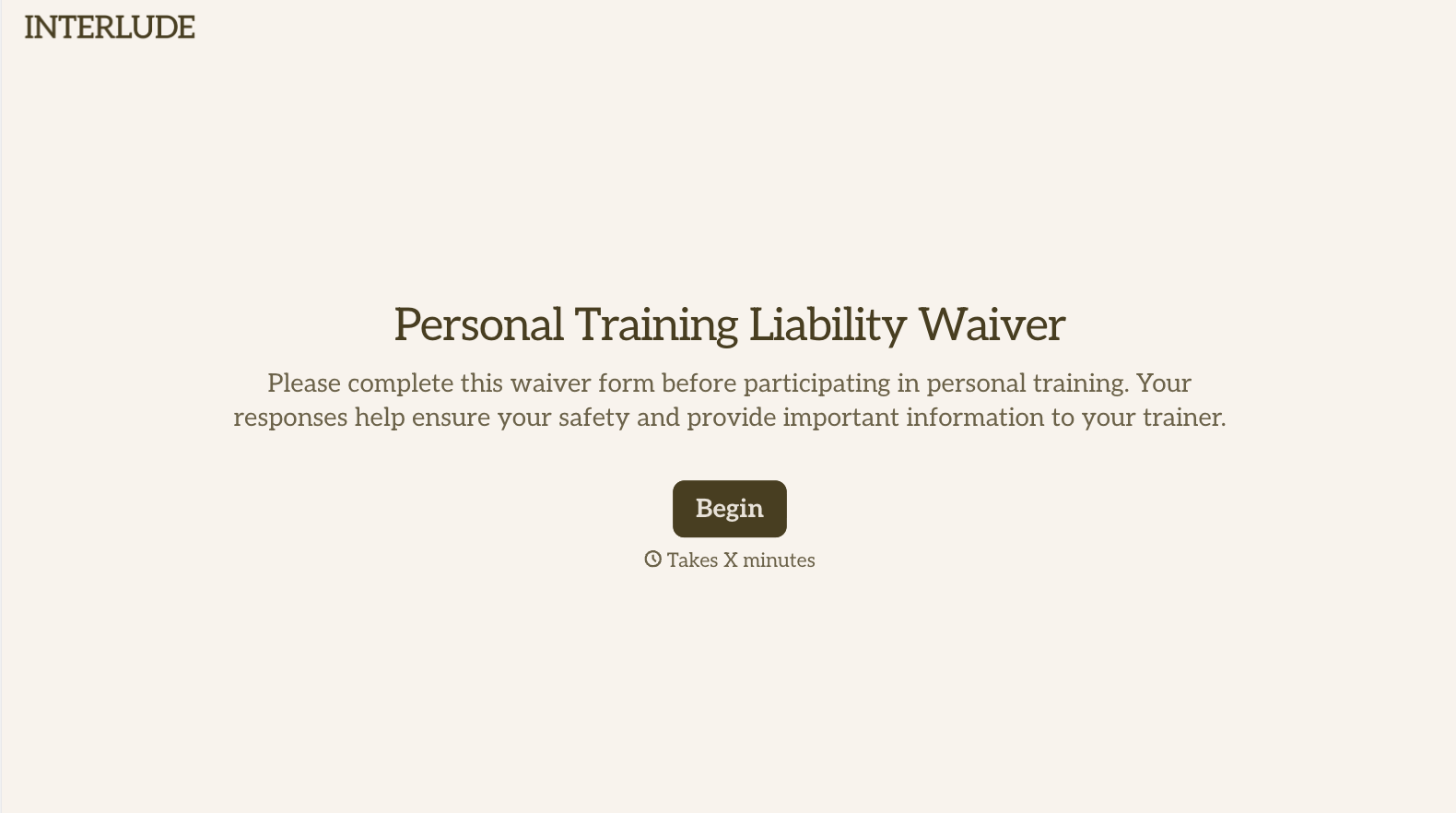
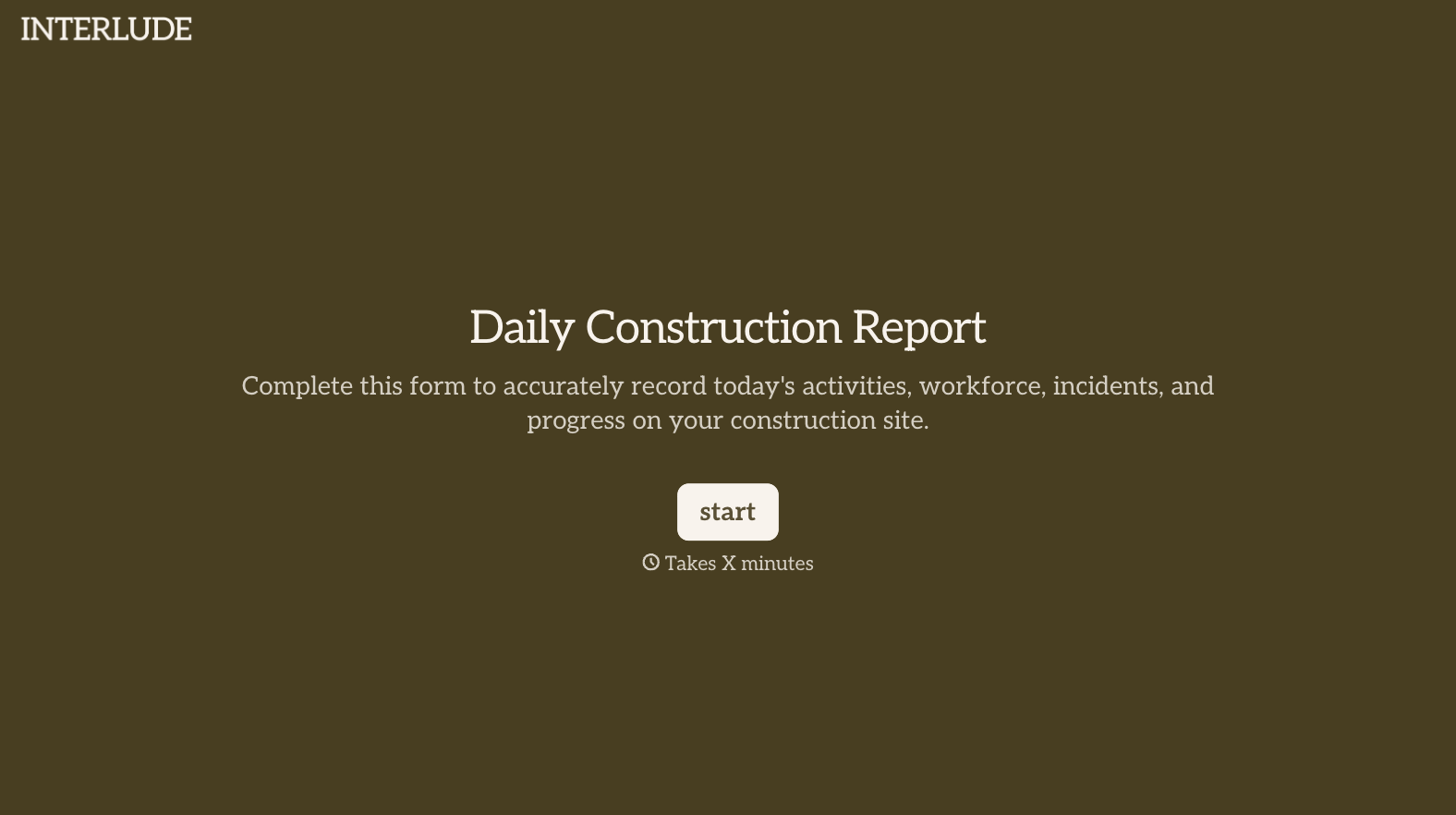
With Typeform, you can customize everything
Change text, colors, and even logos to match the look and feel of your brand. Then embed forms smoothly onto web and email.
Make forms feel effortless to fill out. Pace questions, call people by their name, and adapt the flow based on the data they share.
Stay efficient by connecting forms to your workflow. Typeform integrates with 300+ tools including Slack, Zapier, and HubSpot.


