Affiliate Registration Form
Get new affiliates into your program quickly with all the details you need to pay and track them, and none of the onboarding chaos.


Affiliate programs grow fast, and disorganized onboarding slows them down. Missing payment details or unverified channels delay commissions and frustrate partners. Typeform's affiliate registration template gives program managers an organized way to onboard affiliates and start tracking them right away.
The form captures contact details, promotional channels, audience size, and payment information. The one-question-at-a-time format keeps affiliates moving forward without losing their place. Conditional logic surfaces follow-up questions based on an affiliate's channels—someone promoting via a blog sees questions about traffic, while a social affiliate answers about followers and engagement.
Customize the fields to match your program terms, and add a checkbox for agreement to your affiliate policy. Share it by email, embed it on your partner page, or send it as a link. Every registration logs to your affiliate platform or Google Sheets via Zapier. Onboard partners in minutes, so they start promoting today, not next week.
An affiliate registration form is an onboarding tool for collecting the details needed to enroll and pay new affiliates. It captures contact information, promotional channels, and payment details. Think of it as the front door to your affiliate program.
Onboarding affiliates by email scatters details and delays commissions. A structured form collects everything you need to track and pay partners from day one. Affiliates register in minutes and start promoting sooner. That speed turns interested applicants into active partners before momentum fades.
Collect everything needed to track and pay affiliates:
- Name and contact details
- Website, blog, or social channels
- Audience size and engagement
- Promotional methods
- Payment details (PayPal, bank, etc.)
- Agreement to the affiliate terms
Conditional logic branches the form based on the channels an affiliate selects. A blogger answers questions about traffic and content, while a social media affiliate reports follower count and engagement rates. You collect the right metrics for each partner type without making everyone answer the same generic questions.
Yes—set up a follow-up email so your team gets notified the moment an affiliate signs up. You can also send the affiliate a welcome message with their links, terms, and next steps. Trigger these on every registration, or only when an affiliate reports an audience above a certain size.
Get inspired by relevant templates and categories
3200+ Templates, 300+ Integrations
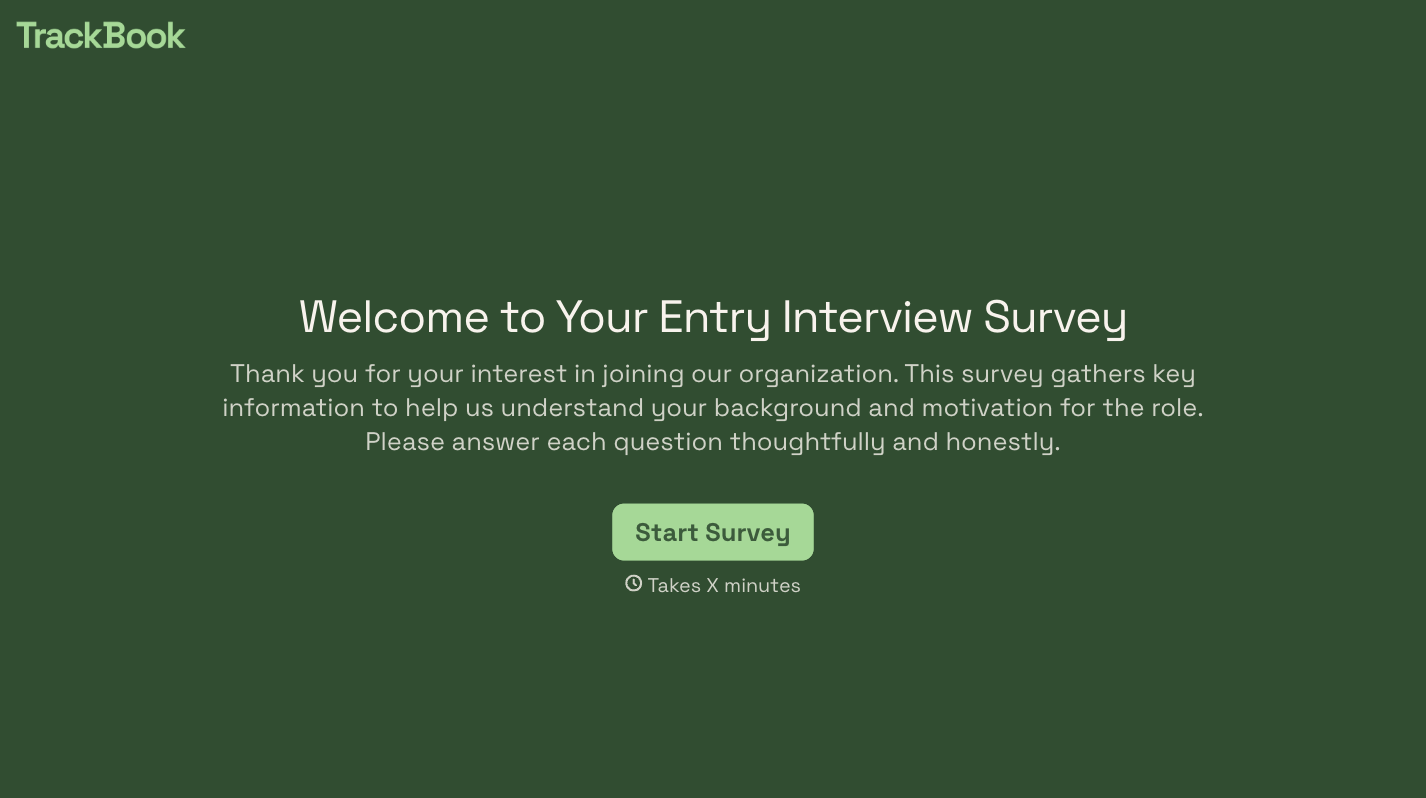


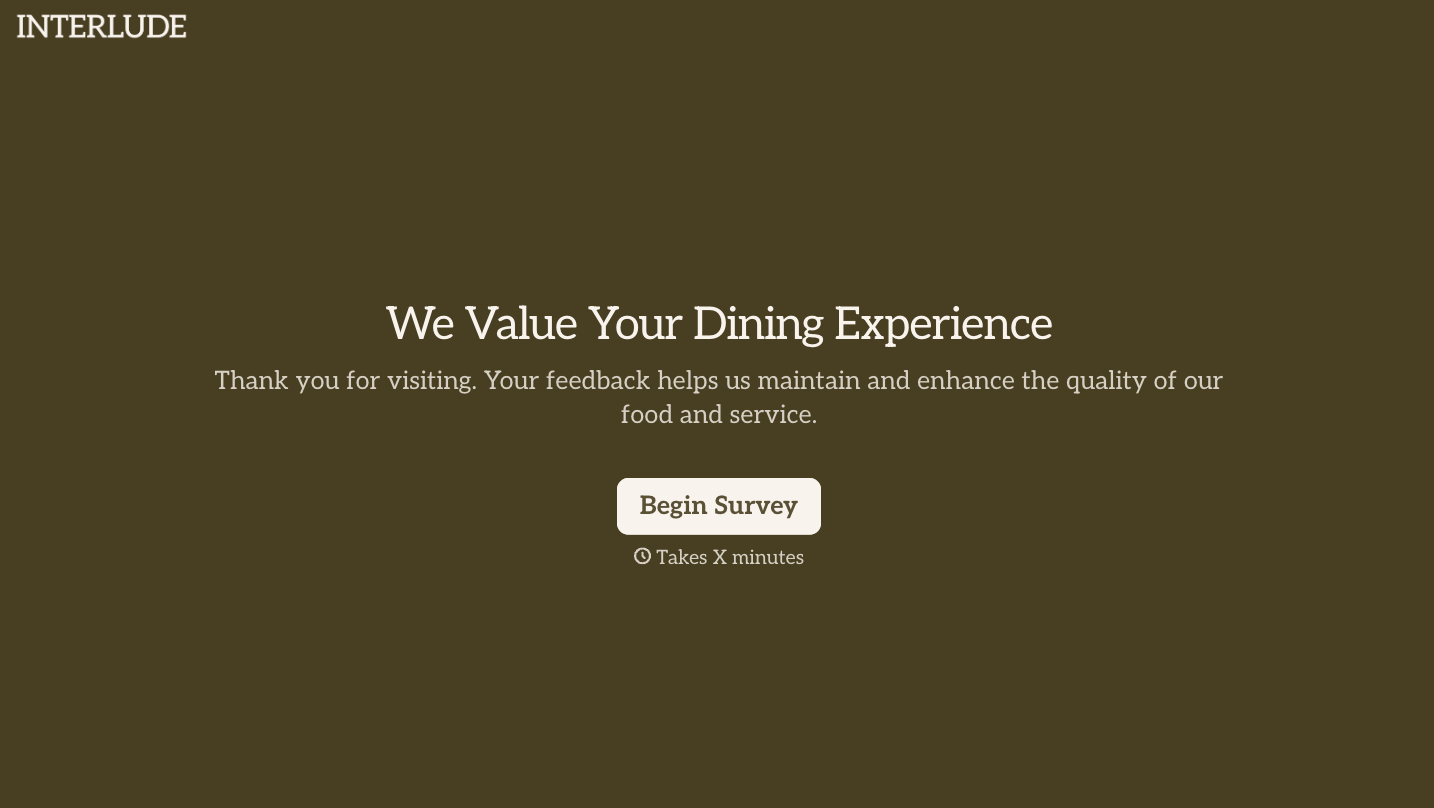
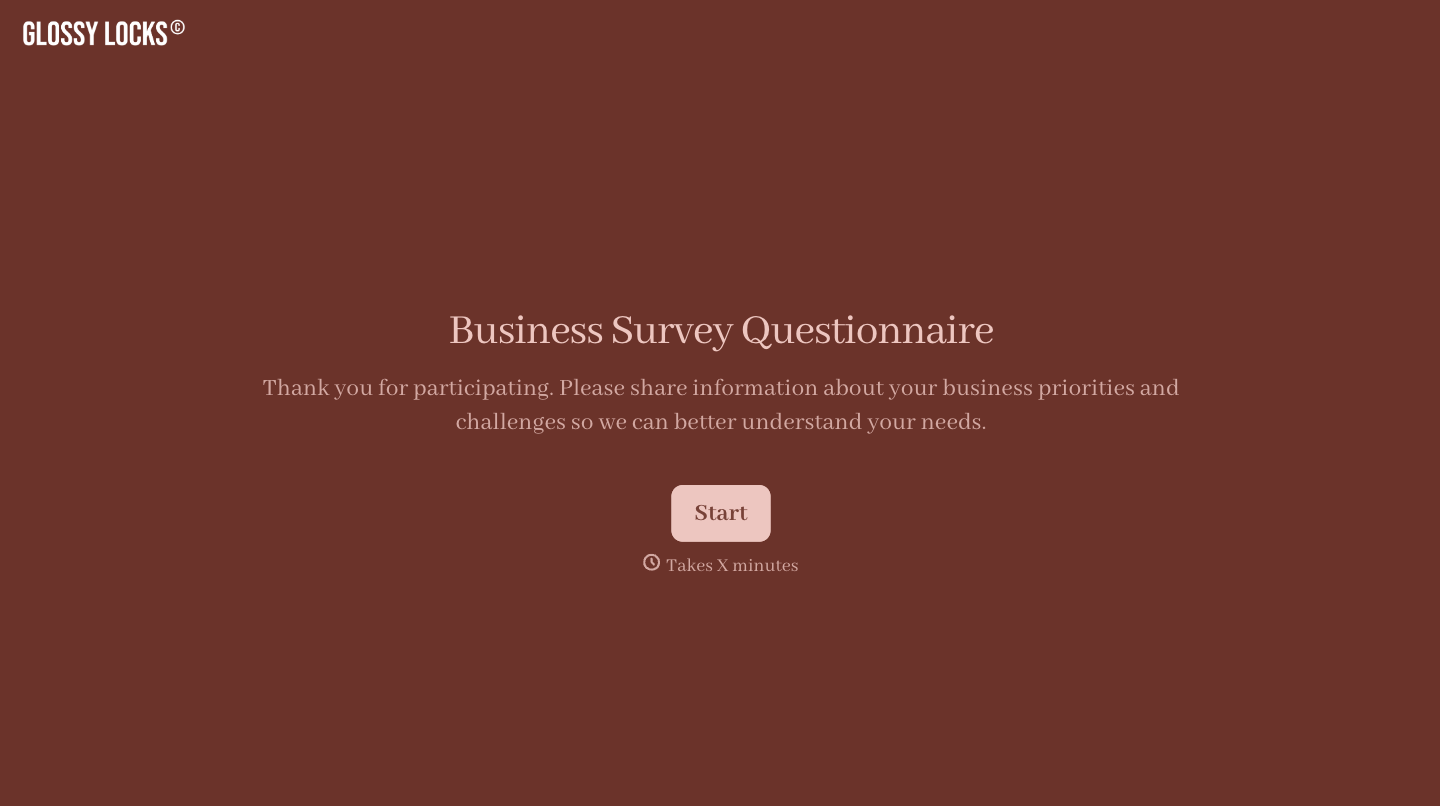

With Typeform, you can customize everything
Change text, colors, and even logos to match the look and feel of your brand. Then embed forms smoothly onto web and email.
Make forms feel effortless to fill out. Pace questions, call people by their name, and adapt the flow based on the data they share.
Stay efficient by connecting forms to your workflow. Typeform integrates with 300+ tools including Slack, Zapier, and HubSpot.


