Software Evaluation Form Template
Compare tools objectively, and make software decisions you won't regret.


Choosing new software is easy until you're 3 demos deep and every option sounds the same. Vendors highlight their strengths, gloss over their weaknesses, and leave you with glossy slide decks that don't answer the questions that actually matter for your team. Without a structured evaluation, decisions get made on gut feeling, and gut feeling doesn't scale.
This software evaluation form template gives your team a consistent framework for assessing every option against the same criteria. Functionality, usability, integration capabilities, pricing, vendor support, and scalability — all scored on the same scale so you can compare apples to apples. Conditional logic surfaces additional questions based on the software category being evaluated.
Share the form with everyone involved in the decision. Aggregate scores across evaluators to surface consensus picks and flag areas of disagreement. The result is a data-driven recommendation instead of a popularity contest.
A software evaluation form is a structured scorecard used to assess and compare software solutions against defined criteria. Evaluators rate each tool on factors like functionality, ease of use, cost, support, and integration capabilities. The standardized format makes it possible to compare multiple options objectively and justify the final selection.
Software decisions affect budgets, workflows, and team productivity for years. A formal process prevents the loudest voice in the room from driving the decision. It ensures all stakeholders evaluate the same criteria, surfaces hidden trade-offs, and creates documentation that explains why a particular tool was chosen — useful for future audits or re-evaluations.
- Software name and category
- Does it meet core functional requirements? (checklist)
- Ease of use and learning curve (rating scale)
- Integration with existing tools and systems
- Pricing model and total cost of ownership
- Quality of vendor support and documentation
Include 3-5 evaluators representing different roles. End users, IT, management, and anyone directly affected by the decision. Too few perspectives create blind spots; too many slow the process down. Weight evaluations based on who will use the tool most heavily. An end user's usability score should carry more weight than a manager's.
If every option falls short, your requirements might need revisiting. Are you looking for a single tool to do too much? Could a combination of tools cover the gaps? The evaluation data helps you articulate exactly where each option falls short, which is valuable information for vendor negotiations or for adjusting your requirements to match market reality.
Get inspired by relevant templates and categories
3200+ Templates, 300+ Integrations
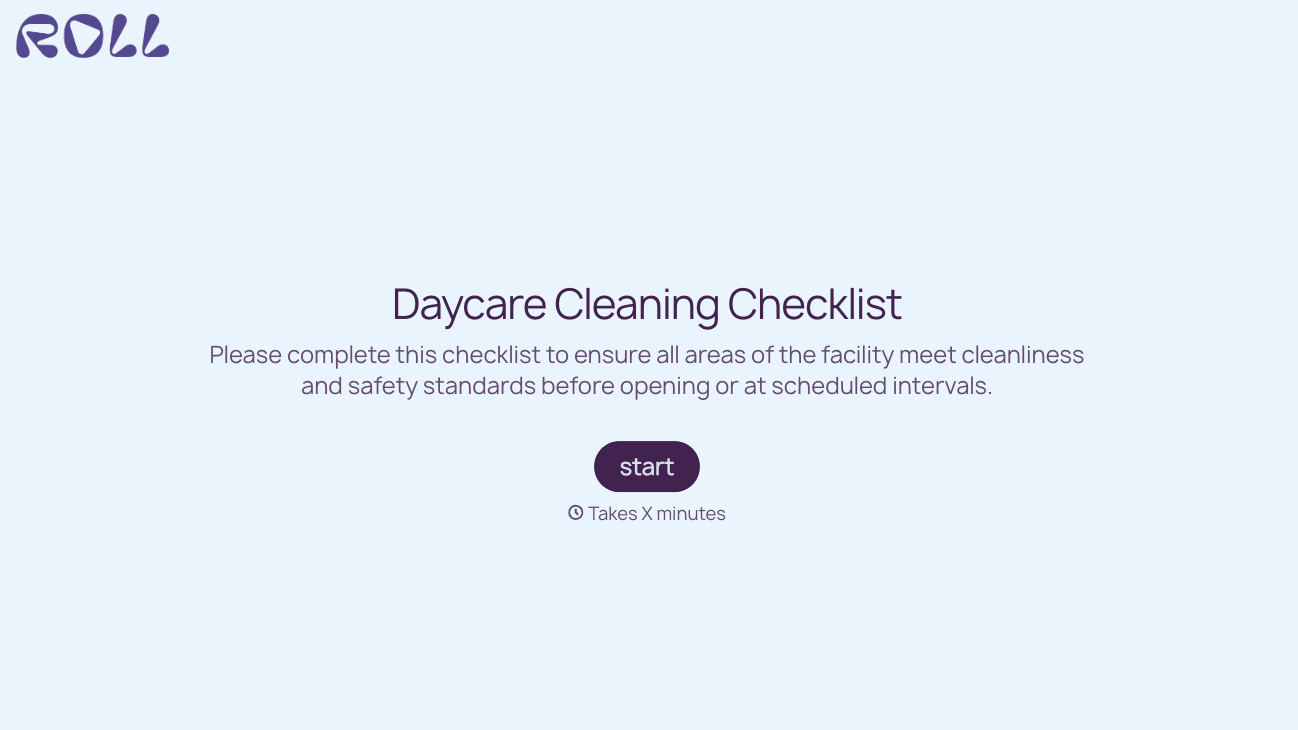
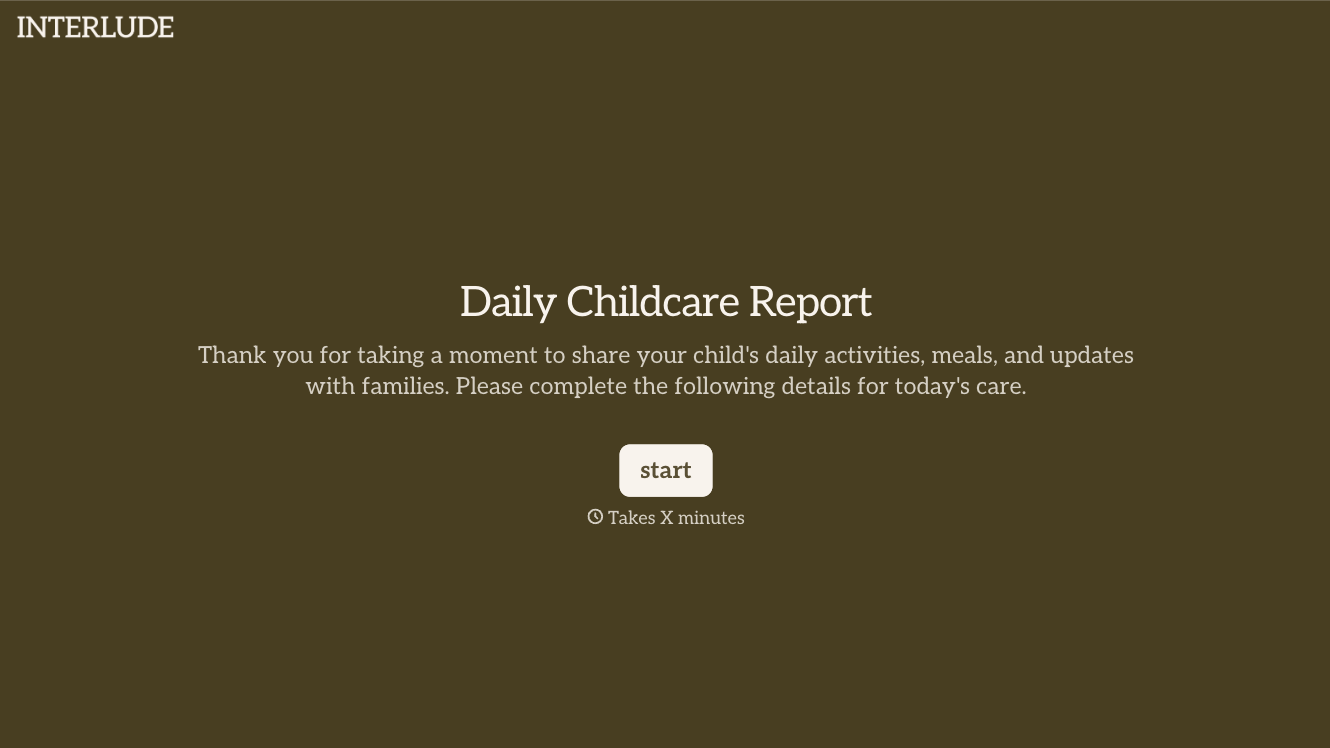
With Typeform, you can customize everything
Change text, colors, and even logos to match the look and feel of your brand. Then embed forms smoothly onto web and email.
Make forms feel effortless to fill out. Pace questions, call people by their name, and adapt the flow based on the data they share.
Stay efficient by connecting forms to your workflow. Typeform integrates with 300+ tools including Slack, Zapier, and HubSpot.


