Vendor Registration Form Template
Get vendors into your system quickly with all the details you need, and none of the chaos.



Onboarding new vendors requires detailed information to set them up correctly — but the more demanding the process, the more likely vendors are to rush through it or leave fields blank. Paper forms come back half-filled, email requests generate 8-message threads, and your accounts payable team ends up chasing vendors for the same W-9 they've already requested three times.
This vendor registration form template solves the information-gathering challenge with a streamlined, professional experience. Vendors provide their business details, banking information for payments, tax documentation, insurance certificates, and service descriptions in one sitting. The one-question-at-a-time format prevents overwhelm, and required fields ensure nothing critical gets skipped.
Connect the form to your ERP, accounting software, or a Google Sheet via Zapier, and new vendor profiles are created automatically upon submission — no manual data entry, no missing documents, no "can you resend that?" emails. Your finance team spends less time on vendor setup and more time on work that matters.
A vendor registration form is a business document used to collect essential information from companies or individuals who want to supply goods or services to your organization. It captures legal business details, contact information, tax documentation, banking information for payments, and service capabilities. It's typically the first step in establishing a formal business relationship.
- Legal business name, DBA (if applicable), and tax ID
- Business type (sole proprietor, LLC, corporation, etc.)
- Primary contact name, title, email, and phone
- Payment information (bank name, routing number, account number)
- W-9 or equivalent tax form upload
- Description of goods or services provided
Typeform encrypts data in transit using TLS, which protects banking details as they're submitted. For additional security, consider whether you need to collect banking information via the form at all. Some organizations prefer to handle banking setup through a separate, dedicated financial onboarding process. If you do collect it in the form, restrict access to the response data to authorized finance team members only.
Speed and accuracy. Paper and email-based registration creates delays and data quality issues. An online form with required fields and file uploads ensures vendors submit everything in one go, no follow-up needed. You also get a timestamp, a digital record, and the ability to route submissions directly into your systems through integrations.
The form handles collection; the workflow lives in your connected tools. Route submissions to a Google Sheet or Airtable base with status columns (submitted, under review, approved, rejected). Set up Zapier automations to notify the relevant approver when a new registration arrives. Once approved, a second automation can send the vendor a welcome email with onboarding instructions. The form starts the process; integrations drive it forward.
Get inspired by relevant templates and categories
3200+ Templates, 300+ Integrations

Bank Reference Form
A reference request faxed to a bank branch and left sitting in a queue for weeks isn't the kind of turnaround a landlord or business can wait on. Collect the applicant's signed authorization and the specific details you need confirmed before the request even reaches the bank, so a decision isn't stuck behind a letter that hasn't come back yet.
View template
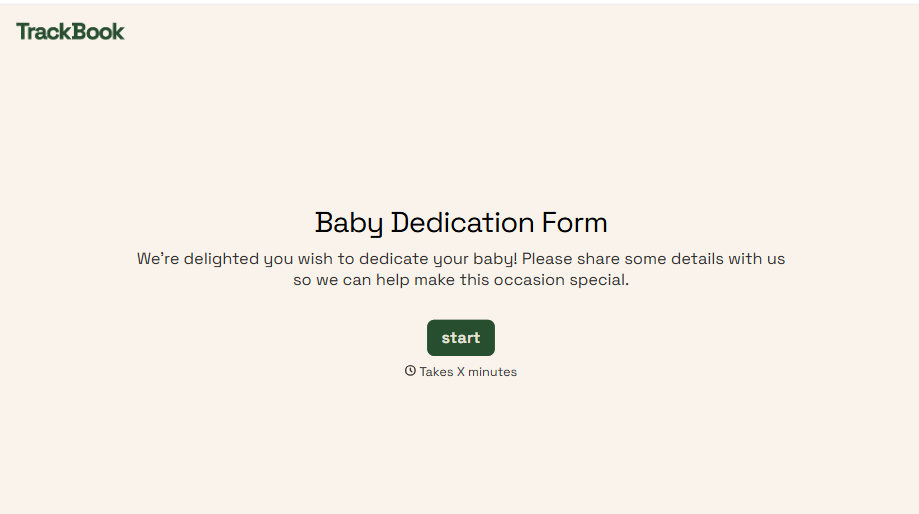
Baby Dedication Form
A sign-up sheet passed around during announcements isn't the kind of detail you want to compile into a Sunday program from memory. Collect the baby's information, requested ceremony date, and any required class attendance before the service, so your team isn't confirming a name's spelling the morning of.
View template
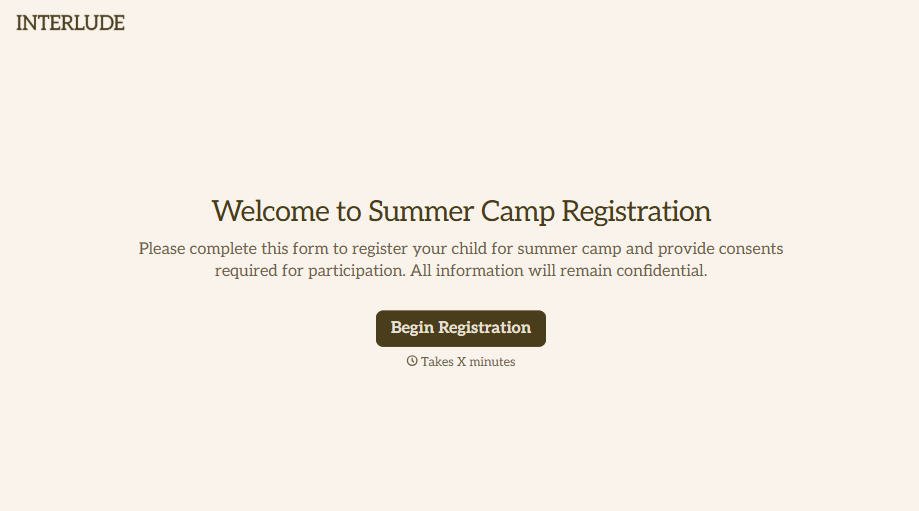
Summer Camp Consent Form
A camper with a bee sting and a counselor on the phone trying to reach a parent isn't a consent process, it's a delay. Collect guardian consent for emergency medical treatment, medication administration, and photo or media use before drop-off, so your staff can act instead of waiting for a callback.
View template
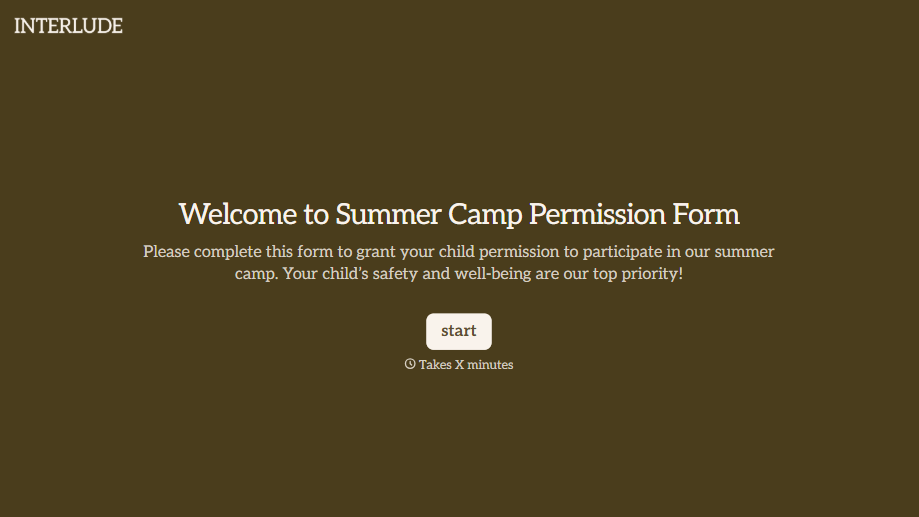
Summer Camp Permission Form
A permission packet crumpled at the bottom of a backpack for two weeks isn't a permission slip anyone can rely on. Collect camper information, medical disclosures, and a signed permission for camp activities before drop-off, so your staff aren't scrambling for an emergency contact on day one.
View template

Bar Inventory Form
A bottle count eyeballed at the end of a shift and scrawled on a paper sheet doesn't hold up against a pour cost report that says something doesn't add up. Collect what your bar actually needs, item, count, and variance, on a schedule you can actually compare week to week.
View template

Equipment Inventory Form
Equipment that leaves a storage room in someone's arms, with no note about where it went, doesn't show up again until someone needs it and can't find it. Collect what your team actually needs, item details, condition, and who's got it, every time something moves.
View template
With Typeform, you can customize everything
Change text, colors, and even logos to match the look and feel of your brand. Then embed forms smoothly onto web and email.
Make forms feel effortless to fill out. Pace questions, call people by their name, and adapt the flow based on the data they share.
Stay efficient by connecting forms to your workflow. Typeform integrates with 300+ tools including Slack, Zapier, and HubSpot.


