Tax Information Form
Collect employee and contractor tax details in one secure form, so your payroll team processes withholdings accurately from day one.



A paper W-4 or contractor tax form sitting in someone's inbox is a compliance risk waiting to happen. Incomplete fields, missing TINs, and illegible handwriting delay payroll and create errors that are difficult to correct later. Typeform's tax information form gives payroll teams a secure way to collect complete tax details from every employee or contractor.
The form captures filing status, withholding allowances, Social Security or Tax ID number, and any additional withholding amounts in one flow. Typeform presents one question at a time, so the process feels nothing like staring at a dense tax document. Conditional logic adapts questions based on the respondent's employment type. An employee completing a W-4 sees different questions than an independent contractor providing their TIN and business details.
Customize the form with your organization name, tax year, and any jurisdiction-specific fields your payroll system requires. Share it via your HR portal, send it during onboarding, or include it in your new hire checklist. Every submission logs automatically in Google Sheets or Airtable via Zapier, keeping tax records organized and accessible to your payroll team. Your team processes withholdings accurately from the start, without chasing down missing forms weeks into the pay cycle.
A tax information form collects what a payroll team needs to process withholdings accurately for employees and contractors. It gathers filing status, withholding allowances, Social Security or Tax Identification Number, and additional withholding instructions in a single submission. Think of it as a secure digital replacement for the paper W-4 and contractor tax intake process.
Paper tax forms create errors that don't surface until payroll runs. Incomplete W-4s or mismatched filing statuses lead to incorrect withholdings that are costly to correct and stressful for employees. A structured form ensures every field is completed before submission, keeping sensitive data out of unsecured email threads. Use it for new hire onboarding, annual W-4 updates, contractor intake, and payroll system migrations.
A complete tax information form covers:
- Employee or contractor name, date of birth, and contact details
- Social Security Number (SSN) or Tax Identification Number (TIN)
- Filing status (e.g., single, married filing jointly, head of household)
- Number of withholding allowances or adjustments
- Additional withholding amount, if applicable
- Employer or client name and payroll reference
- Electronic signature and date
Typeform collects responses on a secure, encrypted platform, so tax details are protected from the moment of submission. You control who has access to submission data inside your Typeform workspace. Connect the form to a private Google Sheet or payroll system via Zapier so records stay within your authorized team. Social Security Numbers and TINs never sit in a shared inbox or an unsecured spreadsheet.
Set up conditional logic to branch the form by employment type, so each person only sees relevant questions. An employee sees questions about filing status, withholding allowances, and W-4 details. A contractor sees questions about their TIN, business name, and payment classification instead. This keeps the form clean for both groups without maintaining two separate tax intake processes.
Get inspired by relevant templates and categories
3200+ Templates, 300+ Integrations



With Typeform, you can customize everything
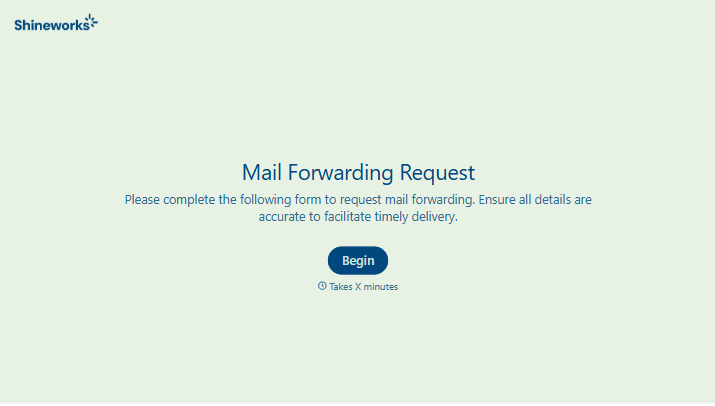
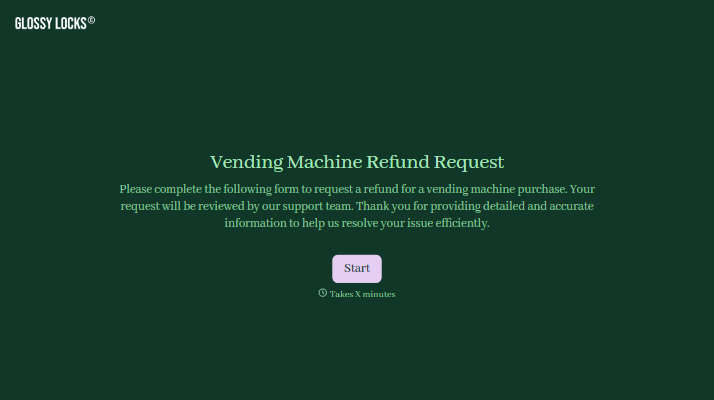
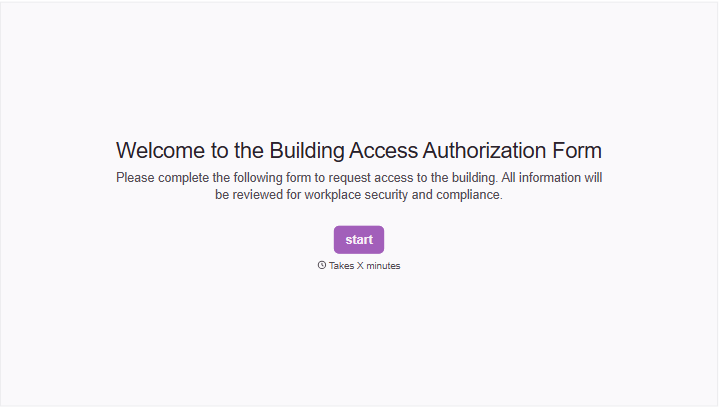
Change text, colors, and even logos to match the look and feel of your brand. Then embed forms smoothly onto web and email.
Make forms feel effortless to fill out. Pace questions, call people by their name, and adapt the flow based on the data they share.
Stay efficient by connecting forms to your workflow. Typeform integrates with 300+ tools including Slack, Zapier, and HubSpot.


