Teacher Appreciation Form
Give students and parents an easy way to say what a teacher did well, in detail that’s worth keeping. Collect the teacher, the specific thing they did, and permission to share it.



A parent with a problem emails the same day. A parent whose child had a good year usually says nothing at all. So a teacher's sense of how they're doing gets built almost entirely from the complaints, a strange way to judge a job most of them do well. Typeform's teacher appreciation form gives the other half of that feedback somewhere to go.
Whoever's writing, names the teacher and says what they actually did. A student answers about a moment they remember, while a parent writes about what changed for their child over the year. Both say whether their name can be attached and whether the school can share what they wrote.
Teachers get specifics, not a card reading thank you for everything. The school gets something usable for a display, a newsletter, or a personnel file with permission already attached. The parent who assumed the teacher already knew has finally told them.
A teacher appreciation form is an online form students, parents, and colleagues use to share what a teacher did well. It collects who the message is about, the specific thing they did, who it's from, and whether the school may share it. Schools use it to gather recognition that teachers keep, and that the schools can use publicly.
Without one, appreciation arrives as a card in May or not at all. The people with the most specific thing to say (the shy student, the parent who assumed the teacher already knew) are the least likely to volunteer it unprompted. A teacher appreciation form asks the question directly, which turns out to be most of what it takes.
A form like this should ask what makes praise land:
- Which teacher and which class
- What they specifically did
- What difference it made
- Who the message is from
- Permission to share it
Put it where people already are and keep it short. A QR code at a parents' evening, a link at the foot of a newsletter, or a form open for one week during appreciation week will get you more than a general invitation to send kind words. Three questions is enough, because someone who has to think about format won't finish.
Yes, and some of the best ones arrive that way. A student who wouldn't sign their name will still write about the week a teacher stayed late with them, and the teacher doesn't need to know who wrote it to appreciate it. Ask separately whether the school can share the message, because someone happy to be anonymous isn't necessarily happy to be quoted in a newsletter.
Get inspired by relevant templates and categories
3200+ Templates, 300+ Integrations
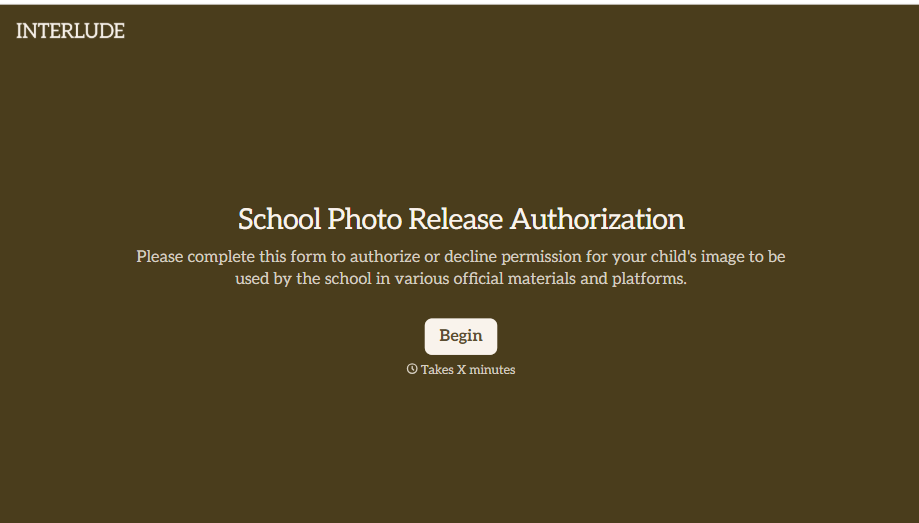
School Photo Release Form
A photo consent checkbox buried on page 12 of an enrollment packet doesn't tell a teacher who's actually opted out before they post a class photo. Collect what your school actually needs, guardian consent, and exactly where a photo can be used, before the camera comes out.
View template
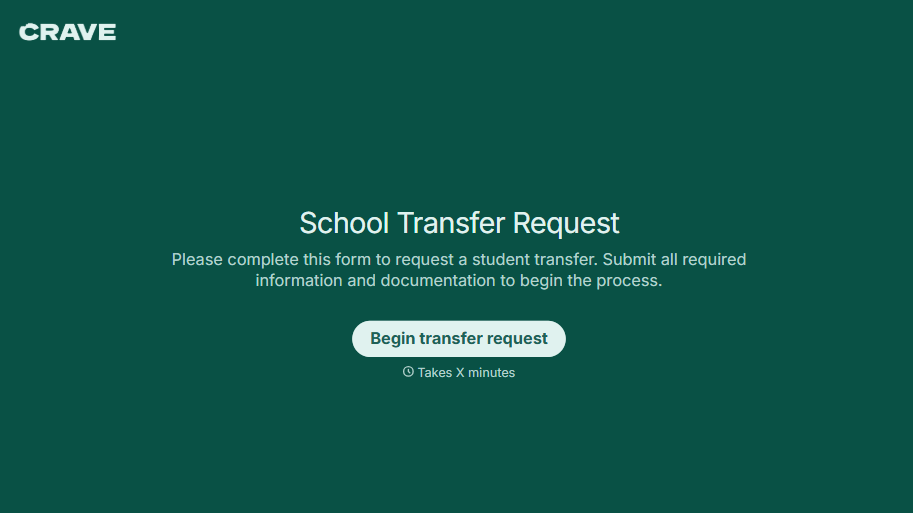
School Transfer Request Form
A transfer request dropped off at the district office isn't the kind of paperwork that gets processed before the semester it's meant for already started. Collect the student's information, reason for transfer, and supporting documentation upfront, so a request doesn't stall while the district follows up for a missing form.
View template
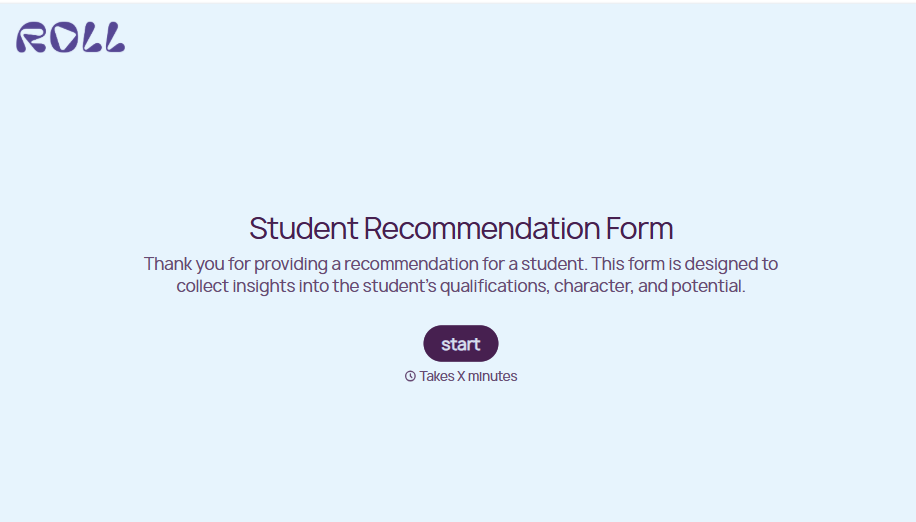
Student Recommendation Form
An email asking "can you write me a letter of recommendation" with no deadline attached isn't enough for a teacher to actually sit down and write one. Collect the program details, deadline, and what the student wants highlighted before the request lands in an inbox, so a letter doesn't get written in a rush the night it's due.
View template
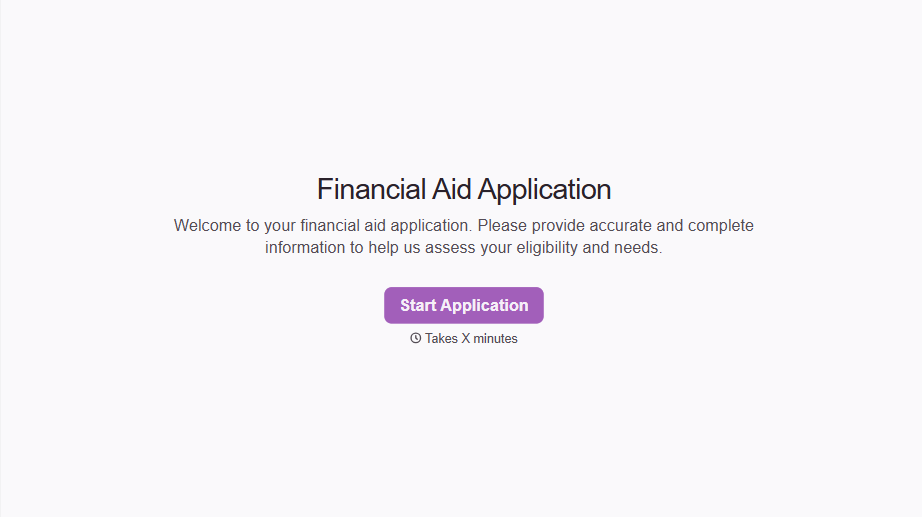
Financial Aid Application Form
A request for help with tuition mentioned to the front office in passing doesn't give your financial aid team anything to actually evaluate. Collect what your school actually needs, household information, income documentation, and need, before the deadline passes.
View template

Girl Scout Product Permission Form
A permission slip signed at a troop meeting while five other things are happening, snack time, a badge ceremony, a parent already halfway out the door, isn't informed consent, it's a signature. Get the money-handling responsibility, the supervision rules, and the online sales guidelines actually read and agreed to before a single box leaves the garage.
View template

College Scholarship Application Form
An application submitted as a PDF from one student and a Google Doc link from another isn't a fair comparison, it's whichever format the committee finds easiest to skim that week. Put every applicant through the same form, and the decision comes down to what they actually wrote, not how they happened to turn it in.
View template
With Typeform, you can customize everything
Change text, colors, and even logos to match the look and feel of your brand. Then embed forms smoothly onto web and email.
Make forms feel effortless to fill out. Pace questions, call people by their name, and adapt the flow based on the data they share.
Stay efficient by connecting forms to your workflow. Typeform integrates with 300+ tools including Slack, Zapier, and HubSpot.


