Teacher Message Sharing Form Template
Give parents and students a clear, simple way to send messages to teachers without clogging up email inboxes.



Teachers receive messages through email, apps, paper notes, and verbal requests all at once. There's no single place to track what came in, what was addressed, and what still needs a response. That's as frustrating for the teacher as it is for the parent trying to follow up.
A dedicated message form creates one consistent channel. Typeform's one-question-at-a-time format makes it easy for parents to submit a message in under a minute, and conditional logic can route different message types — absences, questions, concerns, compliments — to the right place automatically.
You can customize the form with the school's name and branding, and connect responses to email or a shared team inbox so teachers see new messages without having to log into another system.
A teacher message sharing form is a structured way for parents, students, or other staff to send messages to a teacher. It collects the sender's details and the nature of their message, creating a trackable record that's easier to manage than individual emails or notes.
When every parent has a different way of reaching out, things get missed. A dedicated form standardizes incoming communication, makes it easier to prioritize urgent messages, and gives teachers a cleaner inbox to work from.
Keep it minimal so parents and students actually complete it. Consider:
- Sender's name and relationship to the student (parent, student, staff)
- Student's name and grade or class
- Subject or category of the message (absence, question, concern, other)
- The message itself
- Best way to follow up (email, phone call, no follow-up needed)
- Preferred response timeframe
Yes. You can add a dropdown or selection field that lets the sender choose which teacher they're contacting. Conditional logic or integrations can then route each response to the correct teacher's inbox automatically.
Absolutely. The form works for any sender — you can make the "relationship to student" field optional or add a student-specific path using conditional logic, so students see age-appropriate questions while parents see a slightly different flow.
Get inspired by relevant templates and categories
3200+ Templates, 300+ Integrations
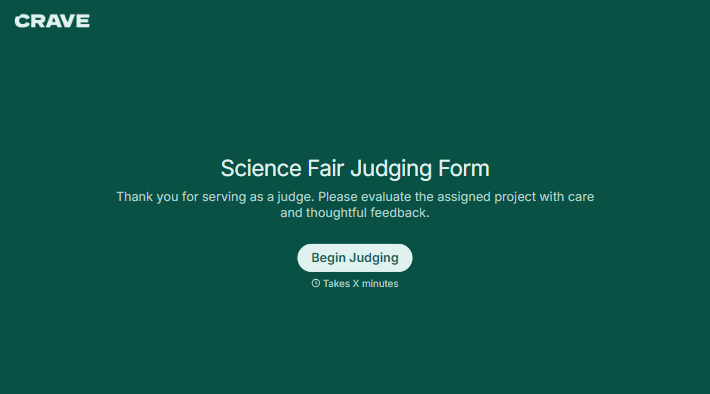
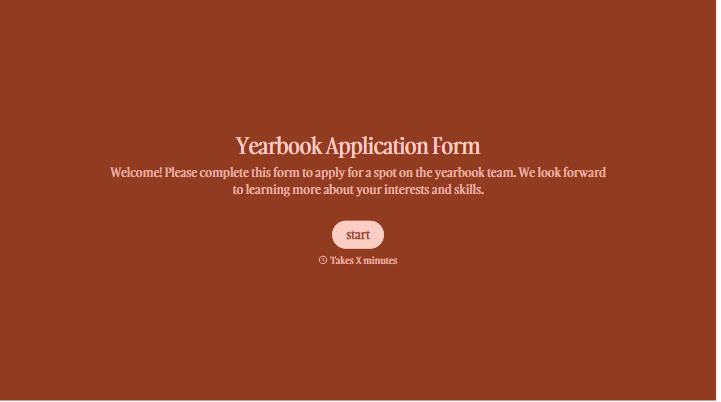
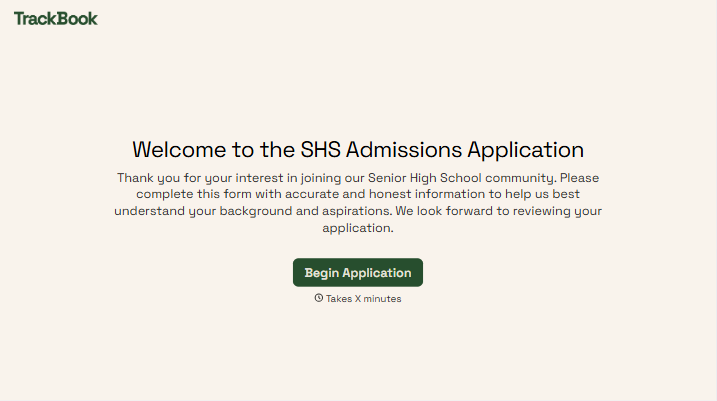
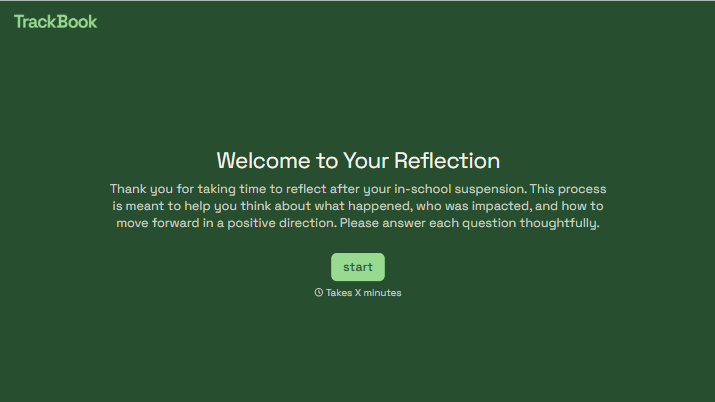
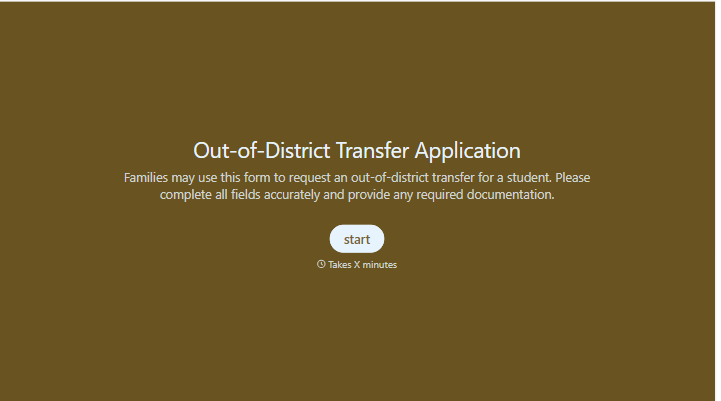
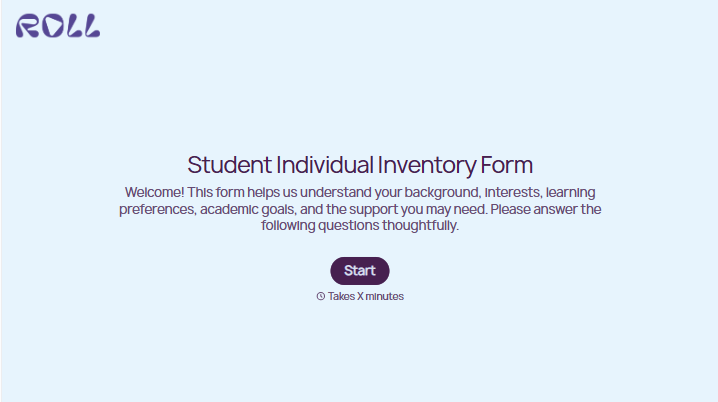
With Typeform, you can customize everything
Change text, colors, and even logos to match the look and feel of your brand. Then embed forms smoothly onto web and email.
Make forms feel effortless to fill out. Pace questions, call people by their name, and adapt the flow based on the data they share.
Stay efficient by connecting forms to your workflow. Typeform integrates with 300+ tools including Slack, Zapier, and HubSpot.


