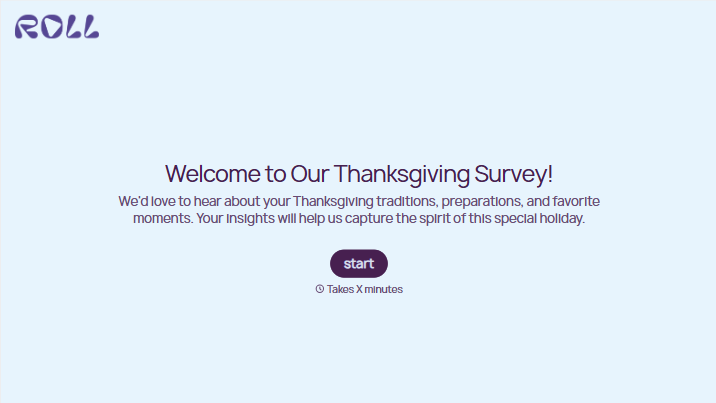
Thanksgiving Survey Form
Give guests a quick way to share their Thanksgiving plans and preferences. Collect attendance, food needs, and ideas for the day so you can organize a gathering that works for everyone.



One guest assumes dinner is at noon. Another plans to bring a pie, joining three people who had the same idea. The host is still scrolling through messages to work out how many places to set. Typeform’s Thanksgiving survey form brings those answers together before the day arrives.
Guests confirm whether they’re coming, say how many people will join them, and share any dietary requirements. You can ask about favorite dishes, contributions, and activities, with room for suggestions. Keep confirmed plans separate from preferences so a vote for an earlier dinner doesn’t get mistaken for a change of time.
Hosts get a clearer picture of who’s attending and what needs arranging. Guests get an easy way to offer help or explain what would make the gathering more comfortable. Whether you’re organizing a family meal, a Friendsgiving, or a workplace celebration, a few direct questions can settle details that otherwise stay scattered across conversations.
A Thanksgiving survey form collects plans, preferences, or feedback related to a Thanksgiving gathering. Before the event, it can ask about attendance, food needs, and activities. Afterward, it can gather suggestions about what to keep or change for next year.
Planning gets harder when guest counts and meal preferences arrive through separate messages. A survey gives everyone the same questions and puts the answers in one place. It also makes it easier for guests to mention a dietary need or volunteer to bring something without starting another group conversation.
For a gathering, start with the details that affect your plans:
- Guest name and attendance
- Number of people attending
- Dietary requirements or food allergies the host needs to know about
- Favorite dishes and meal preferences
- Food or supplies guests would like to contribute
- Activity suggestions
- Optional comments or questions
State the date, location, and any confirmed arrangements before the questions begin.
Share the link with the invitation and give guests a clear response deadline. Keep required questions focused on what you need to plan, such as attendance and food requirements. Make suggestions and activity preferences optional, and send a reminder while there’s still time to adjust the arrangements.
Yes. Replace planning questions with prompts about the gathering itself. Ask what guests enjoyed, whether the timing worked, and what they’d change next time. A question like “Which dish should we bring back?” gives you something specific to use when planning the next celebration.
Get inspired by relevant templates and categories
3200+ Templates, 300+ Integrations
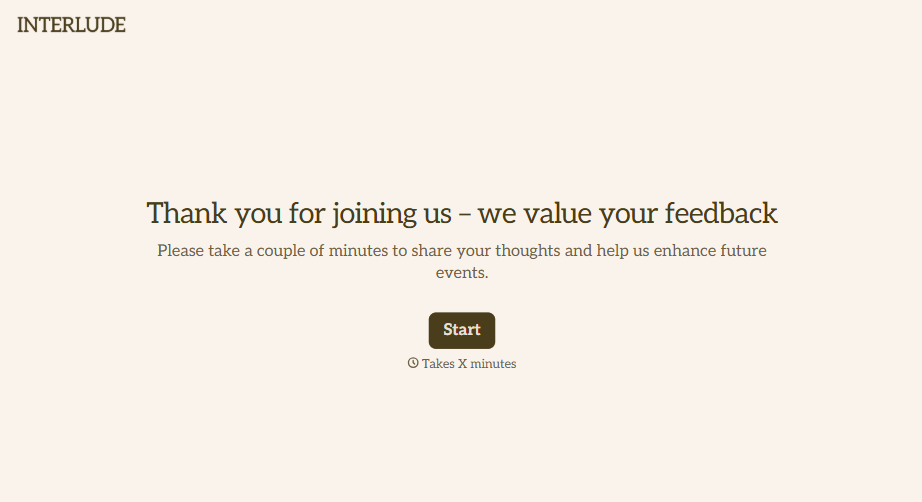
Post-Event Feedback Survey Form
A post-event survey sent three days later, after everyone's back in their normal inbox and the badge is already in a drawer, gets a trickle of responses from whoever happens to open it. Ask while the experience is still fresh, and ask more than "how satisfied were you."
View template

With Typeform, you can customize everything
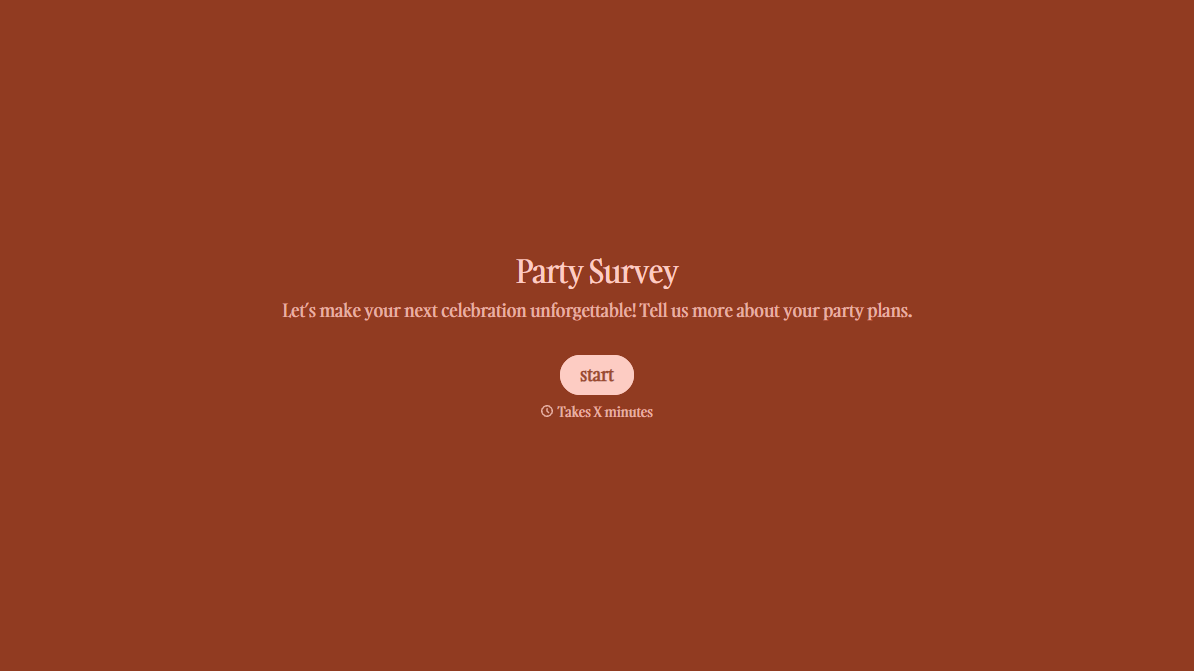
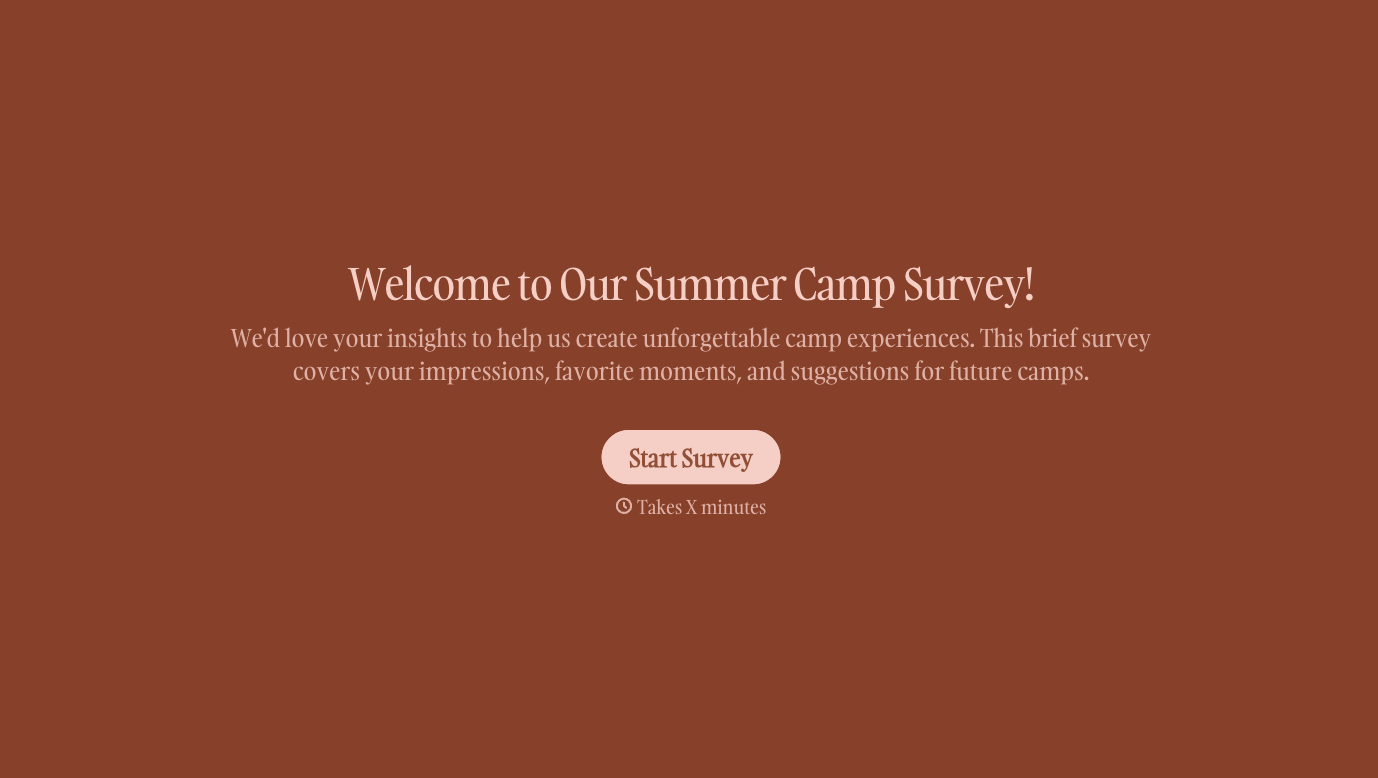
Change text, colors, and even logos to match the look and feel of your brand. Then embed forms smoothly onto web and email.
Make forms feel effortless to fill out. Pace questions, call people by their name, and adapt the flow based on the data they share.
Stay efficient by connecting forms to your workflow. Typeform integrates with 300+ tools including Slack, Zapier, and HubSpot.


