Trade Reference Form
Ask every trade reference for numbers, not impressions. Collect credit extended, payment history, and average days beyond terms in one form.



An applicant picks their own trade references, so you get the three suppliers they pay on time. The names carry no information on their own. What you ask those suppliers is what separates a good risk from a bad one. Ask a supplier whether the account pays well and you’ll often get a yes. Ask for high credit, current balance, and average days beyond terms, and you can get information you can use to underwrite from. Typeform's trade reference form asks each supplier for those numbers directly, so you get a payment record instead of a character reference.
Suppliers report how long the account has been open and the credit terms on it, like net 30 or net 60. Conditional logic reads whether the supplier marks the account active or closed, then asks only what fits. For an active account, the form asks the current balance, the highest credit the supplier has allowed, and average days beyond terms. For a closed account, it asks when the account closed, why, and whether the balance went to collections. Each supplier answers just a handful of questions they can complete quickly.
Every reference comes back in the same units, so you can compare suppliers against each other and applicants against each other. Numbers show you the spread between references, and the spread is what matters: one supplier waiting far longer than the others for payment is a question worth asking before you set a limit. A note reading "good payer" just conceals the problems.
A trade reference form is an online form a supplier fills in to report how a business pays its bills. It asks how long the account has been open, the credit and terms the supplier gave, the current and highest balance, average days beyond terms, and any collections history. Credit teams that send the same form to every reference compare applicants on the same figures instead of on impressions.
Without a trade reference form, you email a supplier asking how the applicant pays, and you get back one sentence. The supplier writes that the account pays fine. Applicants pick references they know will vouch for them, so the answer is biased before you even ask. A trade reference form asks every supplier for the same figures, so you can weigh one reference against another, against the terms you're considering.
Capture what the credit decision needs:
- Length of the trading relationship
- Terms and credit limit extended
- Current balance and high credit
- Average days beyond terms
- Collections, NSF, or disputes
Ask for three. That's the convention in trade credit, and more applicant-chosen references tell you nothing new, because every name on the list clears the same low bar. Check the applicant against a source they don't control, like a supplier you find yourself, or a commercial credit report, before you approve or set a credit limit.
Keep it short and send it to a named person in accounts receivable. Put the applicant's legal name and account number at the top so the clerk can pull the record in one search, and ask only what you need to set a credit limit. Anything that needs a manager's sign-off tends to sit unanswered.
Get inspired by relevant templates and categories
3200+ Templates, 300+ Integrations

Bank Reference Form
A reference request faxed to a bank branch and left sitting in a queue for weeks isn't the kind of turnaround a landlord or business can wait on. Collect the applicant's signed authorization and the specific details you need confirmed before the request even reaches the bank, so a decision isn't stuck behind a letter that hasn't come back yet.
View template

Bar Inventory Form
A bottle count eyeballed at the end of a shift and scrawled on a paper sheet doesn't hold up against a pour cost report that says something doesn't add up. Collect what your bar actually needs, item, count, and variance, on a schedule you can actually compare week to week.
View template

Equipment Inventory Form
Equipment that leaves a storage room in someone's arms, with no note about where it went, doesn't show up again until someone needs it and can't find it. Collect what your team actually needs, item details, condition, and who's got it, every time something moves.
View template
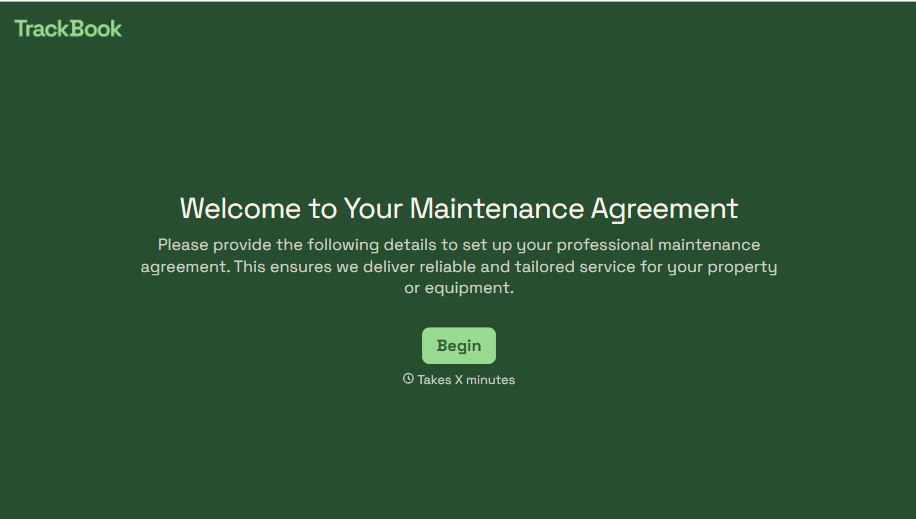
Maintenance Agreement Form
A maintenance plan agreed to over the phone isn't a contract your service team can actually work from, especially when nobody's sure whether the twice-a-year tune-up was part of the deal. Collect the equipment covered, service frequency, and a signed agreement before the first visit, so your team isn't guessing at scope once they're on-site.
View template
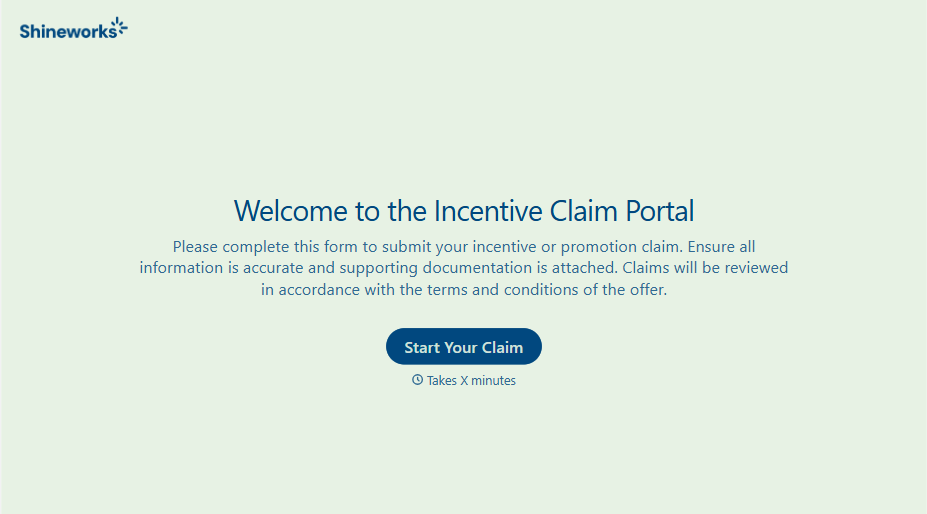
Incentive Claim Form
A rebate claim mailed in with a stapled stack of receipts isn't the kind of paperwork that gets processed quickly, especially when a required serial number turns out to be missing from page three. Collect proof of purchase, product details, and participant information upfront, so a claim doesn't bounce back for a missing document weeks later.
View template
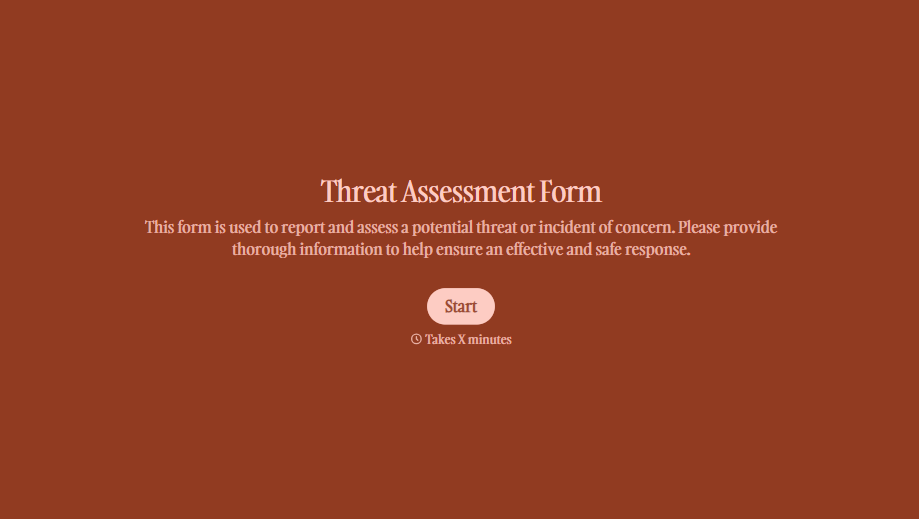
Threat Assessment Form
A concerning comment that gets passed from a teacher to a counselor to whoever's free that period loses detail with every retelling. Collect what your team actually needs, what was observed or reported, who was involved, and when, before an important detail gets dropped along the way.
View template
With Typeform, you can customize everything
Change text, colors, and even logos to match the look and feel of your brand. Then embed forms smoothly onto web and email.
Make forms feel effortless to fill out. Pace questions, call people by their name, and adapt the flow based on the data they share.
Stay efficient by connecting forms to your workflow. Typeform integrates with 300+ tools including Slack, Zapier, and HubSpot.


