Training Form Template
Register participants for training programs and collect the information needed to prepare for each session.



Training coordinators spend too much time chasing down information that should have been collected at registration. Dietary restrictions for in-person sessions, prior knowledge levels, specific learning objectives, accessibility needs, the list grows with every course. When registration happens over email or a basic signup form, the coordinator ends up filling the gaps manually.
A structured training registration form collects everything upfront: the participant's name and role, the session they're registering for, their prior experience level, any accessibility or accommodation needs, and what they're hoping to get out of the training. Conditional logic can show different questions based on the course level or format, so a technical skills workshop and a leadership development program can share the same form without the questions feeling mismatched.
Customize the template for your program structure, connect it to your calendar tool or LMS, and set up automated confirmation emails so participants receive session details immediately after registering.
It's a registration and intake form used to enroll participants in a training program, workshop, or course. It collects the logistical and preparation information a coordinator needs to run the session effectively.
Inconsistent registration processes create coordination headaches. A structured form ensures you collect the same information from every participant, reduces the follow-up emails required before each session, and gives trainers the context they need to tailor content to the group.
The right fields depend on your training type, but a solid registration form typically includes:
- Participant name, job title, and department
- Session title, date, and format (in-person, virtual, hybrid)
- Prior experience or knowledge level relevant to the course
- Learning objectives or what they hope to gain from the training
- Any accessibility, dietary, or accommodation needs
- Manager's name (if approval tracking is needed)
Add a capacity note to the form and use a response notification or Zapier workflow to alert you when you hit your maximum. Late registrants can be added to a waitlist question where their details are captured for the next available session. Typeform doesn't have built-in capacity limiting, so monitor response counts and close or update the form when you reach your limit.
You can, by adding a course selection question at the start and using conditional logic to show program-specific questions based on the selection. Alternatively, duplicate the template and customize each version for specific programs. The latter approach is often cleaner if the programs are very different in nature.
Get inspired by relevant templates and categories
3200+ Templates, 300+ Integrations
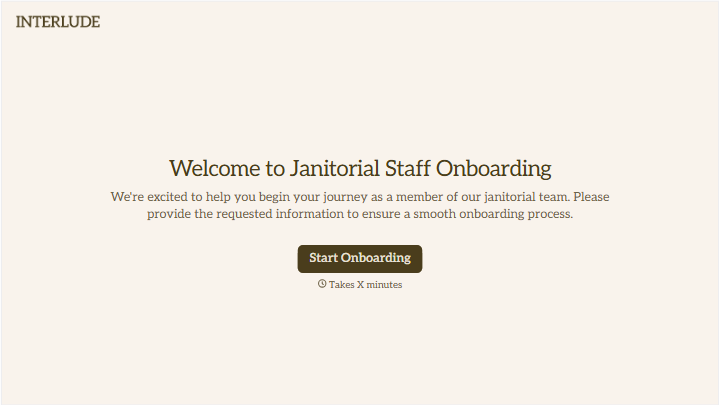
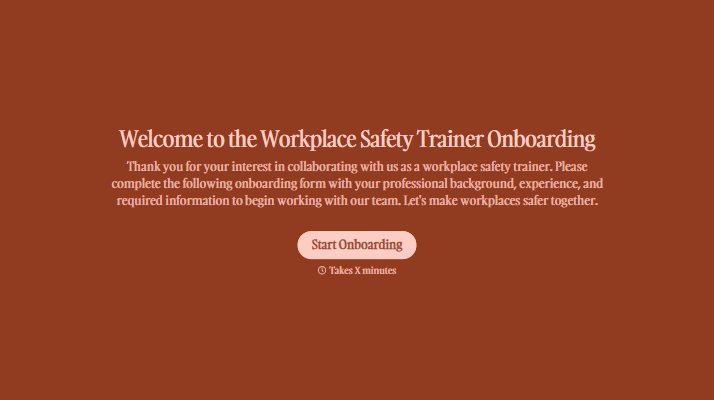
With Typeform, you can customize everything
Change text, colors, and even logos to match the look and feel of your brand. Then embed forms smoothly onto web and email.
Make forms feel effortless to fill out. Pace questions, call people by their name, and adapt the flow based on the data they share.
Stay efficient by connecting forms to your workflow. Typeform integrates with 300+ tools including Slack, Zapier, and HubSpot.


