Trust Amendment Form Template
Collect the information needed to process a trust amendment accurately and completely before drafting begins.



Trust amendments require precise information about the existing trust document, the specific provisions being changed, and the intent behind those changes. When attorneys or trust administrators collect this information through a phone call or general email, important details get missed or misunderstood before drafting even begins. The result is additional back-and-forth that delays the process and frustrates clients.
A structured trust amendment intake form captures the essential details upfront: the trust name and date, the provisions being amended, the nature of the changes, and any supporting context the client wants to provide. The one-question-at-a-time format works well for clients who find legal intake forms intimidating, making it easier to respond thoughtfully rather than staring at a dense document. Every response is stored and accessible to the drafting attorney before any work begins.
Customize the form for your firm's specific amendment types, add your firm's branding, and connect submissions to your matter management system or a shared practice workspace.
It's an intake form used by law firms or trust administrators to collect the information needed to draft or process an amendment to an existing trust document. It captures which provisions are being changed and the client's intent before drafting begins.
Collecting amendment details through unstructured conversations or emails leads to gaps that require follow-up before work can begin. A structured form ensures you have the complete picture before the drafting attorney starts, reducing revision cycles and improving client experience.
A trust amendment intake typically covers:
- Full name of the trust and date of execution
- Trustor(s) name and contact information
- Current trustee(s) and any proposed changes to trustee designations
- Beneficiary changes (additions, removals, or modifications to distributions)
- Specific articles or provisions being amended
- The client's stated reason or intent for the amendment
No. The form is an intake tool that collects information to inform the drafting process. The legal amendment document itself is prepared and executed separately, following your jurisdiction's requirements for trust modification, including signatures and notarization where required.
For straightforward single-provision amendments, the form works as-is. For more complex amendments involving multiple changes, include an open-text field where clients can describe all the changes they want to make and note any that are interrelated. The drafting attorney reviews the complete submission and schedules a follow-up call only if additional clarification is needed.
Get inspired by relevant templates and categories
3200+ Templates, 300+ Integrations




With Typeform, you can customize everything
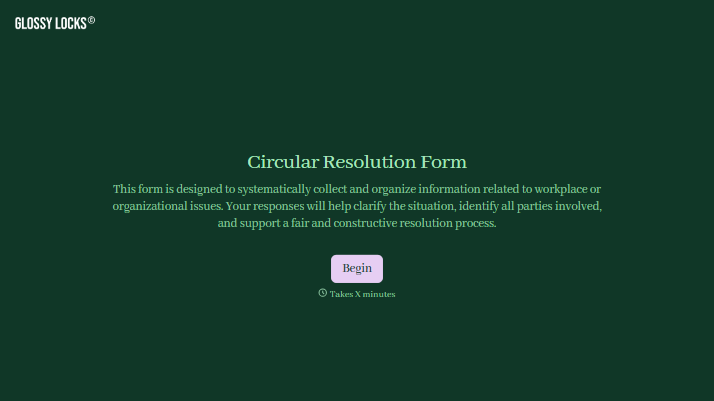
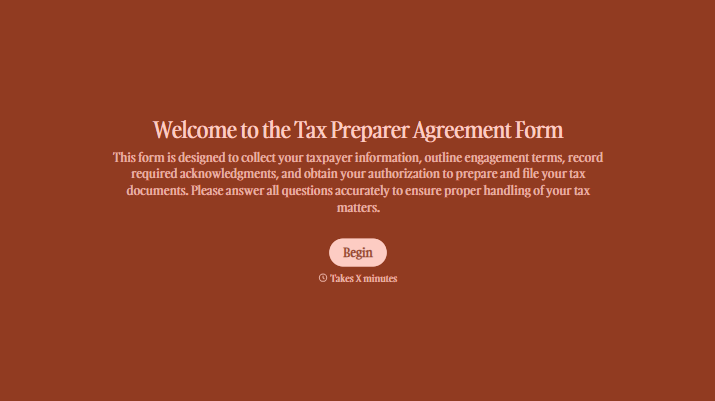
Change text, colors, and even logos to match the look and feel of your brand. Then embed forms smoothly onto web and email.
Make forms feel effortless to fill out. Pace questions, call people by their name, and adapt the flow based on the data they share.
Stay efficient by connecting forms to your workflow. Typeform integrates with 300+ tools including Slack, Zapier, and HubSpot.


