University Admission Form Template
Collect complete application information from prospective students and make your admissions process consistent and efficient.



Processing university applications through a mix of email attachments, paper forms, and student portal uploads creates unnecessary complexity. When intake information is scattered, admissions teams spend more time organizing and chasing than they do evaluating candidates.
A Typeform university admission form brings the intake process into a single, structured form. Prospective students move through personal details, academic history, program selection, and document uploads in a logical sequence. Conditional logic adjusts the form based on the program applied for, the student's prior education level, or whether they're applying as a domestic or international student. Every submission arrives complete and consistent.
Customize it with your institution's programs, entry requirements, and document upload prompts. Embed it on your admissions page or link to it from your student information system.
A university admission form is the application document that prospective students complete to apply for enrollment in a degree program or course. It collects personal, academic, and program-specific information that the institution uses to make admissions decisions.
A standardized digital admission form reduces processing time, ensures every applicant provides the same information, and creates a consistent record for the admissions team to review. It also gives applicants a smoother, more professional experience.
Gather the information needed for a thorough admissions review:
- Full name, date of birth, nationality, and contact details
- Previous educational qualifications and institutions attended
- Program applied for and preferred start term
- English language proficiency (for international applicants)
- Personal statement or statement of purpose
- Uploaded supporting documents (transcripts, ID, test scores)
Use conditional logic to show international-specific fields — such as passport details, visa status, and language proficiency scores — only when an applicant selects a non-domestic country. This keeps the form clean for domestic applicants while ensuring international applicants aren't missing required information.
Yes. Typeform integrates with a wide range of tools via Zapier and direct API connections. Responses can be pushed to your SIS, CRM, or review platform so applicant records are created automatically without manual data entry.
Get inspired by relevant templates and categories
3200+ Templates, 300+ Integrations
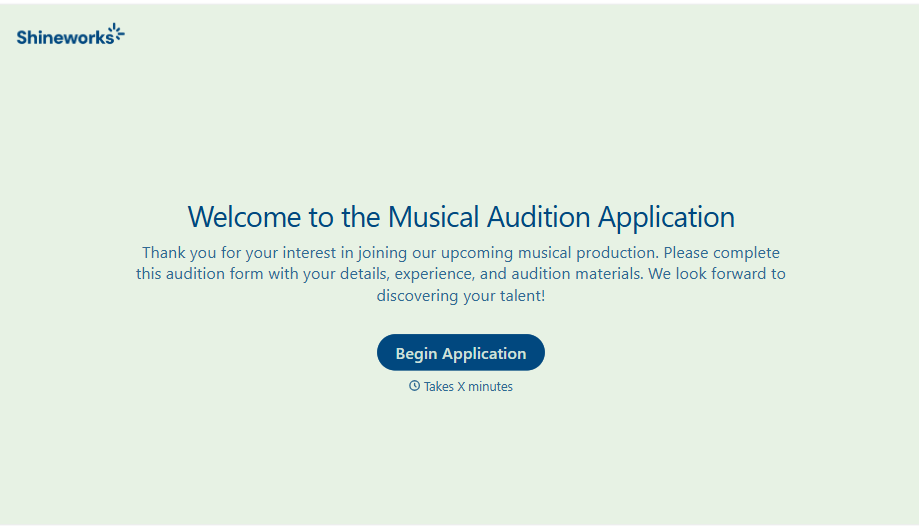
Musical Audition Form
A name scrawled on a sign-up sheet taped near the rehearsal room doesn't tell a director what role someone's after, or whether they can actually make callbacks next Tuesday. Collect what your production actually needs, contact information, role interest, and availability, before audition day arrives.
View template

Library Book Request Form
A book request scrawled on a sticky note at the front desk doesn't make it into any queue, and it definitely doesn't get anyone a call when the book actually arrives. Collect what your library actually needs, the title, patron information, and how they'd like to be notified, before the note gets buried under the next stack of returns.
View template
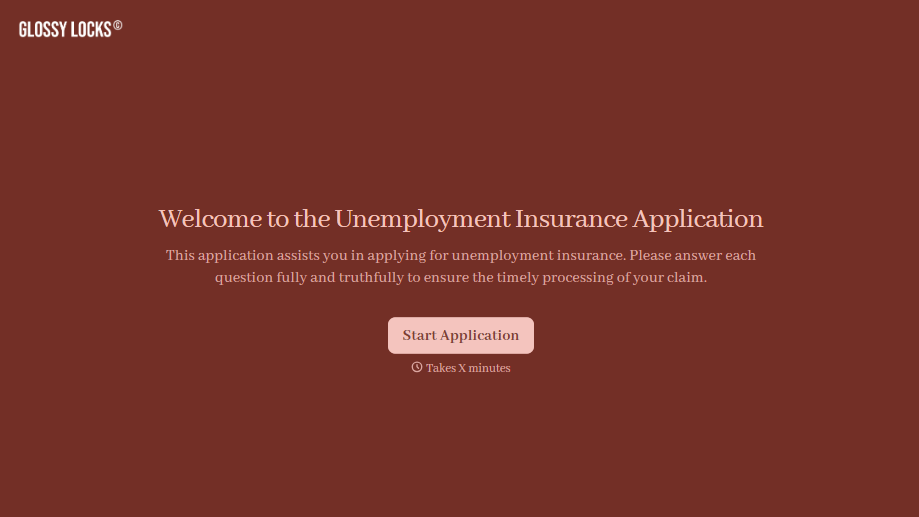
Unemployment Insurance Application Form
A stack of pay stubs gathered the morning of a filing deadline isn't the kind of preparation that gets a claim processed without delay. Collect employment history, separation details, and supporting documents before you sit down at your state's unemployment portal, so a claim doesn't stall over a missing detail.
View template
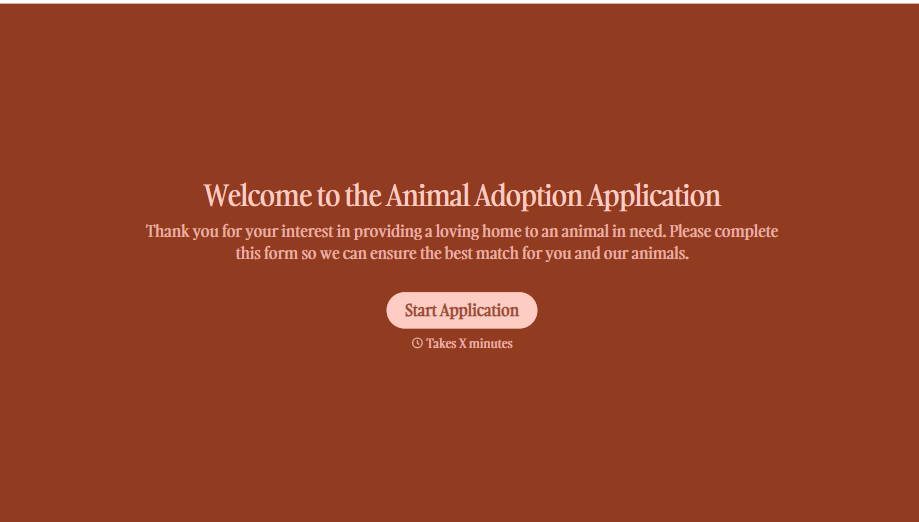
Animal Adoption Application Form
A paper application filled out at the counter while a dog's watching through the window isn't enough information to place an animal in a home that'll actually work. Collect household information, pet experience, and references before adoption day, so your staff aren't approving a placement on a rushed form.
View template

Tenant Repair Request Form
A text message about a leaky faucet sent at 11pm isn't a work order your maintenance team can act on efficiently, especially without a photo or a unit number attached. Collect the property, the issue, and how urgent it is before the request lands in someone's texts, so a repair doesn't wait on a landlord scrolling back through old messages.
View template

Video Request Form
A Slack message asking for "a quick video for the launch" isn't a creative brief your video team can actually start from. Collect the project purpose, deadline, and deliverable specs before the request lands in a queue, so your team isn't reworking a video built on assumptions the requester never actually stated.
View template
With Typeform, you can customize everything
Change text, colors, and even logos to match the look and feel of your brand. Then embed forms smoothly onto web and email.
Make forms feel effortless to fill out. Pace questions, call people by their name, and adapt the flow based on the data they share.
Stay efficient by connecting forms to your workflow. Typeform integrates with 300+ tools including Slack, Zapier, and HubSpot.


