Website Survey Form
Collect visitor ratings, navigation feedback, and improvement suggestions from your website audience, so your team makes changes backed by real data.



Website teams that rely on analytics alone know what visitors do on their site but not why they do it. Without direct visitor feedback, design and content decisions are based on assumptions, not what your audience actually experiences. Typeform's website survey form template gives marketing and product teams a consistent way to collect direct visitor feedback at scale.
The form captures satisfaction ratings, ease of navigation, content quality, design feedback, and suggestions for improvement. Questions appear one at a time, keeping visitors engaged without overwhelming them with a page of checkboxes. Conditional logic adapts the survey based on how each visitor responds. A visitor who rates navigation poorly sees follow-up questions about specific pain points, keeping responses actionable rather than surface-level.
Customize the questions to match your website's goals, audience, and the specific pages or flows you want feedback on. Embed it on your site, trigger it after a key action, or share it via post-visit email. Every response logs automatically in Google Sheets or Airtable via Zapier, so your team spots patterns as they emerge. Make your next website update based on what visitors actually said, not what the data implies.
A website survey form is a structured feedback form that collects visitor opinions on a site's usability, content, design, and overall experience. It gathers satisfaction ratings, navigation feedback, purpose of visit, content quality scores, and open-ended suggestions in a single submission. It functions as the direct line between your website and the people using it, giving your team the qualitative context that analytics alone can't provide.
Analytics tell you where visitors drop off, but not why. Without qualitative feedback, design and content changes are educated guesses at best. A structured website survey collects specific, actionable input from real visitors, so your team prioritizes improvements based on evidence rather than instinct. Use it for post-launch reviews, ongoing UX research, e-commerce checkout feedback, and content strategy validation.
A complete website survey covers:
- Overall satisfaction rating with the website
- Ease of finding information or completing a task
- Quality and clarity of content
- Design and visual experience
- Primary purpose of the visit
- Whether the visitor found what they came for
- Suggestions for improvement
Keep the survey short, ideally under five questions, so visitors complete it in under two minutes. Trigger it after a meaningful interaction (a purchase, a download, or a support ticket resolved) rather than on page load, when visitors have no context to give feedback yet. Conditional logic helps here too: a visitor who completes a purchase sees different follow-up questions than one who browsed and left, making every response more relevant.
Export responses to a shared Google Sheet or Airtable base via Zapier and tag each entry by feedback type (navigation, content, design, performance). Group responses by rating to identify your lowest-scoring areas first, then cross-reference with your site analytics to confirm where the friction is highest. This gives your product or design team a prioritized improvement list grounded in both what visitors said and what the data shows.
Get inspired by relevant templates and categories
3200+ Templates, 300+ Integrations
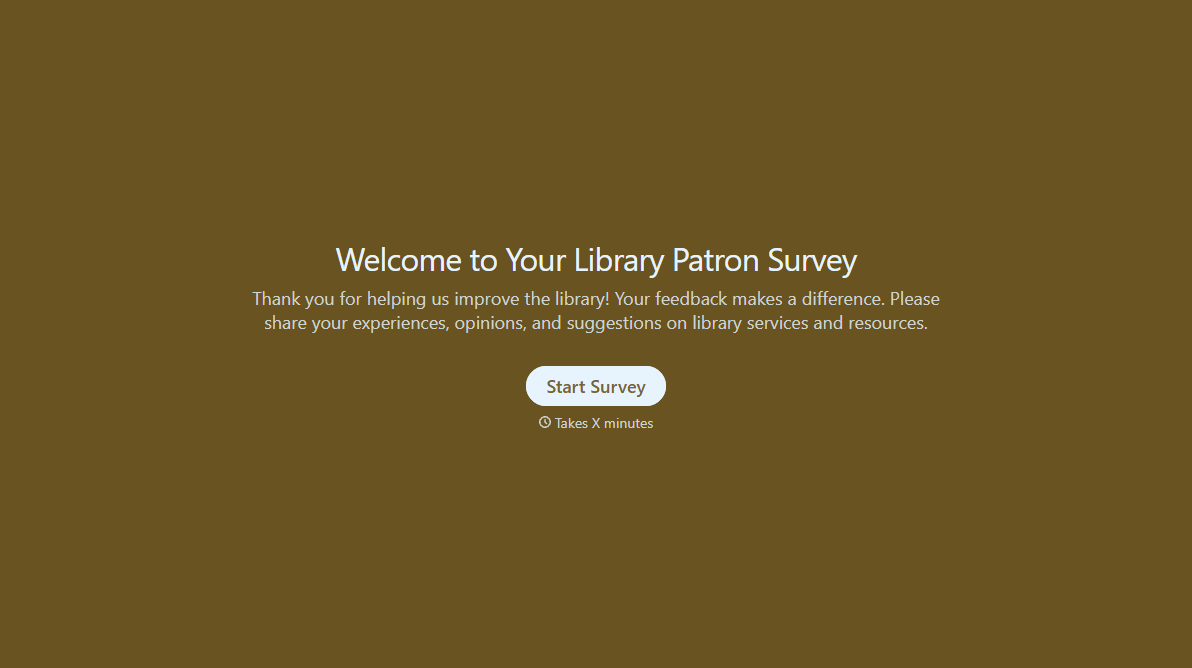
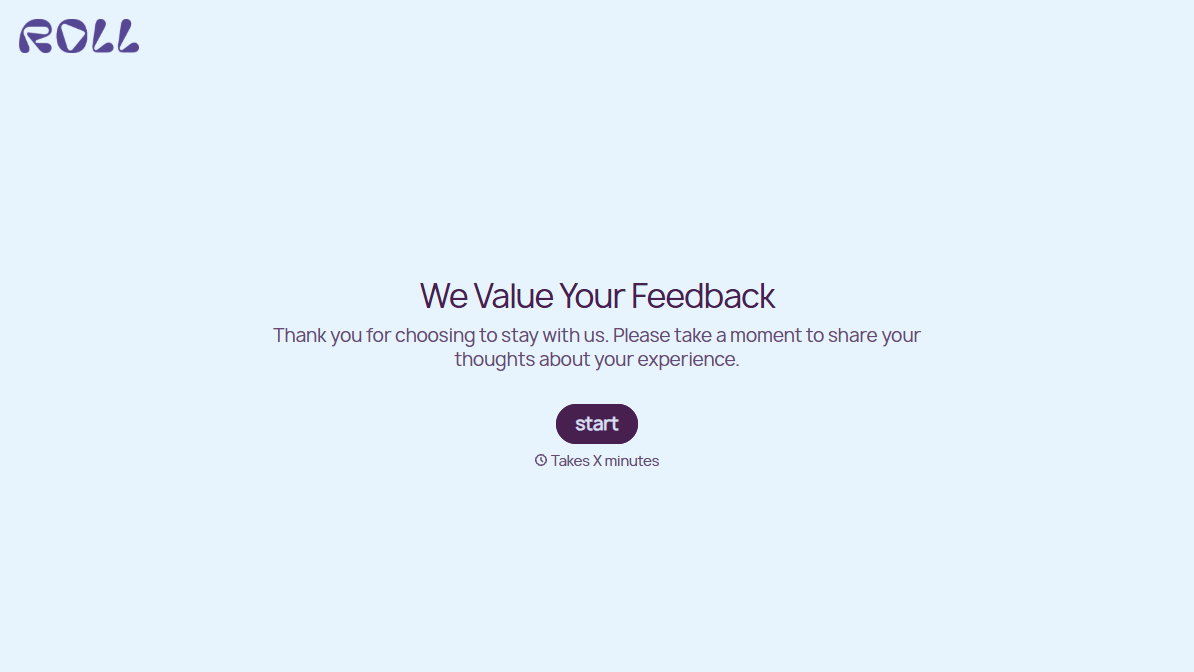
With Typeform, you can customize everything
Change text, colors, and even logos to match the look and feel of your brand. Then embed forms smoothly onto web and email.
Make forms feel effortless to fill out. Pace questions, call people by their name, and adapt the flow based on the data they share.
Stay efficient by connecting forms to your workflow. Typeform integrates with 300+ tools including Slack, Zapier, and HubSpot.


