Wrestling Registration Form Template
Register wrestlers for your tournament or club without paperwork piling up before the season starts.



Running a wrestling program means collecting a lot of information before anyone steps on the mat — weight class, age group, experience level, emergency contacts, medical notes, liability waivers. Doing that on paper or through a chain of emails creates delays and gaps in your records.
An online registration form brings it all together. Typeform's wrestling registration form uses conditional logic to route athletes to the right questions based on their age, weight class, or division — so younger athletes see different fields than seniors, and you don't waste anyone's time with irrelevant questions. Responses feed directly into a spreadsheet or your team management tool so you can start building rosters right away.
You can add your club's logo, adjust weight classes, and include any consent or medical forms you need. Setup takes minutes, not hours.
A wrestling registration form is an online form that collects the information needed to register an athlete for a wrestling program, tournament, or club. It typically covers personal details, weight class, experience level, and any required waivers or medical disclosures.
It keeps your registration data organized from day one. Instead of collecting paper forms at practice or chasing down missing information later, you get a complete record for every athlete that's easy to sort, search, and share with coaches or event staff.
Most wrestling registration forms need to capture:
- Athlete name, age, and date of birth
- Weight class and division
- Years of experience or skill level
- Parent or guardian contact information (for minors)
- Emergency contact details
- Medical conditions or physical restrictions
- Liability waiver acknowledgment
You can set up the form to allow multiple submissions per session, or you can create a section that repeats for each additional athlete. Many coaches prefer separate submissions per athlete to keep records clean — but either approach works depending on how you manage your roster.
Add a required checkbox or signature field to the form that participants must complete before submitting. While digital signatures collected this way may not meet every legal standard, they create a clear record of acknowledgment. Check your state's requirements for liability waivers before going fully paperless.
Get inspired by relevant templates and categories
3200+ Templates, 300+ Integrations




With Typeform, you can customize everything
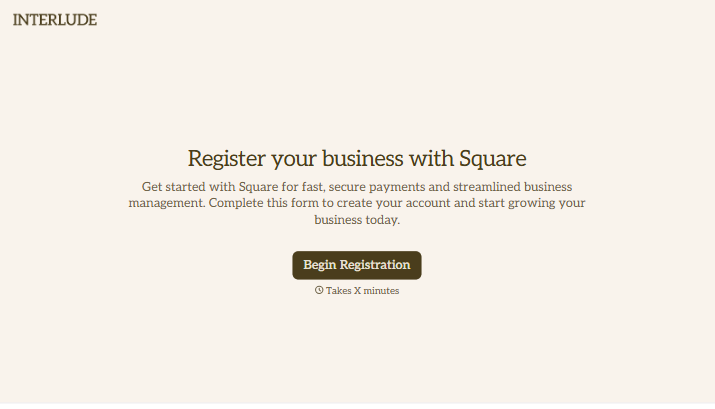
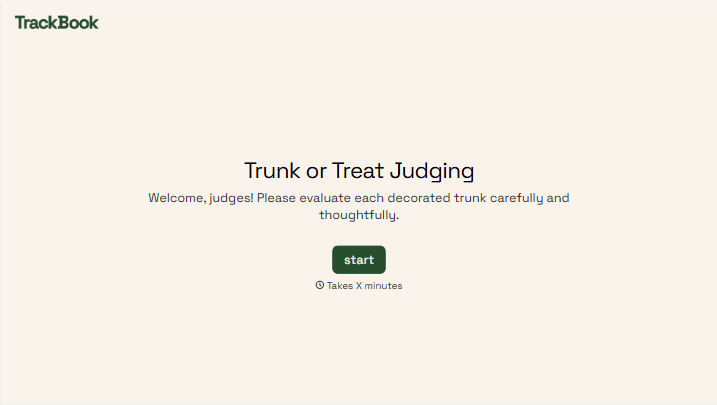
Change text, colors, and even logos to match the look and feel of your brand. Then embed forms smoothly onto web and email.
Make forms feel effortless to fill out. Pace questions, call people by their name, and adapt the flow based on the data they share.
Stay efficient by connecting forms to your workflow. Typeform integrates with 300+ tools including Slack, Zapier, and HubSpot.


