Karaoke Contest Judging Form
Give event organizers and judges a simple way to evaluate karaoke performances with a form that collects contestant details, performance scores, and feedback. Keep judging results organized so competition coordinators can compare ratings, calculate final scores, and recognize outstanding performers through a consistent evaluation process.



A contestant performs a powerful ballad that showcases their vocal range, and another brings energy and audience engagement to an upbeat pop song. They both deliver entertaining performances, but their vocal abilities, stage presence, and song interpretations differ. A karaoke contest judging form helps judges evaluate each performance using consistent criteria and provide meaningful feedback.
Judges provide contestant information, assign scores, and record observations about each performance. You can include fields for vocal quality, pitch accuracy, rhythm, stage presence, and audience engagement. Questions about song selection, creativity, and overall performance help judges assess different aspects of each contestant's presentation and explain their ratings.
Your team receives organized judging results without relying on handwritten scorecards or separate spreadsheets. Competition coordinators review submissions, calculate scores, and determine contestant rankings. Karaoke event organizers get a structured way to manage judging, maintain accurate competition records, and provide participants with a transparent evaluation experience.
A karaoke contest judging form collects scores and feedback from judges evaluating contestants during a karaoke competition. It typically includes contestant names, song selections, performance categories, numerical ratings, and written comments. Event organizers, entertainment venues, and competition coordinators use it to standardize judging criteria, calculate final scores, and determine winners based on performance quality.
Managing karaoke competition scores through handwritten notes or informal discussions can make it difficult to compare performances and calculate accurate results. A structured judging form collects consistent ratings for categories like vocal ability, stage presence, and audience engagement. It helps organizers organize scores, reduce calculation errors, and communicate competition results while supporting a fairer and more transparent judging process.
Include questions that help judges evaluate karaoke performances and provide consistent feedback, like:
- What is your full name?
- What is your judge identification number, if applicable?
- What is the name of the karaoke competition?
- What is the date of the event?
- What is the contestant's name?
- What is the contestant's performance number?
- Is the contestant performing individually or as part of a group?
- What is the title of the song being performed?
- Who is the original artist of the song?
- How would you rate the contestant's vocal quality?
- How accurately did the contestant maintain the song's pitch?
- How would you rate the contestant's rhythm and timing?
- How clearly did the contestant deliver the lyrics?
- How effectively did the contestant express the song's emotion?
- How would you rate the contestant's stage presence?
- How confident did the contestant appear during the performance?
- How effectively did the contestant engage the audience?
- How would you rate the contestant's song interpretation?
- Did the contestant demonstrate creativity or originality?
- How appropriate was the song selection for the contestant's abilities?
- How would you rate the overall performance?
- Were there any noticeable technical or performance issues?
- What were the strongest aspects of the performance?
- What areas could the contestant improve?
- Do you have any additional comments about the performance?
You can customize the questions to match your competition's scoring categories, judging guidelines, and event format.
Use rating scales for vocal quality, pitch accuracy, stage presence, and other performance categories. Include dropdown menus for contestant names, performance numbers, and competition rounds. Conditional logic can display additional questions when judges report technical difficulties or rule violations. Clearly explain the scoring scale and any category weightings before the competition begins. Keep written feedback fields optional so judges can submit scores quickly between performances. Make the form mobile-friendly for convenient use during live events.
Yes. A karaoke contest judging form helps organizers establish consistent evaluation criteria and collect scores from multiple judges. Coordinators can review submissions, calculate weighted totals when applicable, and compare contestant performances using the same scoring framework. The collected information also supports score verification, tie-breaking procedures, and feedback for participants.
By standardizing judging categories, event organizers can reduce inconsistencies and make competition results easier to explain. However, a form alone cannot eliminate subjective opinions or guarantee impartial judging. Organizers should establish clear scoring rules, communicate expectations to judges, and define procedures for handling ties, conflicts of interest, and technical difficulties before the competition begins.
Get inspired by relevant templates and categories
3200+ Templates, 300+ Integrations

Karaoke Contest Judging Form
Give event organizers and judges a simple way to evaluate karaoke performances with a form that collects contestant details, performance scores, and feedback. Keep judging results organized so competition coordinators can compare ratings, calculate final scores, and recognize outstanding performers through a consistent evaluation process.
View template

Bounce House Permission Slip Form
Give parents an easy way to authorize their child's participation in bounce house activities with a form that collects participant information, emergency contacts, and safety acknowledgments. Keep permission records organized so event organizers can verify consent, communicate rules, and manage inflatable play activities safely.
View template
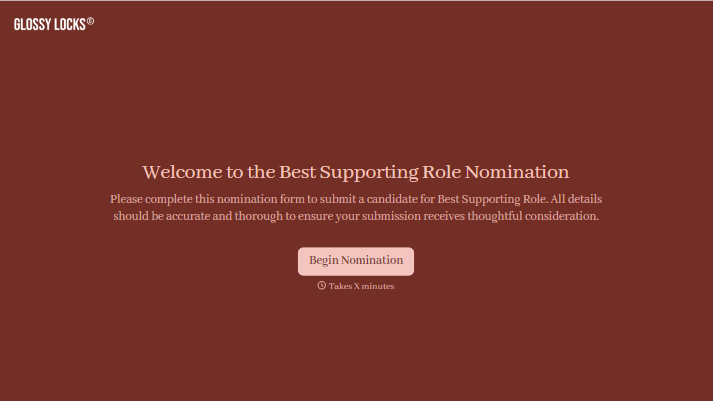
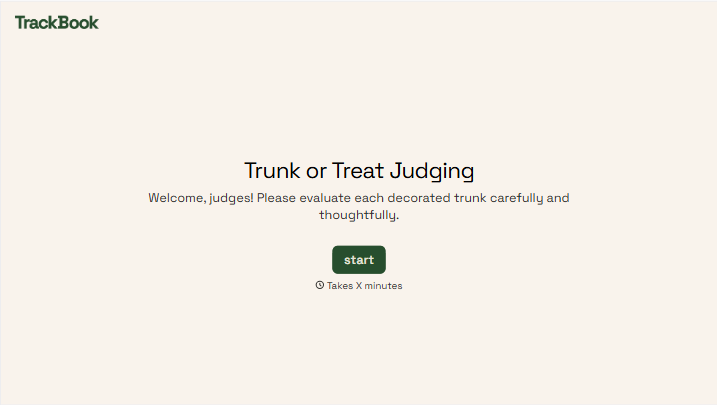

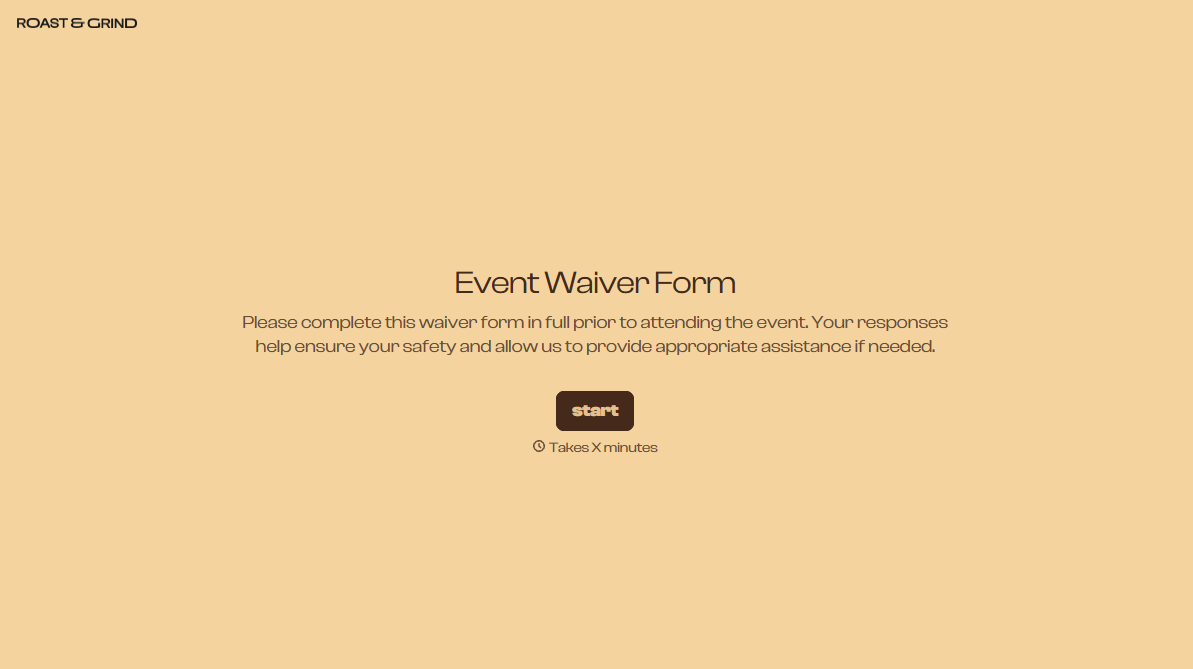
With Typeform, you can customize everything
Change text, colors, and even logos to match the look and feel of your brand. Then embed forms smoothly onto web and email.
Make forms feel effortless to fill out. Pace questions, call people by their name, and adapt the flow based on the data they share.
Stay efficient by connecting forms to your workflow. Typeform integrates with 300+ tools including Slack, Zapier, and HubSpot.


