Online Event Registration Form Template
Make it easy for people to sign up for your event and collect the details you need to plan effectively.


Filling seats at an event is one thing. Knowing who's coming, what they need, and whether your attendee list matches your planning assumptions is another. Registration forms that only collect a name and email don't give you enough to work with.
A Typeform online event registration form collects the information that actually helps you run a better event: dietary requirements, session preferences, t-shirt sizes, accessibility needs, and anything else specific to your event type. Conditional logic adjusts the form based on ticket type or attendance option — an in-person registrant sees different questions than a virtual attendee. Every submission feeds into an organized list you can use for planning and communication.
Customize it with your event details, session options, and any pre-event questions you want to ask. Embed it on your event page or share it directly in your promotional emails.
An online event registration form collects details from people signing up to attend an event. It captures contact information, attendance preferences, and any event-specific details the organizer needs for planning and logistics.
A digital registration form gives you real-time visibility into attendee numbers and demographics, captures planning-relevant details like dietary requirements or session preferences, and creates a contact list for pre-event communications — all in one place.
Tailor the questions to your event type, but these cover the essentials:
- Full name and contact email
- Ticket type or registration category
- In-person or virtual attendance (if both options exist)
- Dietary requirements or food allergies
- Accessibility or accommodation needs
- Session or workshop preferences (for multi-track events)
Typeform doesn't have a built-in capacity limit, but you can connect it to a tool that tracks response counts and closes the form or redirects to a waitlist form when capacity is reached. For paid events, connecting to a ticketing or payment tool gives you tighter control over capacity management.
Yes. Use the session preferences and dietary data collected at registration to pre-assign tables, prepare appropriate food, and ensure the right materials are available for each session. Exporting the data to a spreadsheet or event management tool before the event makes this straightforward.
Get inspired by relevant templates and categories
3200+ Templates, 300+ Integrations
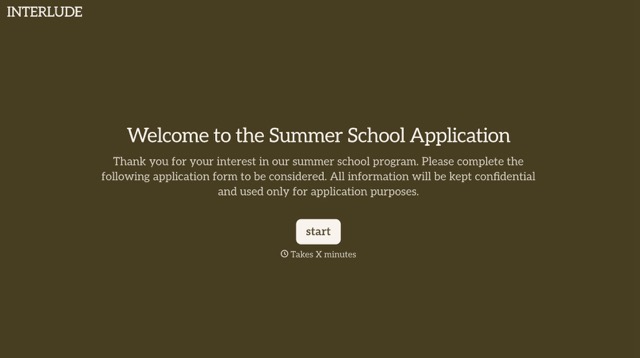
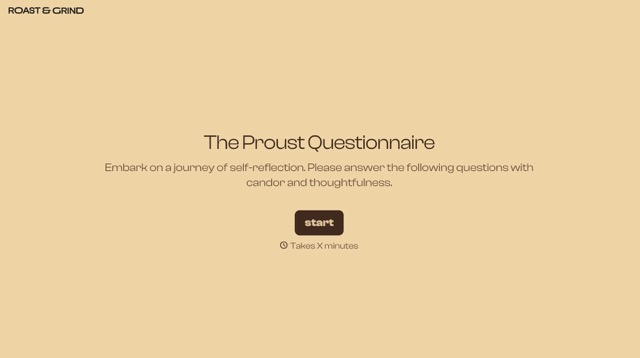


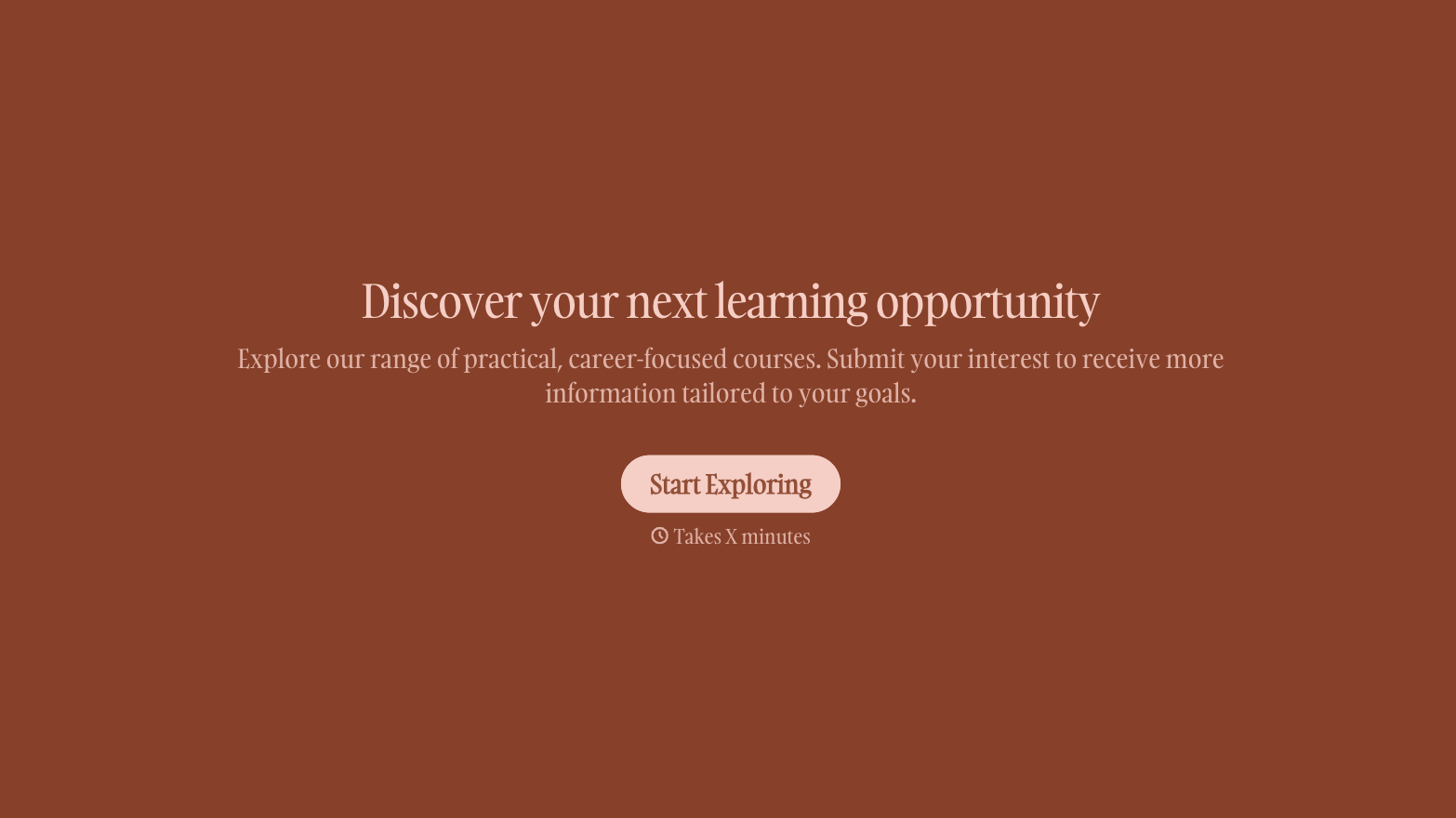
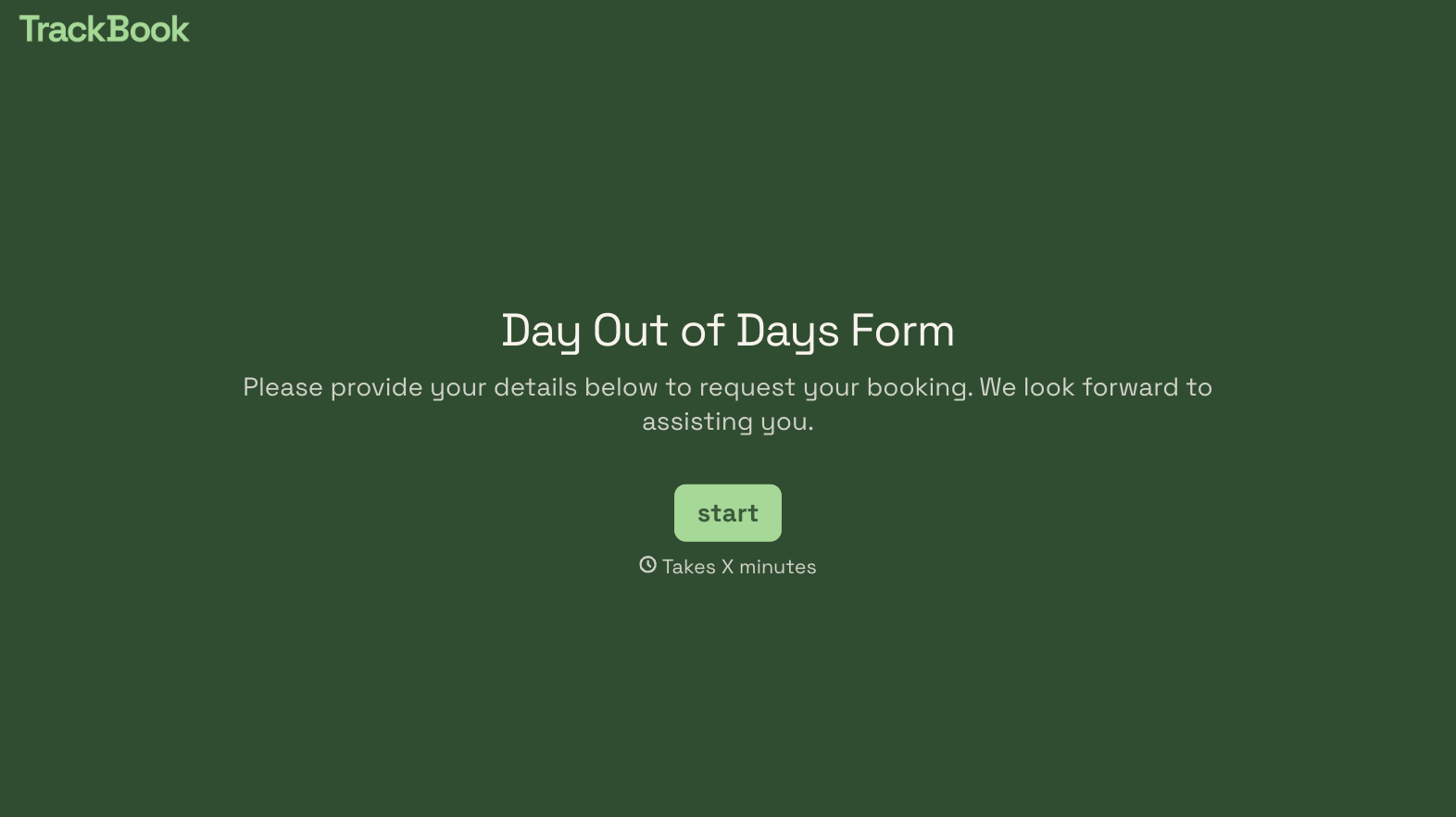
With Typeform, you can customize everything
Change text, colors, and even logos to match the look and feel of your brand. Then embed forms smoothly onto web and email.
Make forms feel effortless to fill out. Pace questions, call people by their name, and adapt the flow based on the data they share.
Stay efficient by connecting forms to your workflow. Typeform integrates with 300+ tools including Slack, Zapier, and HubSpot.


