Acting Audition Form
Take audition submissions without the inbox chaos, from headshots and reels to availability and role preferences, all in one place.



Casting calls flood your inbox with mismatched files, missing details, and reels you can't find when you need them. Every disorganized submission slows casting and risks losing the right actor. Typeform's acting audition template gives casting teams an organized way to collect every submission consistently.
The form captures the actor's details, experience, availability, and audition materials. Questions appear one at a time, so actors submit each detail without skipping their reel or headshot. Conditional logic adapts the form based on the role—an actor auditioning for a musical sees questions about vocal range, while a dramatic role skips them.
Customize the roles and requirements to match your production, and add a file upload for headshots and reels. Share the link on casting sites, by email, or on social media. Every submission logs to Google Sheets or Airtable via Zapier, sortable by role. Review a full talent pool in one place, not a scattered inbox.
An acting audition form is a submission tool for collecting an actor's details, materials, and availability for a role. It captures experience, headshots, reels, and scheduling. Think of it as the organized front door to your casting process.
Email submissions arrive in a hundred formats and bury the details you need. An audition form asks every actor for the same materials in the same structure. You compare candidates side by side and find reels in seconds. That organization speeds casting and keeps strong actors from slipping through.
Collect everything needed to evaluate and schedule talent:
- Name, contact details, and union status
- Height, age range, and relevant attributes
- Acting experience and training
- Headshot and demo reel
- Availability for callbacks and shoot dates
- Role or roles of interest
Yes—Typeform's file upload field lets actors attach headshots, resumes, and video files directly to their submission. Accepted files are up to 10MB each, and you can link to longer reels hosted elsewhere. The materials arrive with each actor's details, so casting reviews everything in one place. File upload is available on paid Typeform plans.
Conditional logic branches the form based on the role an actor selects. Someone auditioning for a singing role answers questions about vocal range and music experience, while a stunt role surfaces questions about physical training. One form covers your entire casting call without making actors wade through irrelevant questions.
Get inspired by relevant templates and categories
3200+ Templates, 300+ Integrations

Bank Reference Form
A reference request faxed to a bank branch and left sitting in a queue for weeks isn't the kind of turnaround a landlord or business can wait on. Collect the applicant's signed authorization and the specific details you need confirmed before the request even reaches the bank, so a decision isn't stuck behind a letter that hasn't come back yet.
View template

Bar Inventory Form
A bottle count eyeballed at the end of a shift and scrawled on a paper sheet doesn't hold up against a pour cost report that says something doesn't add up. Collect what your bar actually needs, item, count, and variance, on a schedule you can actually compare week to week.
View template

Equipment Inventory Form
Equipment that leaves a storage room in someone's arms, with no note about where it went, doesn't show up again until someone needs it and can't find it. Collect what your team actually needs, item details, condition, and who's got it, every time something moves.
View template
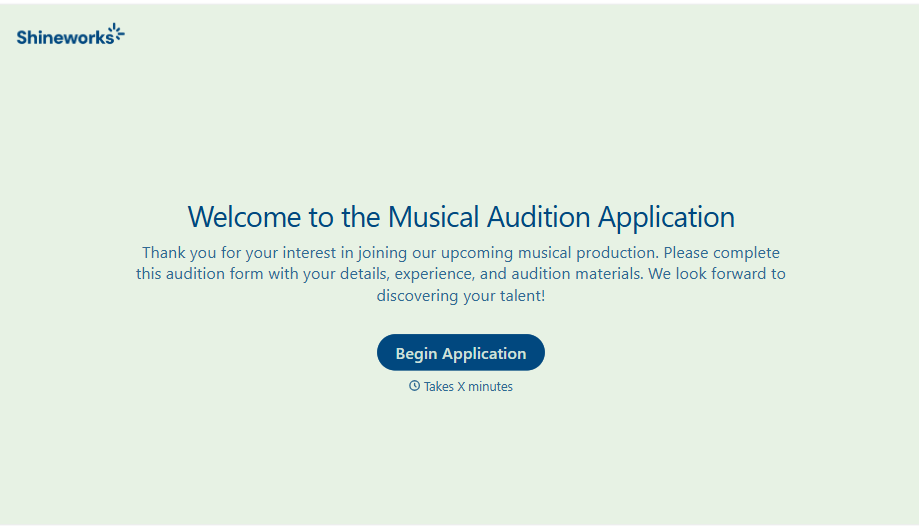
Musical Audition Form
A name scrawled on a sign-up sheet taped near the rehearsal room doesn't tell a director what role someone's after, or whether they can actually make callbacks next Tuesday. Collect what your production actually needs, contact information, role interest, and availability, before audition day arrives.
View template
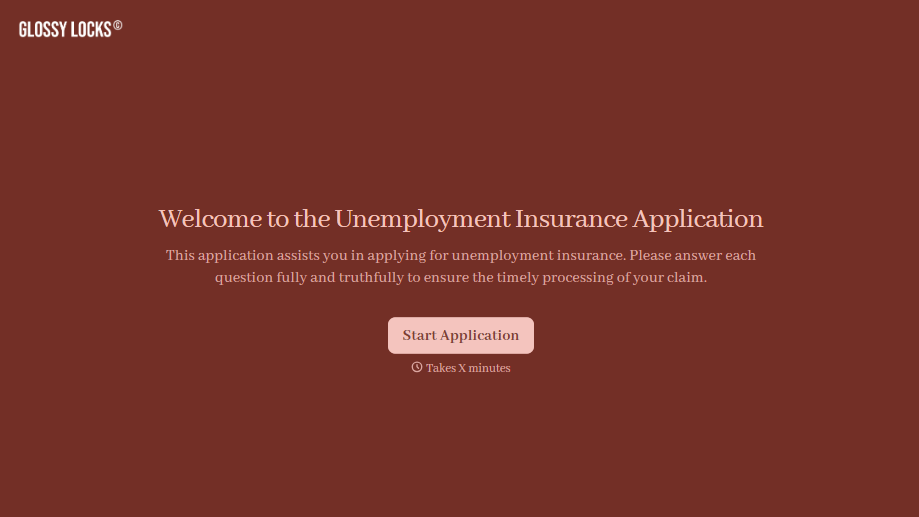
Unemployment Insurance Application Form
A stack of pay stubs gathered the morning of a filing deadline isn't the kind of preparation that gets a claim processed without delay. Collect employment history, separation details, and supporting documents before you sit down at your state's unemployment portal, so a claim doesn't stall over a missing detail.
View template
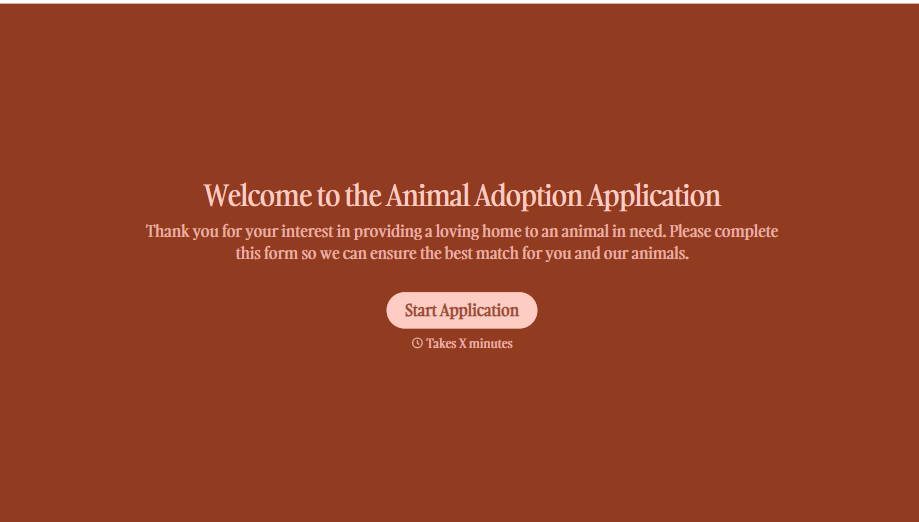
Animal Adoption Application Form
A paper application filled out at the counter while a dog's watching through the window isn't enough information to place an animal in a home that'll actually work. Collect household information, pet experience, and references before adoption day, so your staff aren't approving a placement on a rushed form.
View template
With Typeform, you can customize everything
Change text, colors, and even logos to match the look and feel of your brand. Then embed forms smoothly onto web and email.
Make forms feel effortless to fill out. Pace questions, call people by their name, and adapt the flow based on the data they share.
Stay efficient by connecting forms to your workflow. Typeform integrates with 300+ tools including Slack, Zapier, and HubSpot.


