Admissions Application Form Template
Getting students or applicants to complete a full application shouldn't require multiple follow-ups. Build a form that guides them through the process from start to finish.



Admissions teams deal with incomplete applications constantly. Missing documents, unanswered fields, and vague responses slow down review — and often mean reaching back out to applicants who are already managing a lot. The problem usually isn't that applicants don't want to complete the form. It's that the process feels overwhelming or unclear.
This admissions application form template presents questions one at a time, making a long form feel manageable. Conditional logic routes applicants to program-specific or role-relevant questions based on their earlier answers, so they're only asked what's actually relevant. You collect structured, complete data without burying people in a wall of fields.
Customize the questions for your institution or program, match the branding to your organization, and connect submissions to your admissions management workflow. You'll get cleaner applications and spend less time chasing missing information.
An admissions application form is the primary document used to collect applicant information during a selection or enrollment process. It gathers personal details, academic or professional history, program preferences, and supporting documentation needed to evaluate candidates.
A standardized application ensures every candidate provides the same core information, making it easier to compare and evaluate objectively. It also creates a documented record of the application process and reduces the administrative time spent following up on incomplete submissions.
The questions depend on your institution or program, but a solid foundation includes:
- Applicant's full name, contact details, and date of birth
- Educational background and institutions attended
- Program or course of interest
- Statement of purpose or personal statement
- Relevant experience or extracurricular activities
- References or recommendation contacts
Connect your Typeform to a spreadsheet, CRM, or admissions management platform via integration. Responses flow directly into your review system, so your team can filter, sort, and track applicants without manual data entry. You can also set up automated confirmation emails so applicants know their submission was received.
Yes. Typeform supports file upload questions, so applicants can attach transcripts, portfolios, CVs, or other required documents directly within the form. Set clear file size and format expectations in the question text to reduce back-and-forth.
Get inspired by relevant templates and categories
3200+ Templates, 300+ Integrations

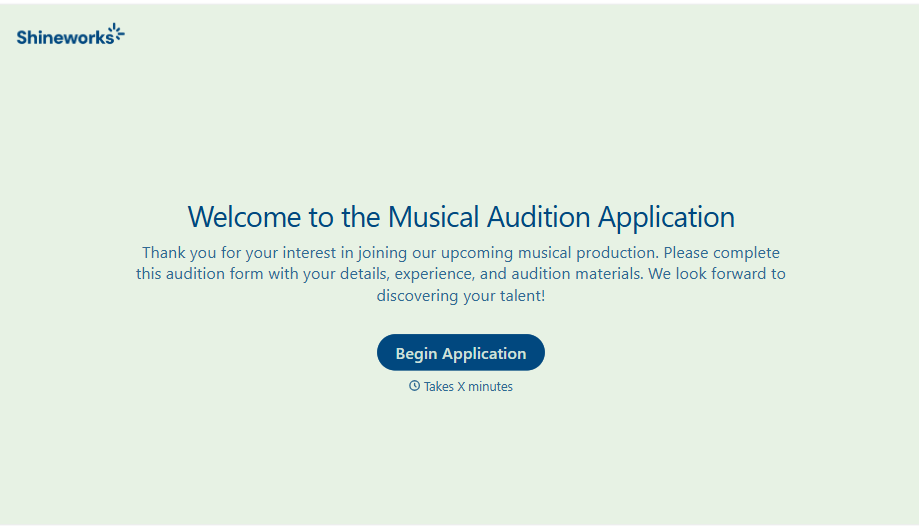
Musical Audition Form
A name scrawled on a sign-up sheet taped near the rehearsal room doesn't tell a director what role someone's after, or whether they can actually make callbacks next Tuesday. Collect what your production actually needs, contact information, role interest, and availability, before audition day arrives.
View template
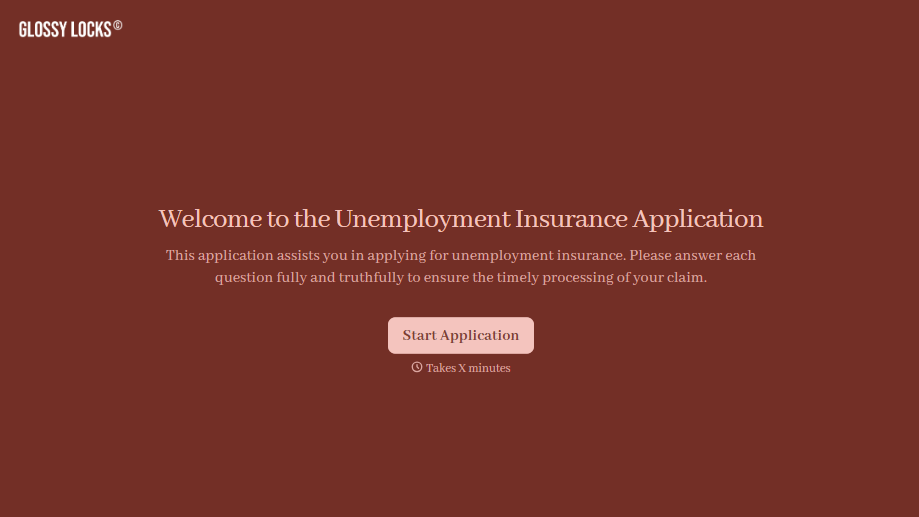
Unemployment Insurance Application Form
A stack of pay stubs gathered the morning of a filing deadline isn't the kind of preparation that gets a claim processed without delay. Collect employment history, separation details, and supporting documents before you sit down at your state's unemployment portal, so a claim doesn't stall over a missing detail.
View template

Nationality Verification Form
A self-certification buried in a stack of new account paperwork isn't the kind of record a compliance team can rely on for a regulatory filing. Collect nationality, tax residency, and a signed declaration before an account opens, so compliance isn't chasing down a customer's citizenship status after the fact.
View template
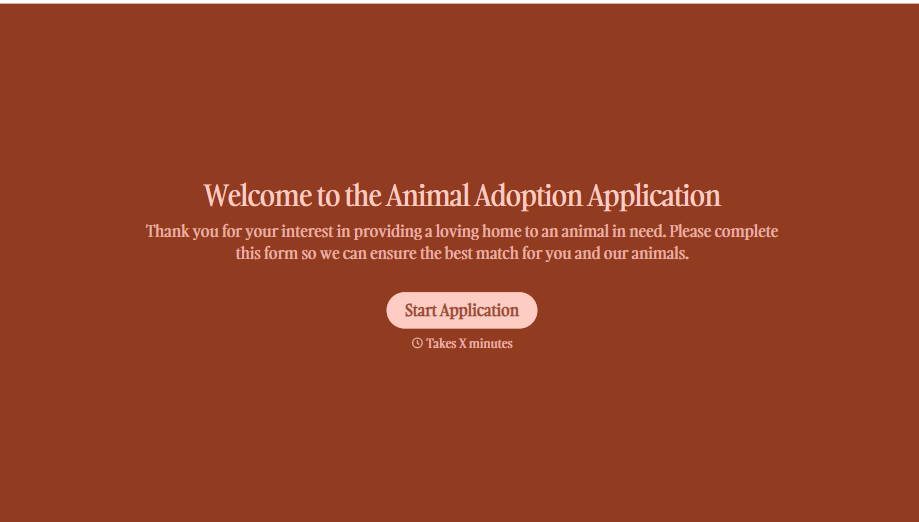
Animal Adoption Application Form
A paper application filled out at the counter while a dog's watching through the window isn't enough information to place an animal in a home that'll actually work. Collect household information, pet experience, and references before adoption day, so your staff aren't approving a placement on a rushed form.
View template

Policy Cancellation Form
A cancellation requested over the phone doesn't leave a clear record of exactly what date the policyholder actually asked for, and that date matters more than it sounds like it should. Collect what your agency actually needs, policy details, identity verification, and the requested effective date, before coverage actually ends.
View template
With Typeform, you can customize everything
Change text, colors, and even logos to match the look and feel of your brand. Then embed forms smoothly onto web and email.
Make forms feel effortless to fill out. Pace questions, call people by their name, and adapt the flow based on the data they share.
Stay efficient by connecting forms to your workflow. Typeform integrates with 300+ tools including Slack, Zapier, and HubSpot.


