Adverse Event Reporting Form
Document every adverse event at the point of occurrence, so your team has an accurate record before details are lost.



Healthcare teams that report adverse events after the fact often produce records too incomplete to support a full safety review. A delayed or partial report doesn't just create an administrative gap. It undermines the safety review that depends on it. Typeform's adverse event reporting form gives teams a structured way to capture complete incident details at the point of occurrence.
The form captures incident date and time, location, individuals involved, severity, immediate actions taken, and contributing factors. Typeform's one-question-at-a-time design keeps reporters focused on each element without the risk of skipping a required field. Conditional logic branches by severity. A serious incident triggers fields for patient impact, causal analysis, and the regulatory authority to be notified, while minor events close in a brief summary.
Customize the form with your organization's incident categories, severity ratings, and any compliance requirements specific to your setting. Share it via direct link, post it on your intranet, or embed it on your quality management platform. Every report logs in Google Sheets or Airtable via Zapier, so your team tracks open incidents and regulatory deadlines. Your safety team acts on what was actually documented, not what someone remembers.
An adverse event reporting form documents the circumstances, contributing factors, and immediate actions taken following an unexpected incident. It captures incident date and time, location, individuals involved, event description, severity, and any regulatory notification requirements in one submission. It functions as the official incident record your organization uses for safety reviews, corrective action, and regulatory compliance.
Incidents reported from memory lose detail fast. The further from the event, the less reliable the account and the harder it is to prevent recurrence. A structured form captures the full picture at the point of occurrence, so your safety review starts with facts. Use it for patient safety incidents, clinical trial adverse events, workplace accidents, product defect reports, and near-miss documentation.
A complete adverse event reporting form covers:
- Incident date, time, and location
- Name and role of the reporter
- Individuals involved (patients, staff, or customers)
- Event description and sequence of events
- Severity classification (e.g., minor, moderate, serious, life-threatening)
- Immediate actions taken
- Contributing factors or root cause (if known)
- Regulatory reporting requirement (if applicable)
Set up conditional logic to branch by severity, so serious events trigger the detail your regulatory process requires. A serious event prompts for patient outcome, causal analysis, and the regulatory authority to be notified. A minor incident closes after a brief description and immediate action summary. This keeps the form focused and efficient for every severity level.
Connect the form to Google Sheets or Airtable via Zapier so every report logs with incident details, severity, and timestamp. Add a status column to track each report through investigation and resolution, and filter by severity to surface critical items first. Use Typeform's email notifications to alert the relevant safety officer the moment a serious incident is submitted. Nothing waits in an inbox while a regulatory deadline ticks.
Get inspired by relevant templates and categories
3200+ Templates, 300+ Integrations

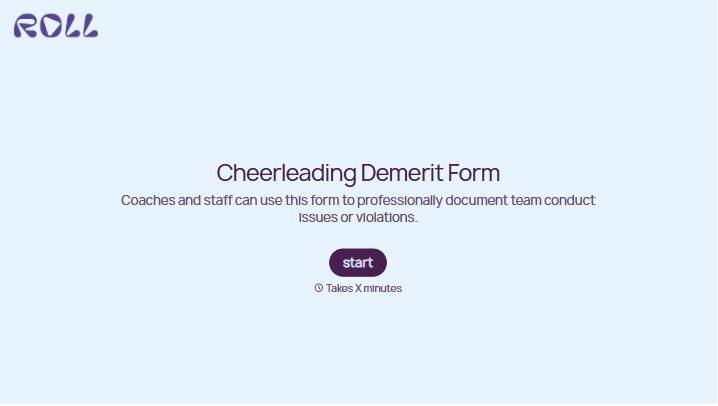
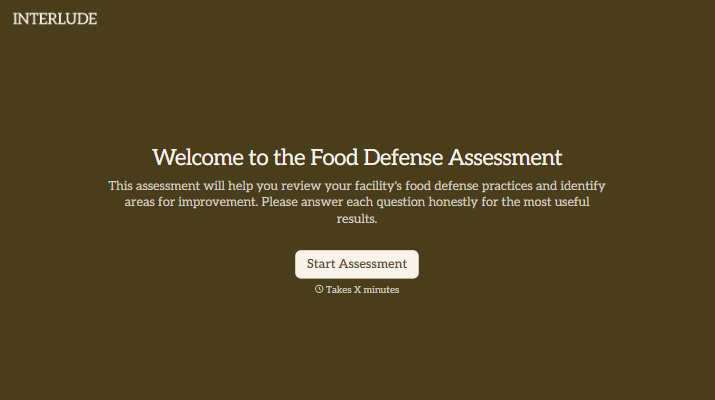


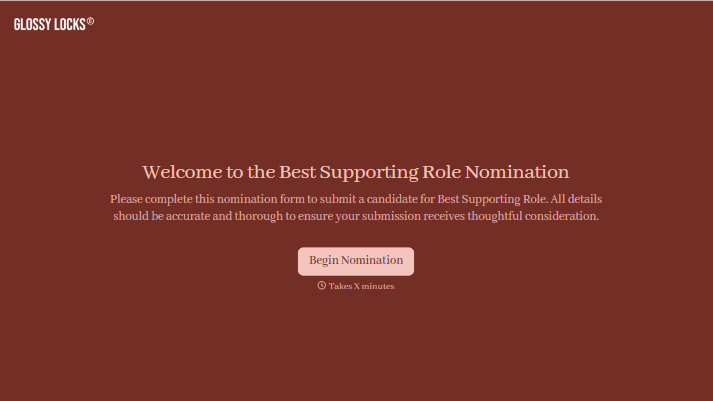
With Typeform, you can customize everything
Change text, colors, and even logos to match the look and feel of your brand. Then embed forms smoothly onto web and email.
Make forms feel effortless to fill out. Pace questions, call people by their name, and adapt the flow based on the data they share.
Stay efficient by connecting forms to your workflow. Typeform integrates with 300+ tools including Slack, Zapier, and HubSpot.


