Application for Graduation Form Template
Give your students a clear path to apply for graduation — and give your registrar the information to process it.



Applying for graduation should be the easy part of finishing a degree. This form walks students through the process step by step — confirming their program, expected completion date, and contact preferences — so the registrar's office can start the degree audit without chasing down missing information.
The template covers the student's name and ID, their program and major, the anticipated graduation semester and year, their contact information, the name they want on the diploma, a question about ceremony attendance, and any name or address corrections needed. Supporting fields can capture information for graduate school referrals or final transcript requests.
When every application comes in through the same form, processing is faster, errors are fewer, and students get their official confirmation sooner.
Most institutions require the application one or two semesters before the expected graduation date. Deadlines vary — include the specific deadline in the form instructions and in confirmation emails.
The registrar's office typically conducts a degree audit to confirm the student has met all requirements. Include the expected timeline for audit completion and the next steps in the confirmation email.
This depends on the institution's policy. You can add a conditional question that captures expected completion for in-progress requirements and flags these applications for additional review.
Include a field asking students to enter their name exactly as they want it to appear on the diploma. Add a note about how to submit supporting documentation for a legal name change if needed.
Include the late application process in the form confirmation message. You can create a separate late application form or add a question asking whether the student is submitting after the deadline.
Get inspired by relevant templates and categories
3200+ Templates, 300+ Integrations
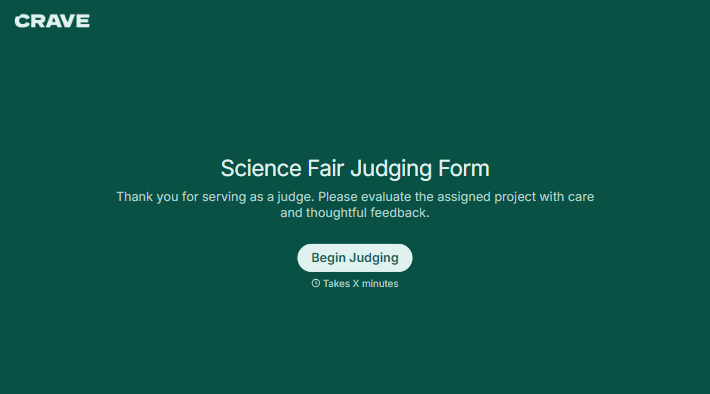
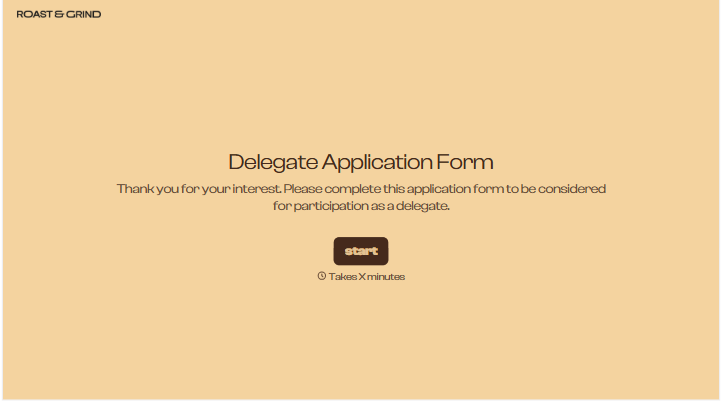
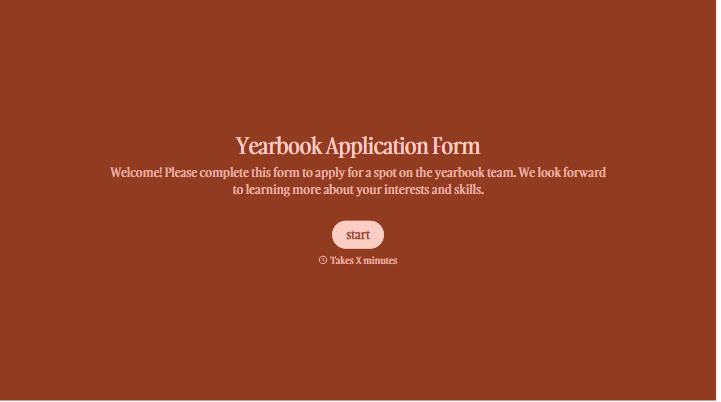
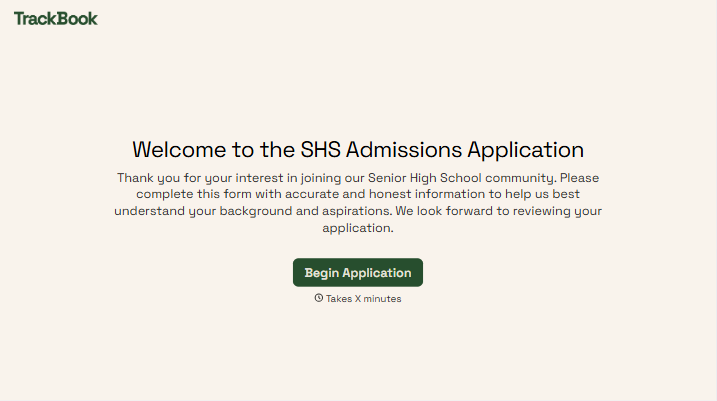
With Typeform, you can customize everything
Change text, colors, and even logos to match the look and feel of your brand. Then embed forms smoothly onto web and email.
Make forms feel effortless to fill out. Pace questions, call people by their name, and adapt the flow based on the data they share.
Stay efficient by connecting forms to your workflow. Typeform integrates with 300+ tools including Slack, Zapier, and HubSpot.


