Appointment Form Template
Let people book appointments without the scheduling back-and-forth. This template collects what you need to confirm, prepare for, and follow up on every meeting.



Scheduling appointments through email or phone is slow. You propose times, they're unavailable, you try again, someone forgets to confirm — and by the time the appointment is booked, both sides have spent more effort than the meeting itself warrants.
This appointment form template lets people submit their preferred dates, times, and the reason for their appointment in one go. Conditional logic tailors follow-up questions based on the appointment type, so a consultation request collects different information than a service booking. Connect responses to your calendar or scheduling tool to keep everything in sync.
Adjust the fields for your business, set up your notification emails, and start accepting appointments through a single shareable link.
An appointment form is a digital tool that lets people request or book a meeting, consultation, or service slot. It collects the information you need to confirm the appointment and prepare for it — all without requiring a phone call or email exchange.
It removes the coordination overhead from scheduling. When someone submits an appointment request, you have their name, contact information, preferred time, and reason for the meeting all in one place. You spend less time chasing details and more time actually preparing.
Tailor the form to your specific service or context, but standard questions include:
- Name and contact information
- Preferred appointment date and time (with backup options)
- Reason for the appointment or service needed
- Any relevant background information
- How did you hear about us?
- Any questions or notes for the appointment
Yes. You can integrate with Google Calendar, Outlook, and scheduling tools like Calendly via Zapier or direct integrations. When someone submits a request, an appointment can be created or a notification triggered automatically so you can confirm promptly.
You can connect this form to a payment processor like Stripe to collect a deposit at the time of booking. This is especially useful for services where no-shows are a problem — requiring a small commitment upfront reduces the likelihood of last-minute cancellations.
Get inspired by relevant templates and categories
3200+ Templates, 300+ Integrations

Bank Reference Form
A reference request faxed to a bank branch and left sitting in a queue for weeks isn't the kind of turnaround a landlord or business can wait on. Collect the applicant's signed authorization and the specific details you need confirmed before the request even reaches the bank, so a decision isn't stuck behind a letter that hasn't come back yet.
View template

Bar Inventory Form
A bottle count eyeballed at the end of a shift and scrawled on a paper sheet doesn't hold up against a pour cost report that says something doesn't add up. Collect what your bar actually needs, item, count, and variance, on a schedule you can actually compare week to week.
View template

Equipment Inventory Form
Equipment that leaves a storage room in someone's arms, with no note about where it went, doesn't show up again until someone needs it and can't find it. Collect what your team actually needs, item details, condition, and who's got it, every time something moves.
View template

Library Book Request Form
A book request scrawled on a sticky note at the front desk doesn't make it into any queue, and it definitely doesn't get anyone a call when the book actually arrives. Collect what your library actually needs, the title, patron information, and how they'd like to be notified, before the note gets buried under the next stack of returns.
View template
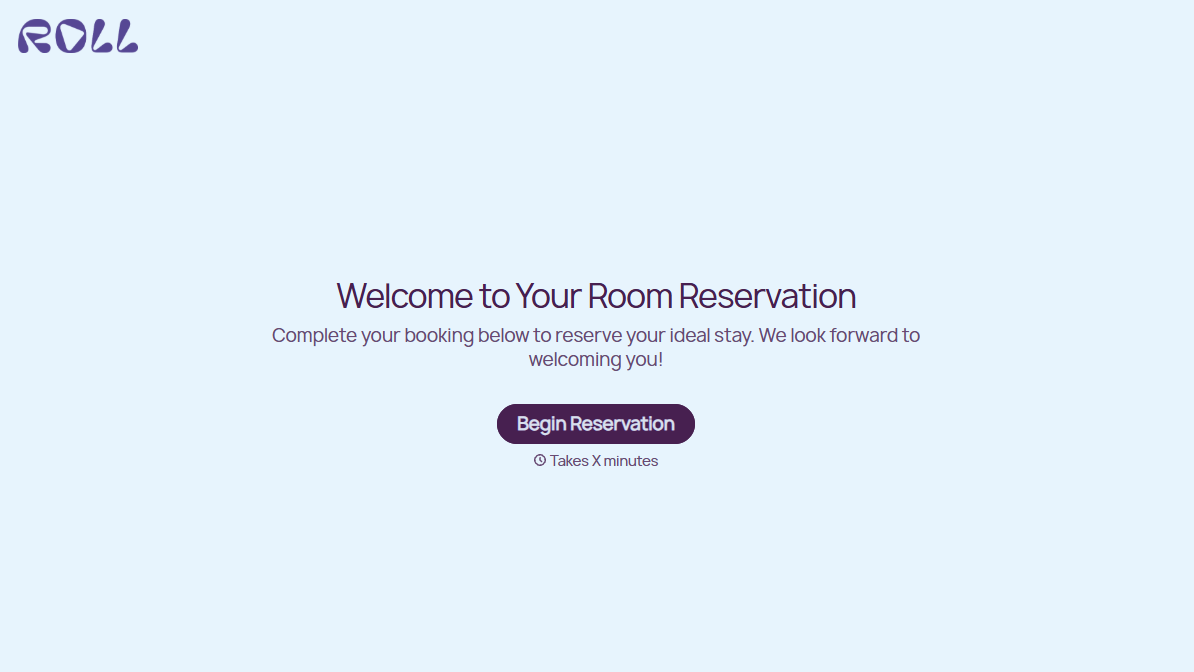
Hotel Room Booking Form
A room booked over the phone with "we'll figure out the room type when you get here" doesn't leave the front desk anything to actually plan around. Collect what your hotel actually needs, guest information, dates, and room preferences, before the reservation gets confirmed.
View template

Tenant Repair Request Form
A text message about a leaky faucet sent at 11pm isn't a work order your maintenance team can act on efficiently, especially without a photo or a unit number attached. Collect the property, the issue, and how urgent it is before the request lands in someone's texts, so a repair doesn't wait on a landlord scrolling back through old messages.
View template
With Typeform, you can customize everything
Change text, colors, and even logos to match the look and feel of your brand. Then embed forms smoothly onto web and email.
Make forms feel effortless to fill out. Pace questions, call people by their name, and adapt the flow based on the data they share.
Stay efficient by connecting forms to your workflow. Typeform integrates with 300+ tools including Slack, Zapier, and HubSpot.


